Skip to content
View in the app

A better way to browse. Learn more.

DoniaWeB

A full-screen app on your home screen with push notifications, badges and more.

To install this app on iOS and iPadOS
  1. Tap the Share icon in Safari
  2. Scroll the menu and tap Add to Home Screen.
  3. Tap Add in the top-right corner.
To install this app on Android
  1. Tap the 3-dot menu (⋮) in the top-right corner of the browser.
  2. Tap Add to Home screen or Install app.
  3. Confirm by tapping Install.
     

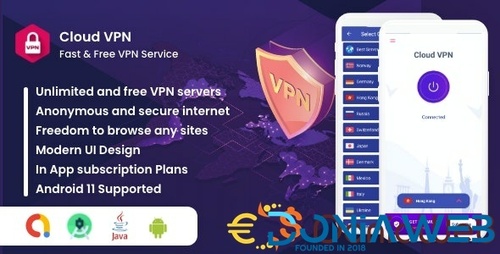
Antivirus + VPN + other features V1

(0 reviews)

1 Screenshot

Antivirus + VPN + other features - 2


Antivirus + VPN + other features - 3
Antivirus + VPN + other features - 4
Antivirus + VPN + other features - 5Antivirus + VPN + other features - 6
 

User Feedback

Recommended Comments

stroke

Members

Password


Sneha Islam

Members

thanks for upload ..please give me password

Fatih Yaşar

Members

5 hours ago, Osman KILIÇOĞLU said:

passpord

Kullanabileceğiniz en sahte av çözümü var hocam. Üzerinde bir scan motoru yok DB yok antivirüs olarak düşünüyorsanız piyasadakilerin hepsi sahte.

Join the conversation

You can post now and register later. If you have an account, sign in now to post with your account.
Note: Your post will require moderator approval before it will be visible.

Guest
Unfortunately, your content contains terms that we do not allow. Please edit your content to remove the highlighted words below.
Add a comment...

Other files from ravi80113964

Account

Navigation

Search

Search

Configure browser push notifications

Chrome (Android)
  1. Tap the lock icon next to the address bar.
  2. Tap Permissions → Notifications.
  3. Adjust your preference.
Chrome (Desktop)
  1. Click the padlock icon in the address bar.
  2. Select Site settings.
  3. Find Notifications and adjust your preference.