






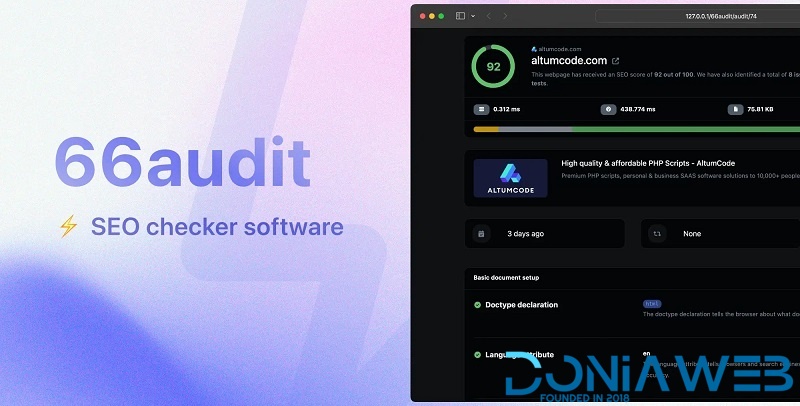
SEO audits software.
Self-hosted, lightweight and performant fully-featured SEO checker platform PHP script.
Over 40+ SEO tests
Lightning fast & recurring checks
Auditing history, Sitemap checks, Bulk audits
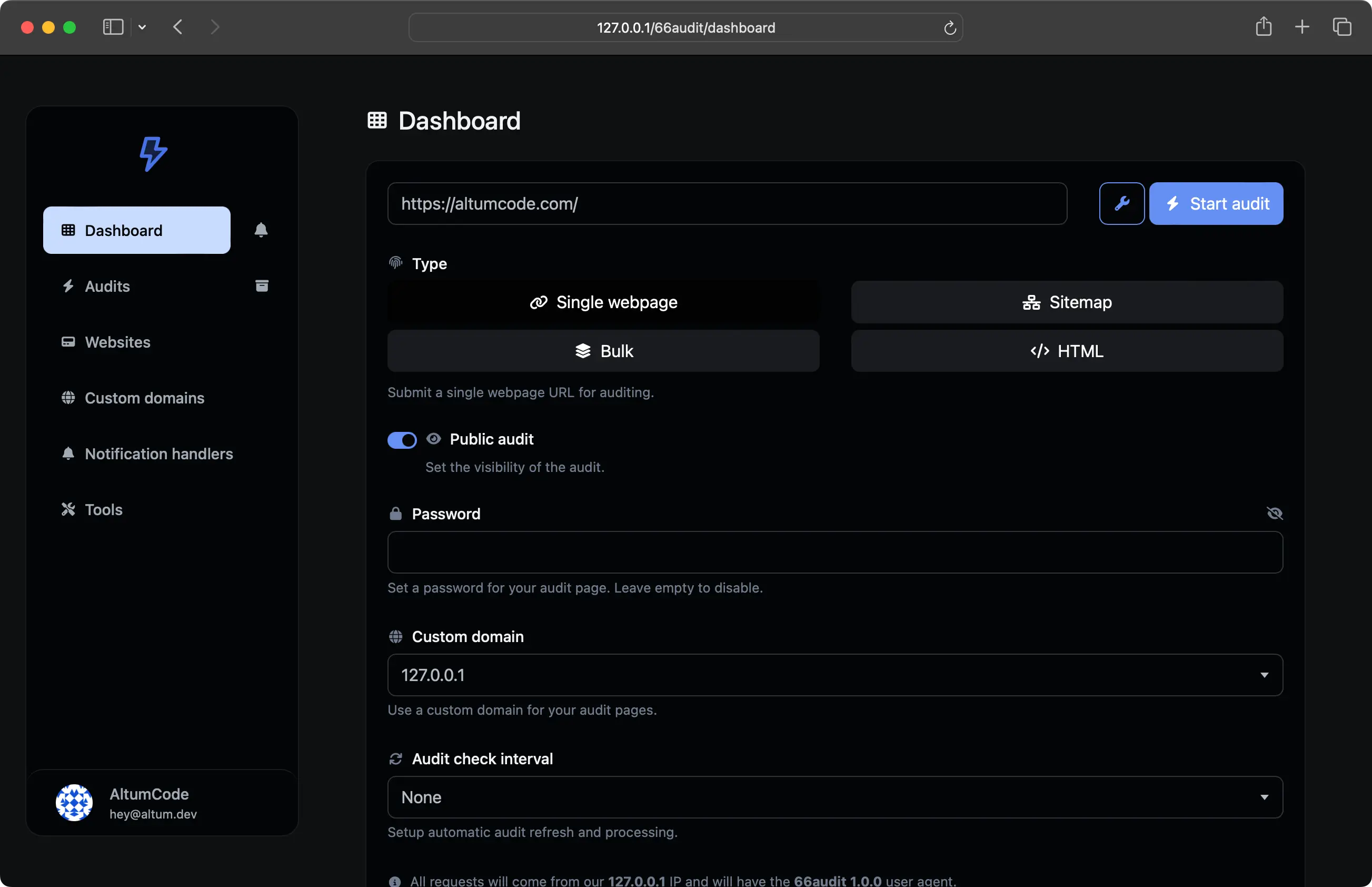
Audit types
Single URL, Bulk,
Sitemaps, Raw HTML audits
Highly versatile. SEO Audits for any type of resource you need.
Audit one URL at a time
Test multiple URLs in bulk
Go through all URLs within a Sitemap
Don't have your page live yet? Audit the raw HTML code
Advanced SEO analysis
40+ SEO tests
Automatically performs over 40 modern SEO checks in seconds and gives you actionable tips.
HTML Document setup verification
On page SEO checks
Content quality & markup tests
Media & image optimization
Technical & performance factors
Checks for all links within a page
What's New in Version 13.0.0
Released
Update 13.0.0 - 24 November, 2025
PWA plugin update required right after updating the product - only for PWA plugin owners.
Implemented the ability to disable/enable & re-order plan features right from the admin panel.
Implemented Redis caching, as an alternative for the native file-based caching system.
Implemented the new Plisio (Crypto) payment gateway with one time payments.
Implemented the new Revolut payment gateway with one time payments.
Implemented auto currency detection based on County & Country of the user.
Implemented the ability to control the text & background color of a Plan Tag for better customizability.
Implemented the ability to automatically generate dynamic splash screens for IOS for the PWA plugin as well as having a translucent background header just like native apps.
Improved admin panel settings page sidebar - fully categorized it.
Improved admin panel plans page: display base currency prices at a glance, automatically set the order for new created plans.
Improved admin panel plans page: to be able to export to JSON the existing plans.
Improved blog posts with WYSIWYG editor to automatically make the inserted images responsive.
Improved cron jobs performance on user logs & internal notification logs.
Improved cron jobs tracking with a new additional parameter to display in the admin panel: execution time.
Improved styling on button groups elements.
Fixed issues admin api domains not properly working in some cases.
Fixed issues Razorpay payment gateway.
Fixed issues with CSV exporter in some cases.
Fixed emailing broadcasts system edge-case bugs.
Fixed some of the cron jobs not properly reporting their execution.
Fixed issues with some webhosts caching the cron pages automatically - ending up in not executing them anymore.
Fixed Yookassa issue on detecting new payments.
Fixed Free plan editing not displaying the Suggested plan feature options.
Fixed admin panel AI translation not working for certain selected models.




.thumb.png.bb0bf549f311386c17a735d76c58dc29.png)









You may only provide a review once you have downloaded the file.
There are no reviews to display.