






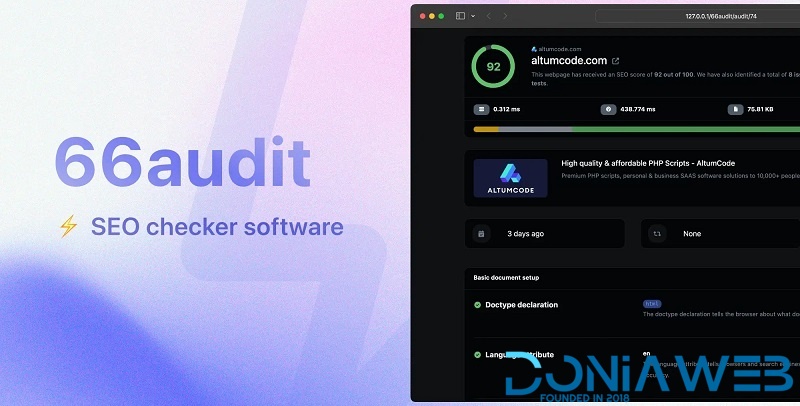
SEO audits software.
Self-hosted, lightweight and performant fully-featured SEO checker platform PHP script.
Over 40+ SEO tests
Lightning fast & recurring checks
Auditing history, Sitemap checks, Bulk audits
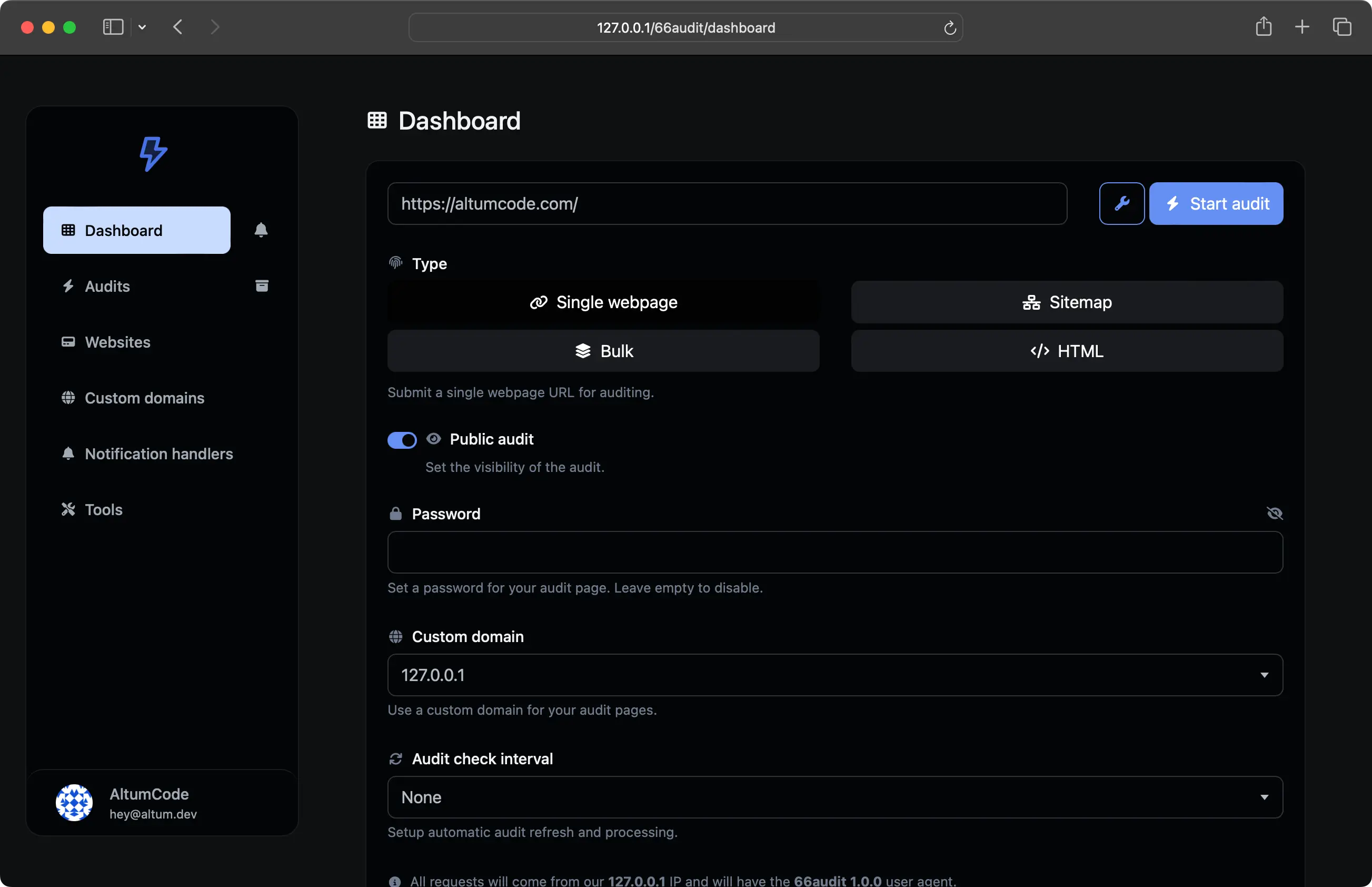
Audit types
Single URL, Bulk,
Sitemaps, Raw HTML audits
Highly versatile. SEO Audits for any type of resource you need.
Audit one URL at a time
Test multiple URLs in bulk
Go through all URLs within a Sitemap
Don't have your page live yet? Audit the raw HTML code
Advanced SEO analysis
40+ SEO tests
Automatically performs over 40 modern SEO checks in seconds and gives you actionable tips.
HTML Document setup verification
On page SEO checks
Content quality & markup tests
Media & image optimization
Technical & performance factors
Checks for all links within a page
What's New in Version 15.0.0
Released
Update 15.0.0 - 22 January, 2026
Implemented the new Proxies System for audits.
Implemented the new Websites Directory system.
Implemented the new "At a glance" section on each audit page - where all the problems will be highlighted and described.
Implemented the ability to submit your websites to be displayed in the directory with DNS domain confirmation & per-plan submission permissions.
Implemented the new Audits Queue system - which will automatically queue & process audits in the background when multiple audits are requested to be verified in bulk.
Implemented new audit test: CSP header verification.
Implemented new audit test: SPF record verification.
Implemented new audit test: Referrer Policy verification.
Implemented new audit test: Meta Refresh check.
Implemented new audit test: Structured Data Validation.
Implemented new audit alerts: It will now tell you when a refreshed audit throws an error on the website.
Implemented new audit alerts: It will now tell you when a refreshed audit starts redirecting to another website.
Implemented the new Email Verification screen that shows up after a successful registration.
Implemented the ability to set Display Decimals Count for Currencies.
Implemented the ability to set a default global avatar for your users - which will also stop the usage of gravatar.com API.
Implemented the new Admin Webhooks system - for which you will now be able to use a Signing Secret to validate all incoming webhooks from the system.
Implemented the ability to set the Referrer Policy header rule from the admin panel - settings page.
Implemented the new 404 not found system - which will automatically trigger when needed (instead of redirecting to a 404 page when triggered) - better SEO.
AI auditing results can now be received in background - dynamically, making the whole experience faster and smoother for the end user.
AI auditing results are now generated based on the selected user language.
Improved the detection of non-HTML pages that are requested for auditing.
Improved the self-hosted default captcha.
Improved the language AI translation: Using the new OpenAI API endpoint, added new AI models, removed old ones.
Improved no favicon states: Default empty favicon will be provided - so the browser stops doing favicon.ico requests to your server.
Improved the Account API regeneration page: You will now be prompted to confirm the regeneration of the API key.
Improved unconfirmed users that now login with social logins will have their account automatically confirmed.
Improved the structure of the admin panel - settings - users page.
Improved the broadcasts system: You will now be able to set a maximum amount of sent emails per cron run.
Improved landing page animations in certain sections.
Fixed auditing when multiple distinct domains are used when bulk auditing.
Fixed AI generation being run on plans that do not allow AI usage.
Fixed visual issues with PDF generation of audits.
Fixed issues with custom domains 404 custom link redirects not working.
Fixed issue with currency auto detection not properly triggering on countries.
Fixed footer social icons not showing as rounded in all browsers.
Fixed Teams API documentation visual issues.
Fixed issues account 2FA settings not displaying its current status properly.
Fixed issues with certain drag&drop tooltip elements remaining on the screen after moving.
Fixed plan permission issue on CSV, JSON still being exportable even if the plan does not allow it.
Fixed issues with a few payment gateways on the status not being properly set.
Fixed payment discount not applying in certain edge cases.
Fixed affiliate payment page not always showing the proper affiliate ranges.




.thumb.png.bb0bf549f311386c17a735d76c58dc29.png)









You may only provide a review once you have downloaded the file.
There are no reviews to display.