Everything posted by Mahmoud
-
Chatbox FREE v5.0.4
- Trustbob - Business Review And Rating Platform (SAAS) [Extended License] v1.5
- Sponzy - Support Creators Content Script v7.6 NULLED
- HiAnime.to Clone Script: Fully Automated Anime Platform v2.0
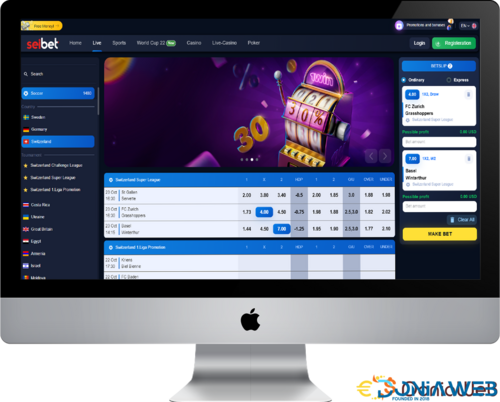
- Goldsvet Pro sports - 1win.pro Clone Script
- Restart Taxi & Delivery- Perfect Taxi Solution with Parcel Delivery v2.4
- Stackposts - Social Media Management & Marketing SaaS Platform [Extended License] v9.0.3
- NewsLooks SAAS | OpenAI Powered News & Magazines Multi-Tenancy SAAS CMS
- NewsLooks SAAS | OpenAI Powered News & Magazines Multi-Tenancy SAAS CMS v2.2.0
- Rescron AI - AI Trading Platform PHP Script v5.3.0 NULLED
- RideOn Taxi – Complete Taxi Booking Solution v1.4
- FashionHub SaaS - eCommerce Website Builder For Seamless Online Business
- FashionHub SaaS - eCommerce Website Builder For Seamless Online Business v4.2
- Invision Community Suite v5.0.18
- Goldsvet Pro sports - 1win.pro Clone Script v9.0
- Codono – All-in-One White-Label Crypto Exchange Script (Spot, P2P, Launchpad, Wallets & More)
- HYIPLAB - Complete HYIP Investment System v5.7 NULLED
- Bicrypto - Crypto Trading Platform, Binary Trading, Investments, Blog, News & More! v6.1.1
- Bicrypto - Crypto Trading Platform, Binary Trading, Investments, Blog, News & More! v6.1.6 + All Add-ons
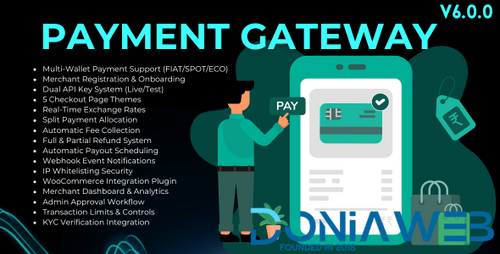
- Payment Gateway Addon - Multi-Wallet Payments, Merchant Onboarding & WooCommerce Plugin for Bicrypto v6.0.0
- Payment Gateway Addon - Multi-Wallet Payments, Merchant Onboarding & WooCommerce Plugin for Bicrypto
- AI Market Maker - Automated Trading Bots, Liquidity Management & Price Stabilization for Ecosystem v6.0.0
Back to topAccount
Navigation
Search
Configure browser push notifications
Chrome (Android)
- Tap the lock icon next to the address bar.
- Tap Permissions → Notifications.
- Adjust your preference.
Chrome (Desktop)
- Click the padlock icon in the address bar.
- Select Site settings.
- Find Notifications and adjust your preference.
Safari (iOS 16.4+)
- Ensure the site is installed via Add to Home Screen.
- Open Settings App → Notifications.
- Find your app name and adjust your preference.
Safari (macOS)
- Go to Safari → Preferences.
- Click the Websites tab.
- Select Notifications in the sidebar.
- Find this website and adjust your preference.
Edge (Android)
- Tap the lock icon next to the address bar.
- Tap Permissions.
- Find Notifications and adjust your preference.
Edge (Desktop)
- Click the padlock icon in the address bar.
- Click Permissions for this site.
- Find Notifications and adjust your preference.
Firefox (Android)
- Go to Settings → Site permissions.
- Tap Notifications.
- Find this site in the list and adjust your preference.
Firefox (Desktop)
- Open Firefox Settings.
- Search for Notifications.
- Find this site in the list and adjust your preference.

- Trustbob - Business Review And Rating Platform (SAAS) [Extended License] v1.5