







cecilia
-
Joined
-
Last visited
File Comments posted by cecilia
-
-
-
-
-
-
-
1 hour ago, Douglas Rodrigues said: One of the problems I identified was that the platform doesn't seem to be stable; I'm in the testing phase.
When installing the script, we have to import it.Ah, okay, thank you for pointing that out.
The developer of this script will certainly mention that when they release a new version.
-
6 hours ago, Douglas Rodrigues said: In the language modules, the import for DB facades is missing.
Open the LanguageController.php file located at => /Modules/Language/App/Http/Controllers
Then, on line 48, add the importuse Illuminate\Support\Facades\DB;Thanks for the feedback.
That said, even if we've already installed the script, do we still do this?
-
 1
1
-
-
-

-
-
-
-
Mr. @Mahmoud , please ask members of this forum to always specify whether they are referring to the null version or the unmodified version.
If anyone has the activation key, please post it in the description when uploading the script!
I'm going to end up suggesting several corrections, and that's wasting our time.
-
Hello @doniaweb I noticed that the 4.0.0 version of "Nexelit CMS" that you uploaded here was incomplete, so I used the "install" folder from version 3.5.8.
I combined the two, and the installation went smoothly on my domain, except that once the installation was complete, the site displayed a 500 error.
Here is the "install" file.
-
-
-
-
-
-
-
-
-
-






.jpg.b65f9f8d11c91521ad2fb531f2d2af0e.jpg)





.jpg.47187fb9af20d677801160a9be2a4d3c.jpg)
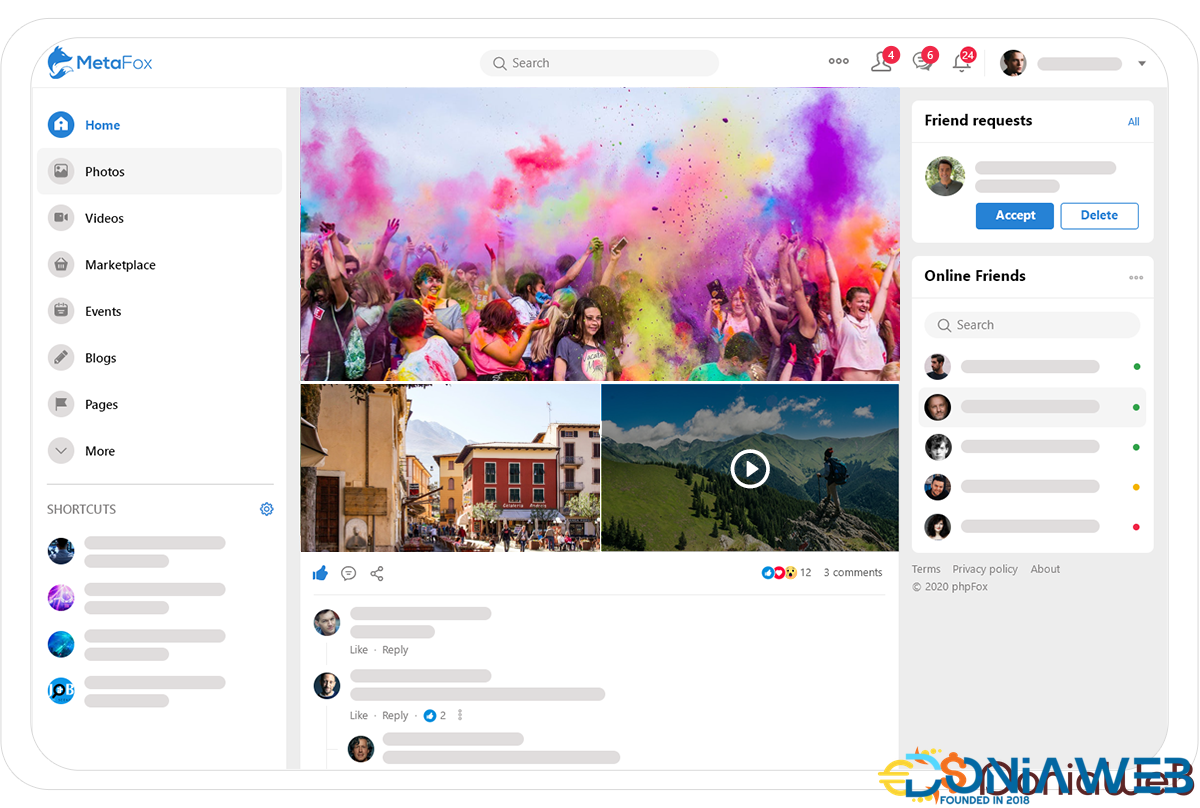
MetaFox - Leading community platform
in Scripts
The reason I asked the question is because I admire this platform and the work you do.
So I wanted to reassure myself before buying something that won't allow me to create a forum in 2026.