






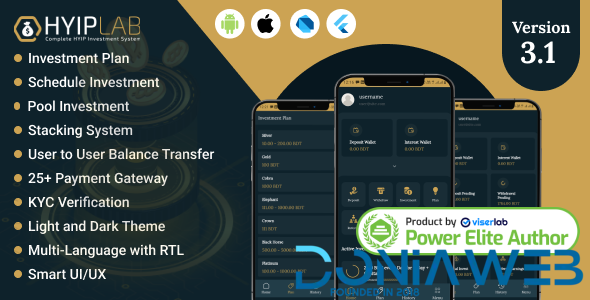
HyipLab is an advanced investment mobile application(Android & IOS) that comes with the “HYIPLAB-Complete HYIP Investment system” CMS. This is a well-architect, powerful, secure, well-optimized, and responsive mobile application(Android &IOS) that comes to satisfy all investment platform owner needs.
HYIP Lab is ready to use mobile application for the business owner who wants to run and promote their next HYIP Investment business flawlessly.
This is the most advanced HYIP investment mobile application in Codecanyon. It is a dynamic multilingual application so anyone from any region can use this platform.
If are you looking for a complete HYIP investment mobile application, then you are in the right place. No need to pay thousands of dollars to hire developers to build your HYIP Investment Platform.
HYIPLab takes only a few minutes to set up your own investment platform. we are also here to provide you best support, installation, and customization if you need it. hurry up, get your copy and start your business today.
Highlighted Features
- Unlimited Investment Plan
- TFA System
- 20+ International Payment Gateway
- KYC Verification System
- User to User Balance Transfer
- Referral
- Deposit
- Withdraw
- Multi Language
- Push Notification
- FAQ
- Dark and Light Theme
- Email Verification
- SMS Verification
Why you should buy this App?
- Easy to Install / Setup..
- Clean and simple app
- Dynamic Language system
- RTL Support
- Well documentation.
- Easy to customization.
- Modern Dark and Light Theme
- Premium and quick support.
What's New in Version 3.1
Released
[FIX] Few minor app issues
[PATCH] Flutter version updated
[PATCH] Enhanced app performance and stability
-
 5
5
-
 1
1
-
 1
1
-
 5
5




.thumb.png.bb0bf549f311386c17a735d76c58dc29.png)









Recommended Comments
Join the conversation
You can post now and register later. If you have an account, sign in now to post with your account.
Note: Your post will require moderator approval before it will be visible.