





Jump to content
View in the app

A better way to browse. Learn more.

DoniaWeB

A full-screen app on your home screen with push notifications, badges and more.

To install this app on iOS and iPadOS
  1. Tap the Share icon in Safari
  2. Scroll the menu and tap Add to Home Screen.
  3. Tap Add in the top-right corner.
To install this app on Android
  1. Tap the 3-dot menu (⋮) in the top-right corner of the browser.
  2. Tap Add to Home screen or Install app.
  3. Confirm by tapping Install.
     

BeDrive - File Sharing and Cloud Storage 3.1.9

(2 reviews)

1 Screenshot

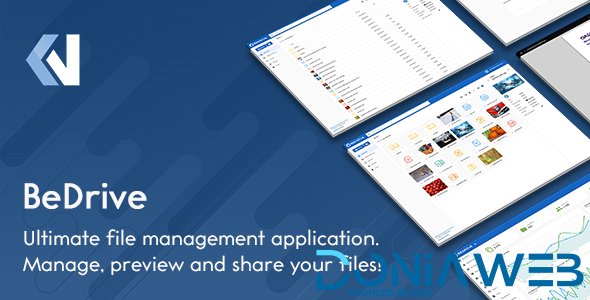
BeDrive allows you to create your own fully-featured, self-hosted file sharing and hosting website in minutes without any coding or server management knowledge.

BeDrive - File Sharing and Cloud Storage - 1

BeDrive - File Sharing and Cloud Storage - 2

What's New in Version 3.1.9

Released

2025 November 15 - Version 3.1.9

  • fix: files uploaded to s3 on previous versions sometimes not showing

  • fix: issue with restoring deleted files from trash

  • fix: homepage type setting missing from general settings page

  • fix: duplicated folder showing double the actual size

  • fix: some values in landing page not being editable

  • fix: "Get link" option not enabling direct link support by default

  • fix: compatibility issues with BeDrive mobile app

User Feedback

You may only provide a review once you have downloaded the file.

(edited)


Works great, thank you very much. 💫

Edited by Jesús Anguiano

   1 of 1 member found this review helpful 1 / 1 member

can you update it to new version and large file will not download more than 500mb 

Other files from Mahmoud


DoniaWeB © 2018-2025 | Made with

Configure browser push notifications

Chrome (Android)
  1. Tap the lock icon next to the address bar.
  2. Tap Permissions → Notifications.
  3. Adjust your preference.
Chrome (Desktop)
  1. Click the padlock icon in the address bar.
  2. Select Site settings.
  3. Find Notifications and adjust your preference.















