Skip to content
View in the app

A better way to browse. Learn more.

DoniaWeB

A full-screen app on your home screen with push notifications, badges and more.

To install this app on iOS and iPadOS
  1. Tap the Share icon in Safari
  2. Scroll the menu and tap Add to Home Screen.
  3. Tap Add in the top-right corner.
To install this app on Android
  1. Tap the 3-dot menu (⋮) in the top-right corner of the browser.
  2. Tap Add to Home screen or Install app.
  3. Confirm by tapping Install.
     

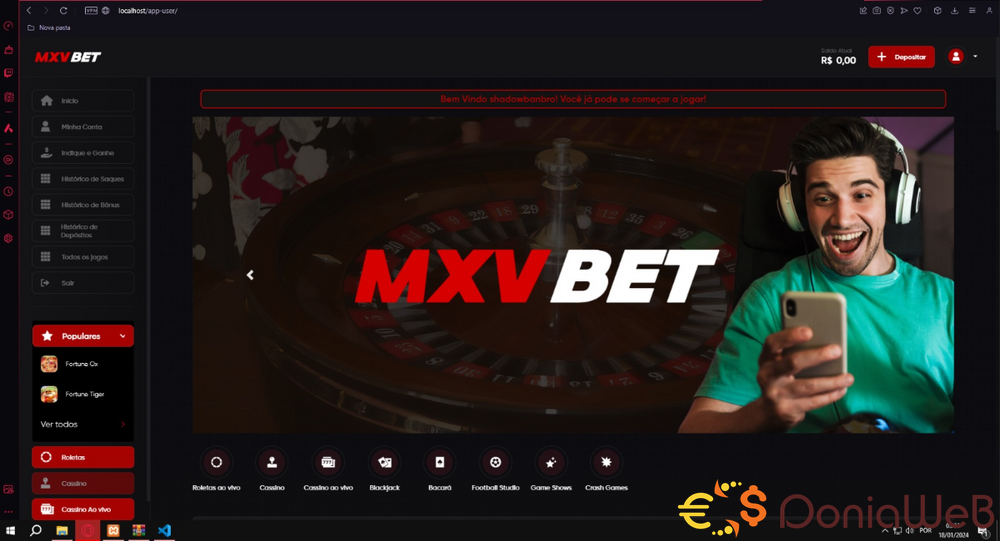
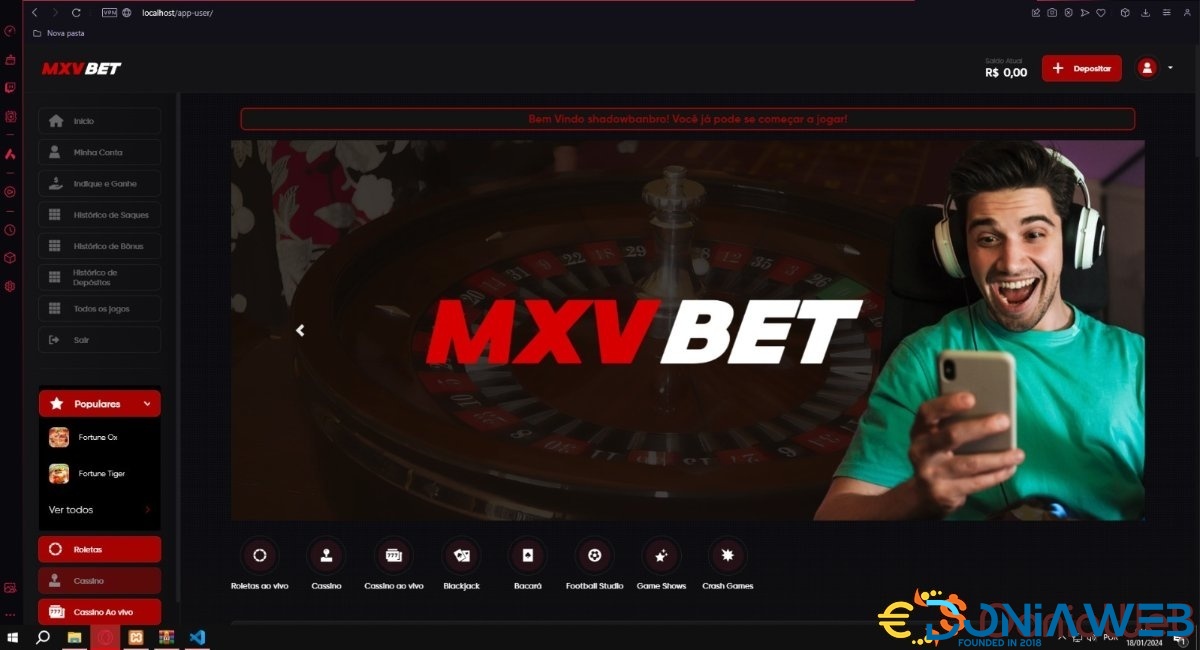
Script system betting site V1

(6 reviews)

1 Screenshot

There is no support for this free leaked script, No one is obliged to install it for you, avoid being a boring person.


HOW TO INSTALL?
  • Upload the project to the /public_html
  • Upload the MYSQL database
  • Configure the .env file with your website URL and database connection.
  • From CHMOD 777 in the /public folder
  • configure agent and API token
     

    Demo:

    image.thumb.png.6f52375f36d383f85a7985c00769be97.png


PASS: [hide p=15 f=3]doniawebx17[/hide]

User Feedback

Recommended Comments

Roberto Maka

Members

Vem algum jogo ou é apenas
template para cassino ?

Roberto Maka

Members

Não quero ser chato mas tem aposta esportiva?

Roberto Maka

Members

Estou caminhando em direção a senha, pode colocar menos que 15

da próxima vez pra evitar spam no fórum.
Obrigado indo testar...🤩

Kardo Nomad

Members

There is no support for this free script

Kardo Nomad

Members

Write 15 posts on the forum. Now you have: 4

Supreme7479

Members

 BRO PLEASE SHARE ME PASSWORD THIS FILE

Need banned to uploader the script force to pay money to uploader. Ban to this person. A lot of comment here for password but not giving password.

Airnry

Members

I need pass

Airnry

Members

Please, Pass

Júlio César

Members

These password requirements need to be reduced

Júlio César

Members

Please I really need the password

Join the conversation

You can post now and register later. If you have an account, sign in now to post with your account.
Note: Your post will require moderator approval before it will be visible.

Guest
Unfortunately, your content contains terms that we do not allow. Please edit your content to remove the highlighted words below.
Add a comment...

Other files from Souz x17

Account

Navigation

Search

Search

Configure browser push notifications

Chrome (Android)
  1. Tap the lock icon next to the address bar.
  2. Tap Permissions → Notifications.
  3. Adjust your preference.
Chrome (Desktop)
  1. Click the padlock icon in the address bar.
  2. Select Site settings.
  3. Find Notifications and adjust your preference.