
Skip to content
View in the app

A better way to browse. Learn more.

DoniaWeB

A full-screen app on your home screen with push notifications, badges and more.

To install this app on iOS and iPadOS
  1. Tap the Share icon in Safari
  2. Scroll the menu and tap Add to Home Screen.
  3. Tap Add in the top-right corner.
To install this app on Android
  1. Tap the 3-dot menu (⋮) in the top-right corner of the browser.
  2. Tap Add to Home screen or Install app.
  3. Confirm by tapping Install.
     

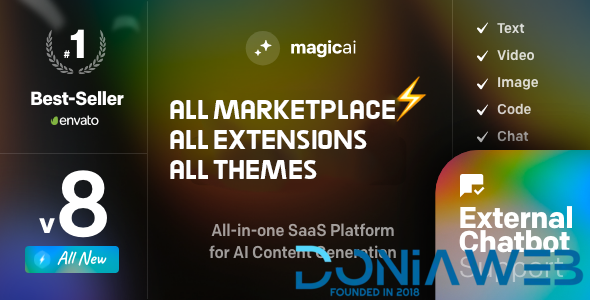
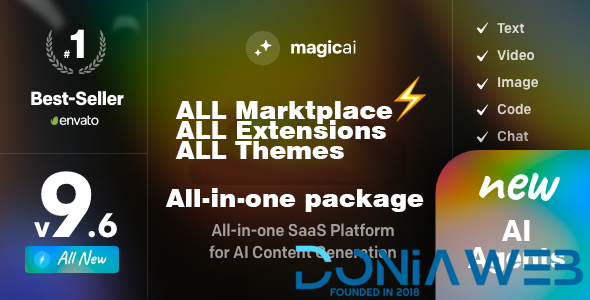
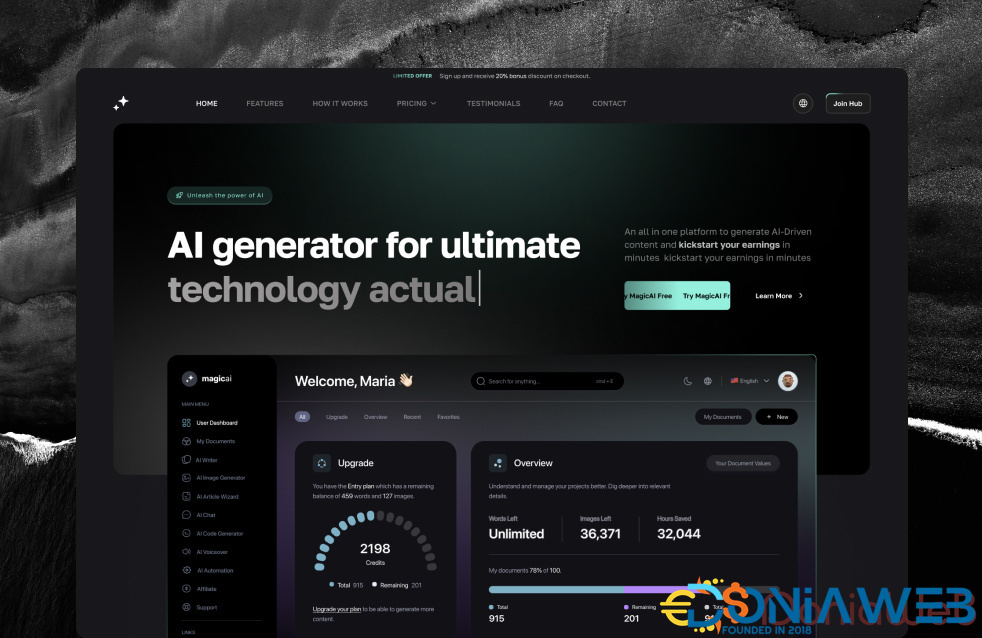
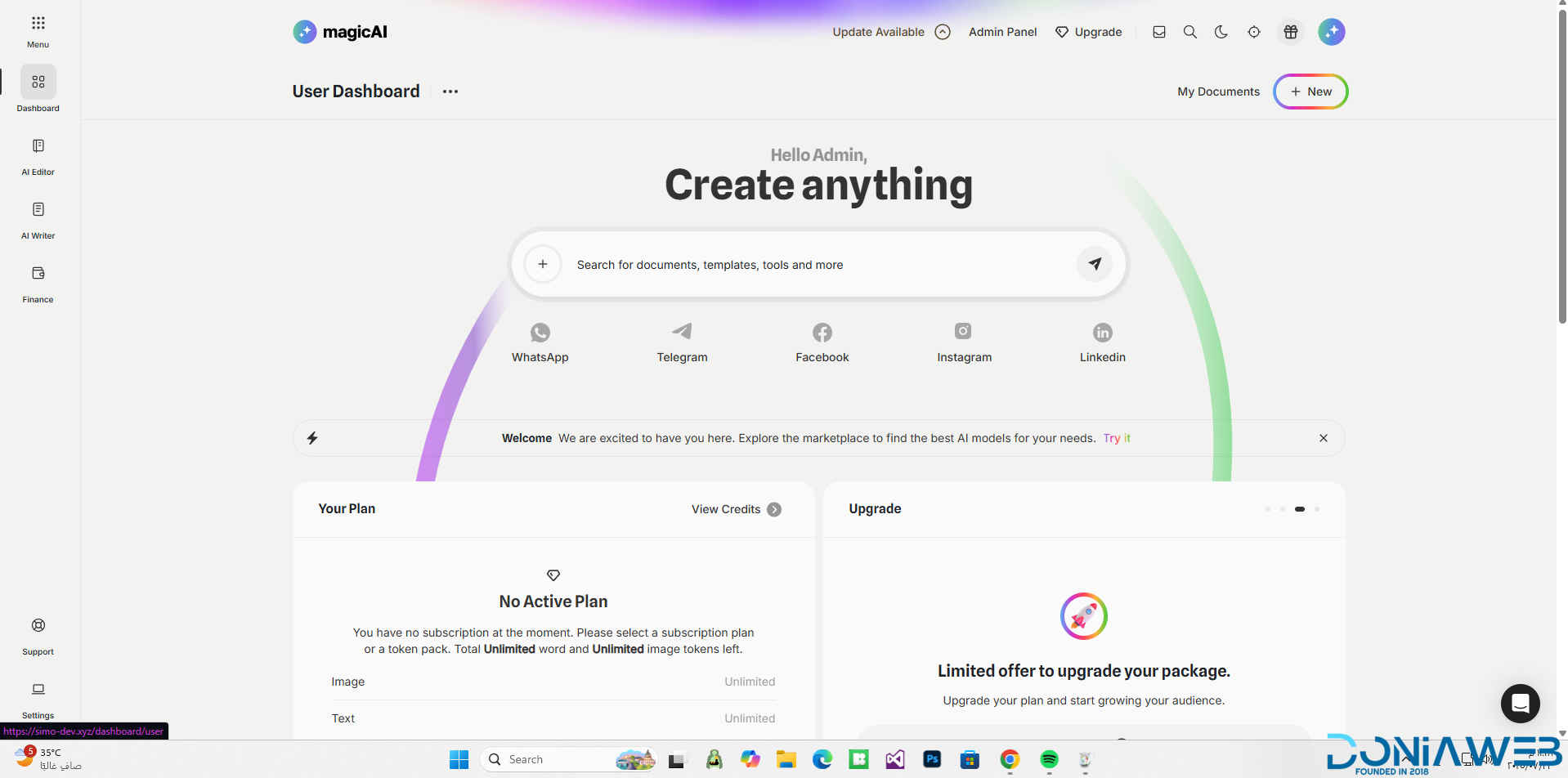
All Marketplace - 61 Paid Premium Extensions + 11 Premium Themes + MagicAi Extended | MagicAi v10.9

222.00 EUR -50%

111.00 EUR

(15 reviews)

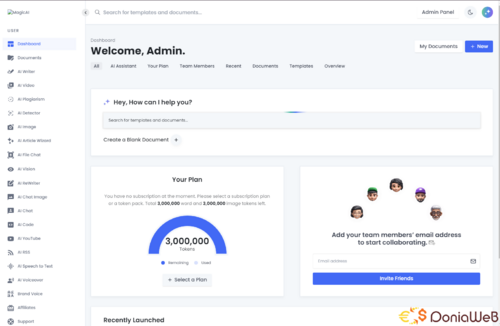
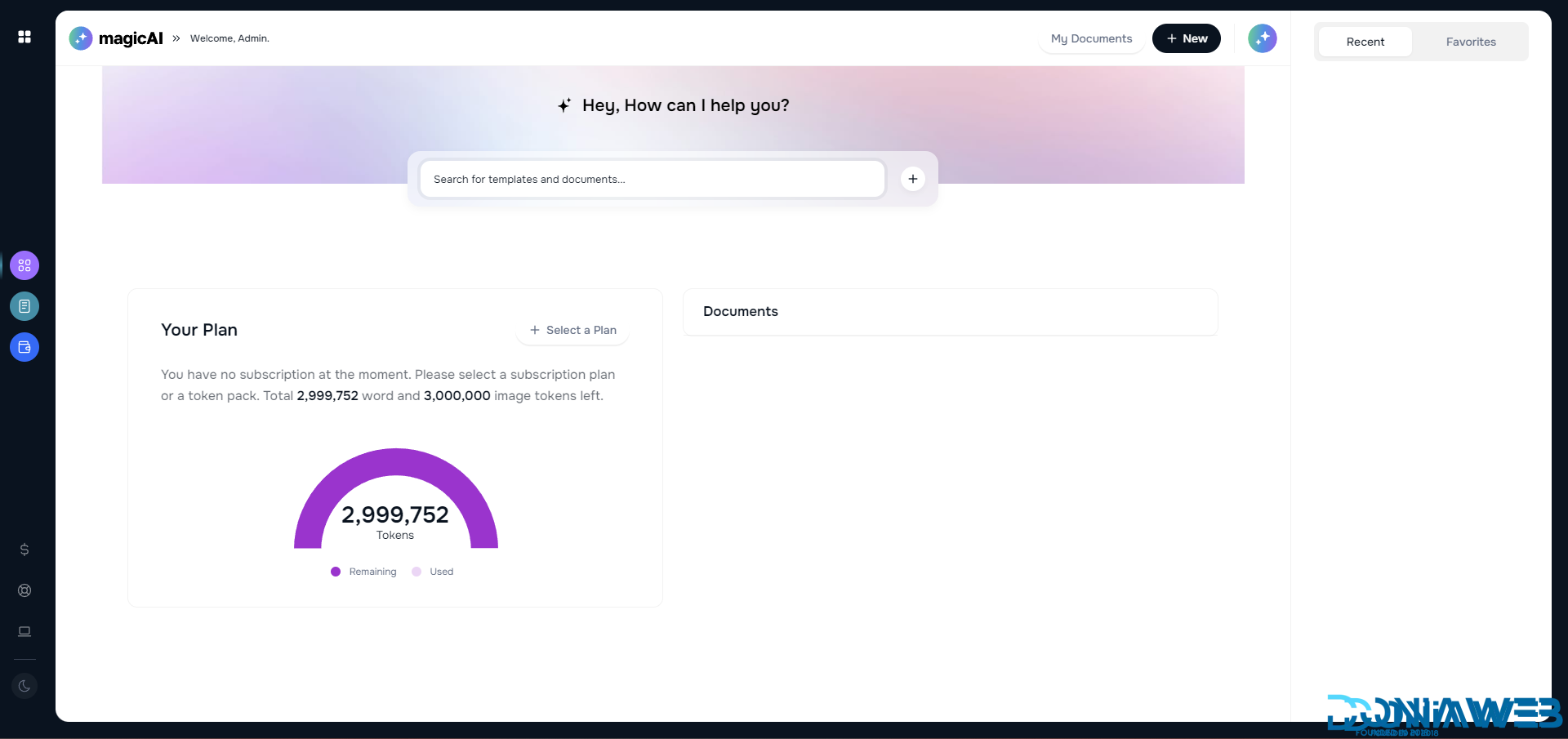
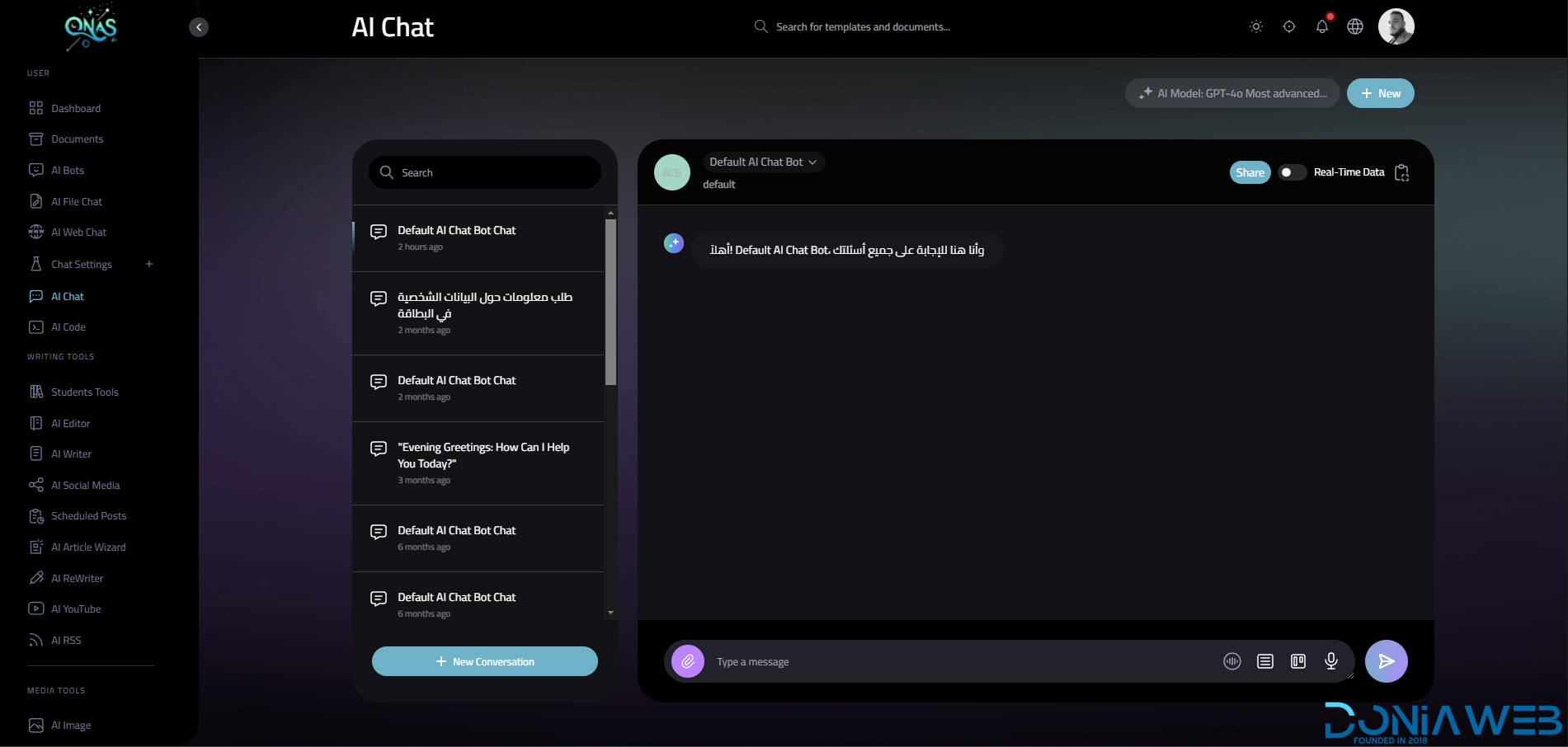
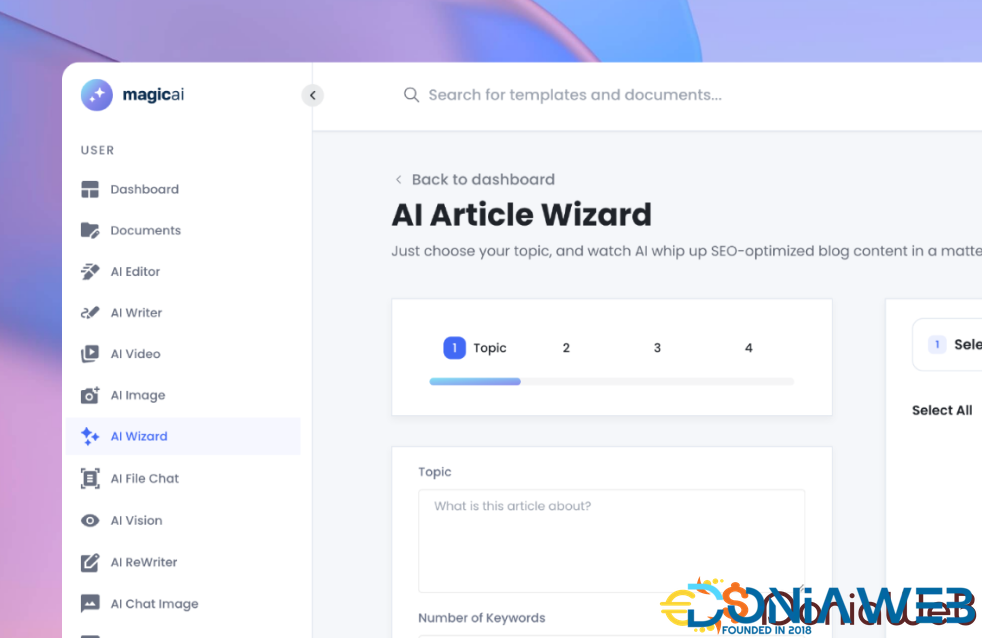
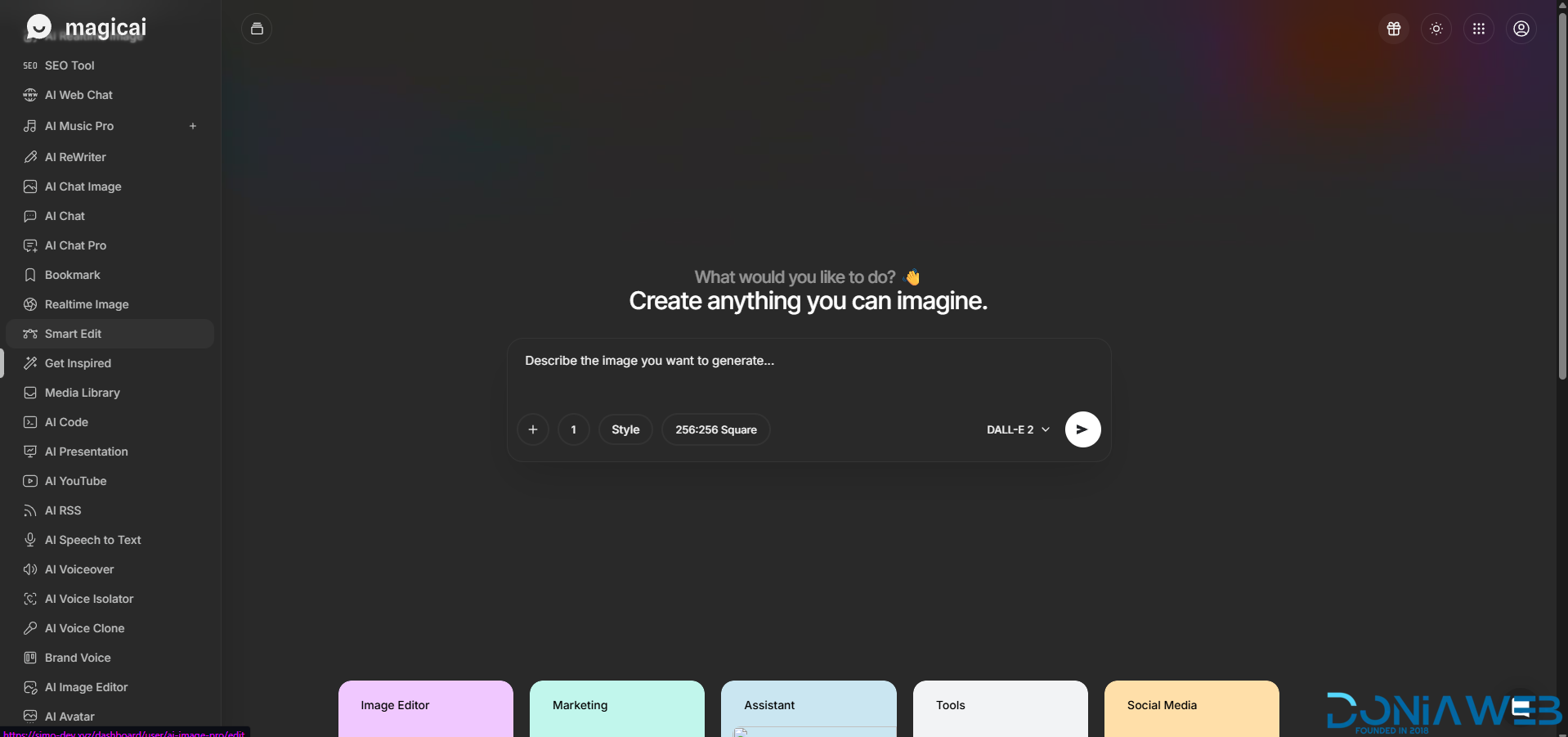
112 Screenshots

Buy once and enjoy lifetime access to updates, extensions, and new themes!

Fully compatible with the latest version 10.9

👉 With just a one-time payment, you get:

  • Lifetime updates at no extra cost.

  • All future extensions and themes completely free.

  • Lifetime free support whenever you need it.

Secure your access now before the price goes up forever!

👑61Premium Extensions - MagicAi :

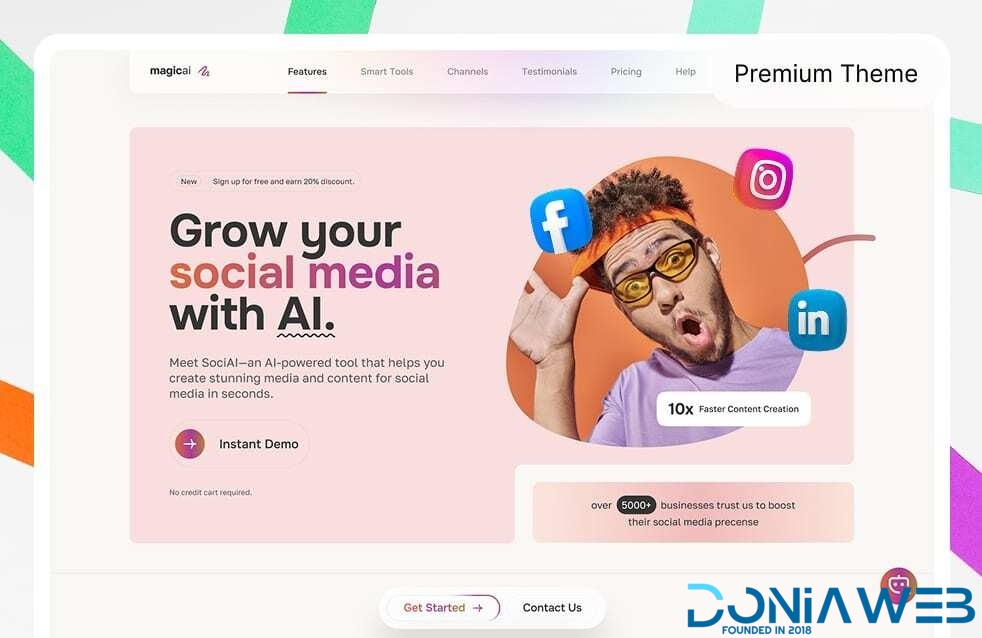
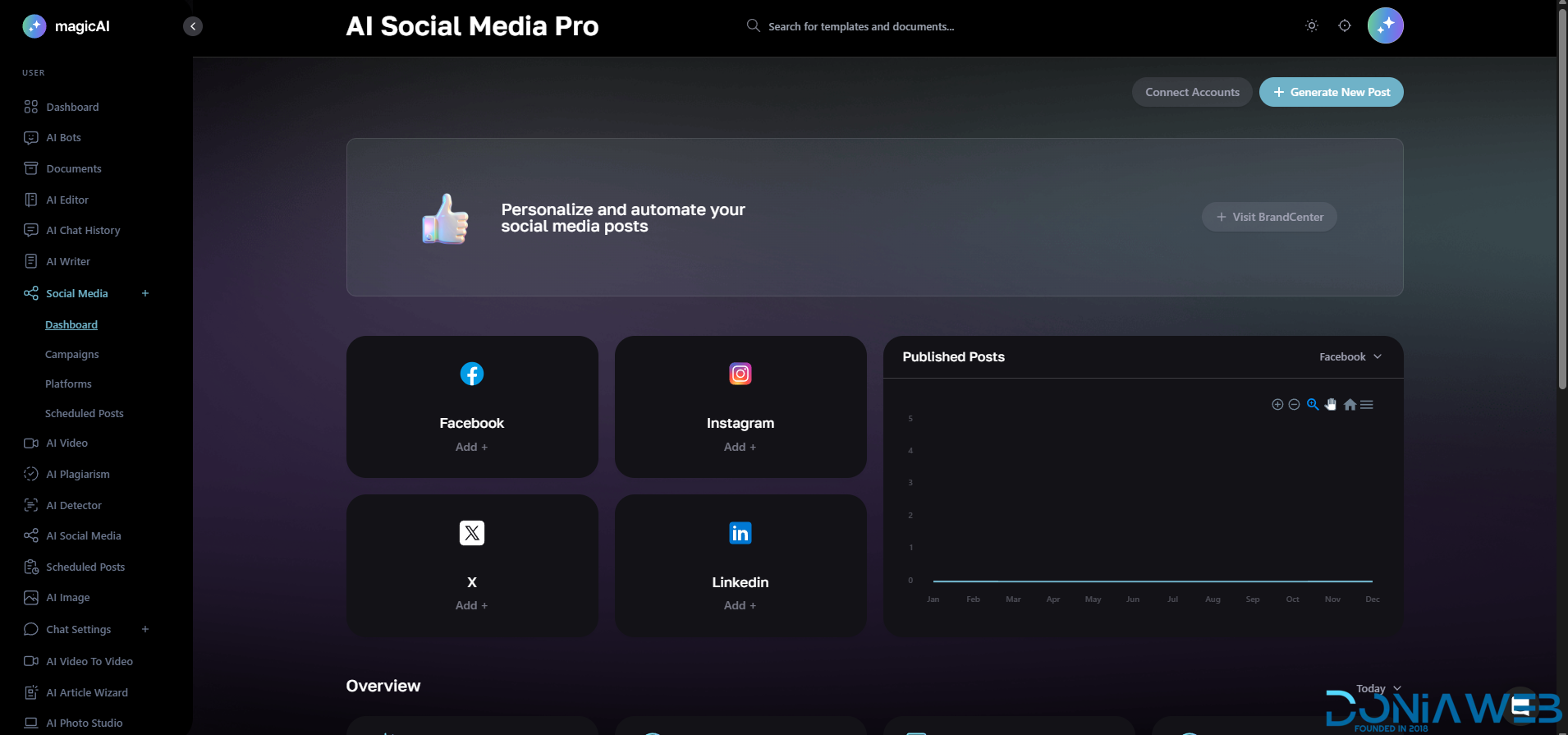
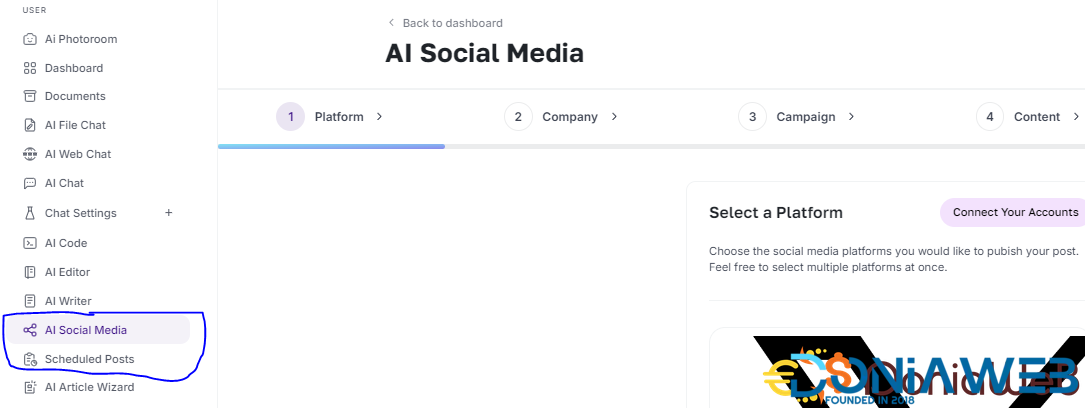
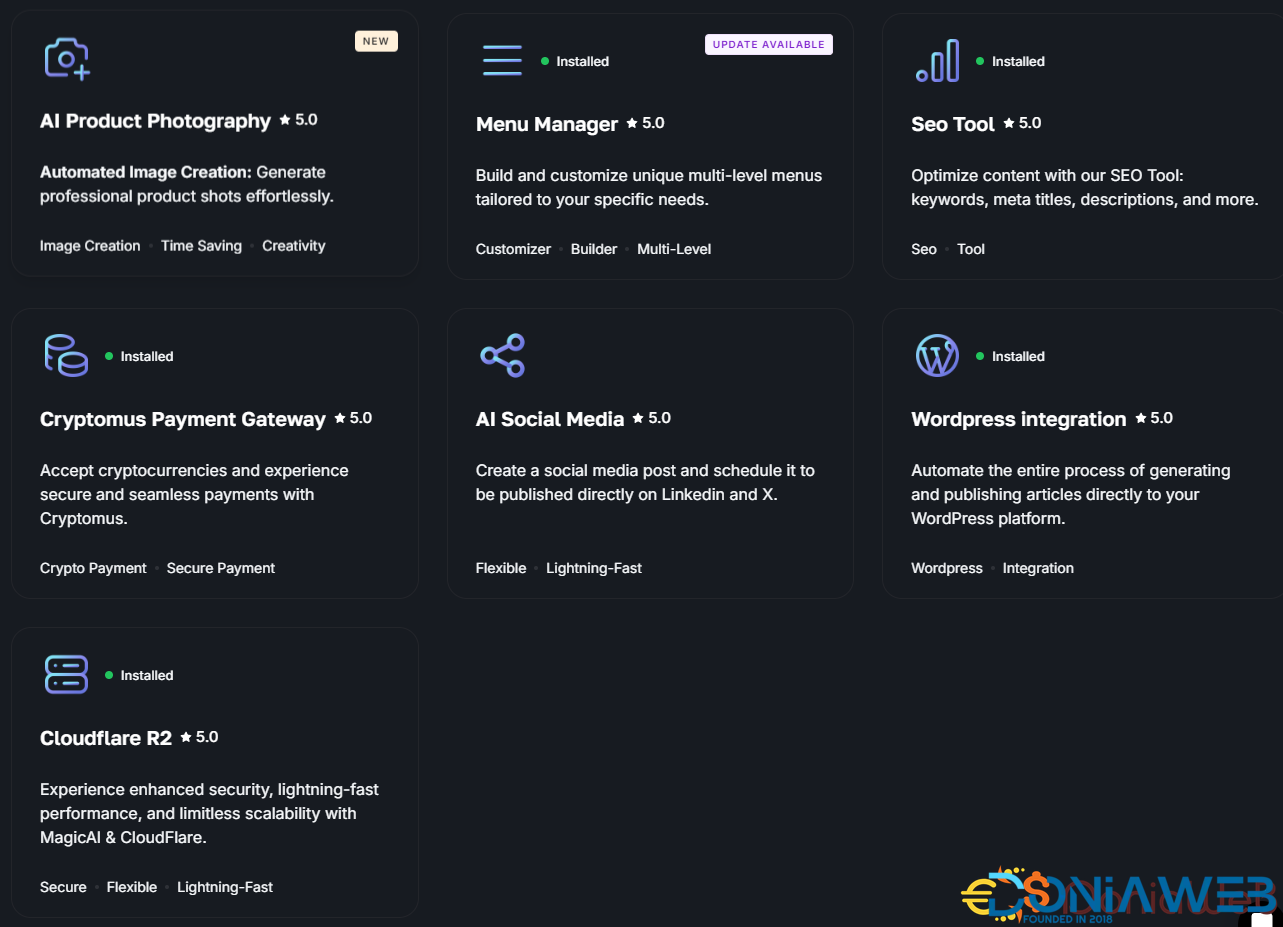
  1. Ai Social Media - $89

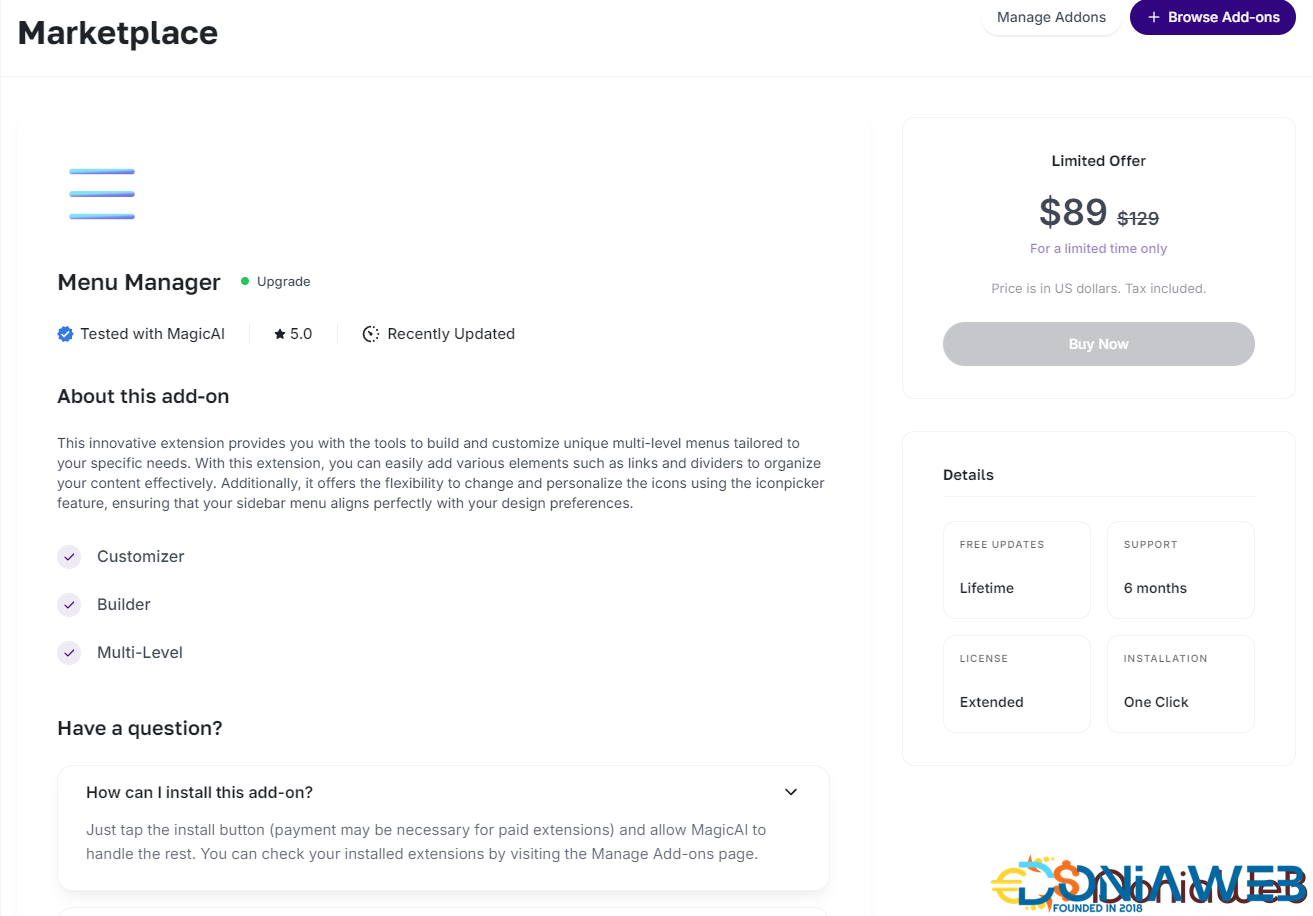
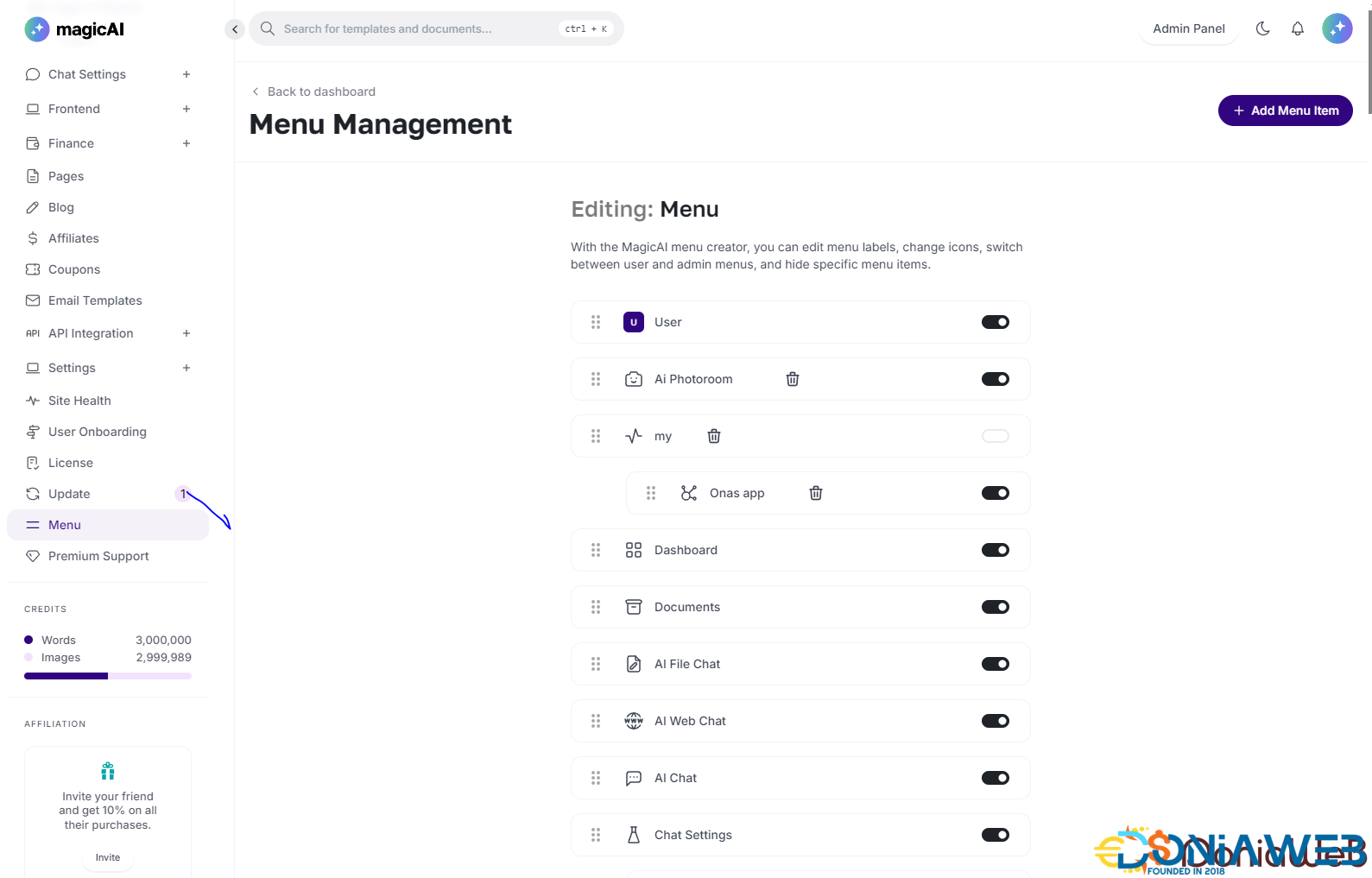
  2. Menu Manager - $89

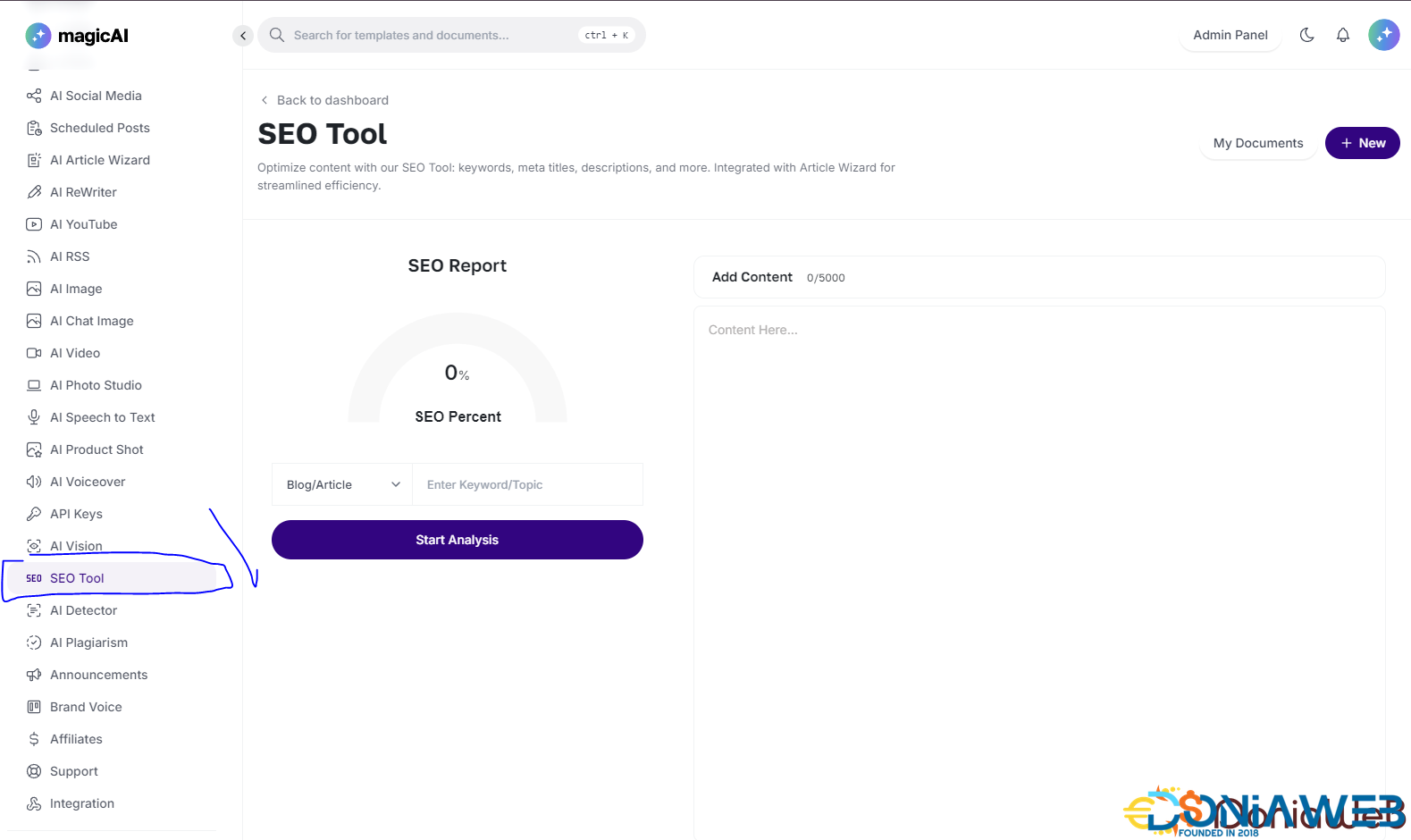
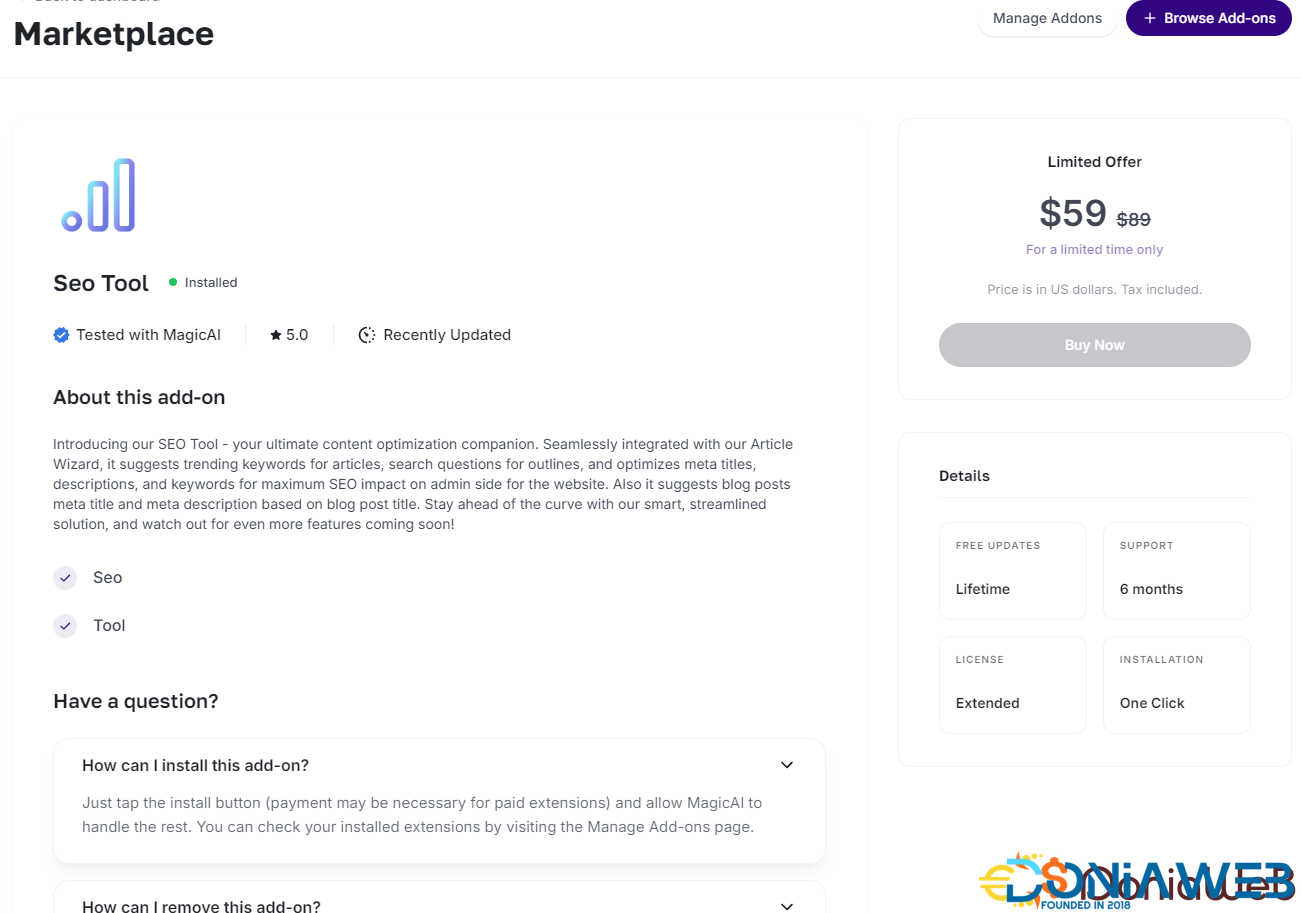
  3. SEO Tool - $59

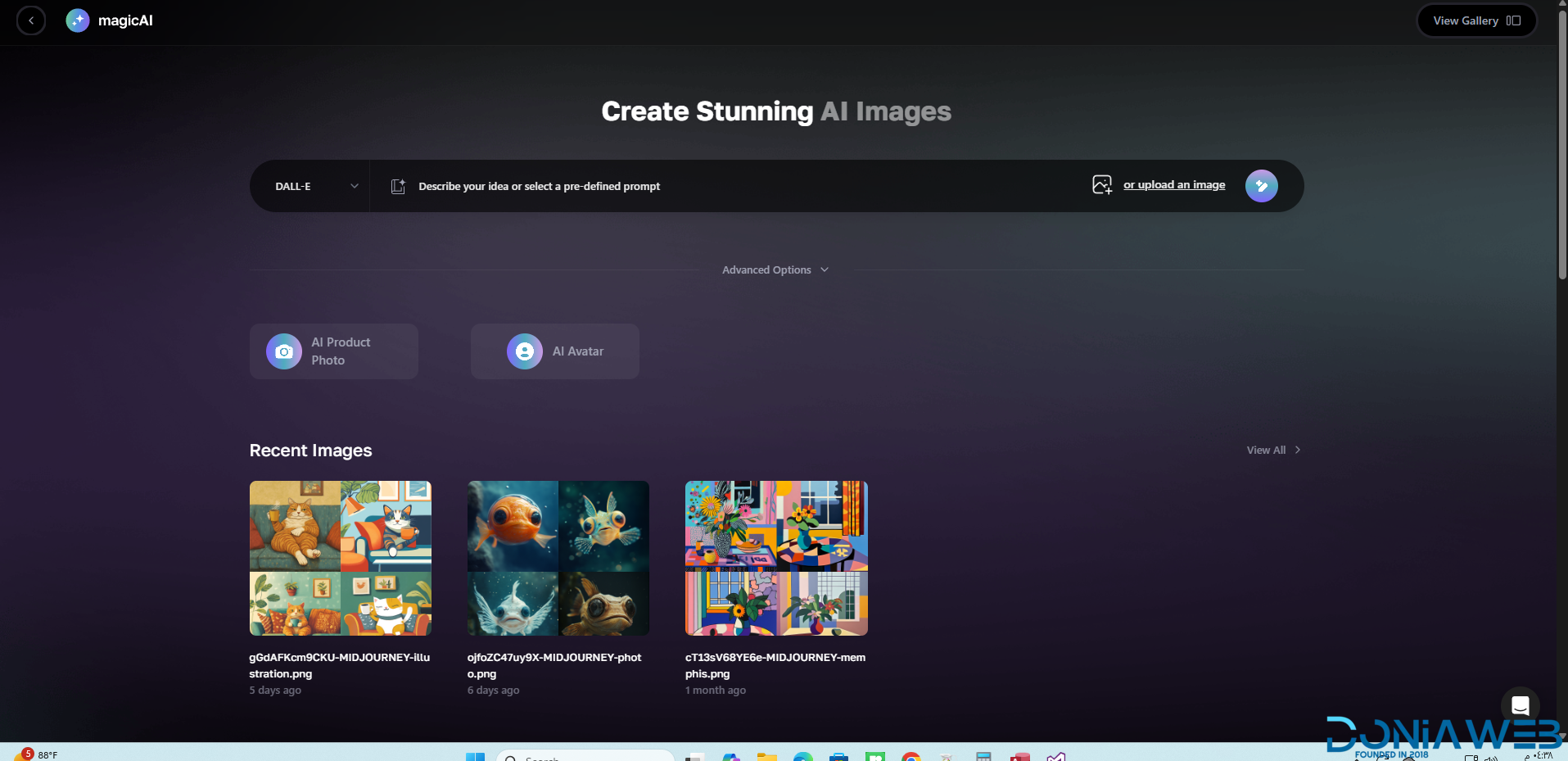
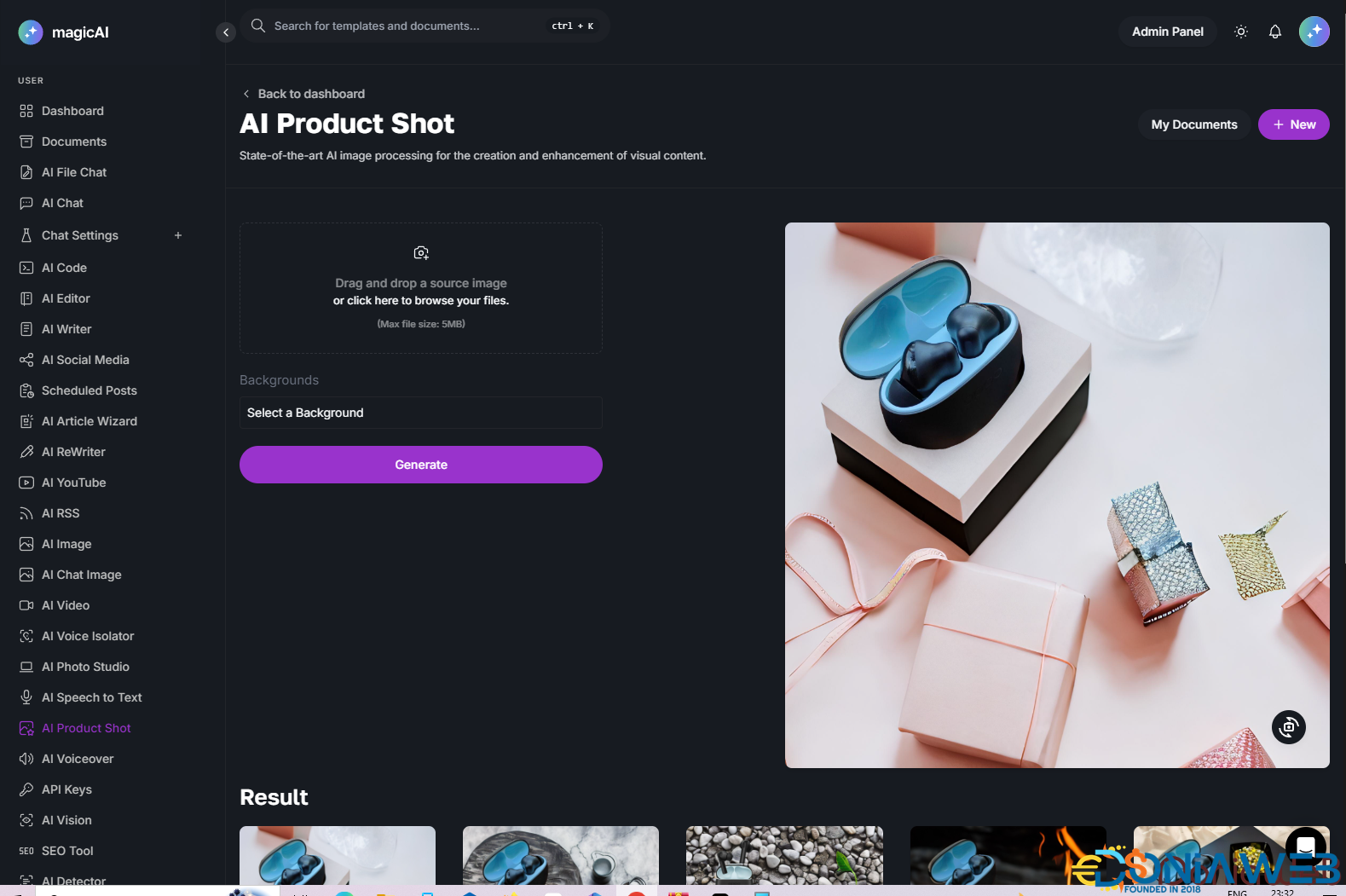
  4. Ai Product Photography - $39

  5. Cloudflare R2 - $39

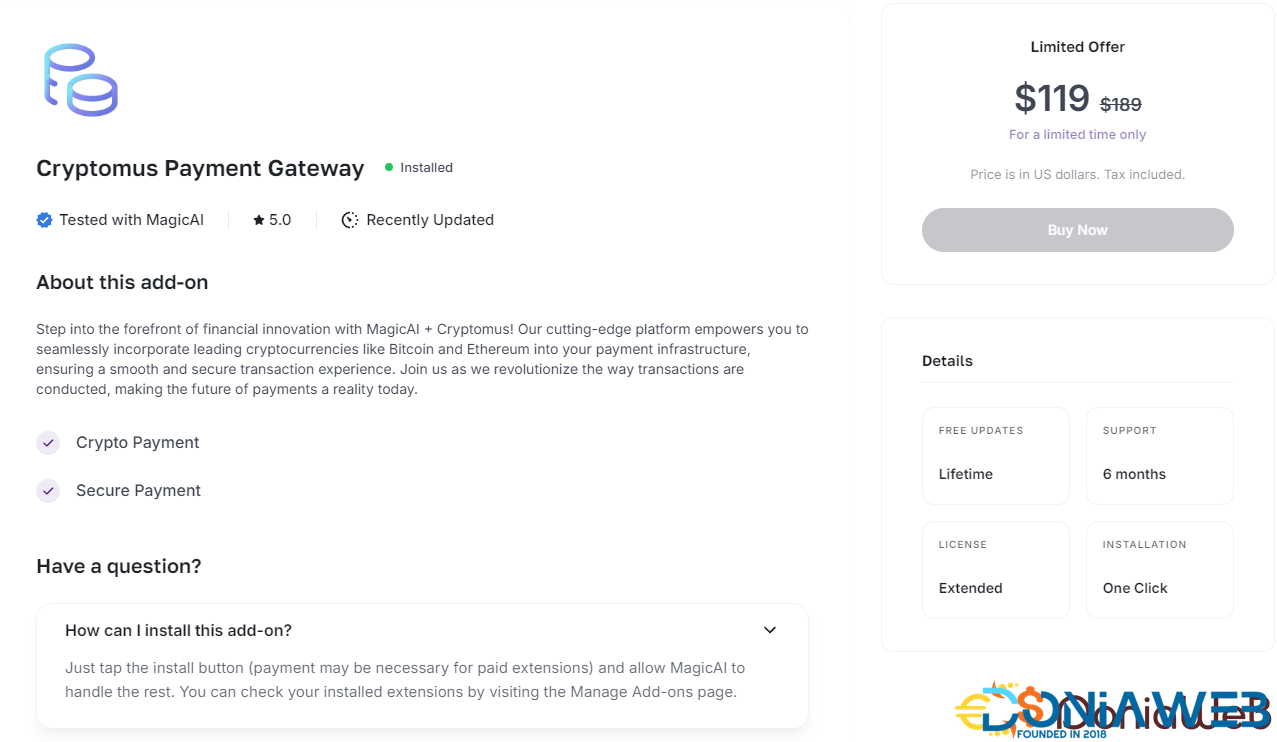
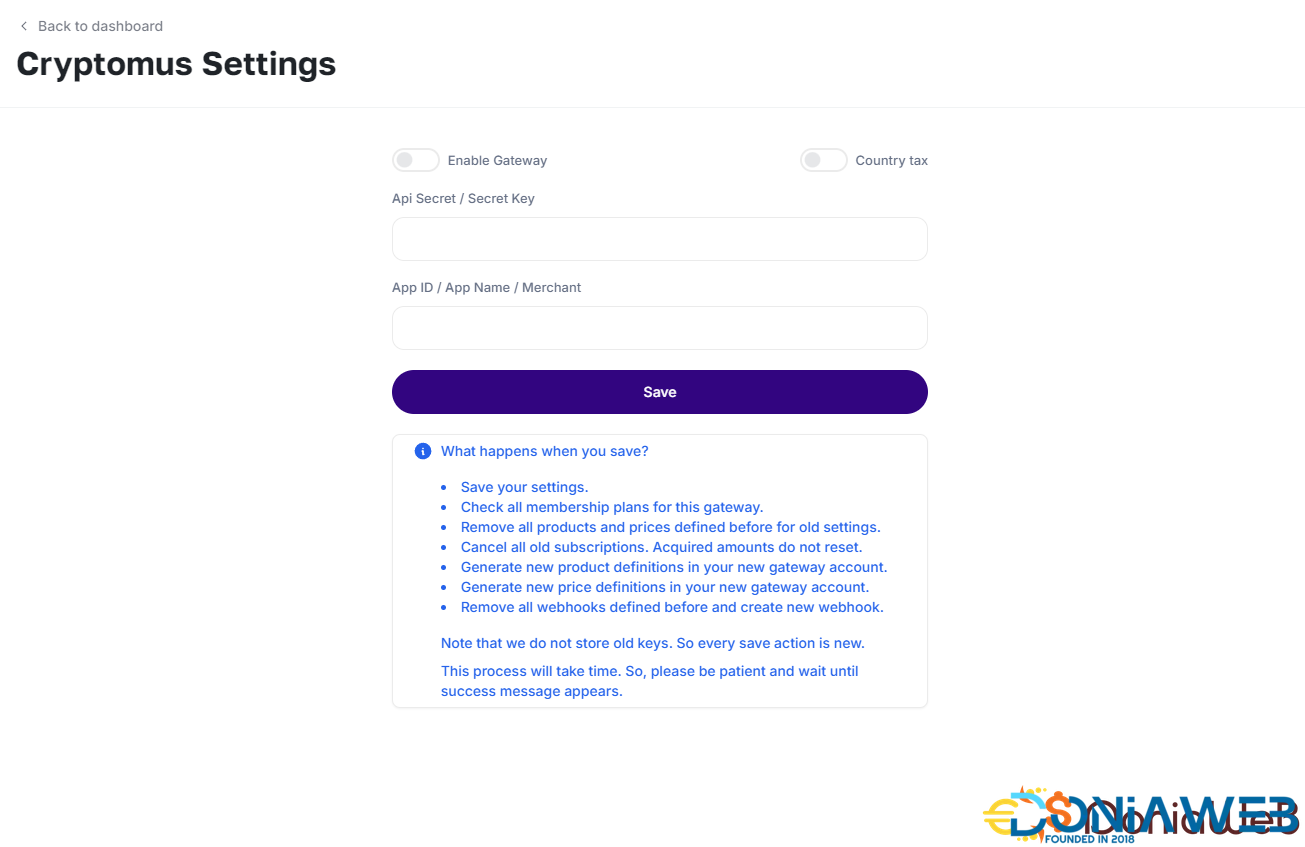
  6. Cryptomus Payment Gateway - $119

  7. WordPress Integration - $39

  8. Ai Avatar - $39

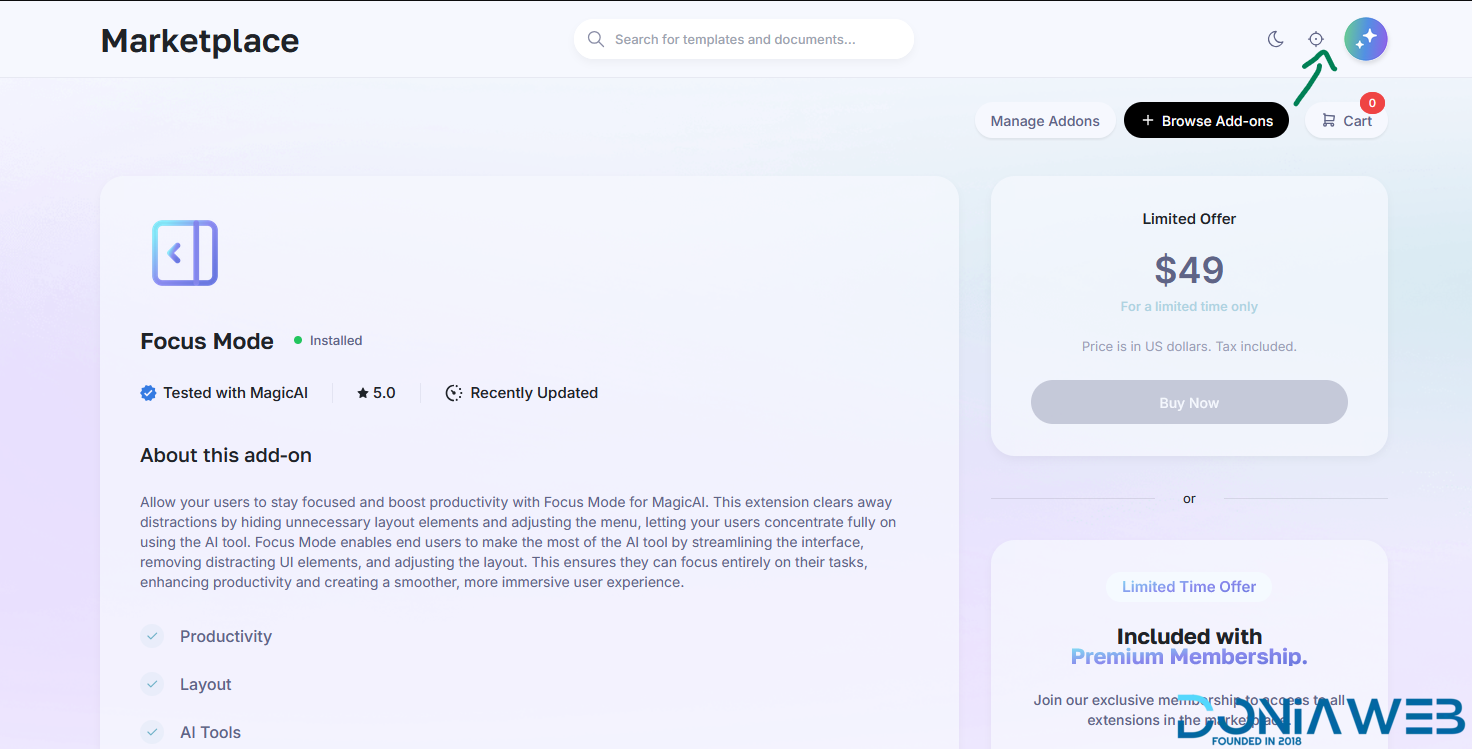
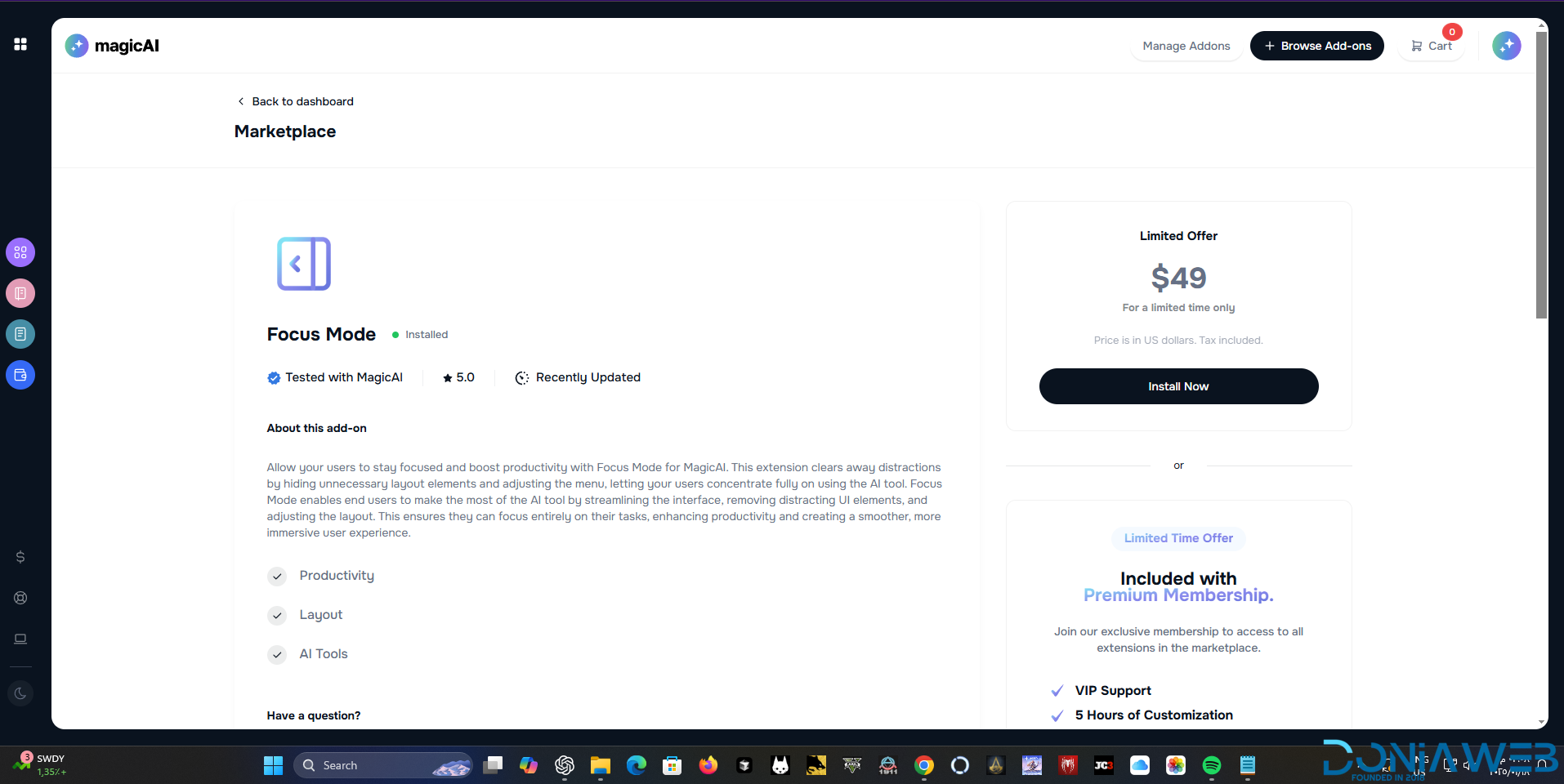
  9. Focus Mode - $49

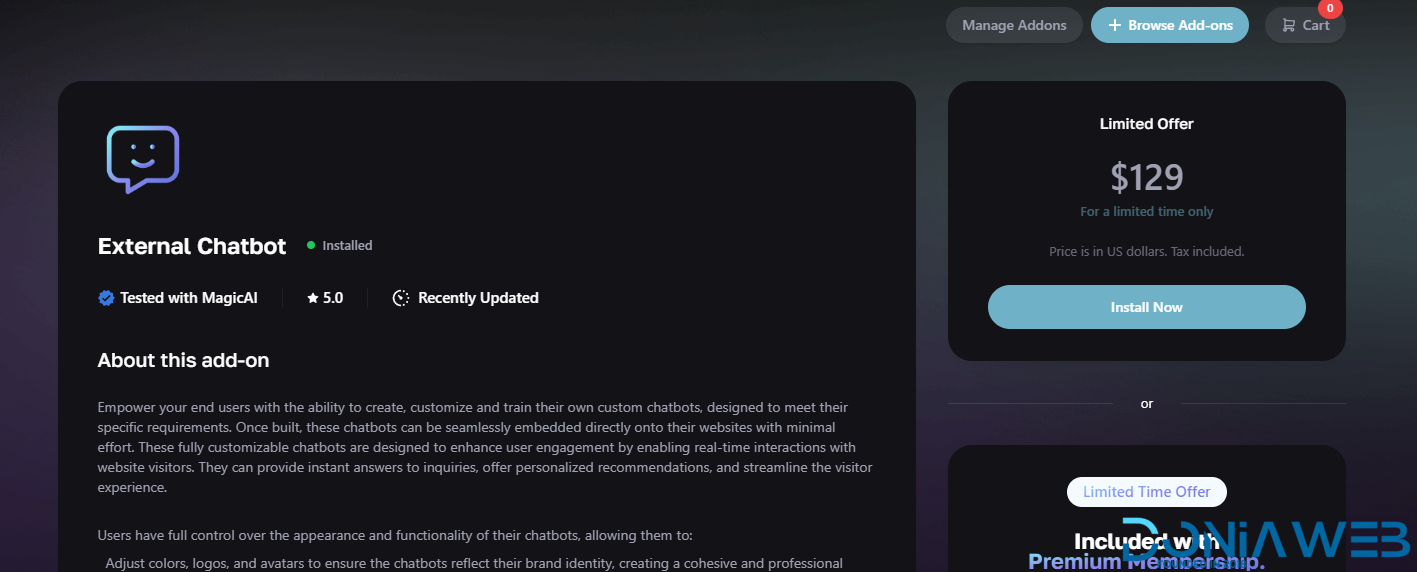
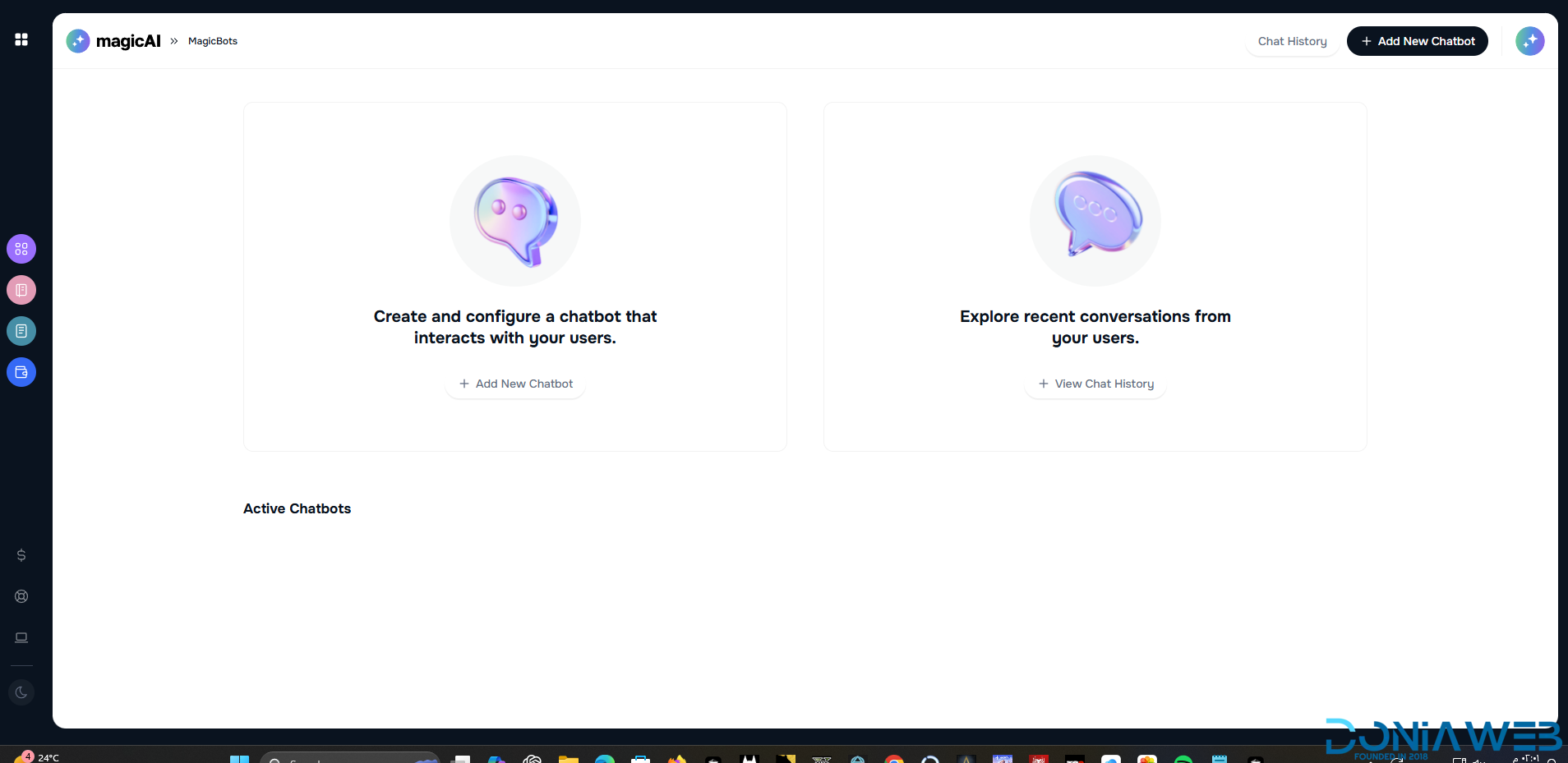
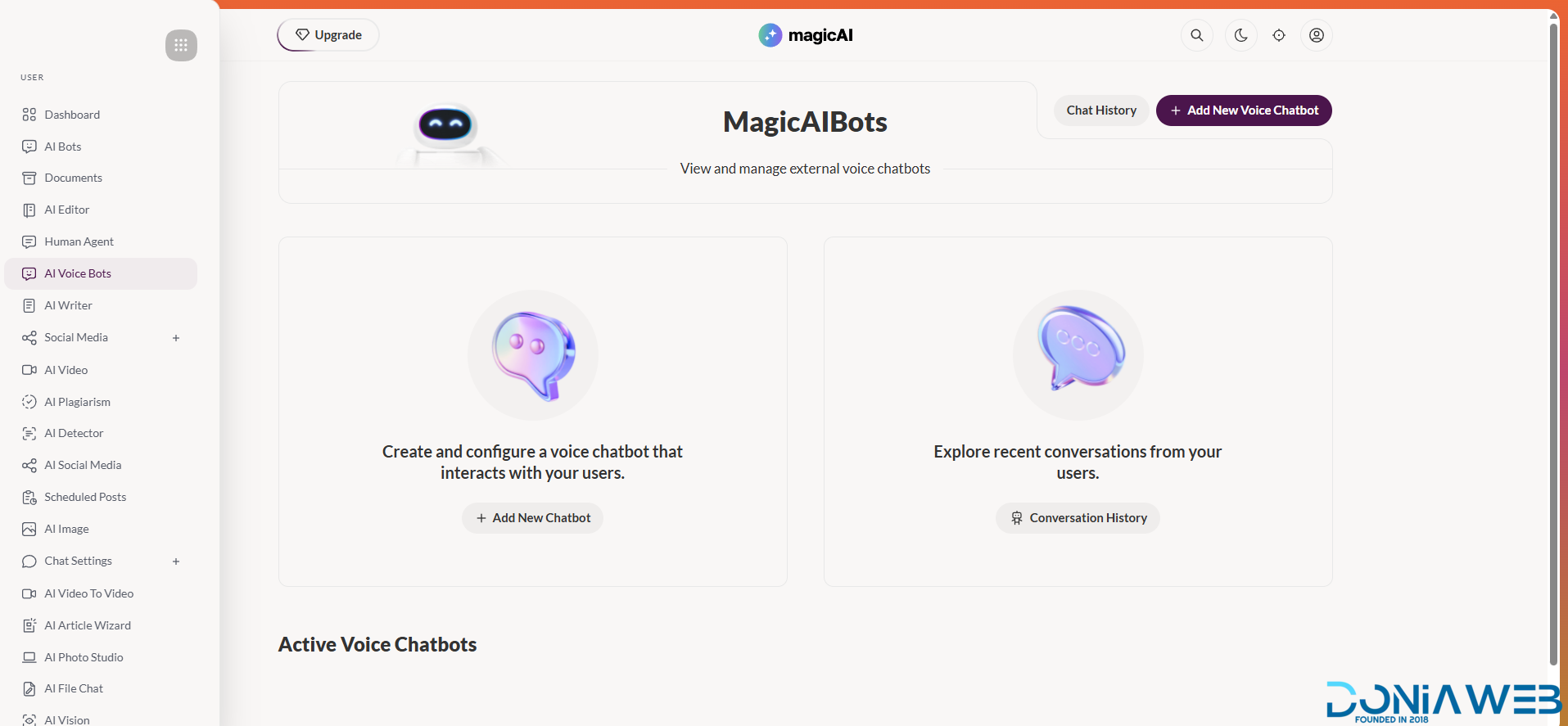
  10. External Chatbot - $129

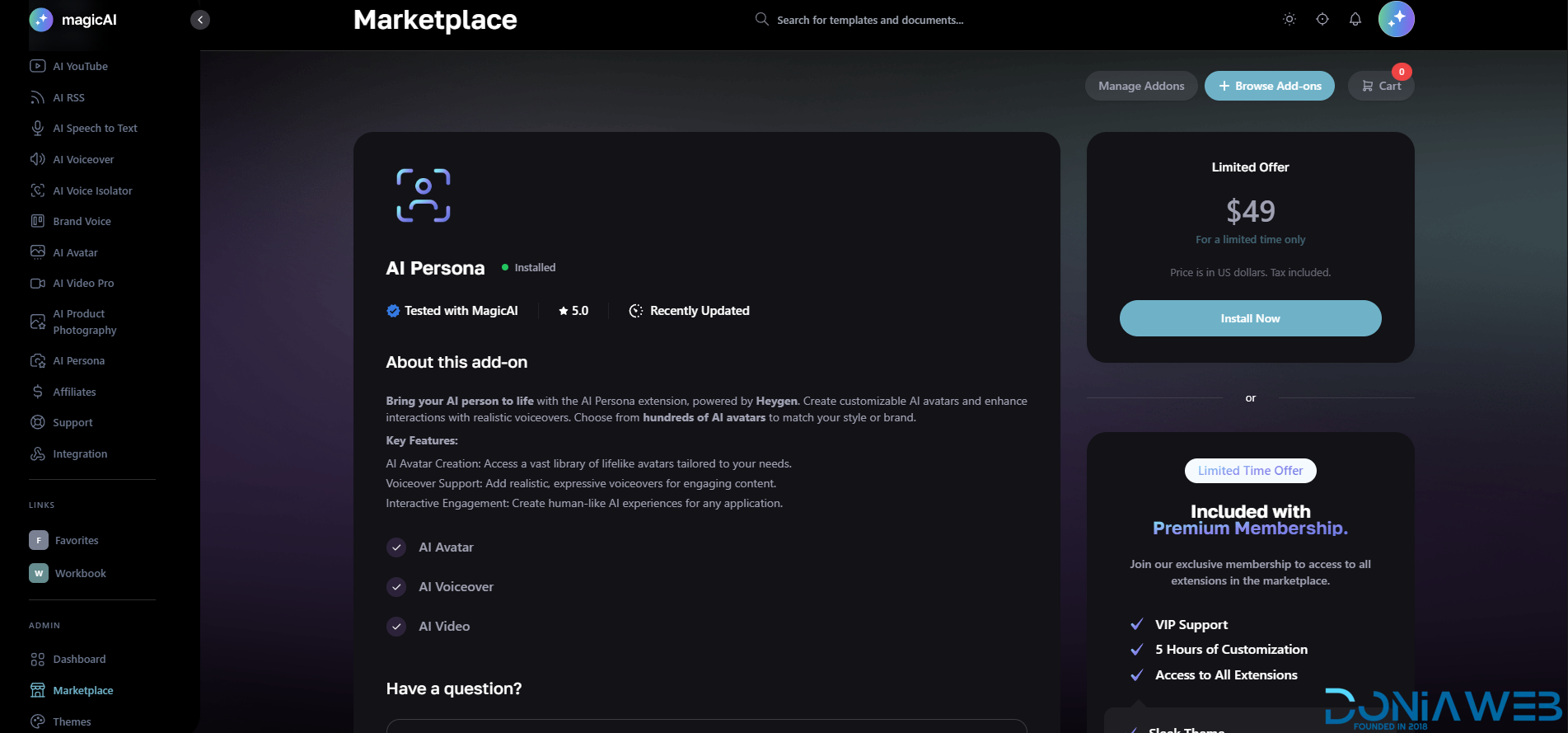
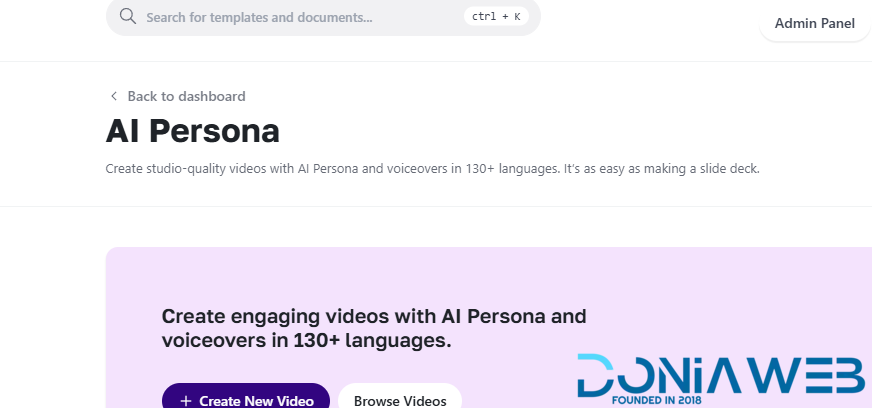
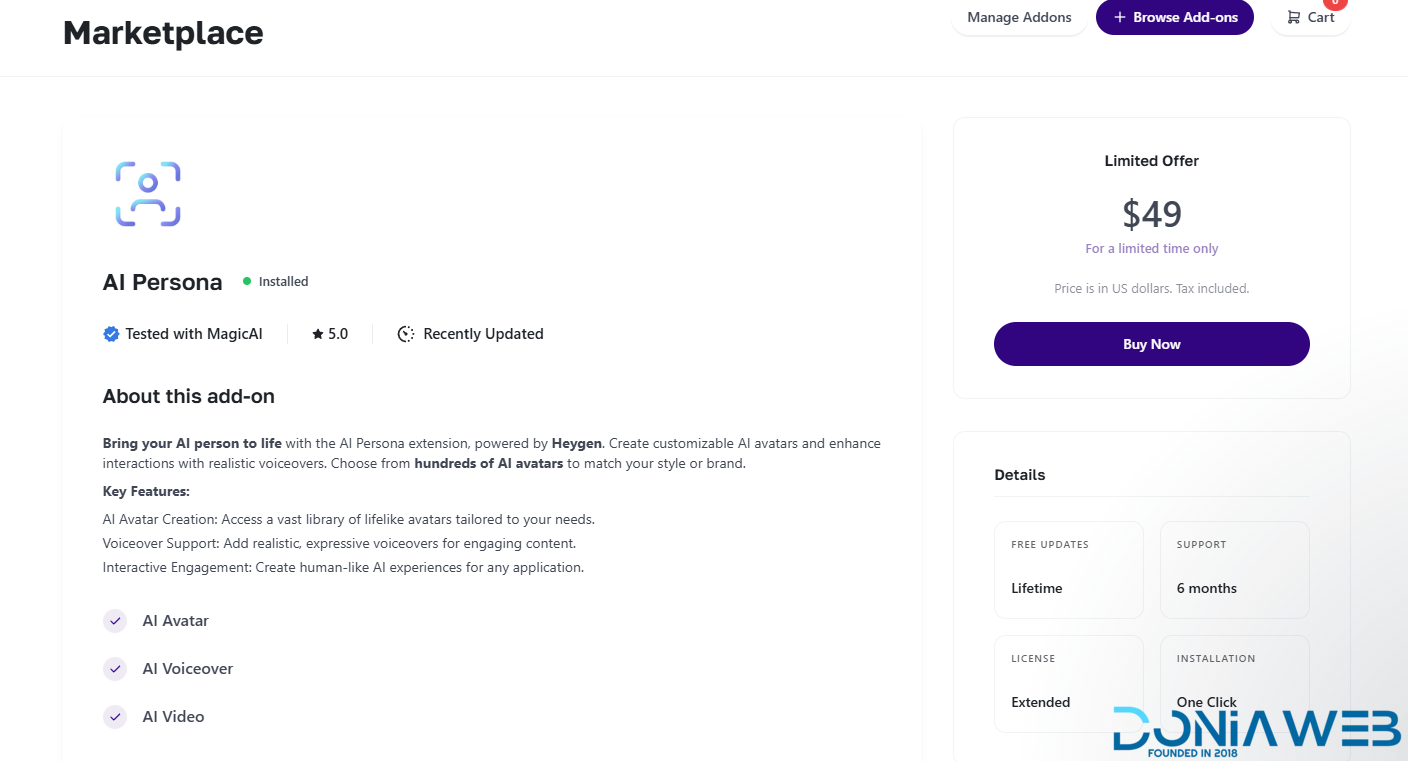
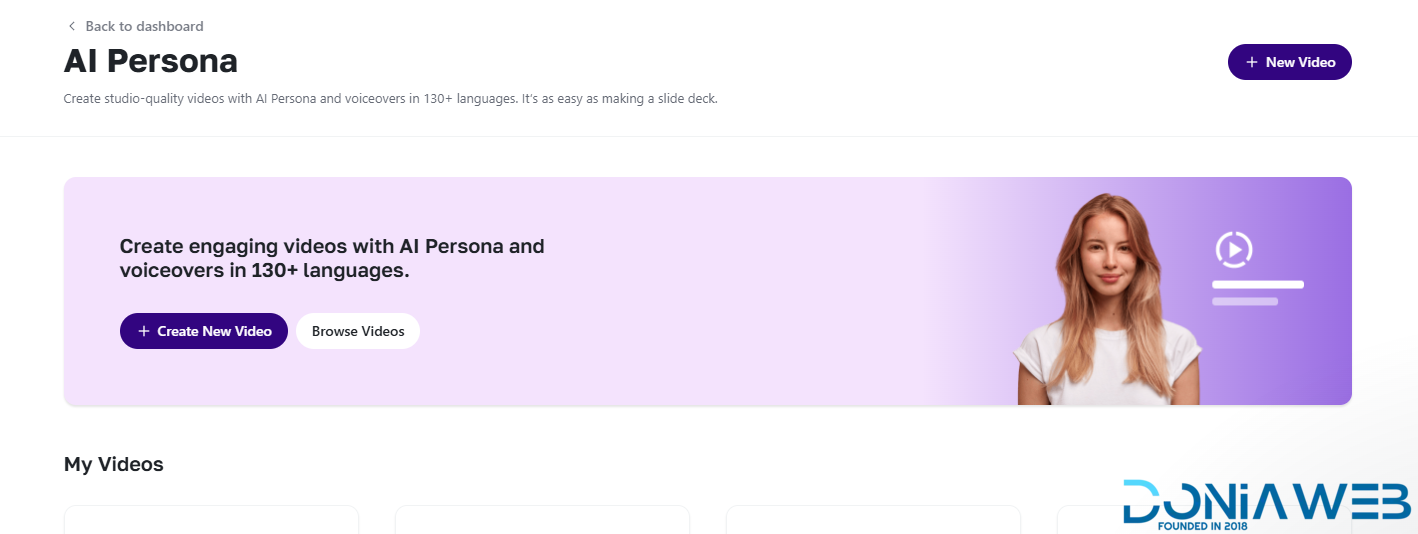
  11. AI Persona - $49

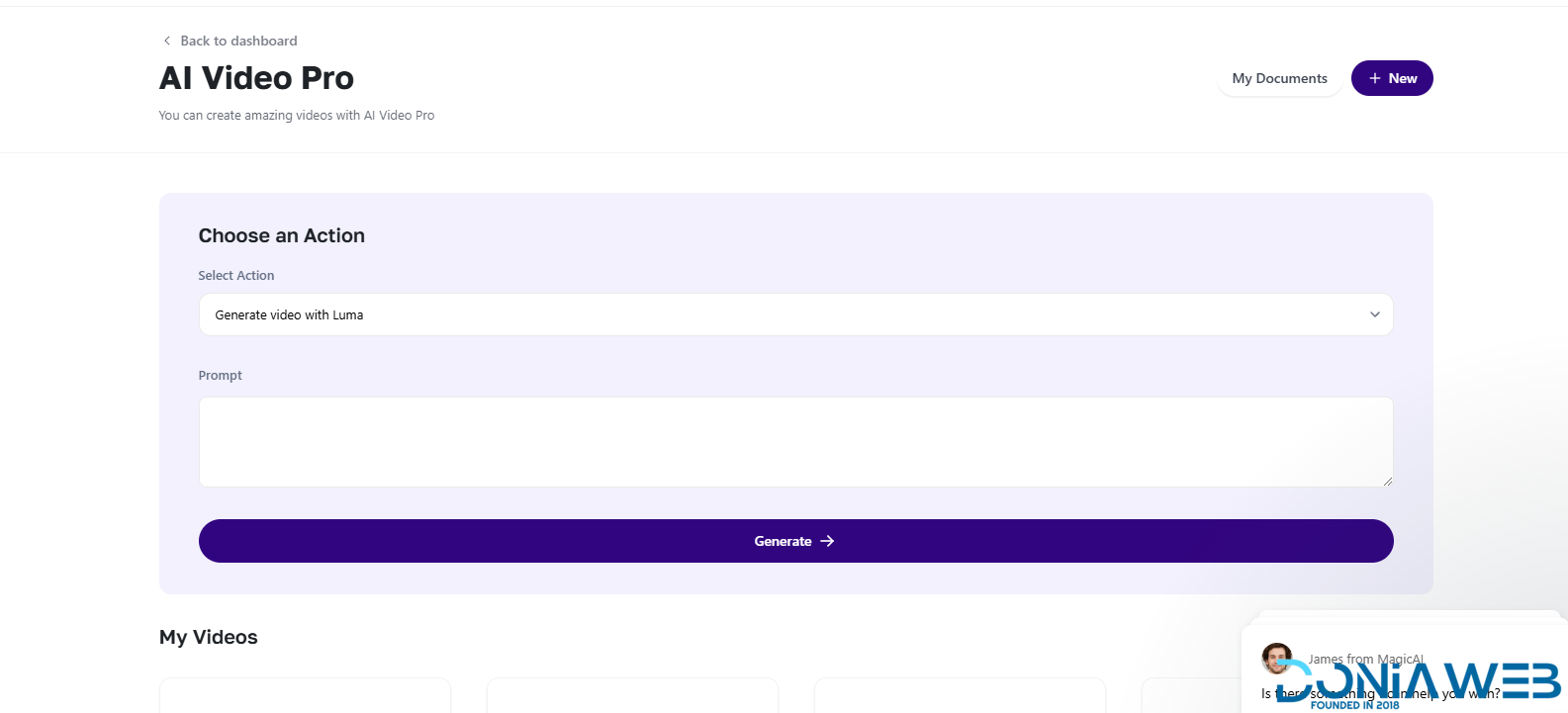
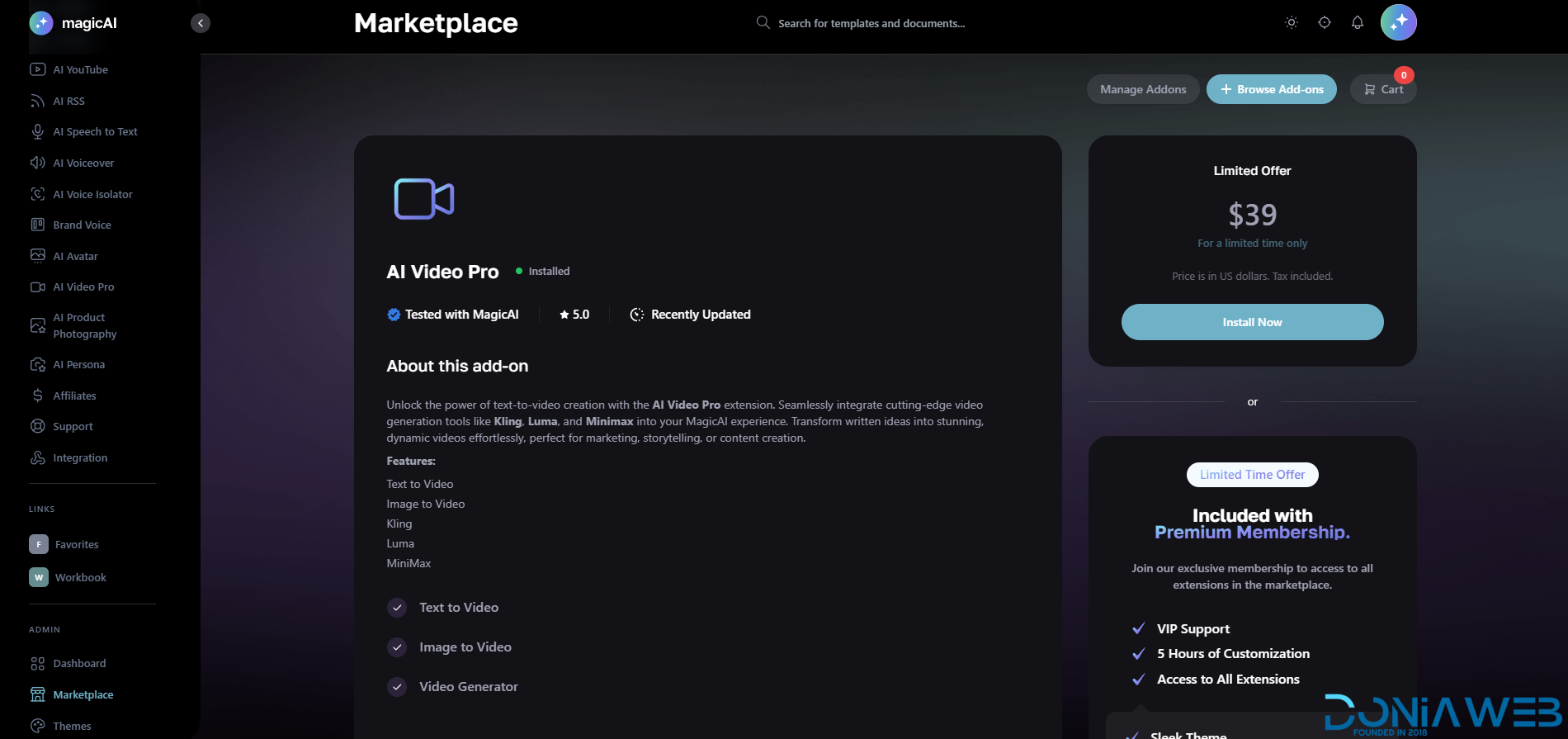
  12. AI VideoPro - $39

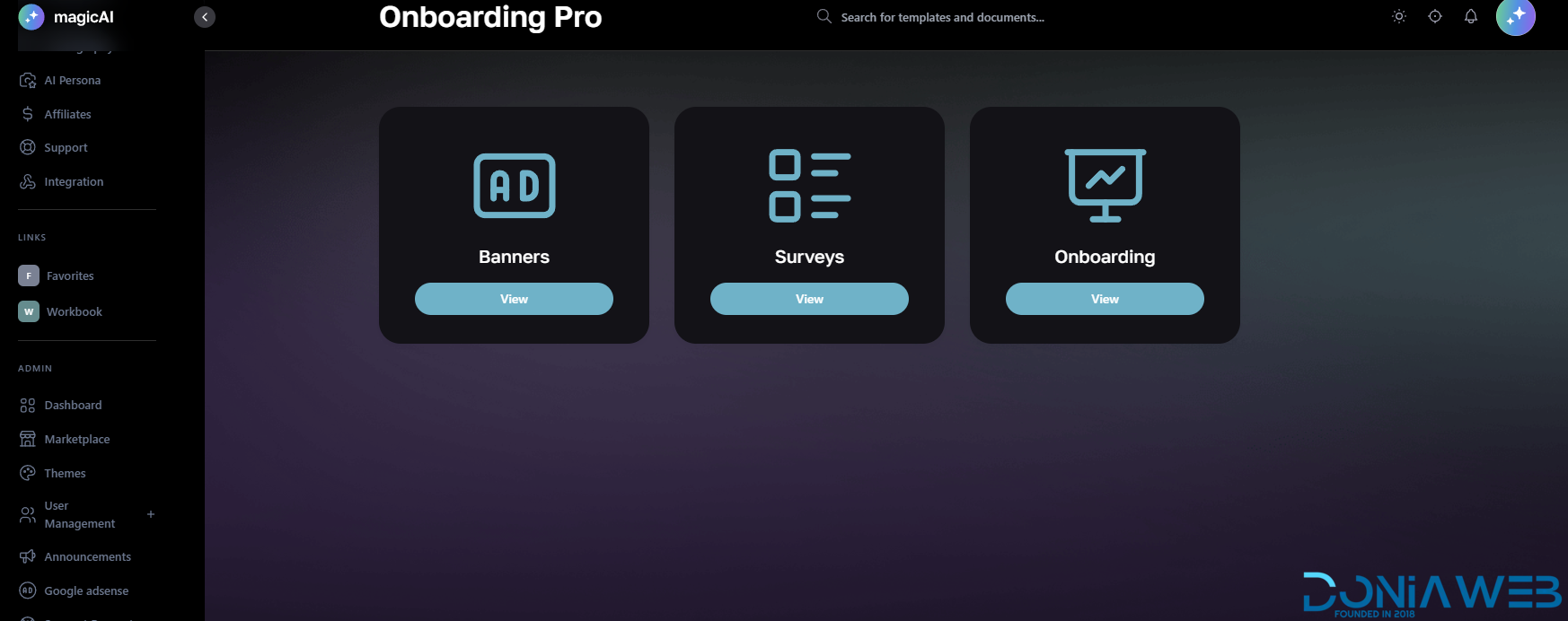
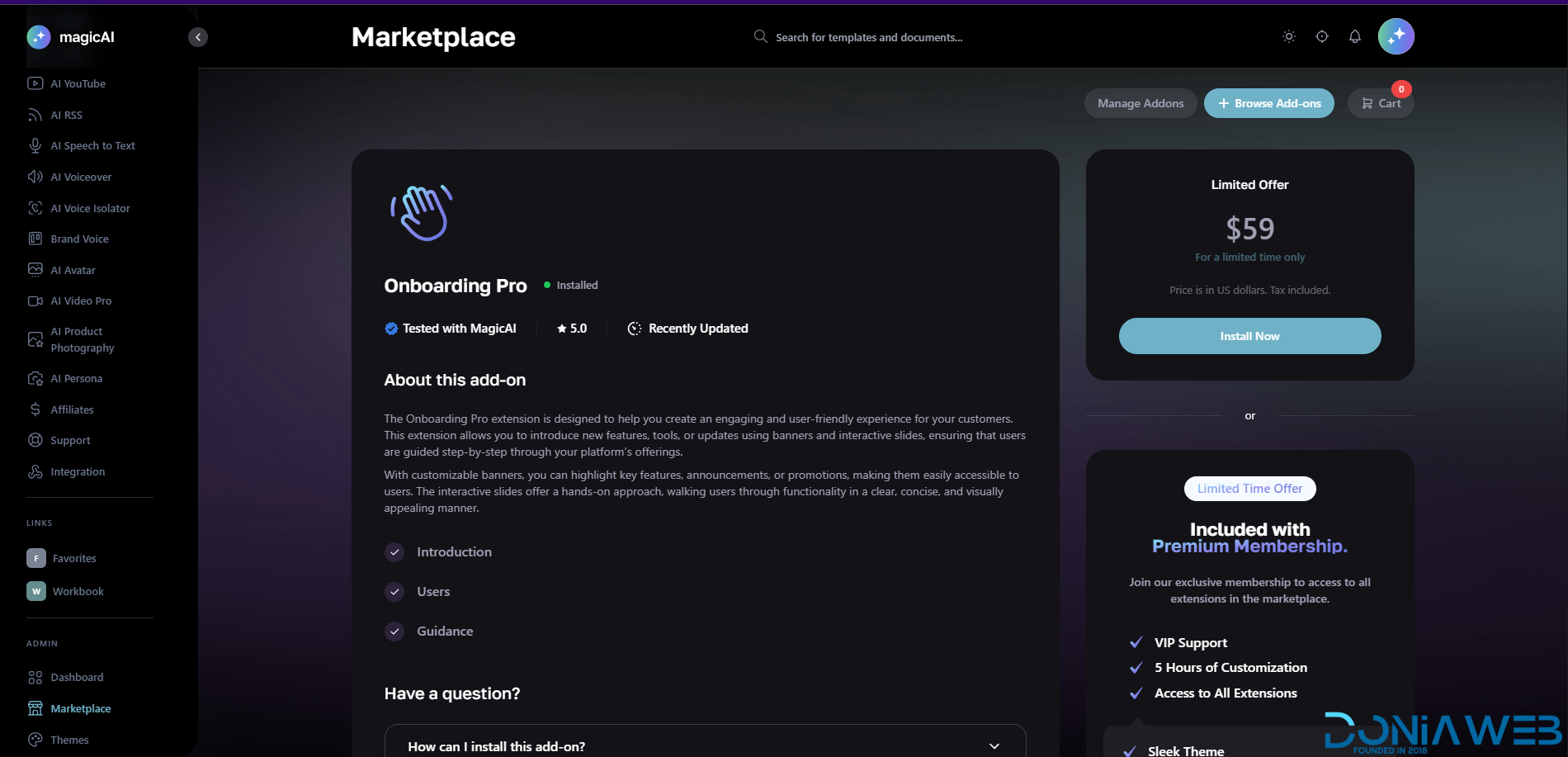
  13. Onboarding Pro - $59

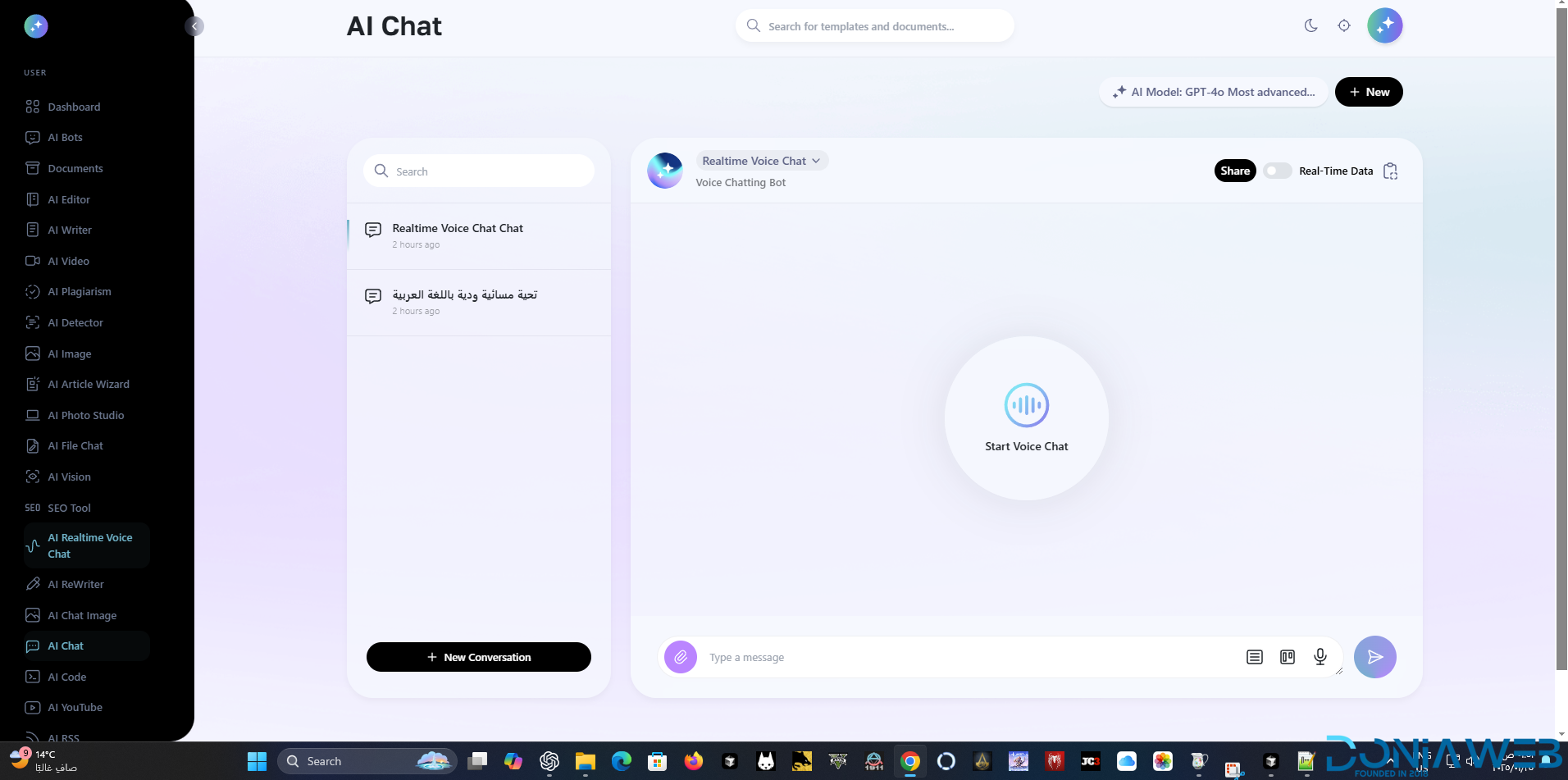
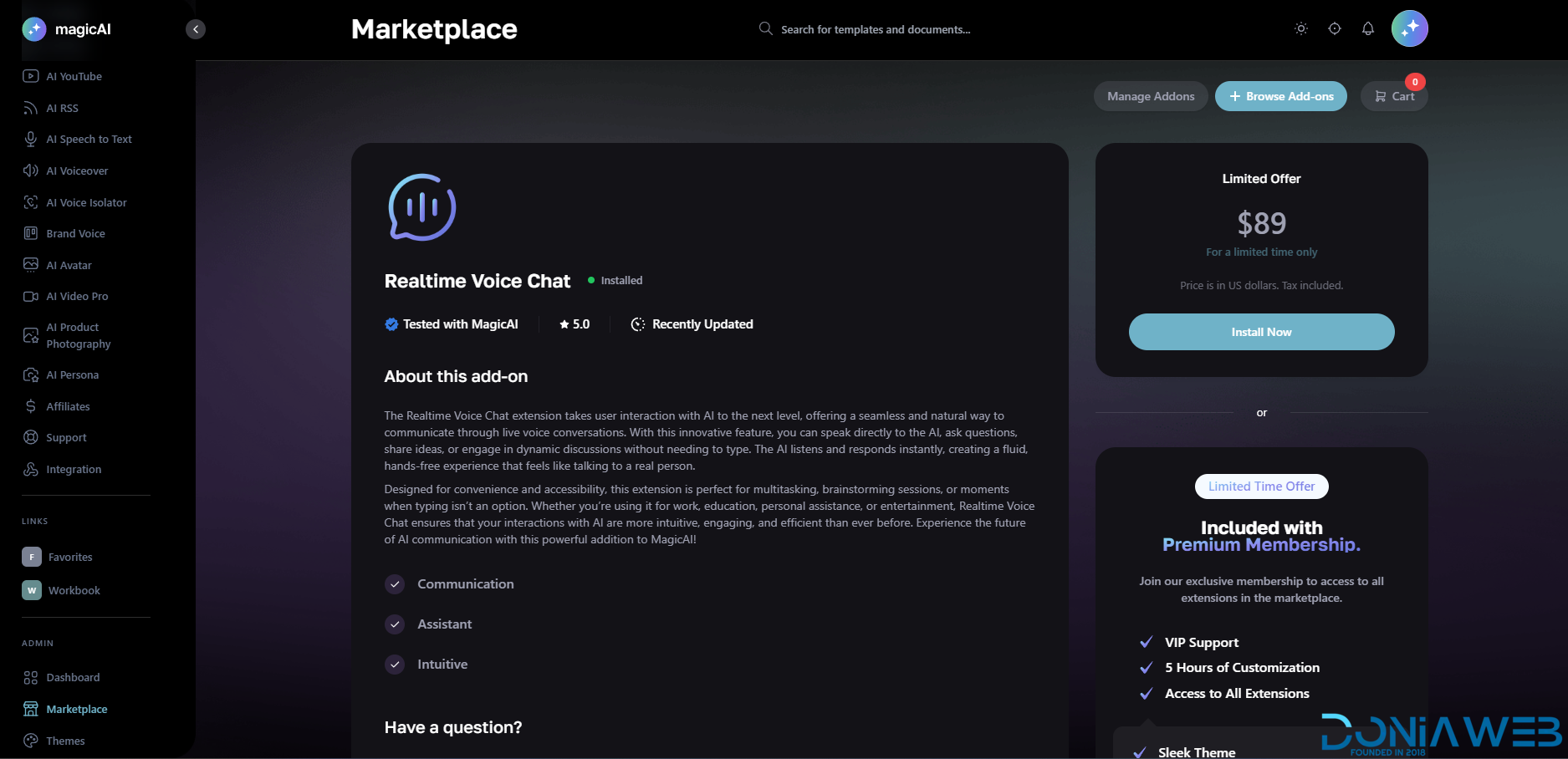
  14. Realtime Voice Chat - $89

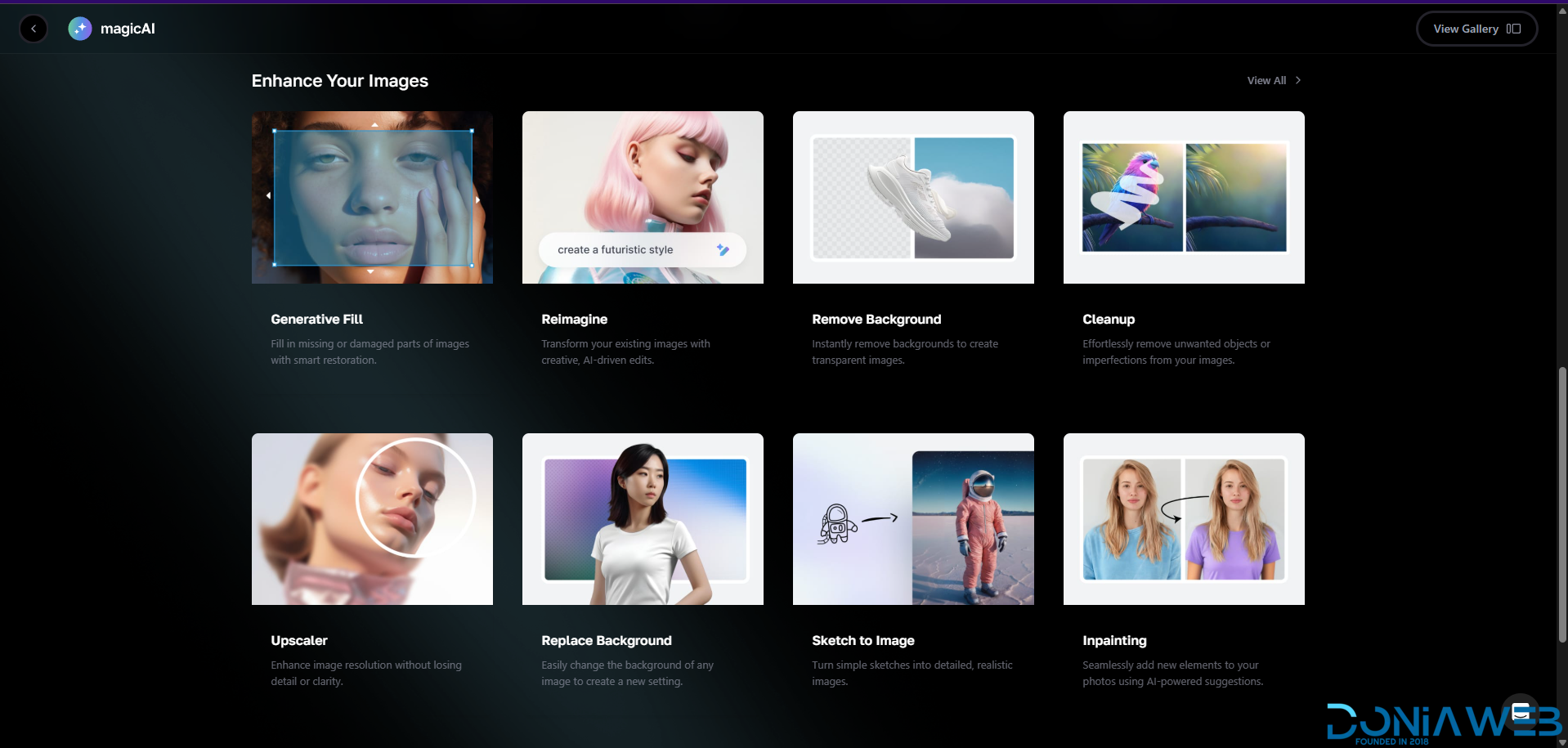
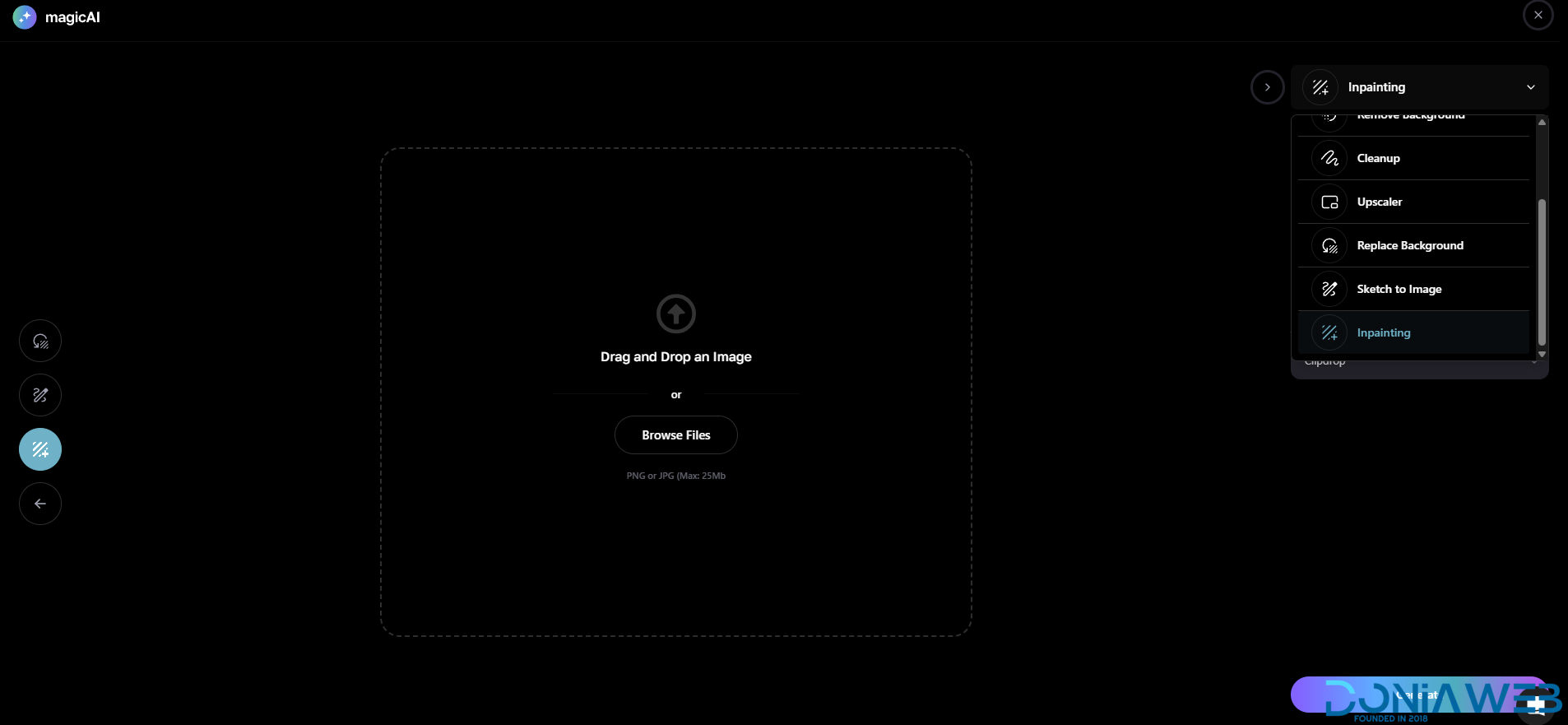
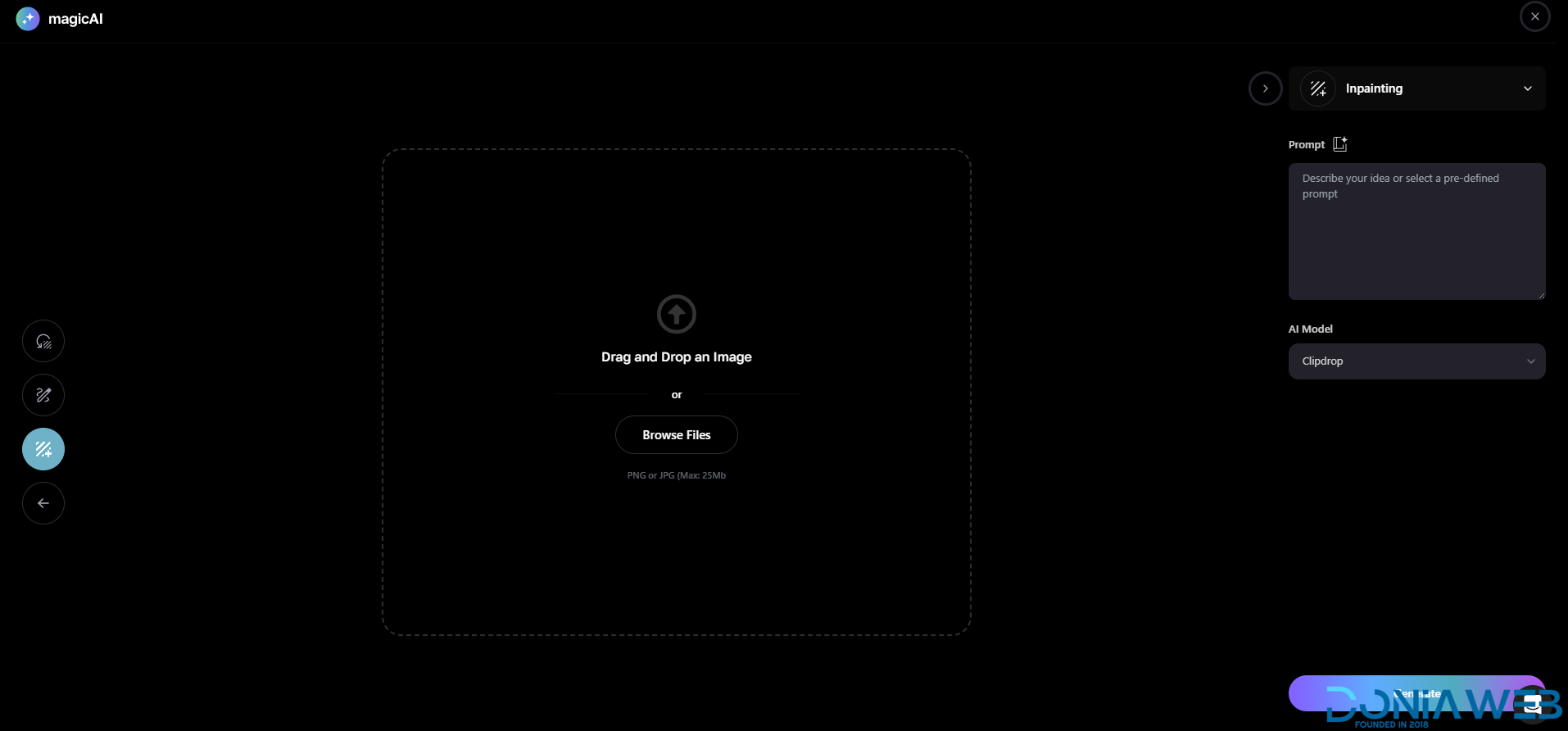
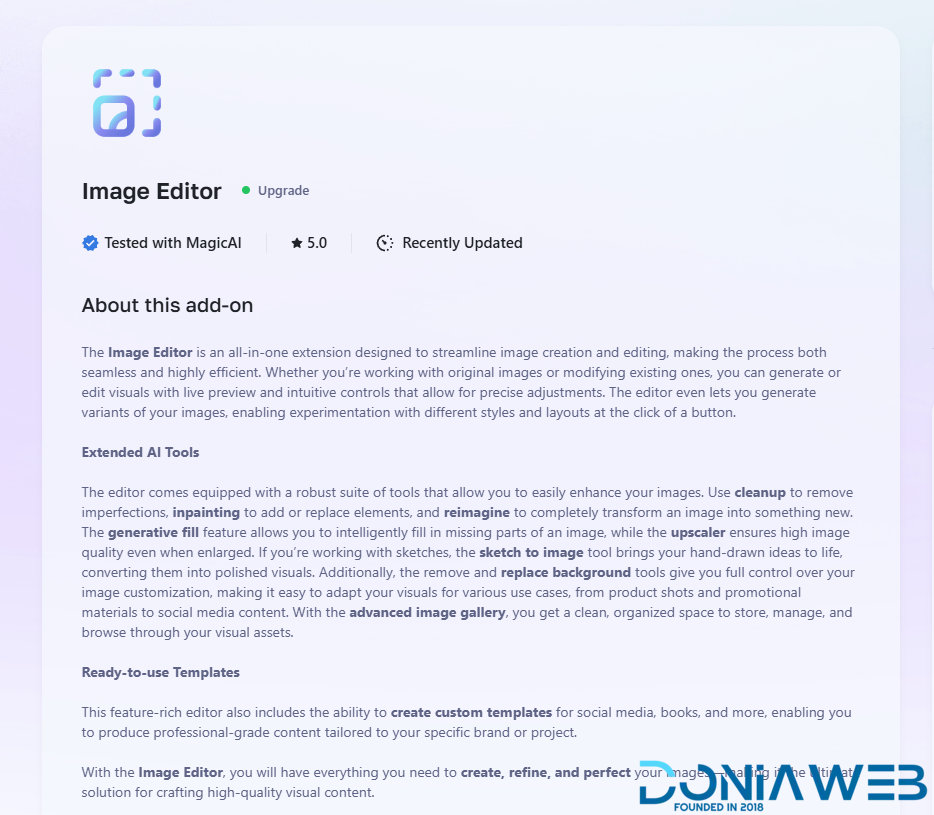
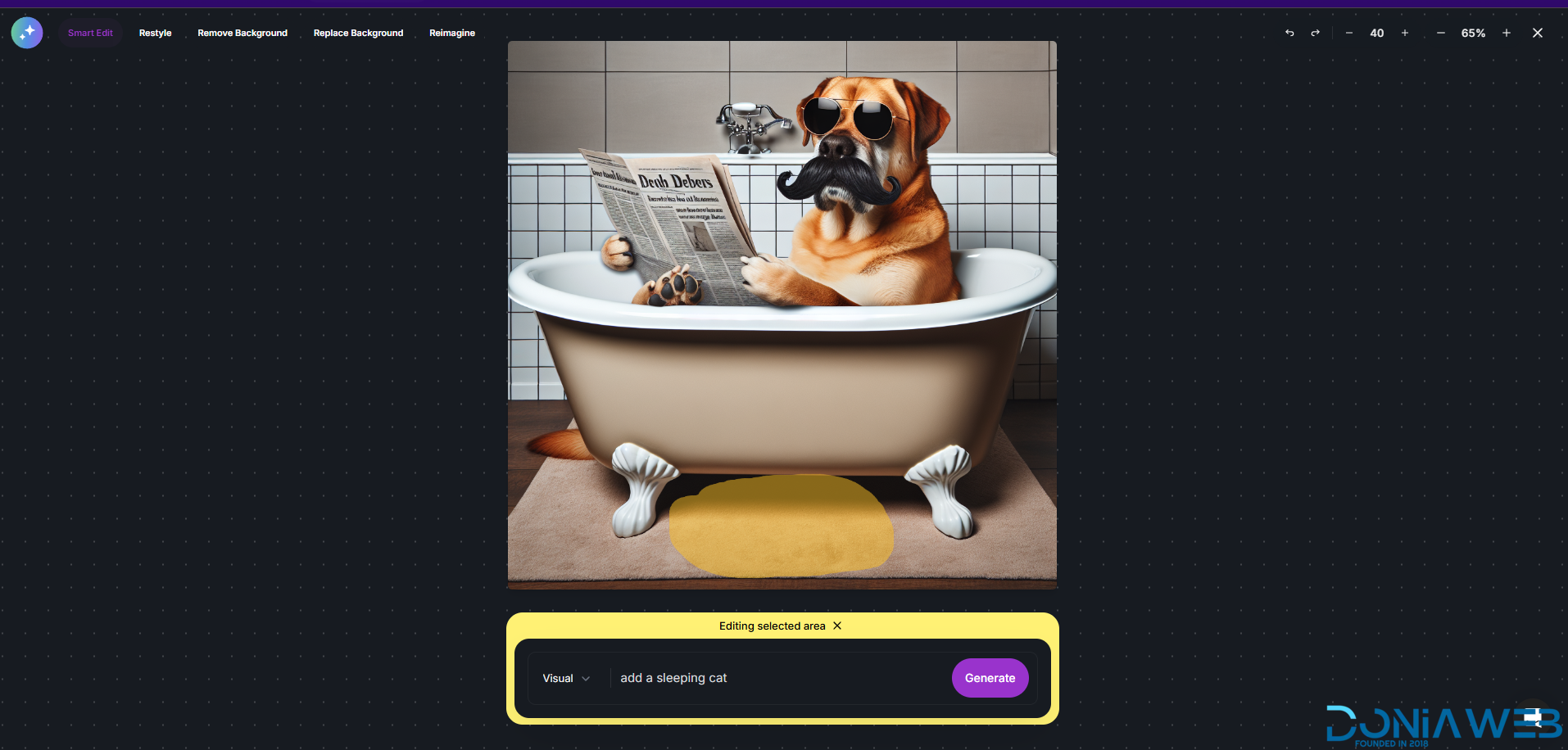
  15. Advanced Image Editor $69

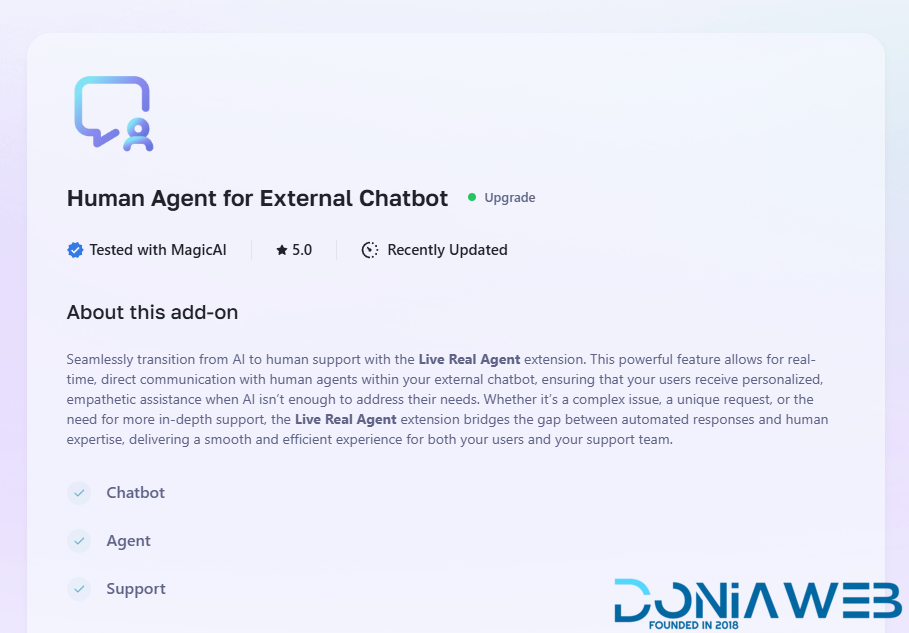
  16. Human Agent for External Chatbot $69

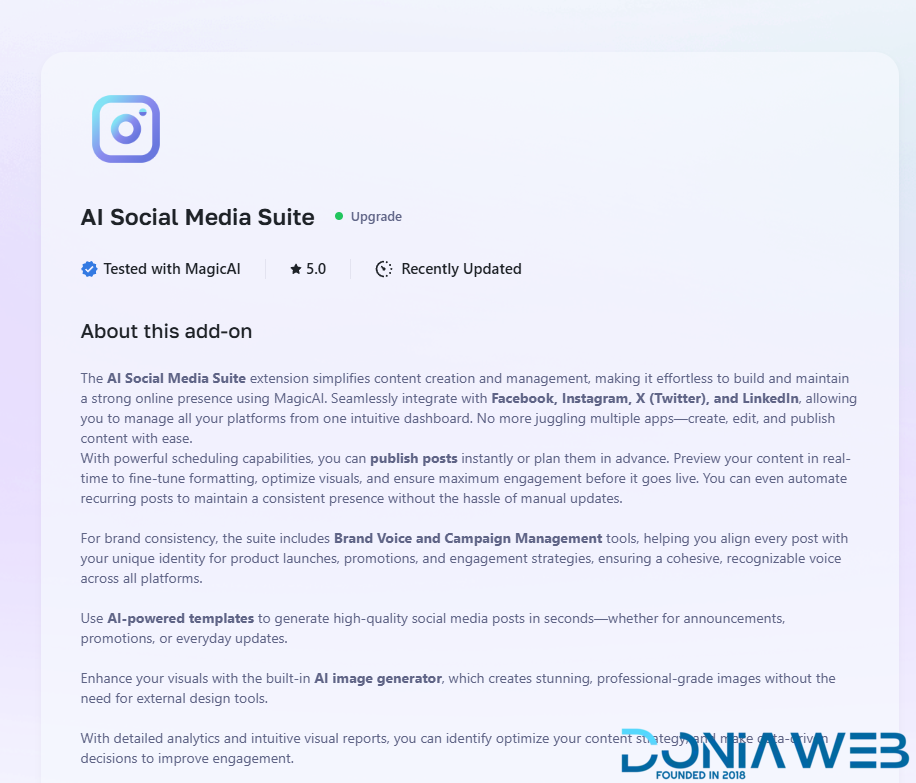
  17. Ai Social Media Suite $69

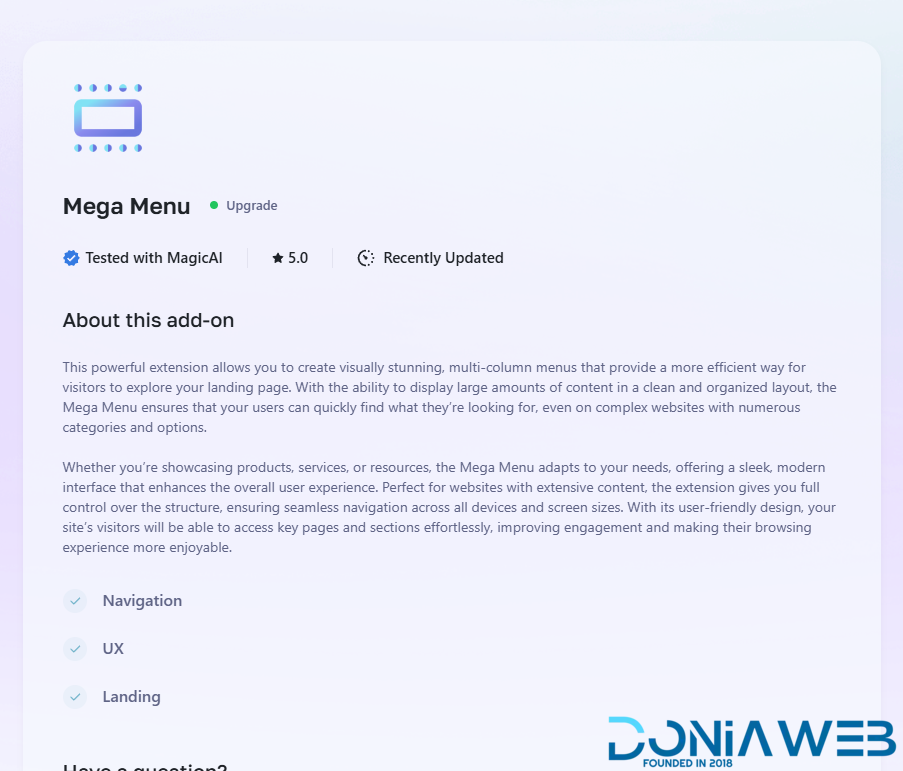
  18. Mega Menu $49

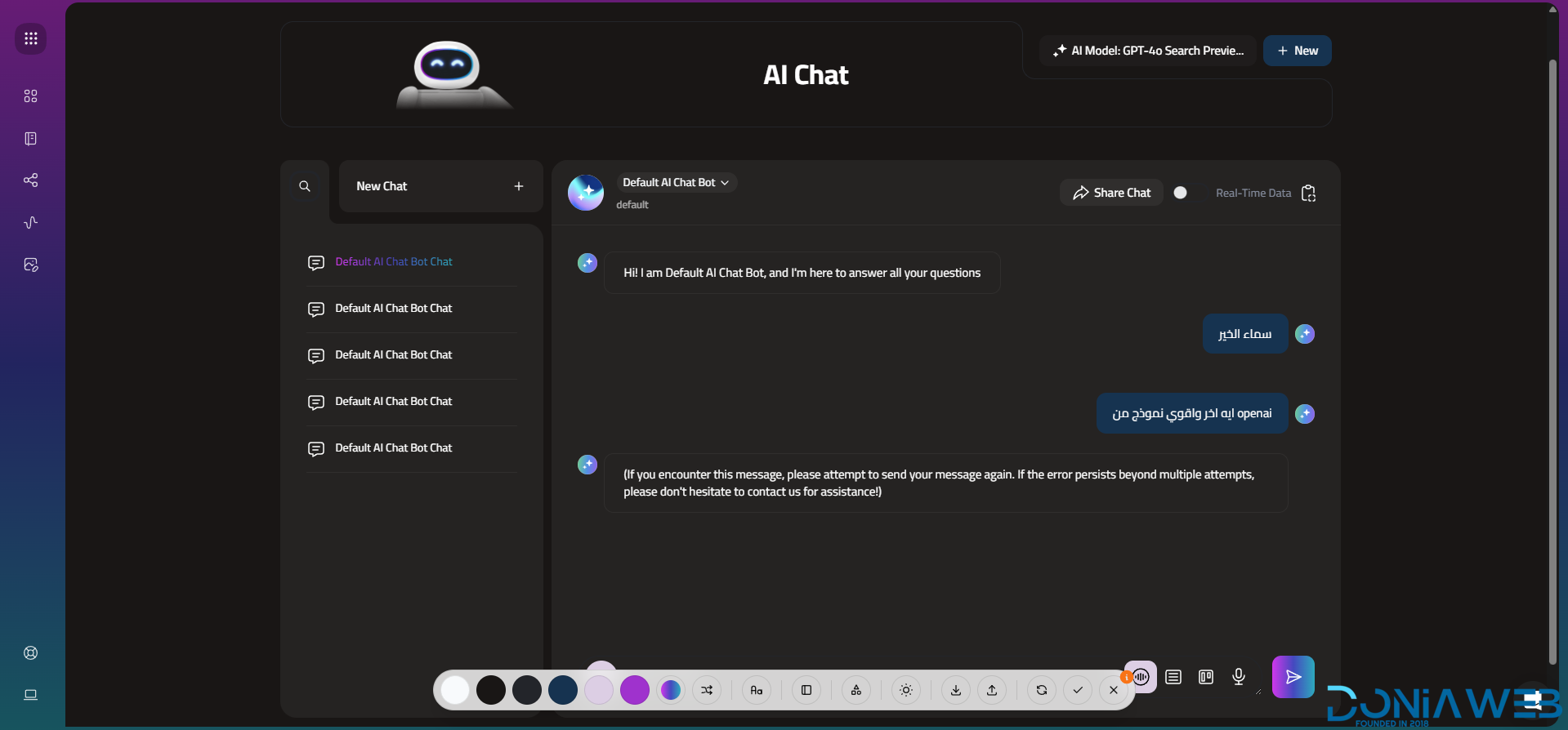
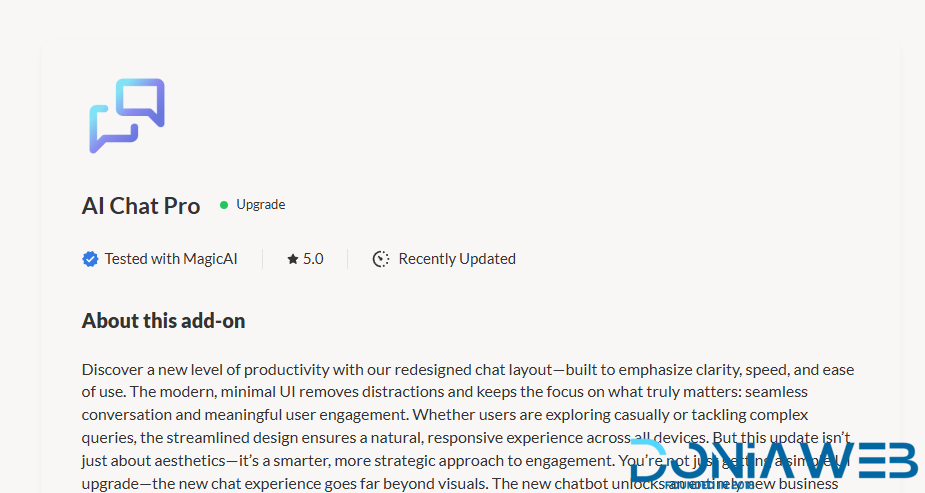
  19. AI Chat Pro $69

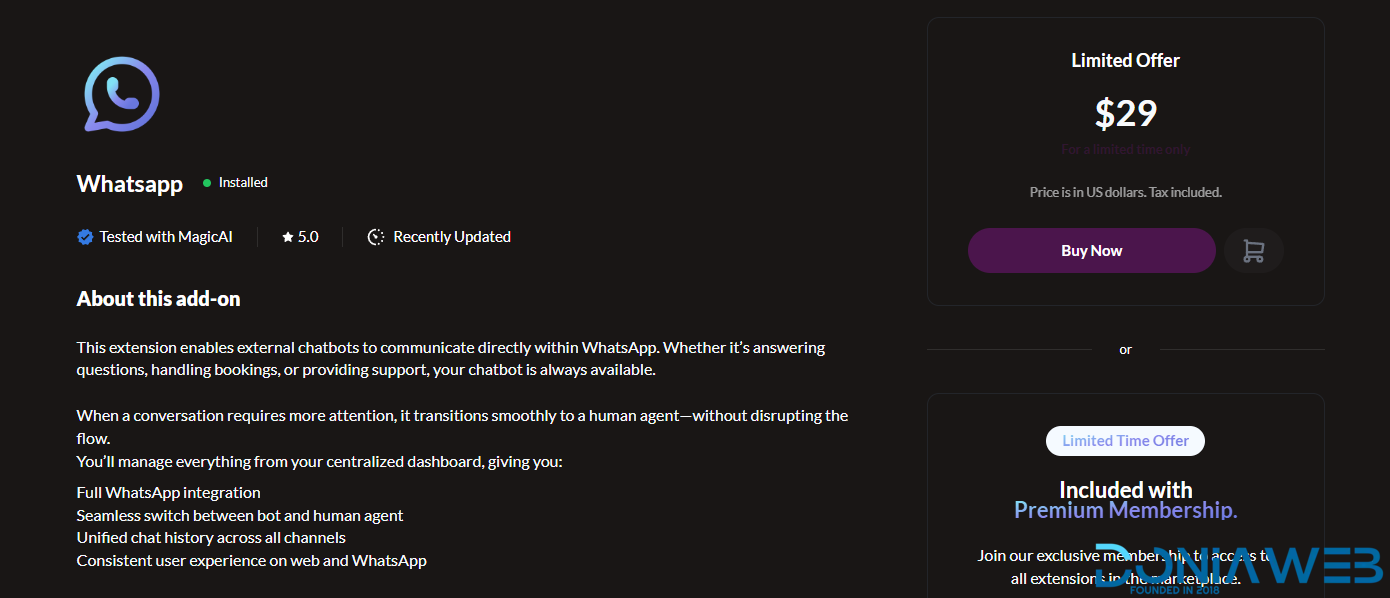
  20. Whatsapp $29

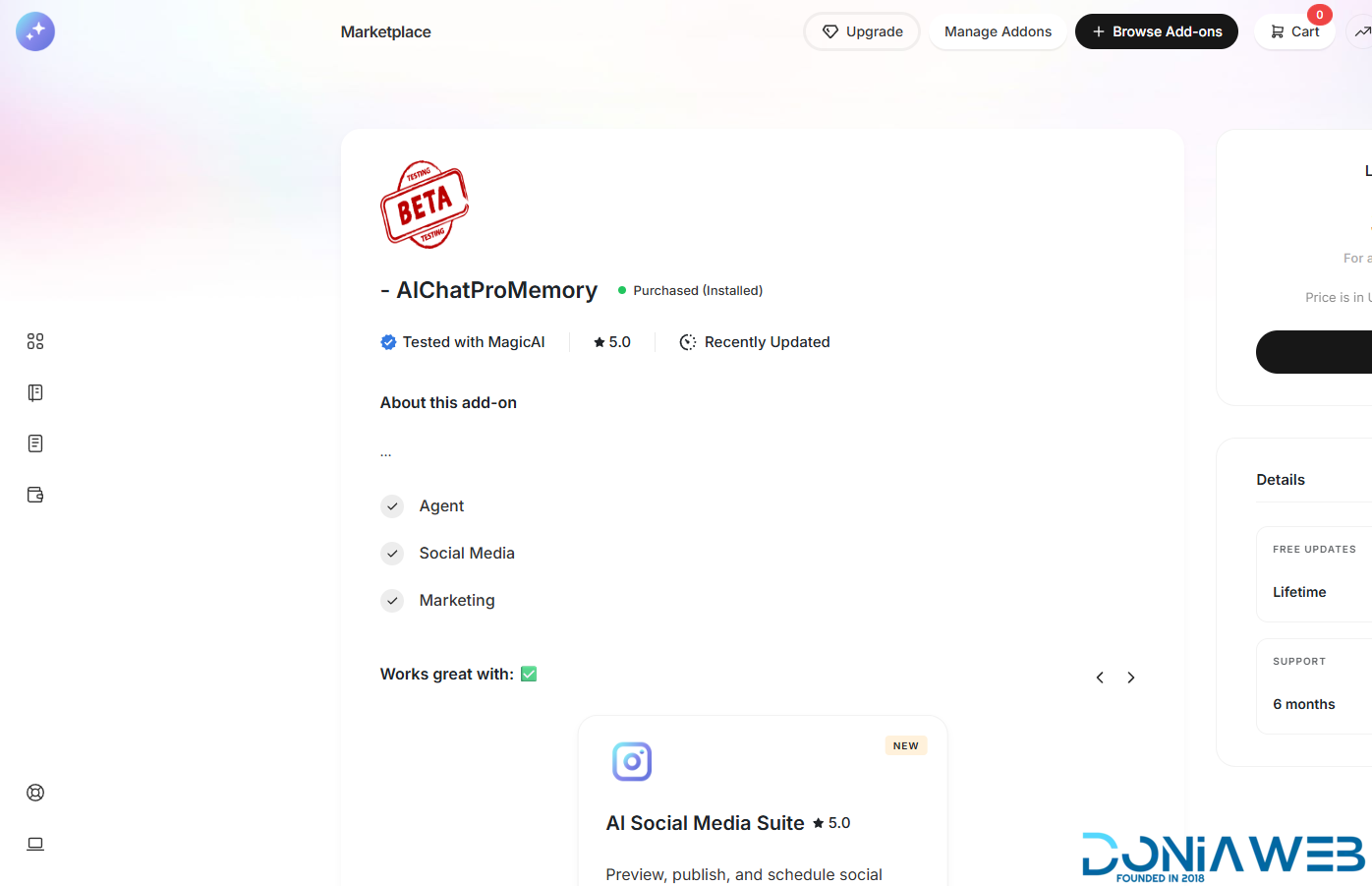
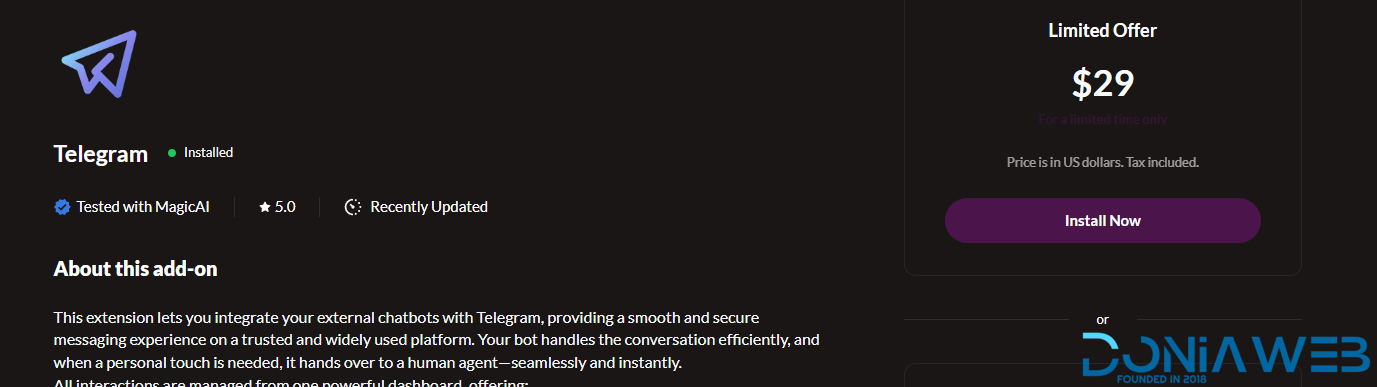
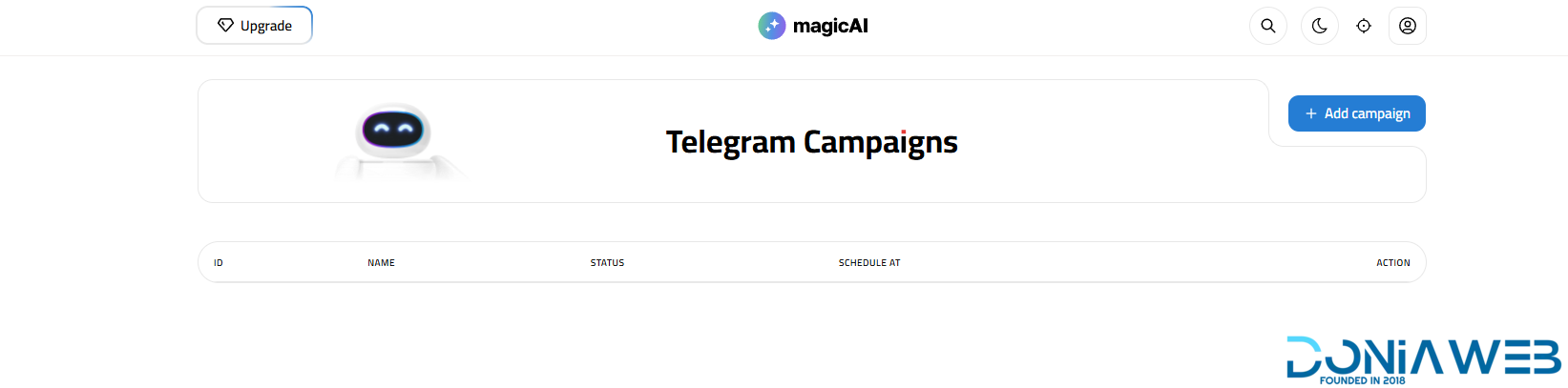
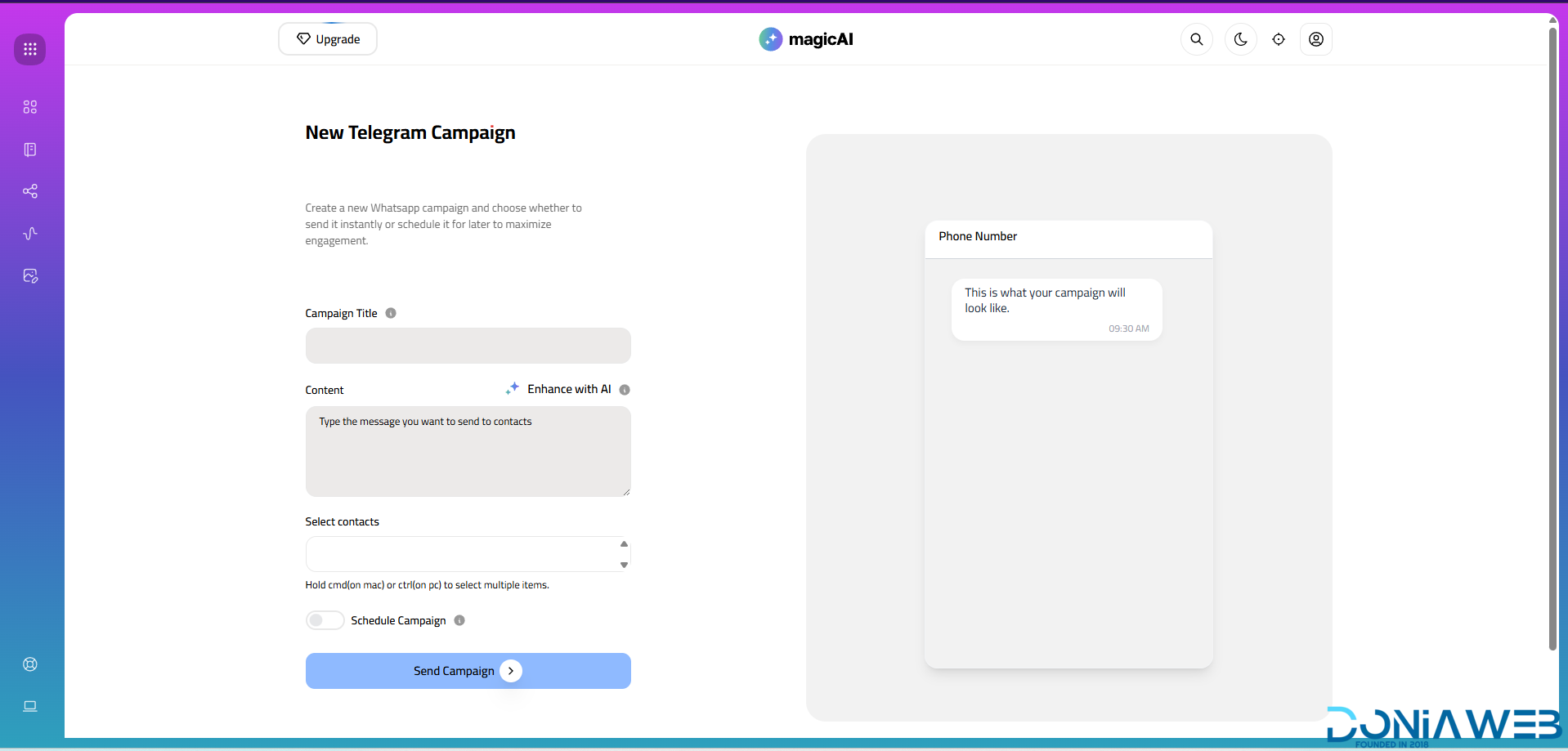
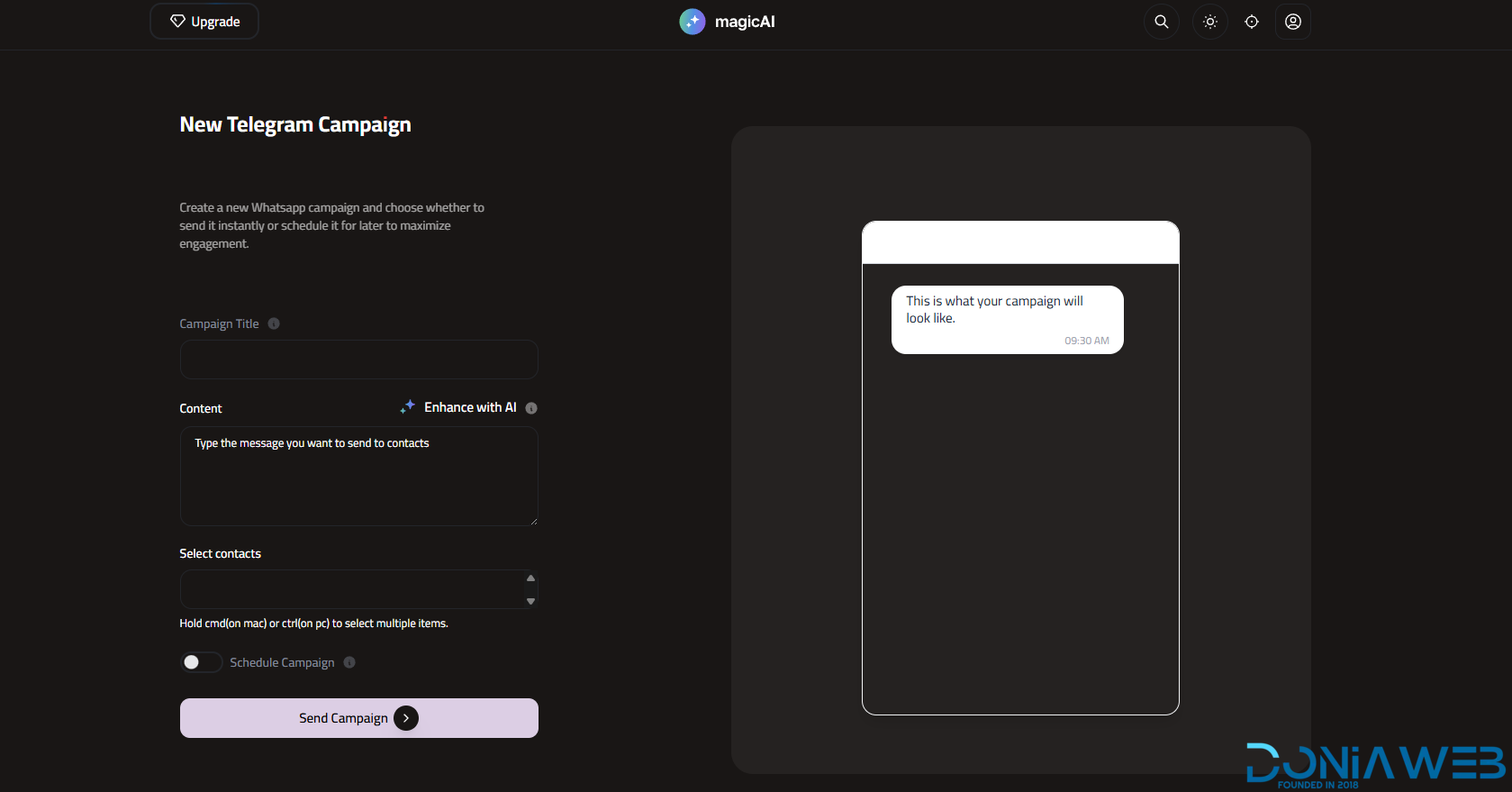
  21. Telegram $29

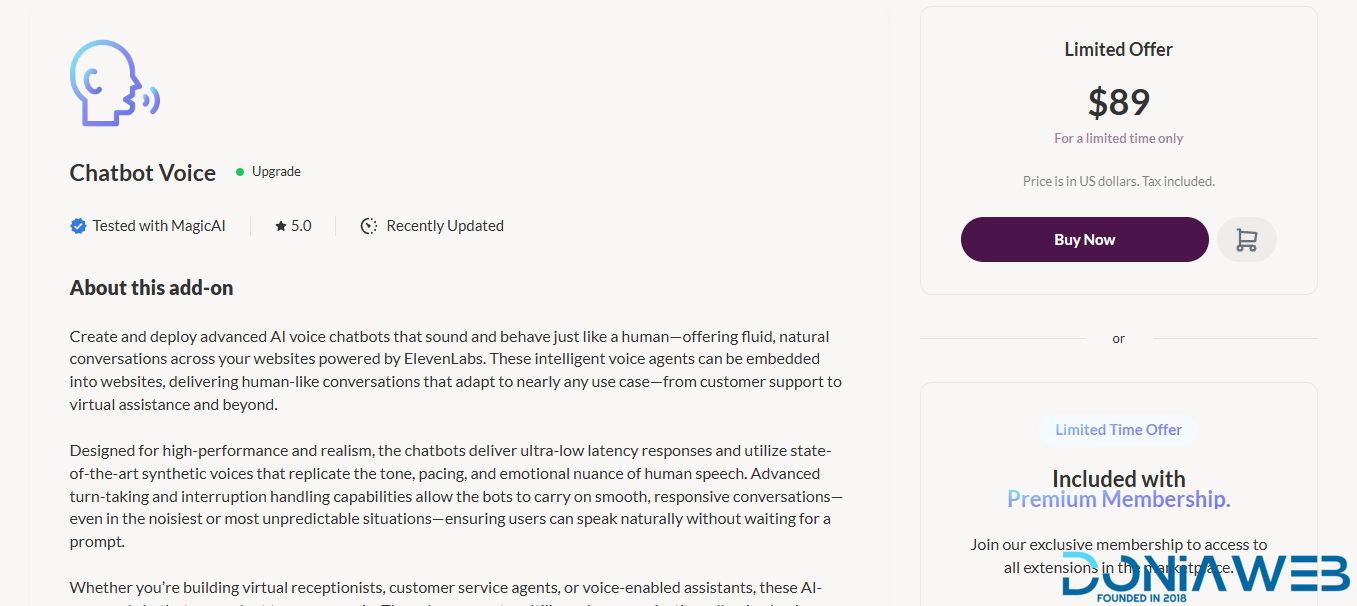
  22. AI Voice Chatbot $89

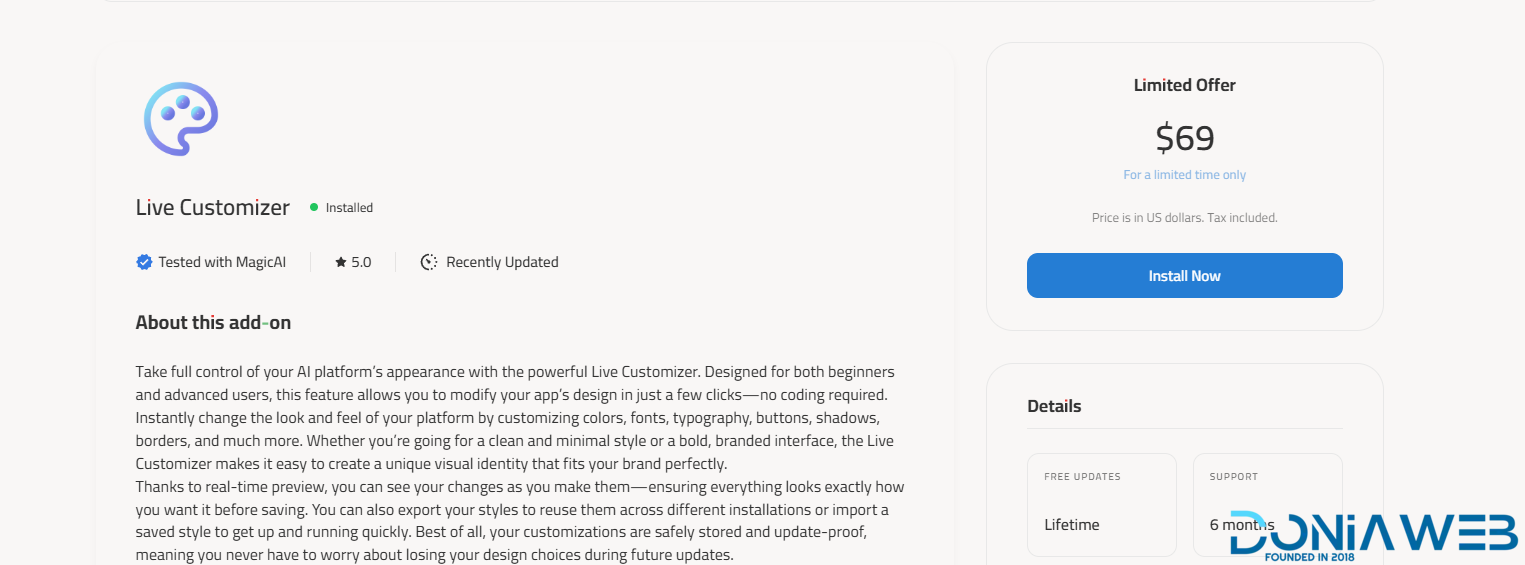
  23. Live Customizer $69

  24. Marketing Bot $89

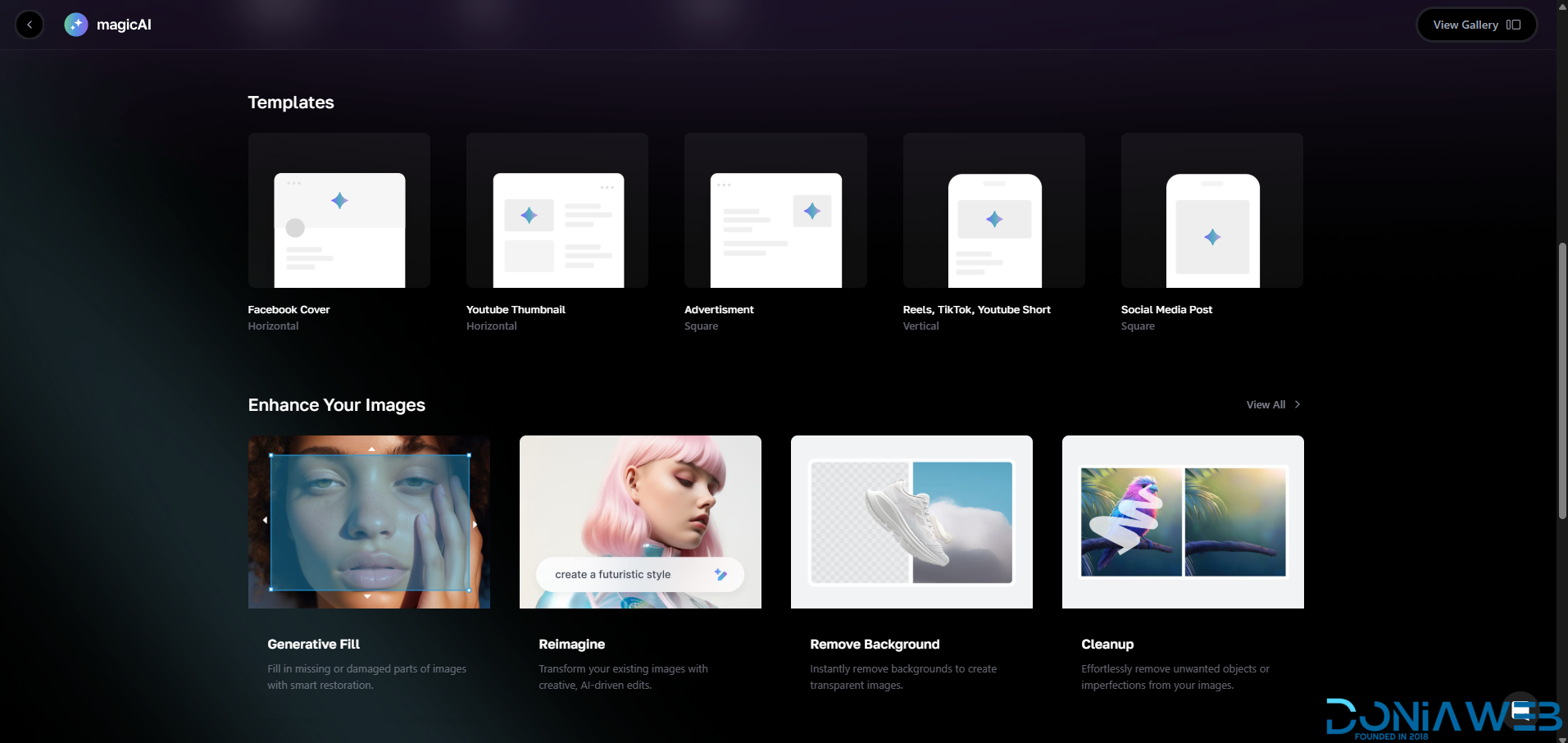
  25. AI Creative Suite $89

  26. URL to Video AD $89

  27. Viral Clips $89

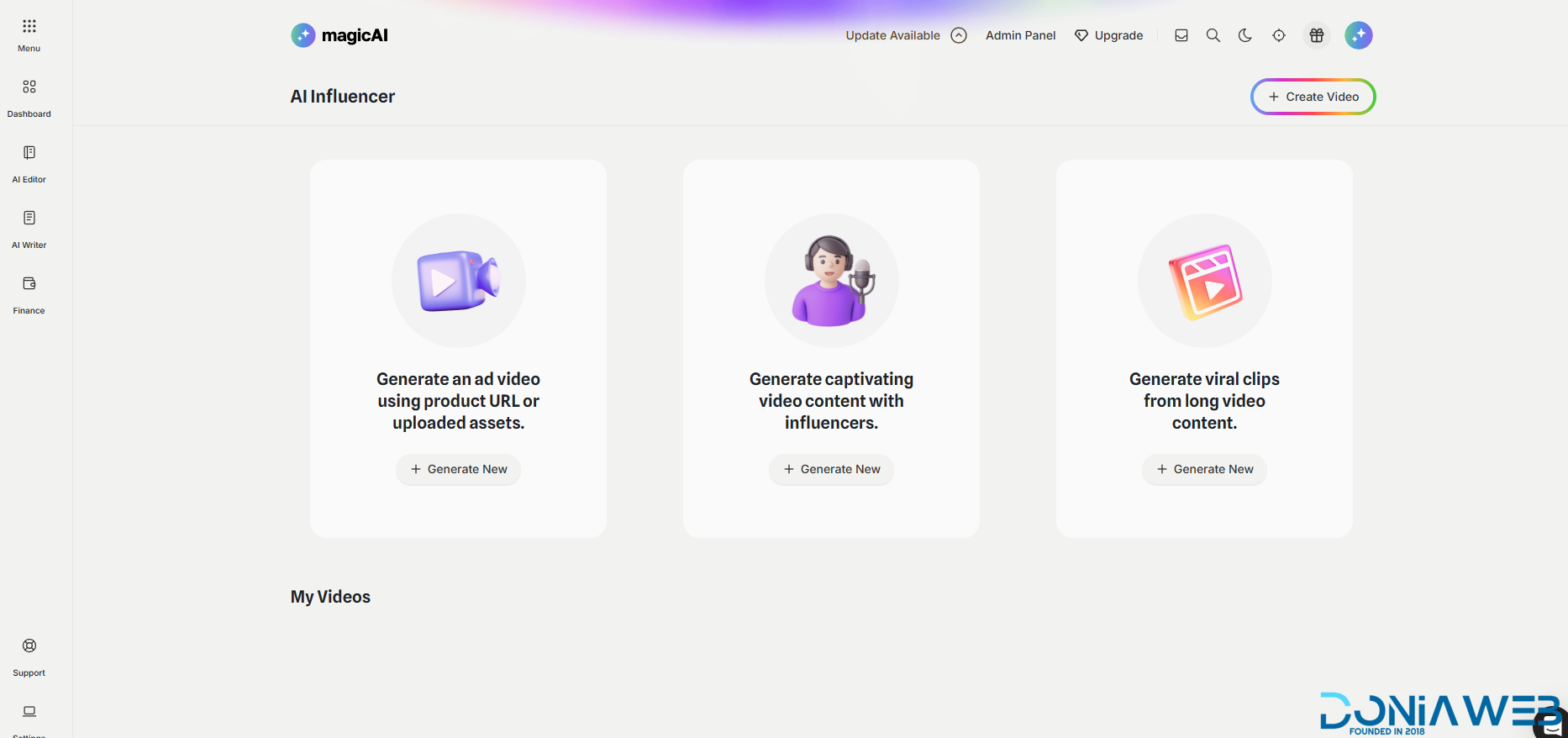
  28. Influencer Avatars $89

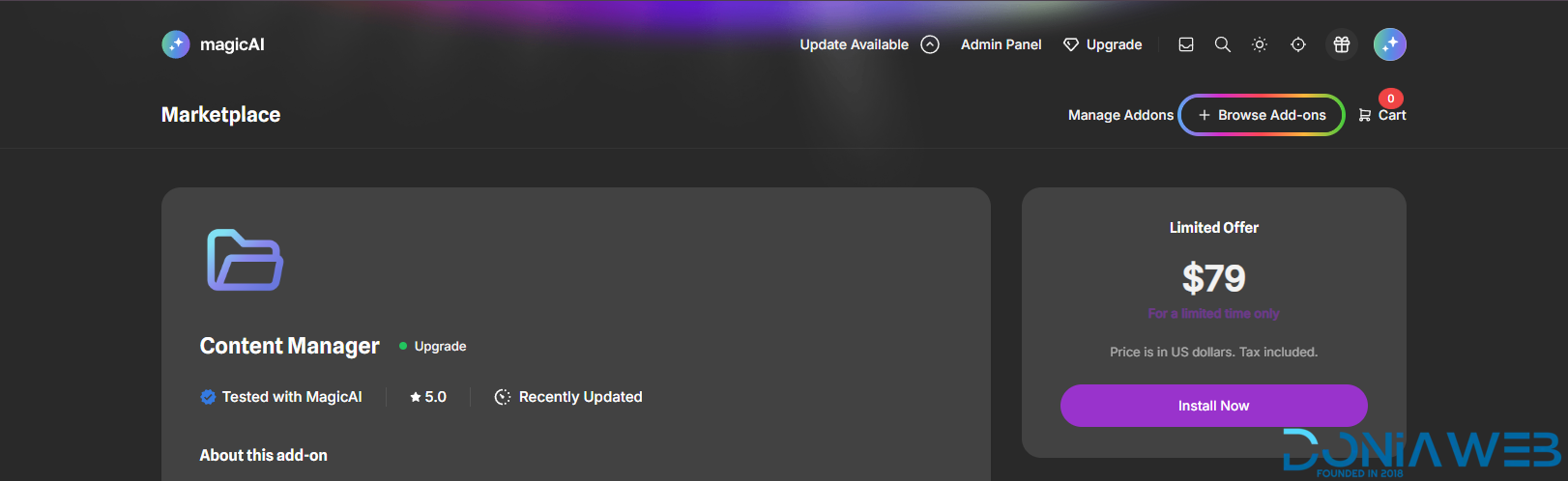
  29. Content Manager $79

  30. Canvas $59

  31. ElevenLabs VoiceChat $89

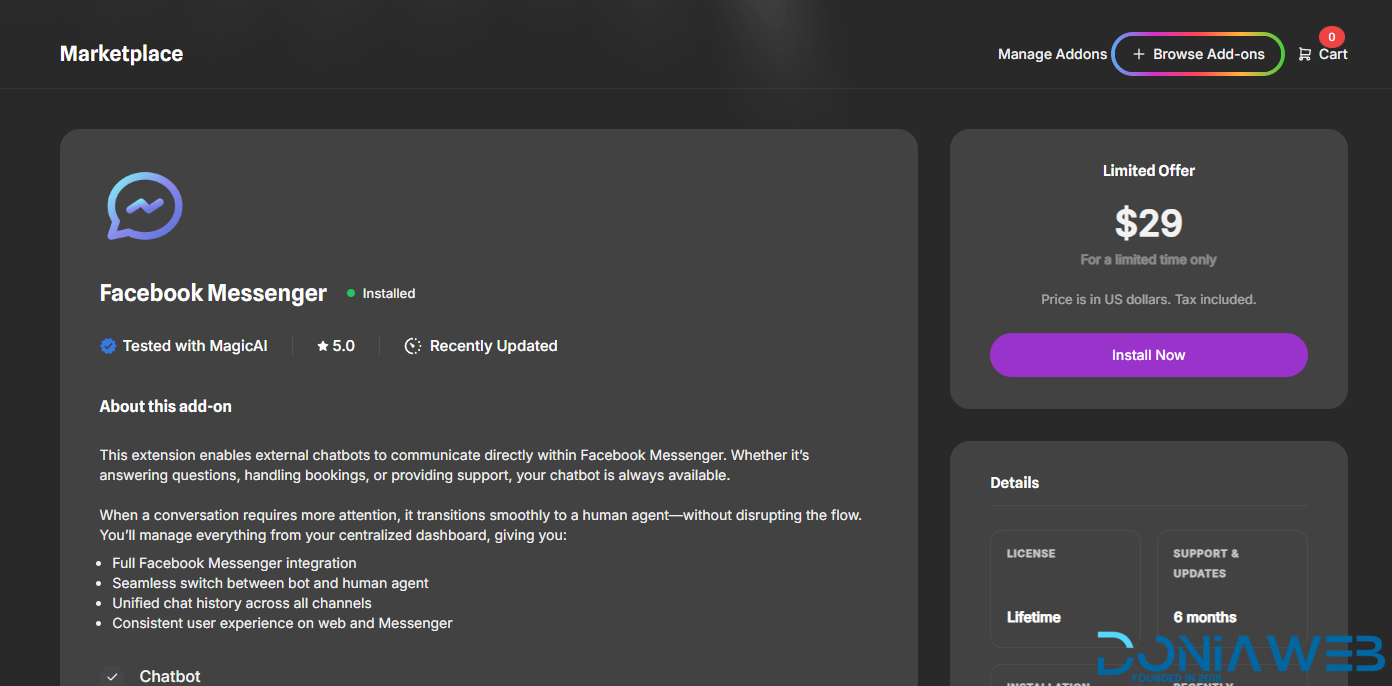
  32.  Facebook Messenger $29

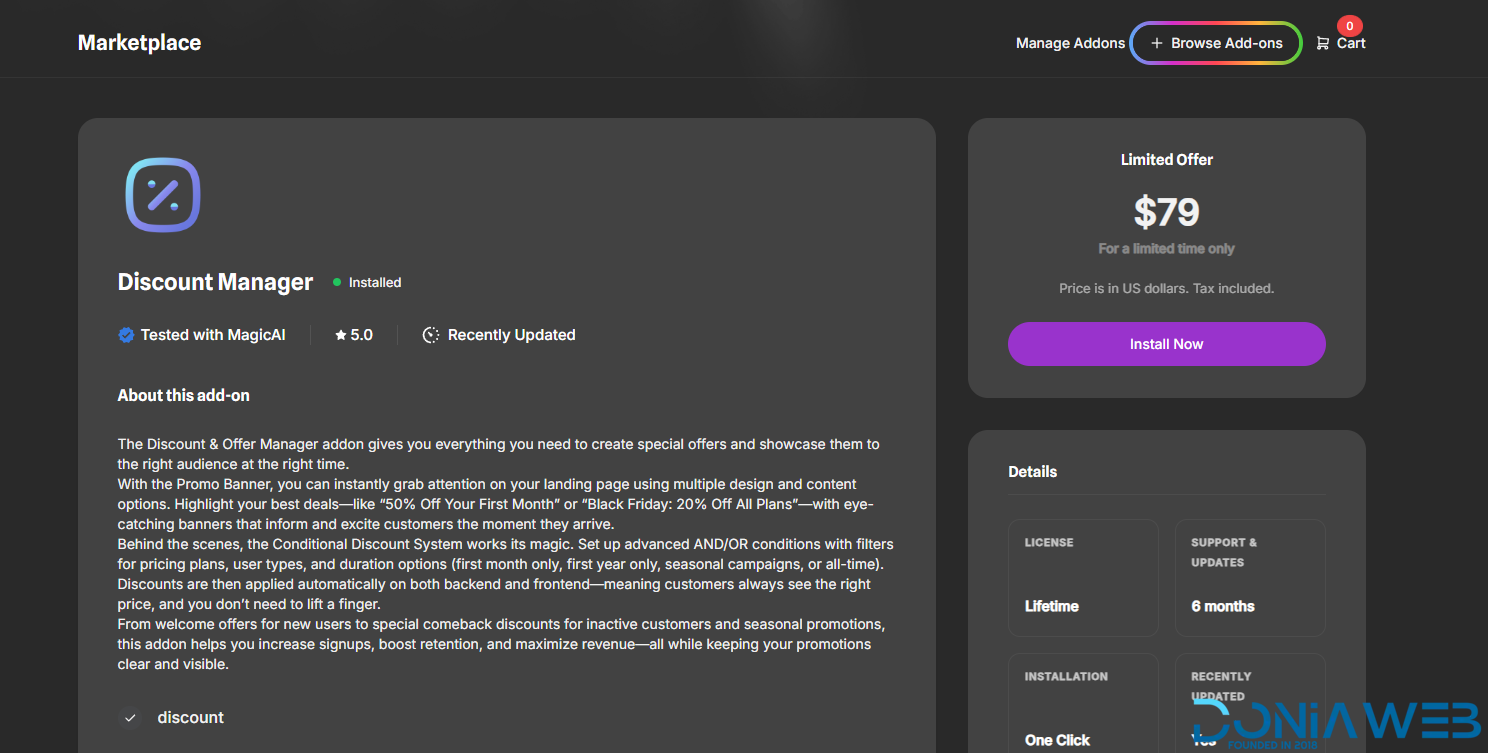
  33.  Discount Manager $79

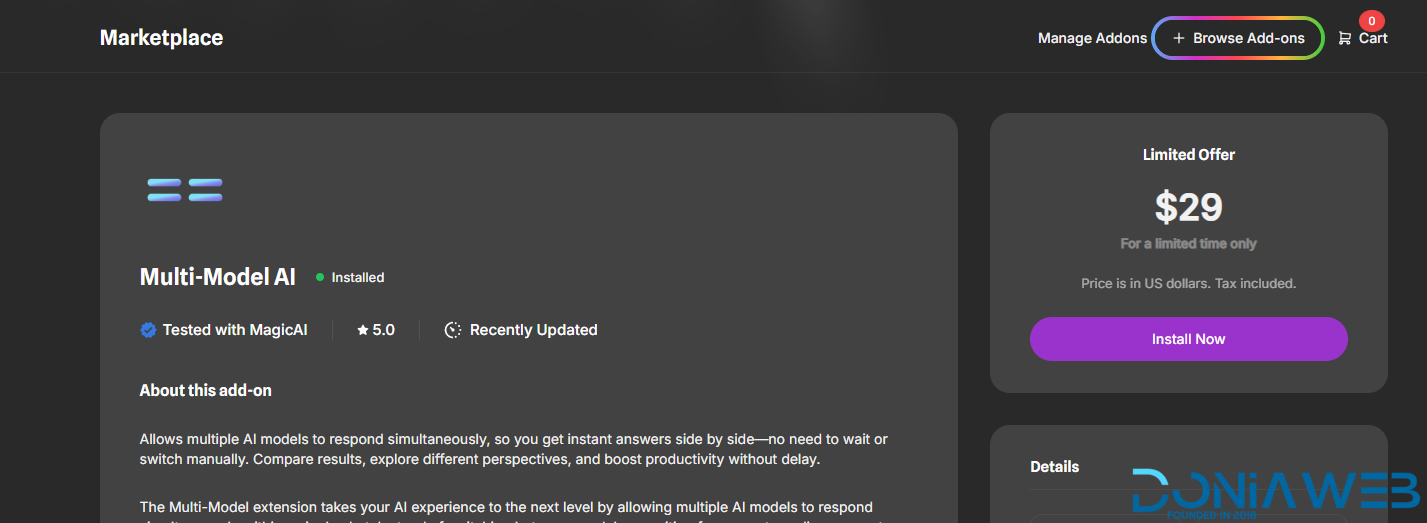
  34.  Multi-Model AI $79

  35.  AI Music Pro $39

  36.  AI Presentation Maker $39

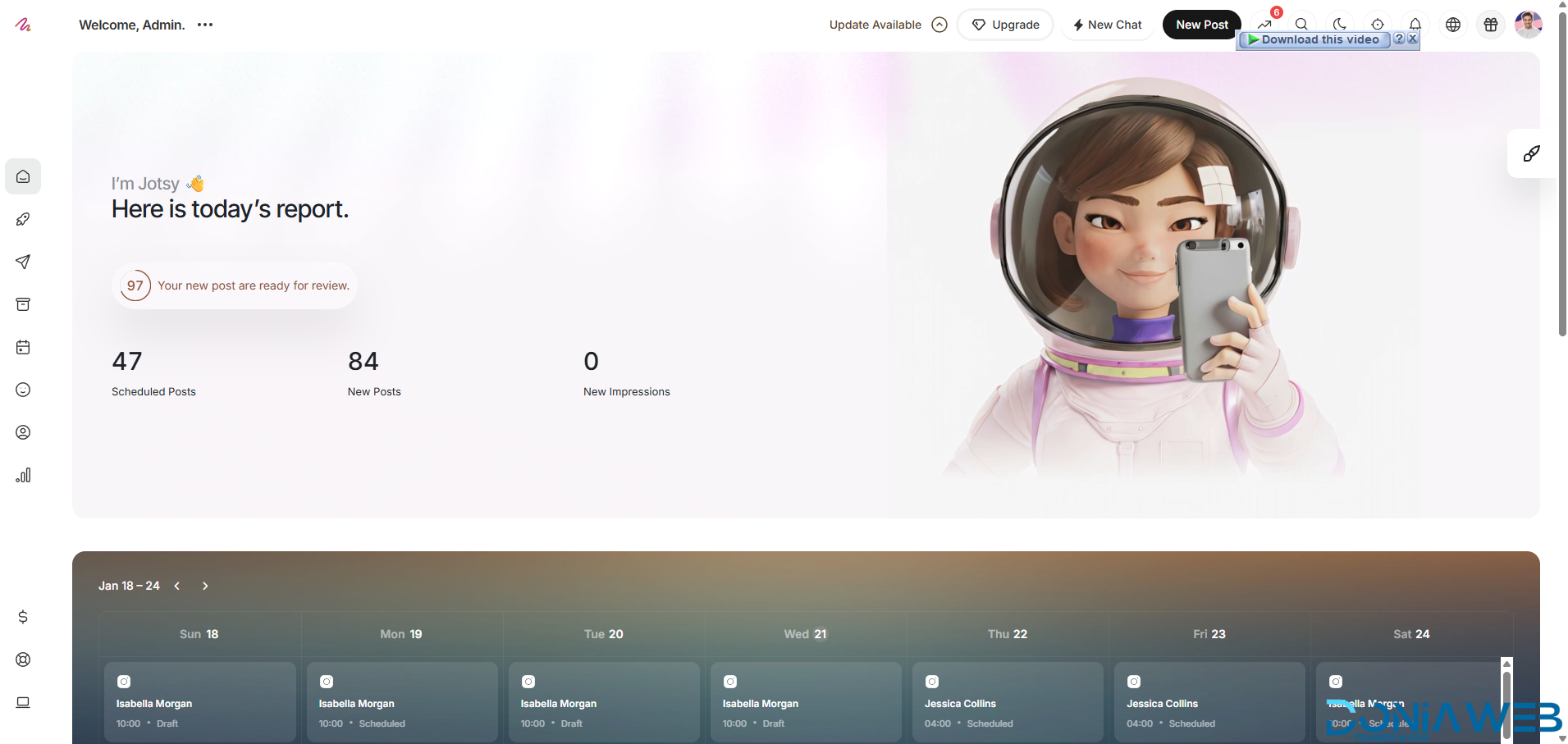
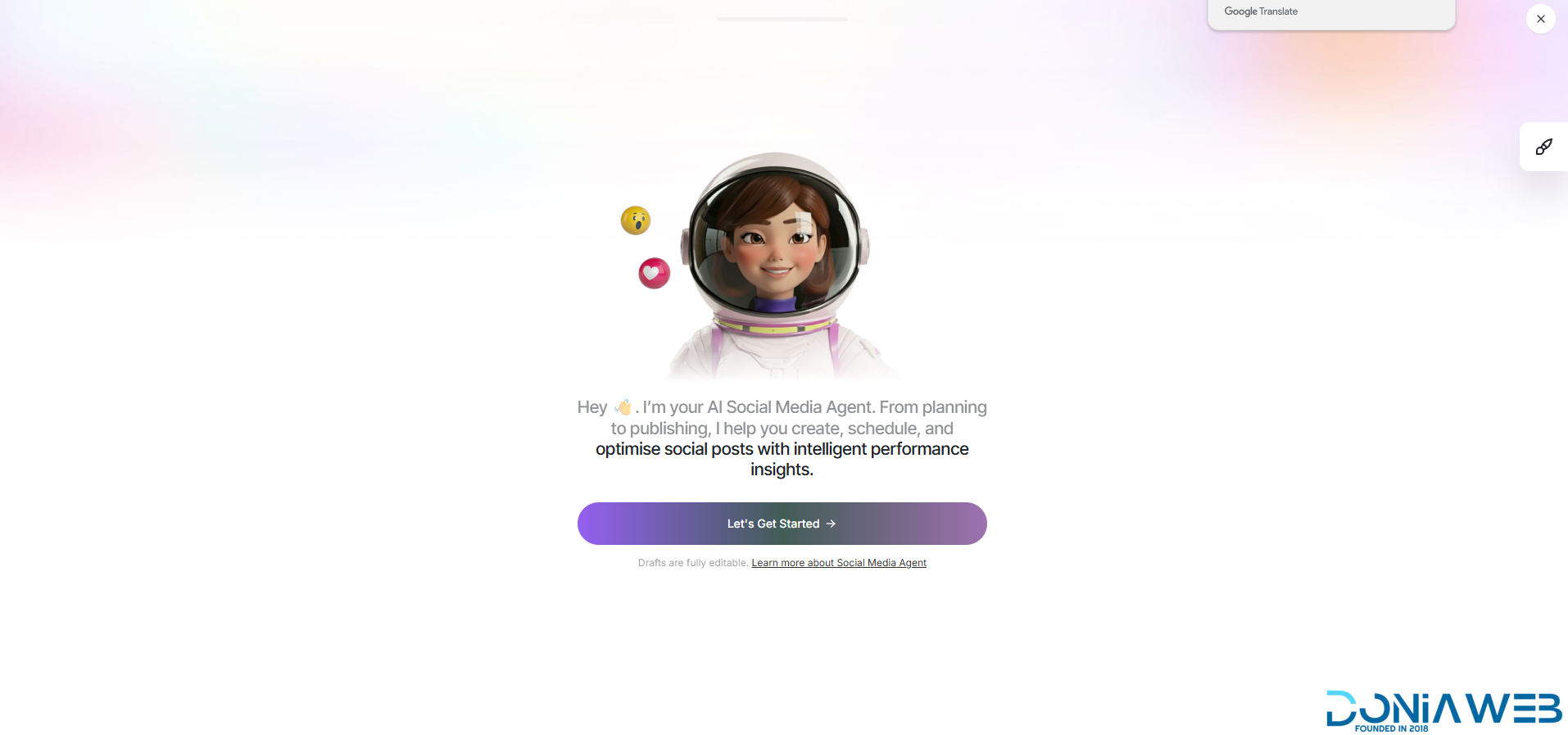
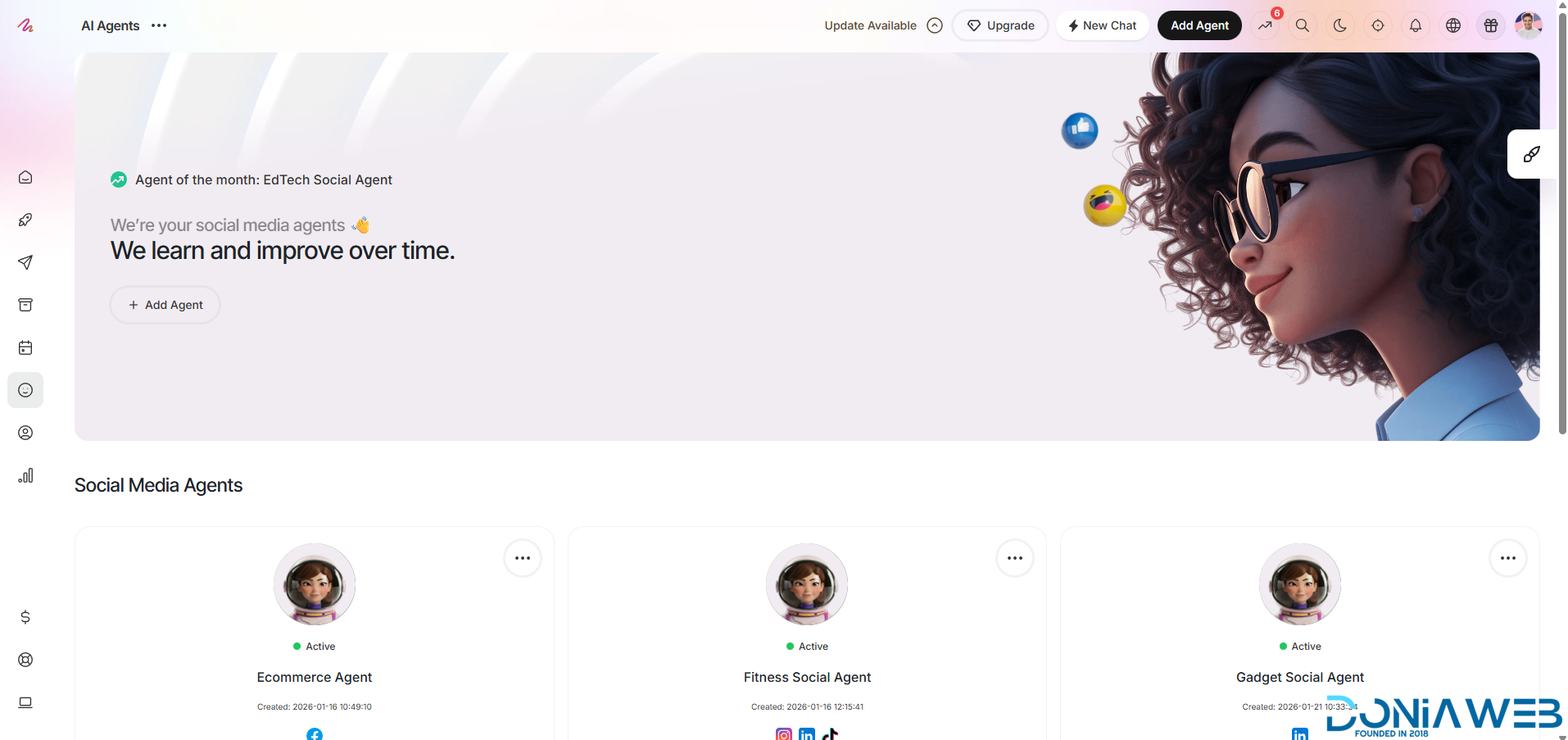
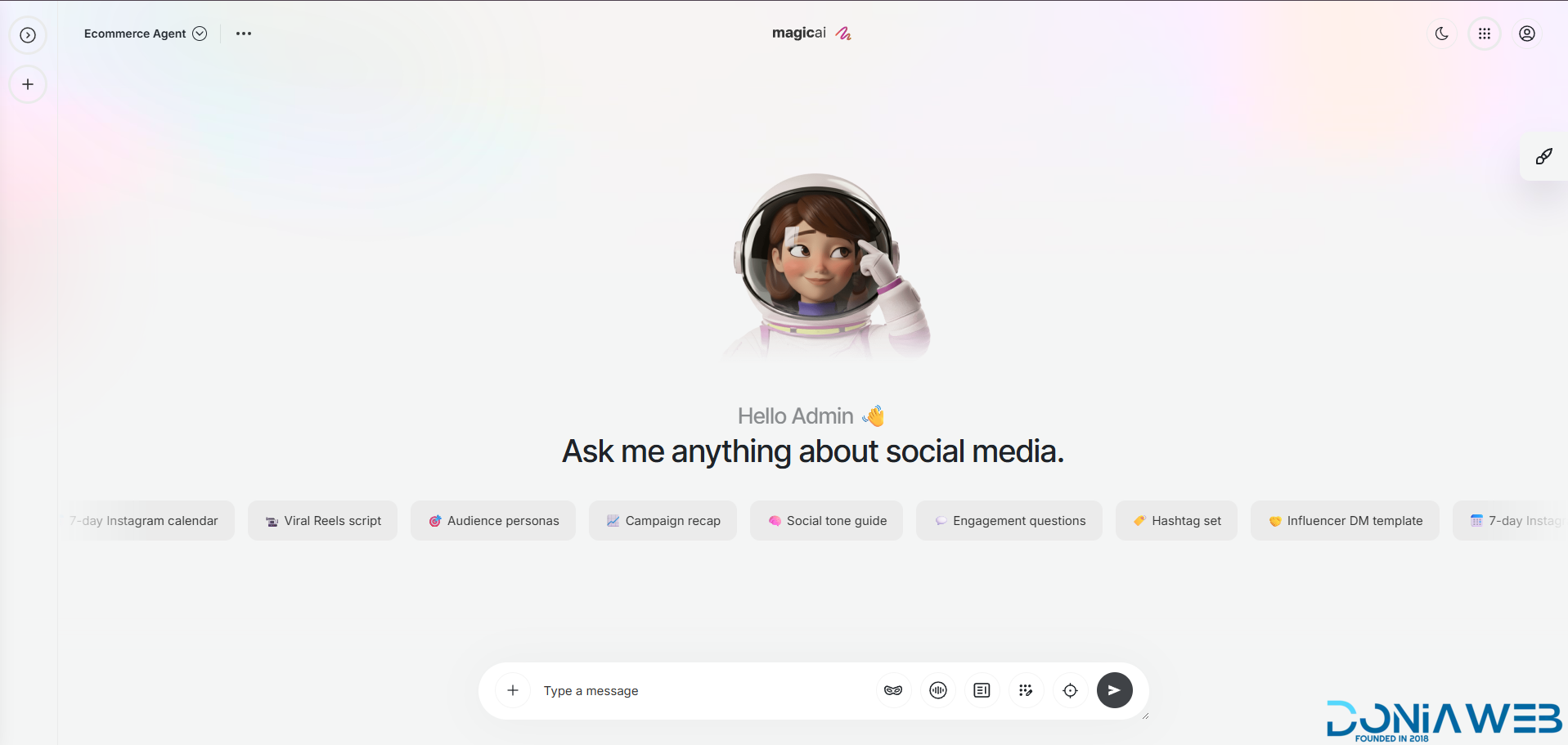
  37.  Social Media Agent $129

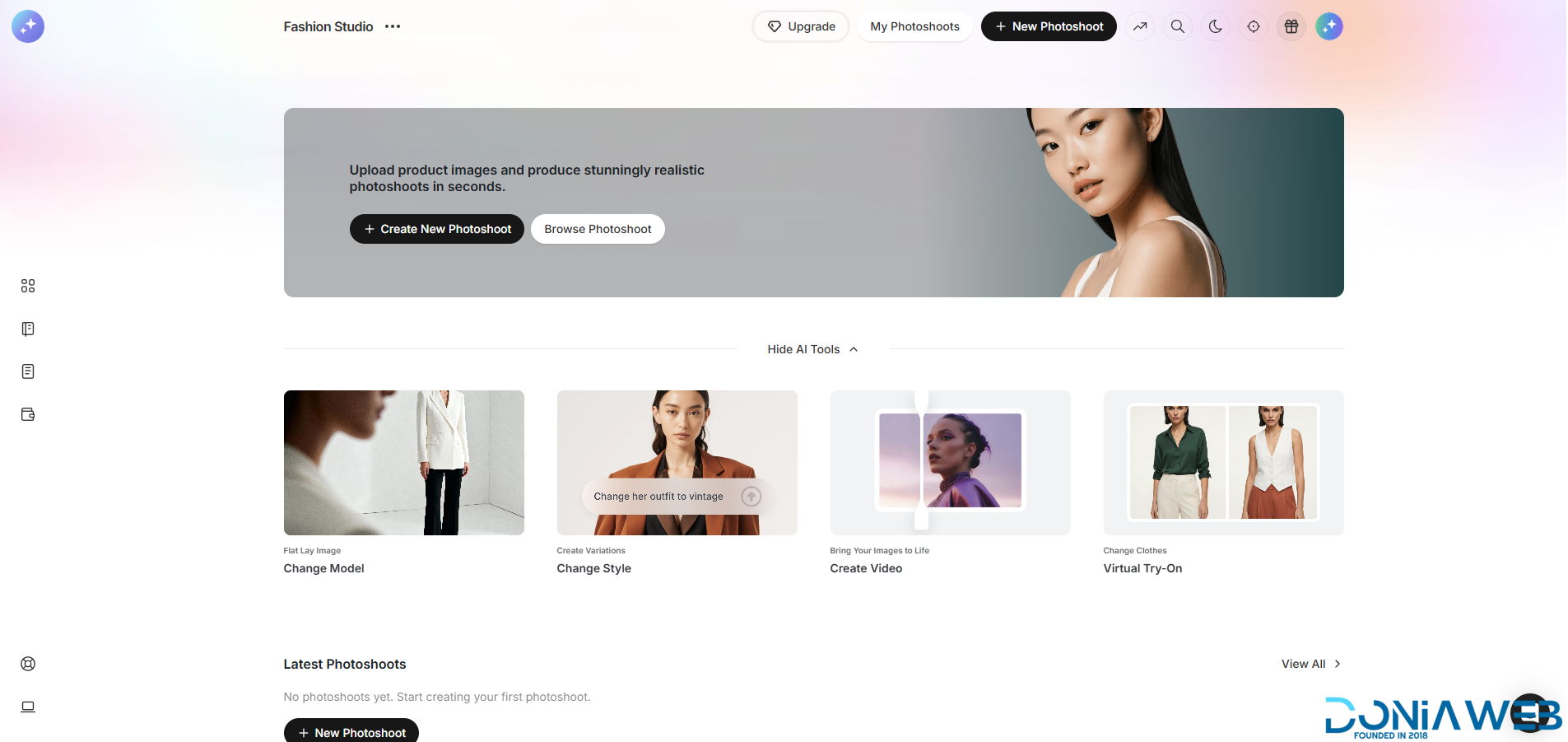
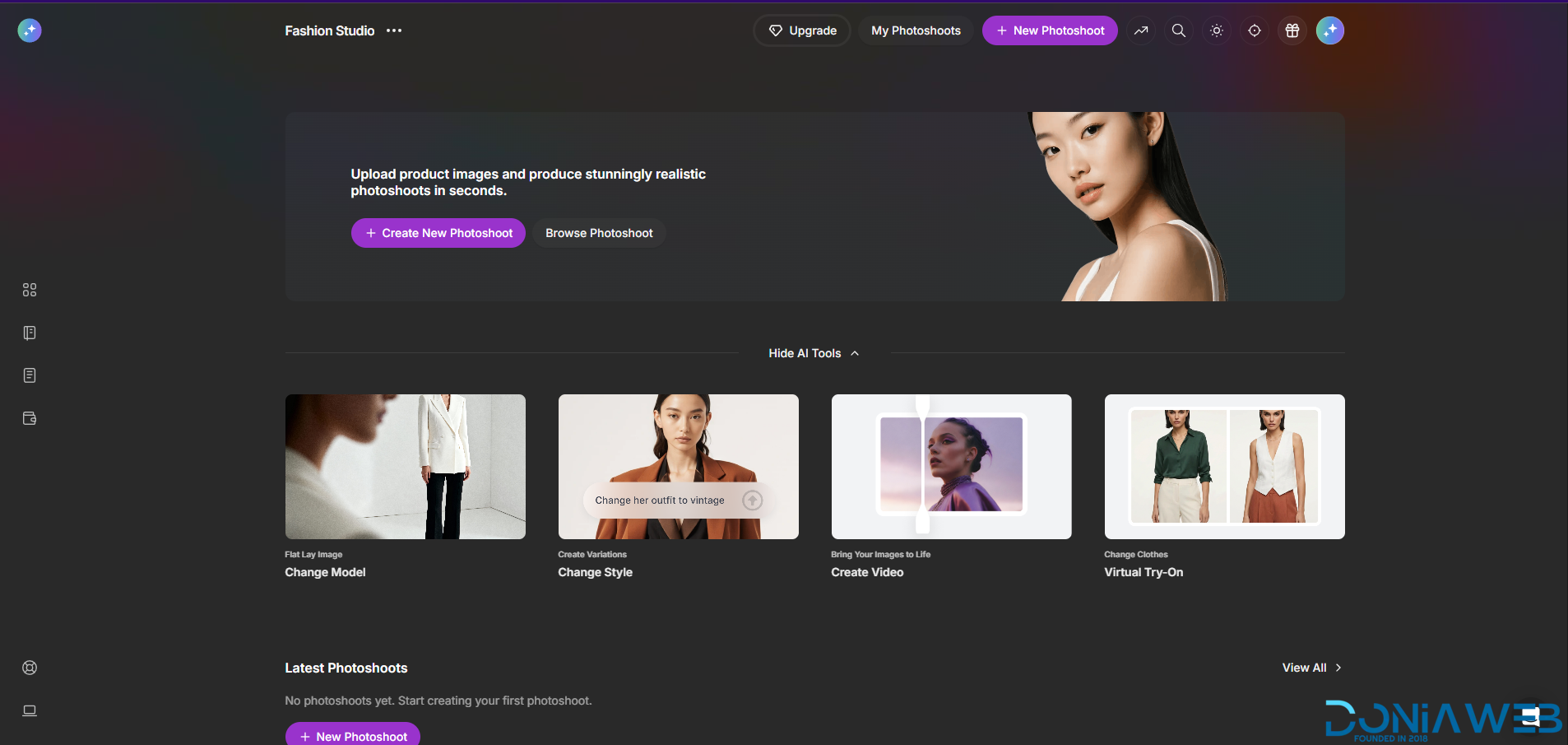
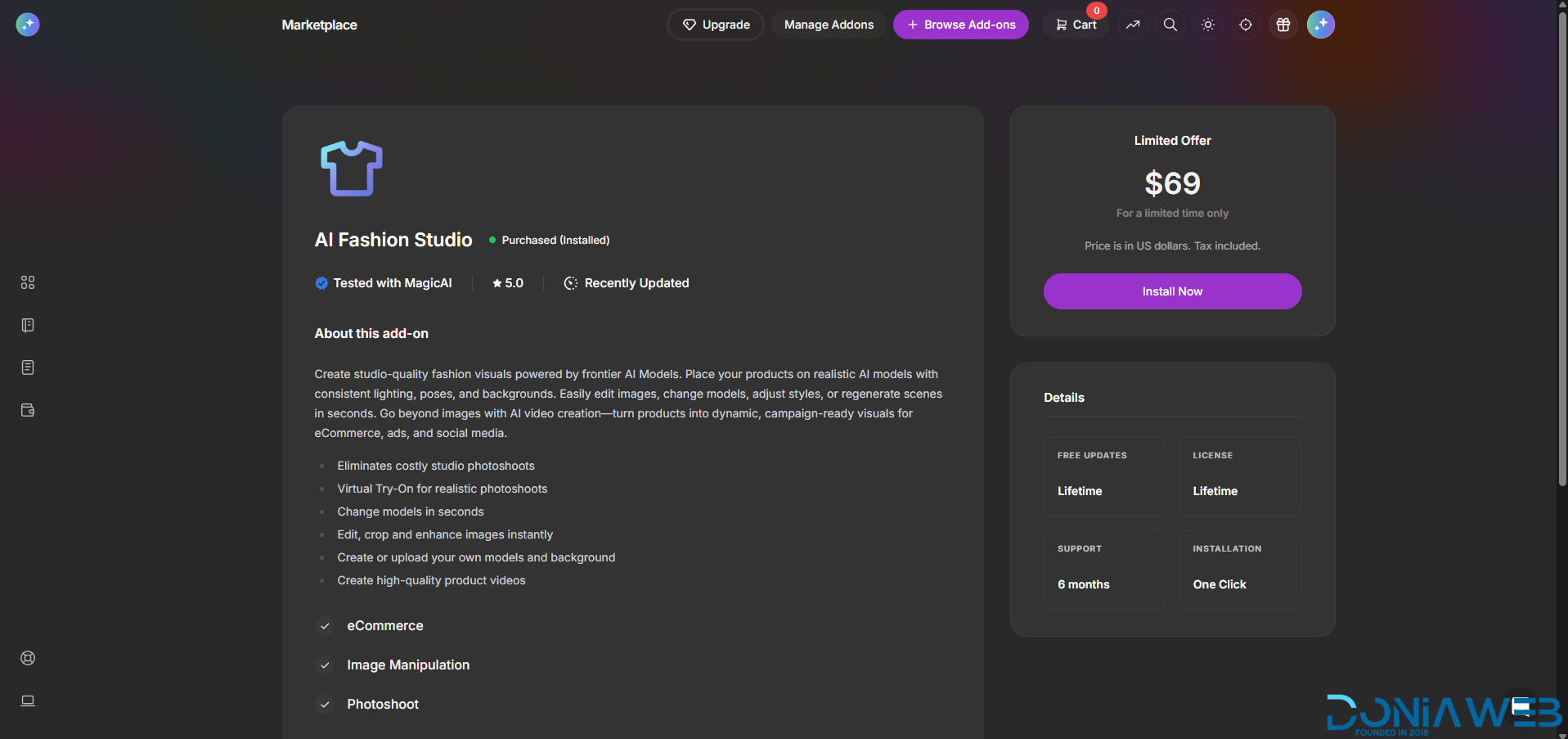
  38.  AI Fashion Studio $69 🎉 New

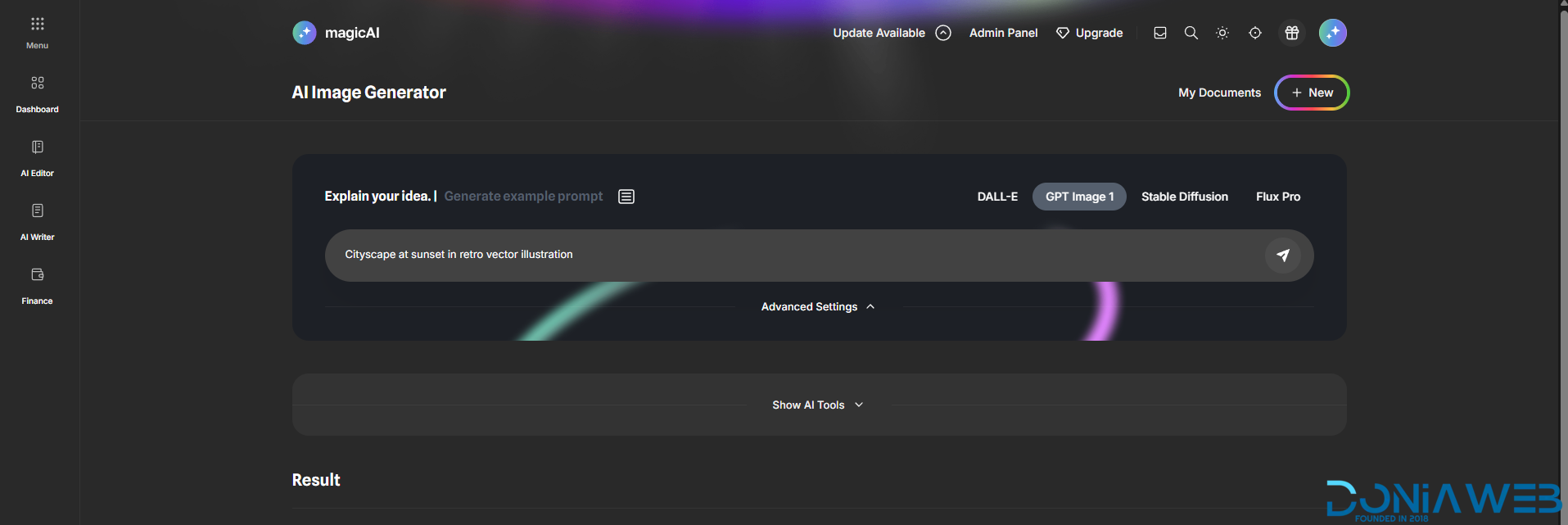
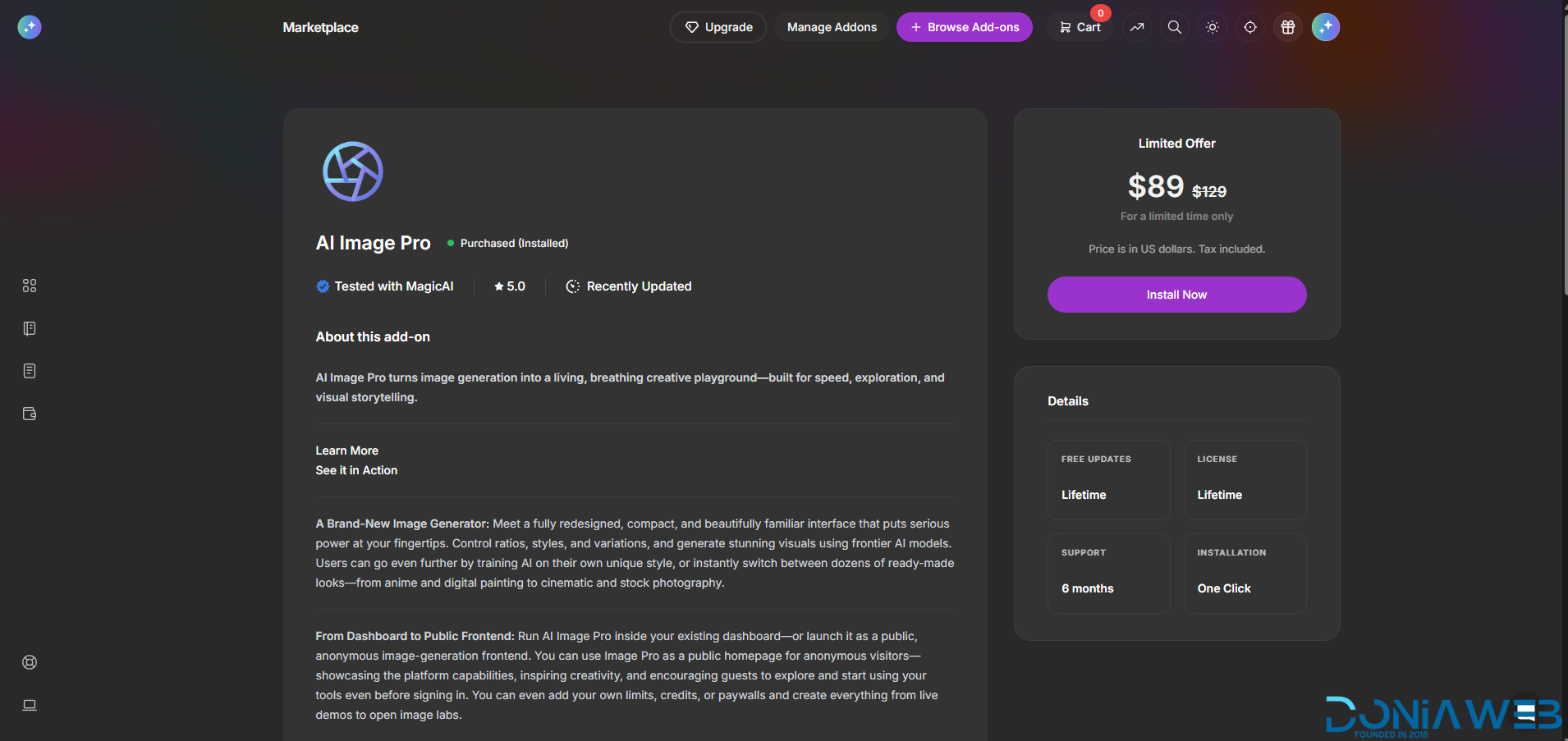
  39.  AI Image Pro $89 🎉 New

  40.  AI Blogger Agent $69 🎉 New

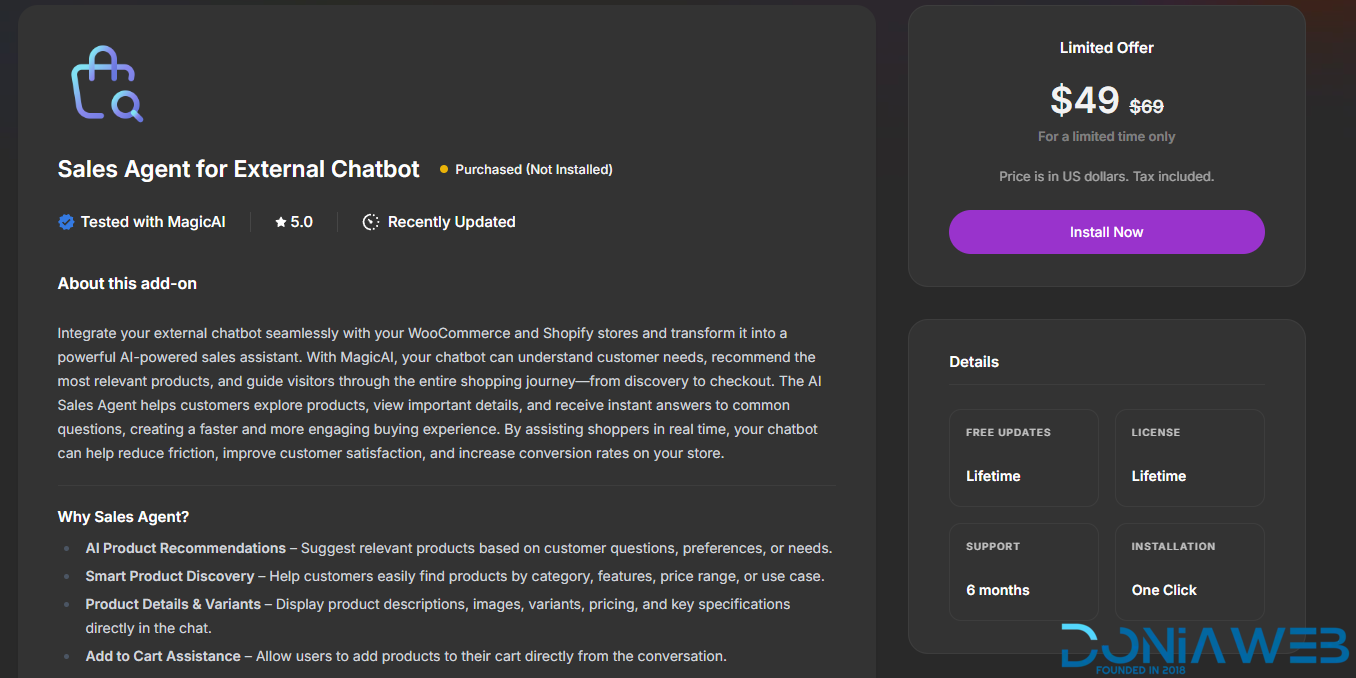
  41.  Sales Agent for External Chatbot $49 🎉 New

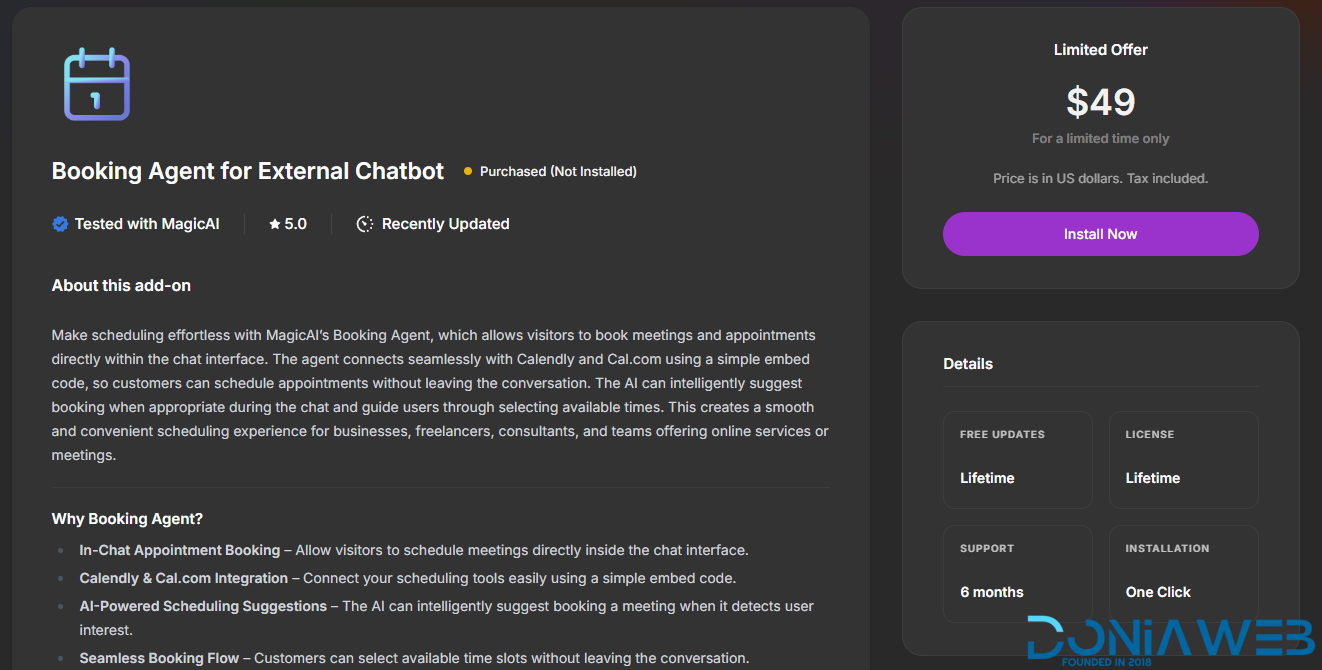
  42.  Booking Agent for External Chatbot $49 🎉 New

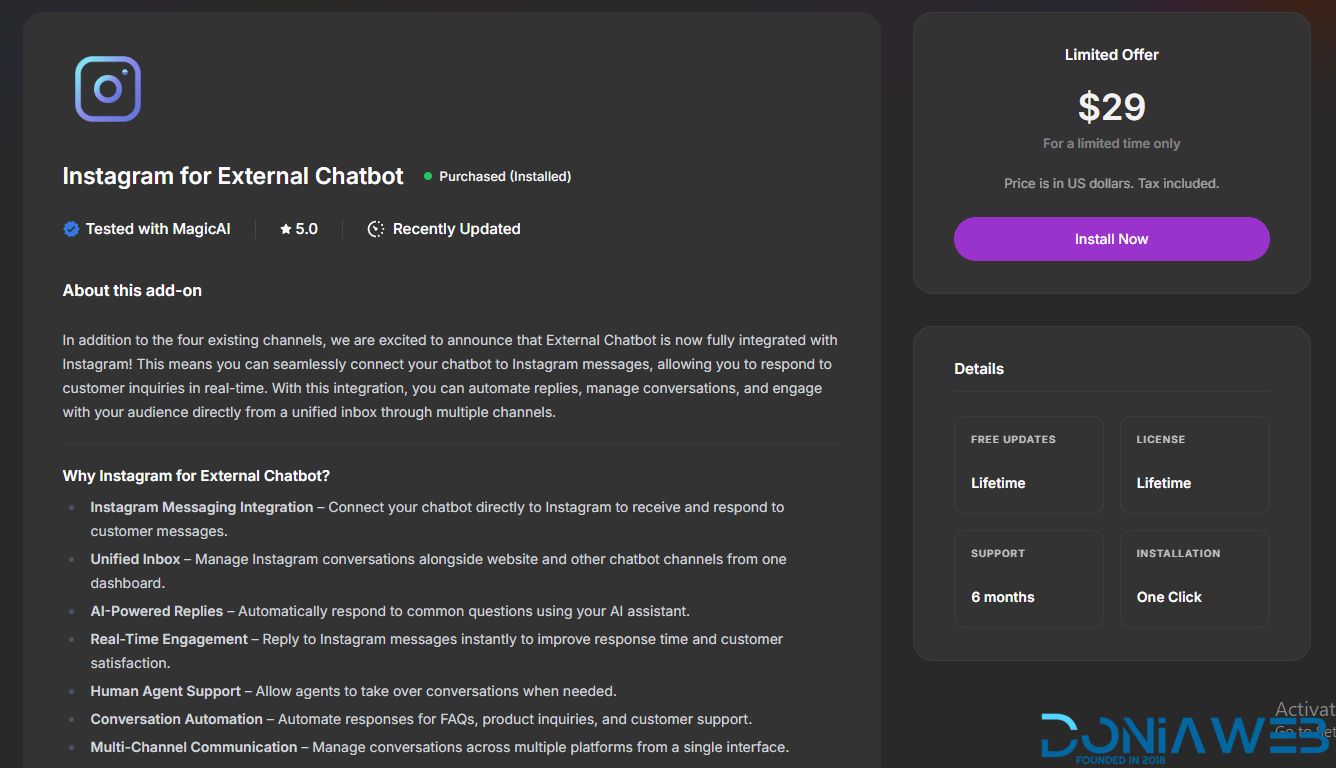
  43.  Instagram for External Chatbot $29 🎉 New

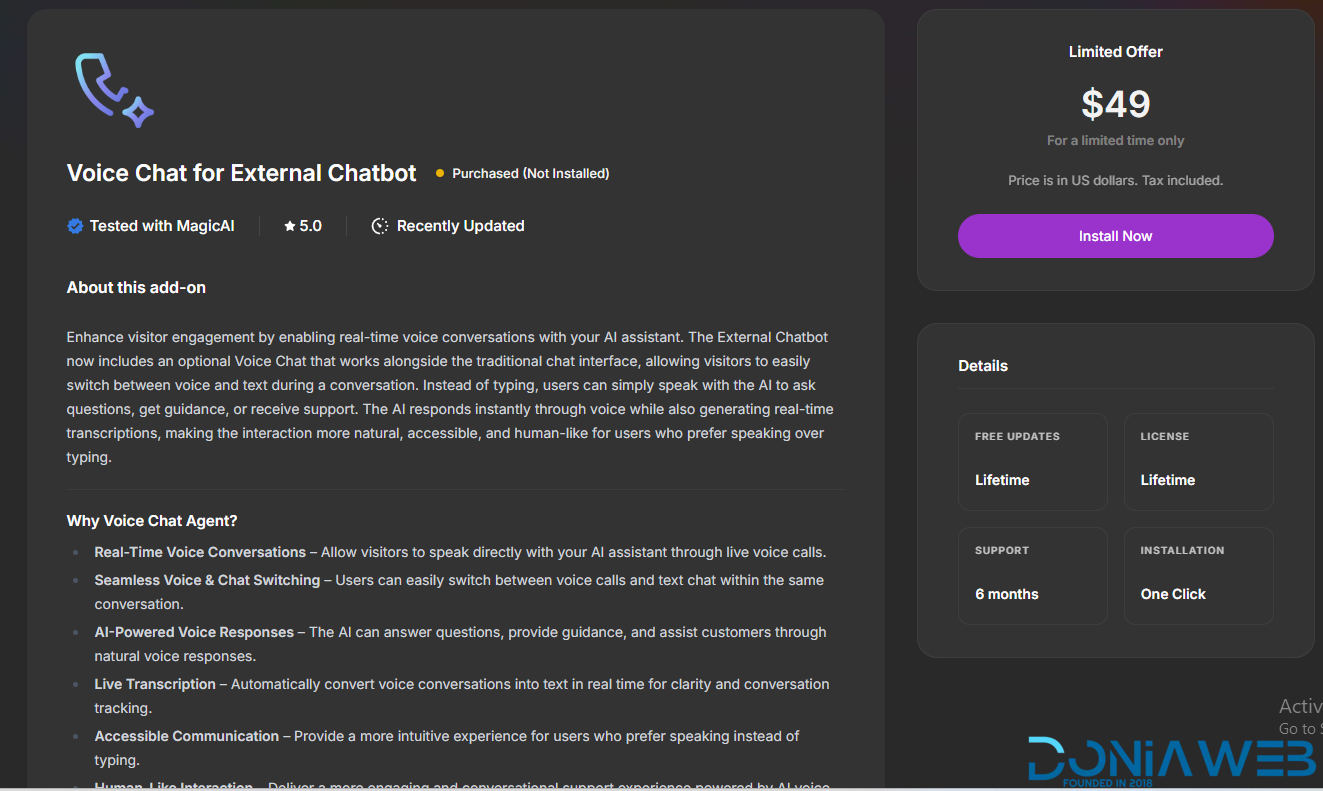
  44.  Voice Chat for External Chatbot $49🎉 New

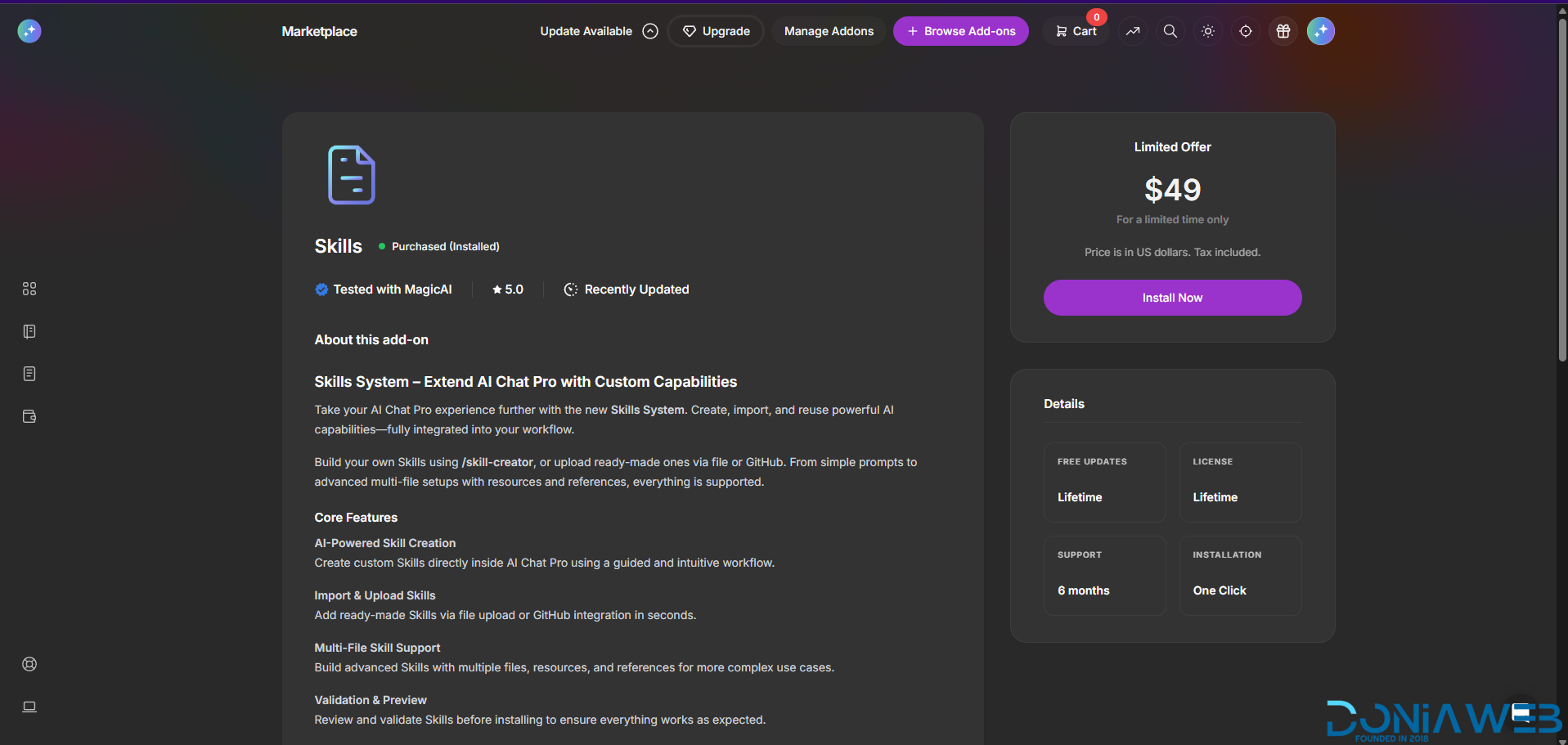
  45.  Skills $49 🎉 New

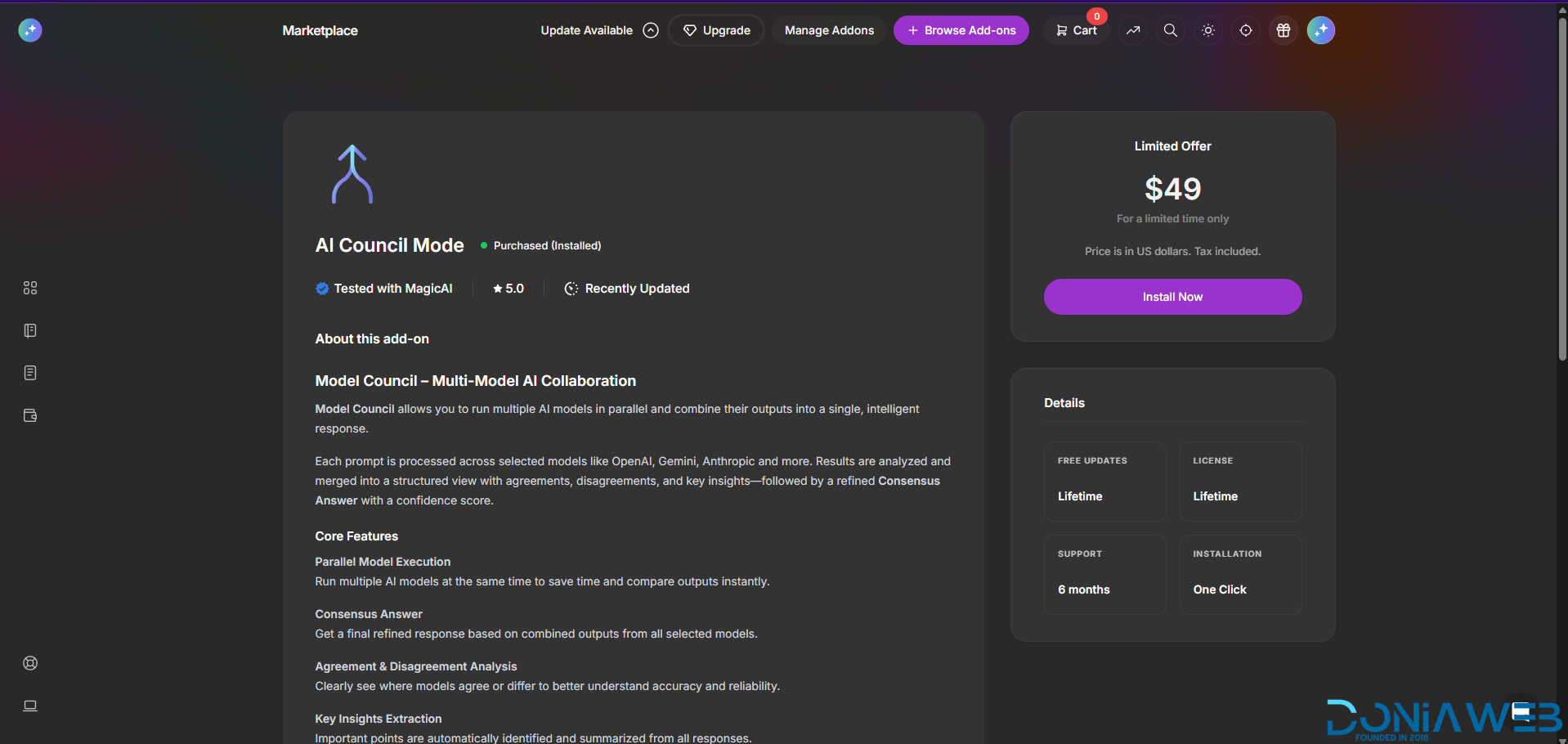
  46.  AI Council Mode $49 🎉 New

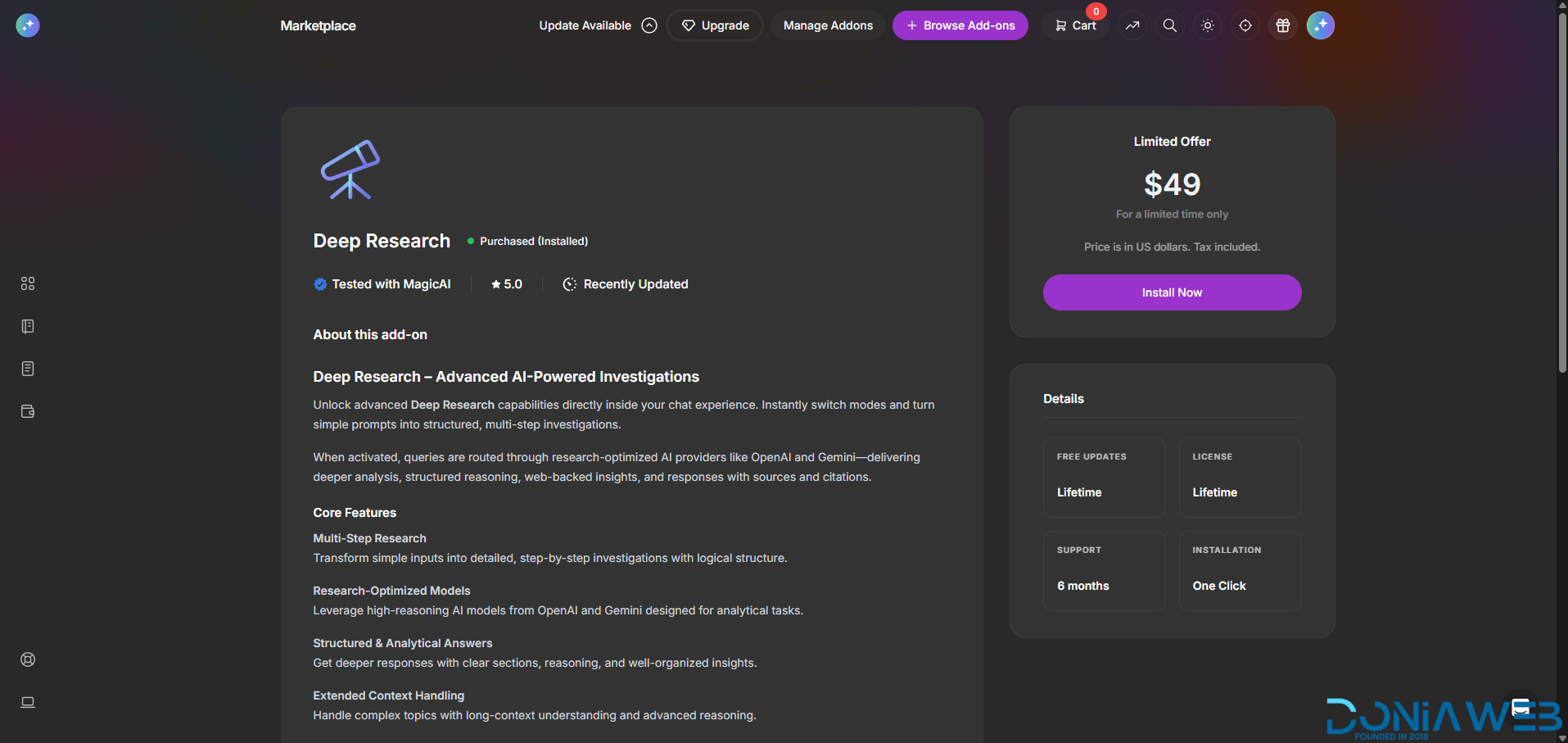
  47.  Deep Research $49 🎉 New

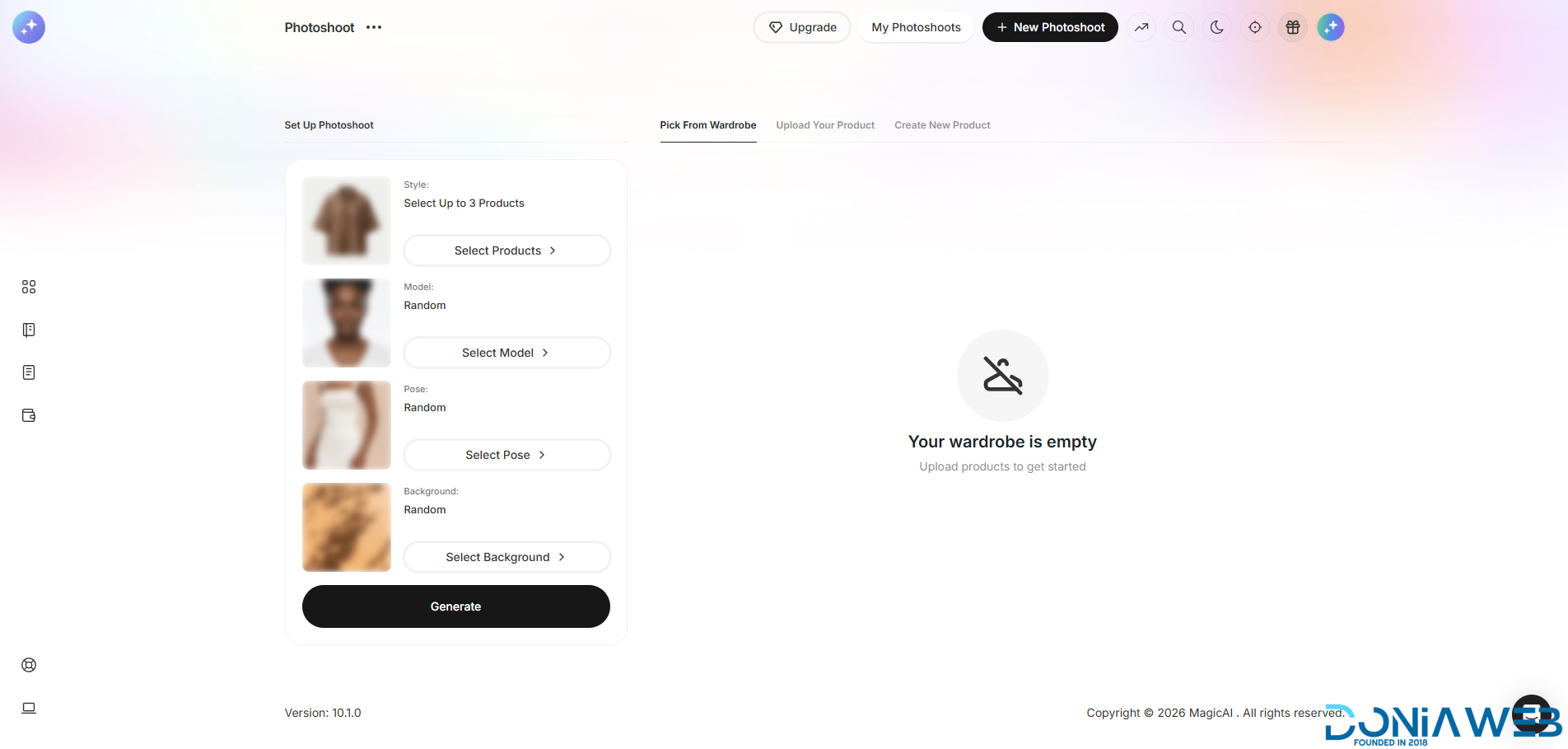
  48.  AI Photoshoot $69 🎉 New

  49.  DM/Comment Agent for Social Media $69 🎉 New

  50.  Designer for AI Creative Suite $69 🎉 New

  51.  Annotation for AI Creative Suite $69 🎉 New

  52.  UGCCreator $69 🎉 New

  53.  UGCFactory $69 🎉 New

  54.  Video Dubbing $69 🎉 New

  55.  Video Editor $69 🎉 New

  56.  AI Agent $89 🎉 New

  57.  AI Agent: Gmail $19 🎉 New

  58.  AI Agent: Outlook $19 🎉 New

  59.  AI Agent: Slack Channel $19 🎉 New

  60.  AI Agent: WhatsApp Channel $19 🎉 New

  61. Phone Call Agent $69 🎉 New

🎨 11 Premium Themes - MagicAi :

  1. Creative Theme - $69

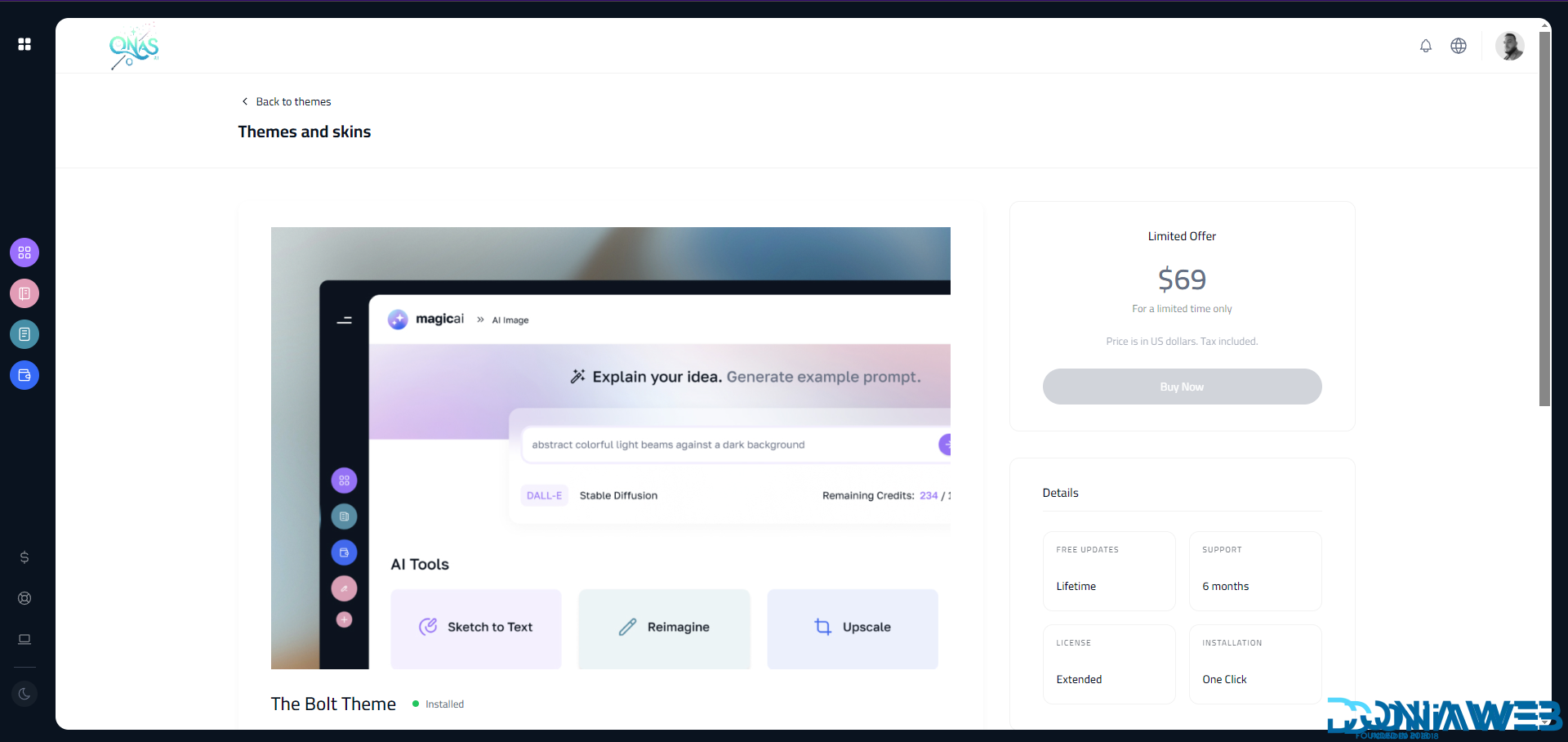
  2. Bolt Theme - $69

  3. Dark Theme - $69

  4. Sleek Theme - $69

  5. Classic Theme - $49

  6. Modern Theme - $69

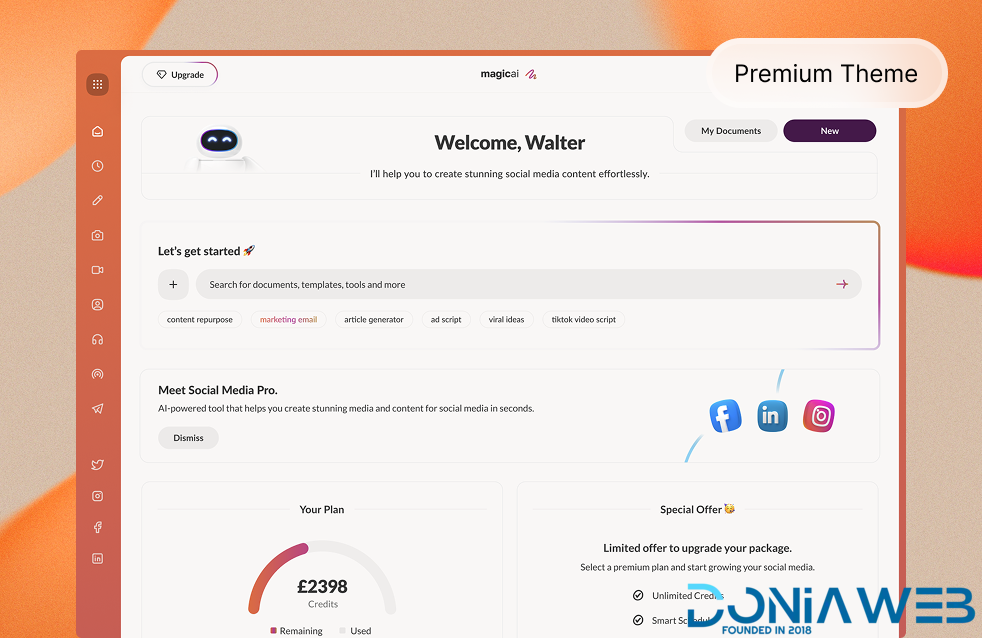
  7. Social Media Frontend Theme - $69

  8. Social Media Dashboard Theme - $69

  9. Marketing Bot Dashboard Theme $69 🎉 New

  10. Marketing Bot Frontend Theme $69 🎉 New

  11. Social Media Agnet Dashboard Theme $69 🎉 New

( 11 Theme + 61 Extension Total : $4,608 = 4040€ )

ALL Free Extensions:
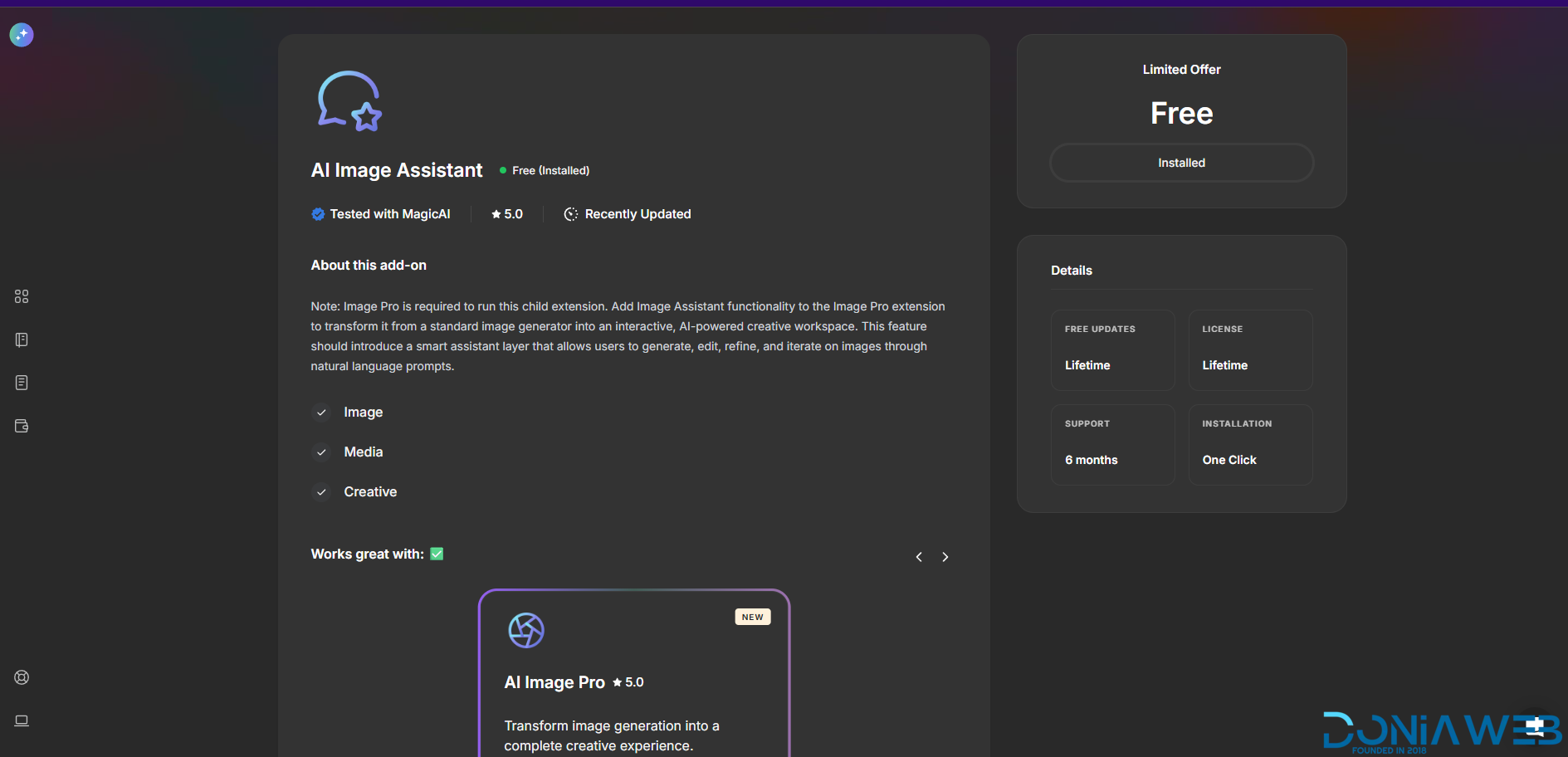
AI Image Assistant

  1. AI Music

  2. AI Plagiarism and Content Detector

  3. AI Realtime Image

  4. AI Video To Video

  5. AI Voice Isolator

  6. AI Webchat

  7. AI Writer Templates

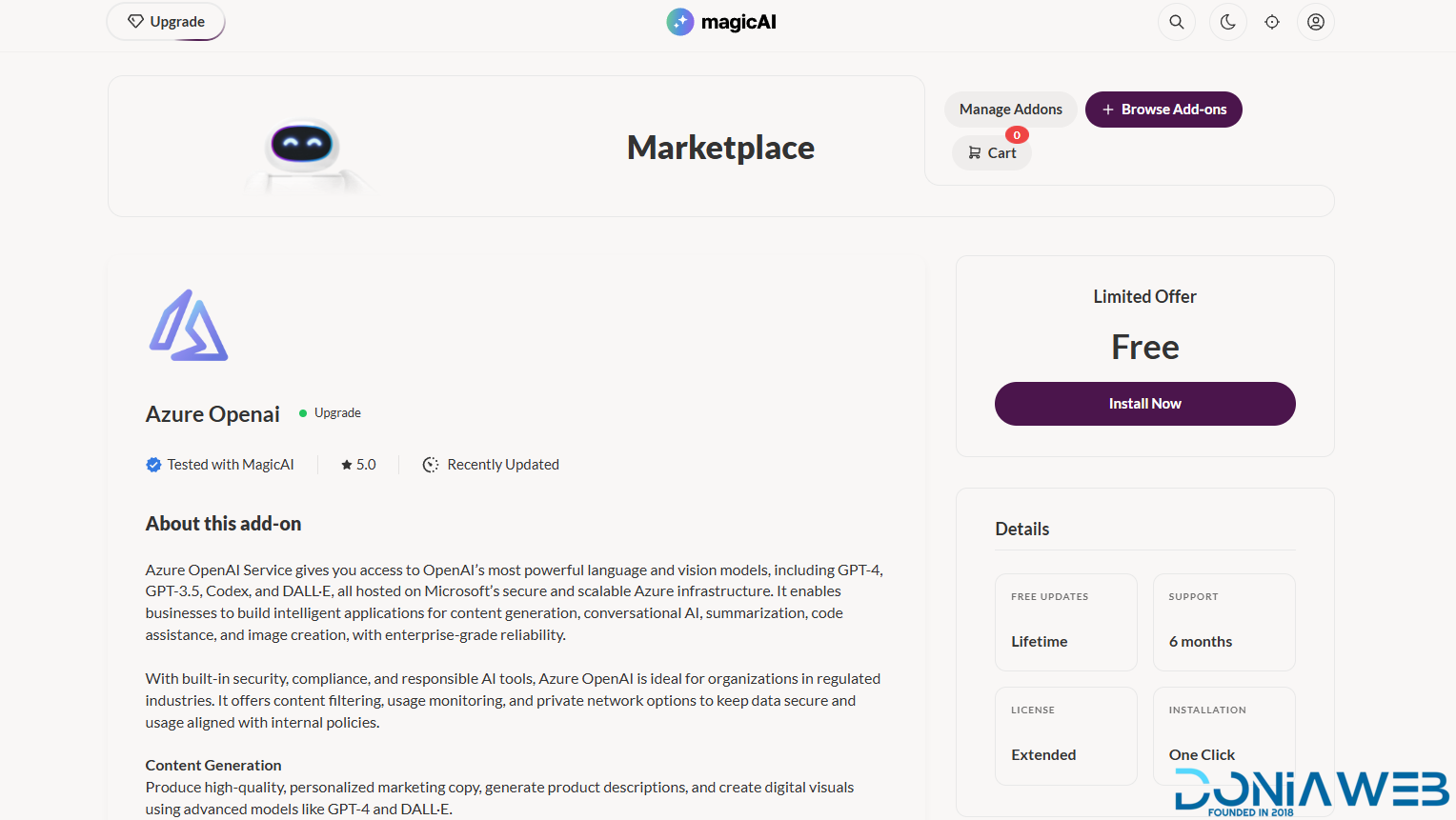
  8. Azure Openai

  9. Azure TTS

  10. Chat Setting & Training

  11. Chat Share

  12. Chat with Documents - AI Chat Pro

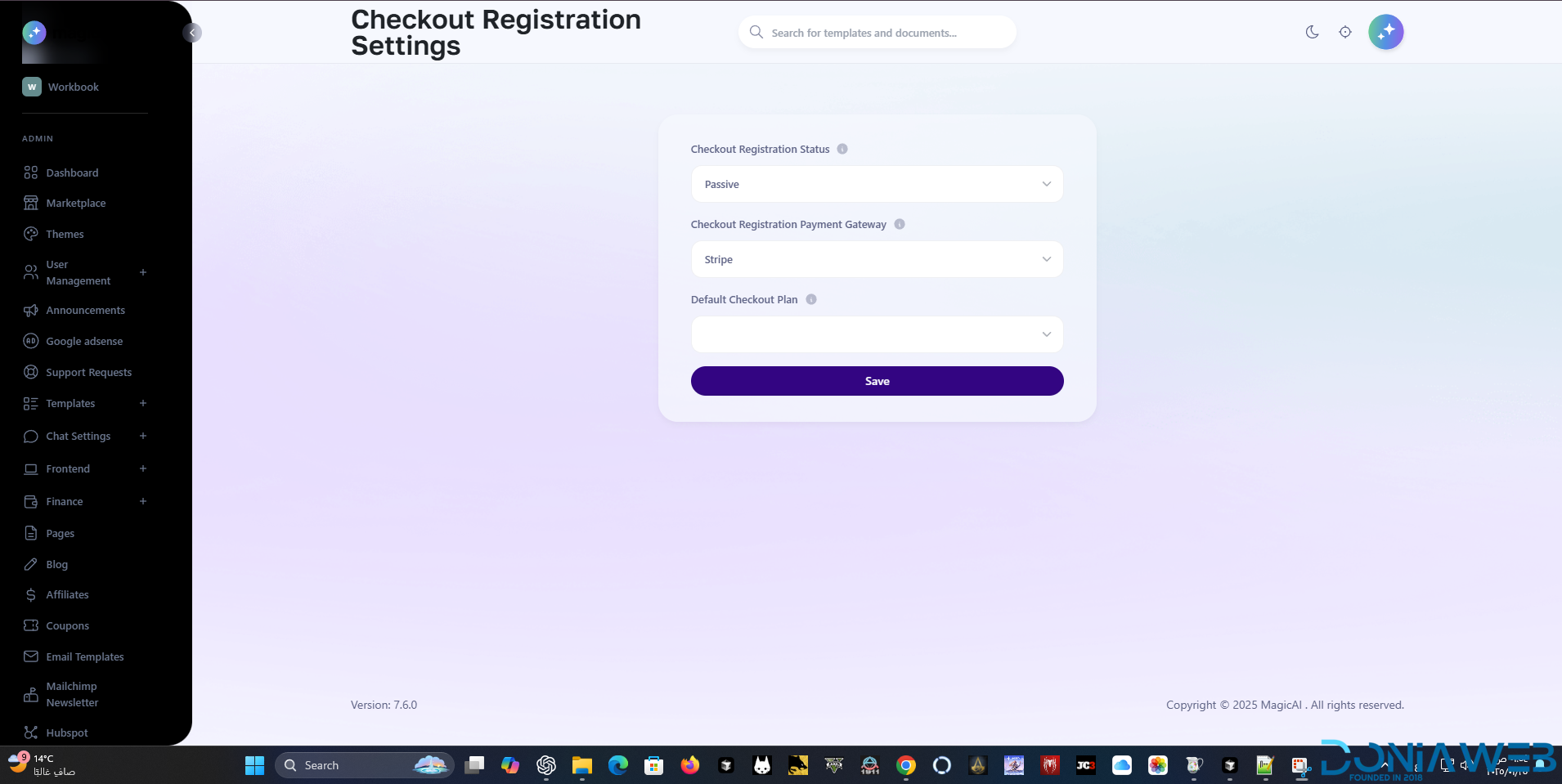
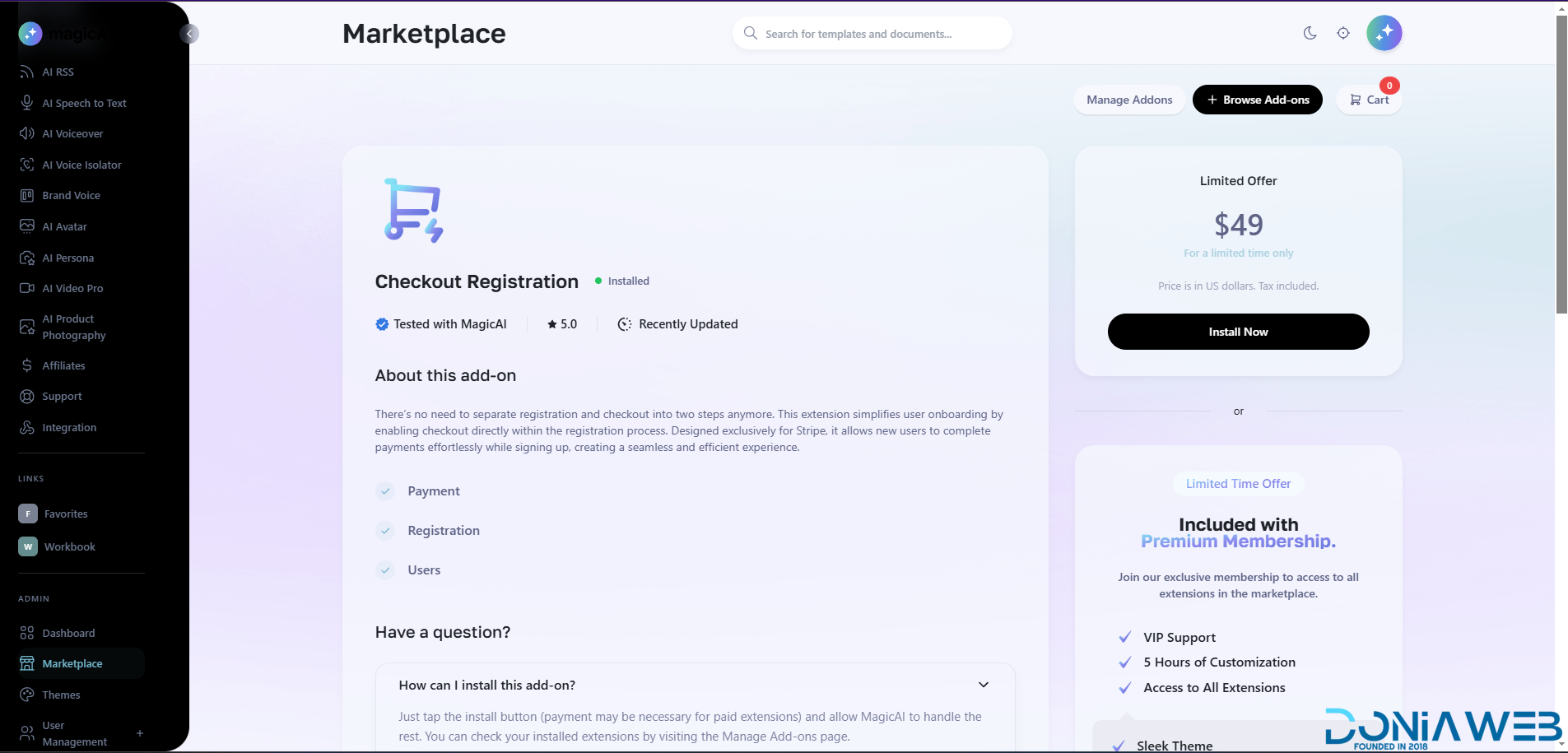
  13. Checkout Registration

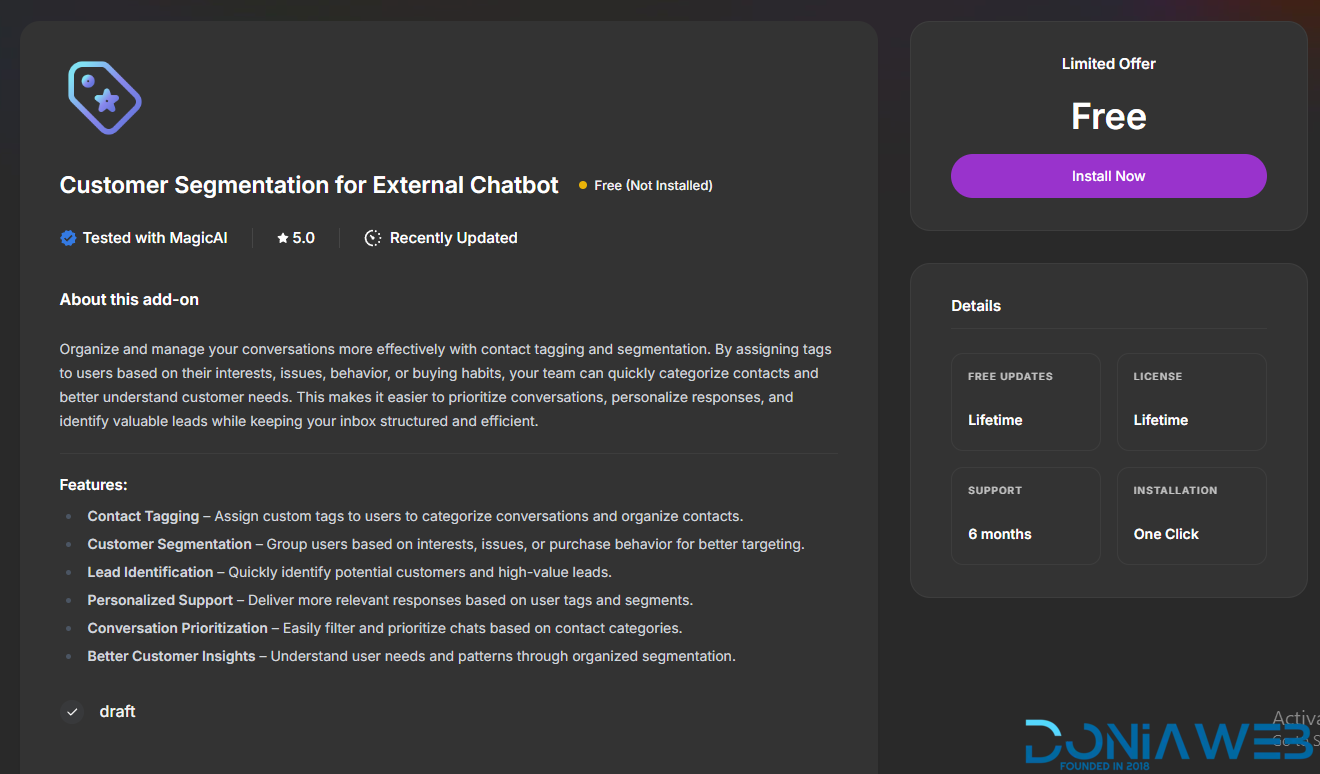
  14. Customer Segmentation for External Chatbot

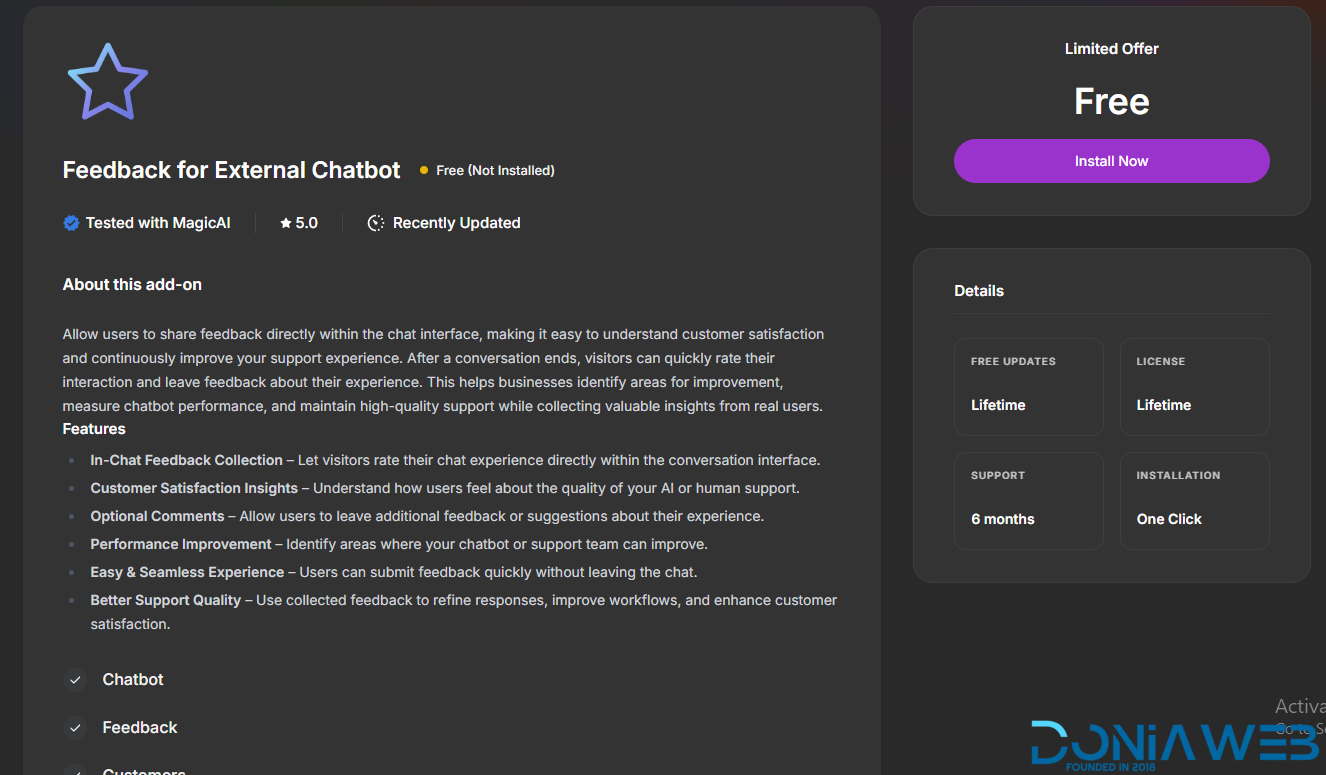
  15. Feedback for External Chatbot

  16. Flux AI

  17. Folders for AI Chat Pro

  18. Hubspot

  19. Introductions

  20. Mailchimp Integration

  21. Maintenance

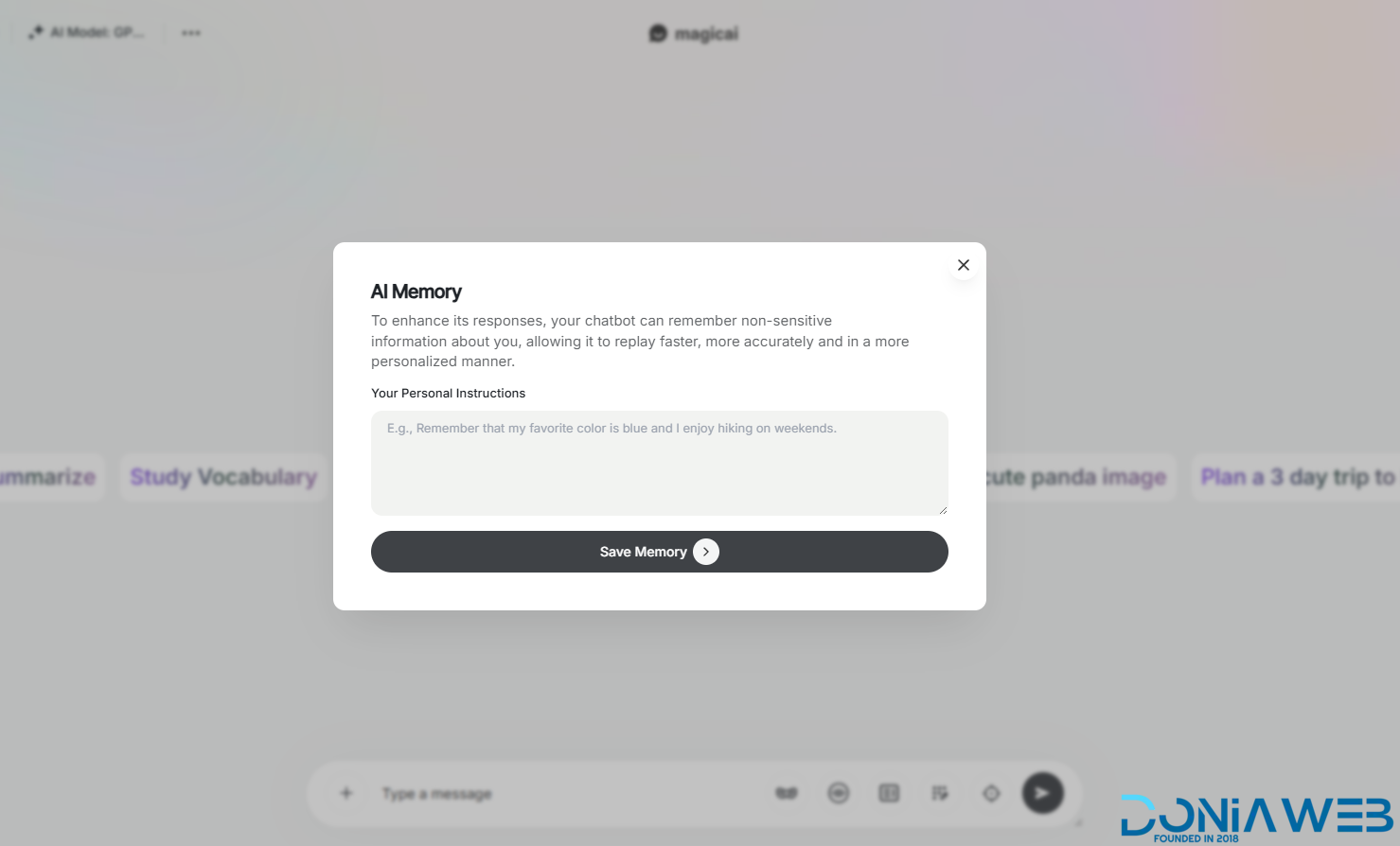
  22. Memory for AI Chat Pro

  23. Midjourney

  24. Migration

  25. Nano Banana Pro

  26. Newsletter

  27. OpenRouter

  28. Perplexity

  29. Public Announcements

  30. Seedream v4

  31. Temporary Chat

  32. Xero

  33.  AI Agent Tool: Chatbot $Free 🎉 New

  34.  AI Agent Tool: Marketing Bot $Free 🎉 New

  35.  AI Agent Tool: Social Media Agent $Free🎉 New

  36. ALL FREE Extension Included

Coming Soon Extensions:


NAN

Coming Soon Themes:


Oupi

Get them for 400€ instead of 4040€

Act fast and grab the lowest-priced (66 Euro)
Get them for 155€ instead of 333€
For a very limited time and available to a limited number only.
Buy now for just
€155 (valid for only 2 buyers — 2 spots remaining).

The Sale expires on 22/5/2026.
The discount is active until 101 sales are reached, after which all discounts will be canceled.

Works efficiently with the latest version (10.9)

Full support is available if you encounter installation issues.

Install Video : The video is included in the files you will download.

There is a tutorial video included with the bundle that explains everything: how to install and update extensions, themes, and everything else.

Installation and updating are very easy:

  1. Upload the file to the project’s root directory.

  2. Extract the archive.

  3. Go to the link: yourdomain.com/update-manual

Step 4 : Clearing the Cache

After completing the installation process, go to "Site Health" from the dashboard menu.
Perform "Clean Up Cache" three times to clear the cache and ensure the extensions are displayed properly.

What's New in Version v10.9

Released

🚀 Premium & Paid Extensions Updates
 UPDATE | AIChatPro (Paid) V3.7.
 NEW | AI Agent (Paid) V1.1.
 NEW | Phone Call Agent (Paid) V1.0.


free | مجاني
 NEW | AI Chat Pro Gmail Connector V1.0.
 NEW | AI Chat Pro Google Calendar Connector V1.0.
 NEW | AI Chat Pro Google Drive Connector V1.0.
 NEW | AI Chat Pro Notion Connector V1.0.
 NEW | AI Chat Pro Outlook Connector V1.0.

User Feedback

Recommended Comments

dubbby

Members

It seems that all themes are not working on the new 7.2.2 main script.

EK Entertainment

Trusted Seller

7 hours ago, dubbby said:

It seems that all themes are not working on the new 7.2.2 main script.

Contact me my friend and I will solve your problem ♥

I checked and the themes work without any issues with version 7.2.2

dubbby

Members

Just now, EK Entertainment said:

Contact me my friend and I will solve your problem ♥

I checked and the themes work without any issues with version 7.2.2

I will redo it tomorrow and see whare I am going wrong. thanks

EK Entertainment

Trusted Seller

10 minutes ago, dubbby said:

I will redo it tomorrow and see whare I am going wrong. thanks

image.thumb.png.b0c4ccae5893978ba9b264653aecb470.png

Screenshot of the Bolt theme, works efficiently without any problems with the latest version, if you encounter any problem contact me and I will be with you step by step to know what the problem is. Did you update through codecaynon or through the admin dashboard

dubbby

Members

6 minutes ago, EK Entertainment said:

image.thumb.png.b0c4ccae5893978ba9b264653aecb470.png

Screenshot of the Bolt theme, works efficiently without any problems with the latest version, if you encounter any problem contact me and I will be with you step by step to know what the problem is. Did you update through codecaynon or through the admin dashboard

I used an official license and auto-updated it on the admin dashboard. I will try to reinstall it again tomorrow. 

EK Entertainment

Trusted Seller

10 minutes ago, dubbby said:

I used an official license and auto-updated it on the admin dashboard. I will try to reinstall it again tomorrow. 

Don't worry, all extensions and themes work without problems with official licenses.

dubbby

Members

all extensions are no problem 🙂

dubbby

Members

8 minutes ago, EK Entertainment said:

Don't worry, all extensions and themes work without problems with official licenses.

about the themes, I did follow your instructions in the file: extract all the files and transfer to my file folder, and change the database from 0 to 1, but caused 500 errors for the classic theme, and disordered page for dark. thanks by the way.

EK Entertainment

Trusted Seller

I found the problem, I am working on fixing it now which caused the problem in version 7.2.2 I will update all themes within the next 12 hours to solve the problem of the creative + classic theme and improve other themes like bolt

EK Entertainment

Trusted Seller

Updated & Fixed 🥳

- Solve the problems of themes with the new version 7.2.2
- Some missing files have been added for all themes

Keith

Members

Hi , I'm trying to install sleek theme in magicai , everything working fine except the login page , it looks from the defualt theme , i saw in the demo version that in the sleek theme contains also the login page theme .
 

EK Entertainment

Trusted Seller

3 hours ago, Keith said:

Hi , I'm trying to install sleek theme in magicai , everything working fine except the login page , it looks from the defualt theme , i saw in the demo version that in the sleek theme contains also the login page theme .
 

Sorry for the delay in replying my friend, the login page does not appear in nature and official licenses in the same form as the dashboard theme, this is only available in the demo site, however I can make it happen for you. Copy the css file for the sleek dashboard and replace it with the css file for the default theme, all login and account creation pages will be the same form as the demo site

Keith

Members

25 minutes ago, EK Entertainment said:

Sorry for the delay in replying my friend, the login page does not appear in nature and official licenses in the same form as the dashboard theme, this is only available in the demo site, however I can make it happen for you. Copy the css file for the sleek dashboard and replace it with the css file for the default theme, all login and account creation pages will be the same form as the demo site

It Works.
Thanks for your help!

EK Entertainment

Trusted Seller

1 hour ago, Keith said:

It Works.
Thanks for your help!

You are welcome, brother. I am always available to serve everyone at any time. Full support (for buyers only).

dubbby

Members

Hi there, I used an official license and I have reinstalled my script many times to test your themes, all received 500 errors, and all extensions are working with no problem, I did remember I purchased them when the main script was 7.1, I installed all your thems with no problem, however, by the script updated, your themes are not working for the newest vision. I reported this issue days ago above, and you said you fixed the problem, today I tried again, but I still got 500 errors, so I have to change app_setting to default. and the site goes back again. due to they are very easy to install, I don't think the problem is on my end, maybe your other buyers used the nulled version, so this problem can't be reflected very well. hope you can dive into and get the problem sorted. many thanks

EK Entertainment

Trusted Seller

16 hours ago, dubbby said:

Hi there, I used an official license and I have reinstalled my script many times to test your themes, all received 500 errors, and all extensions are working with no problem, I did remember I purchased them when the main script was 7.1, I installed all your thems with no problem, however, by the script updated, your themes are not working for the newest vision. I reported this issue days ago above, and you said you fixed the problem, today I tried again, but I still got 500 errors, so I have to change app_setting to default. and the site goes back again. due to they are very easy to install, I don't think the problem is on my end, maybe your other buyers used the nulled version, so this problem can't be reflected very well. hope you can dive into and get the problem sorted. many thanks

Brother, make sure of the problem well, I checked all the files and it works efficiently.

Make sure of the following:
- Upload all the files and extract all the theme files together
- Make sure that you have downloaded the latest version because I updated several times on the same day that I announced the solution
- Make sure to change the theme name from the App_Settings table by writing it 100% correctly

If there is an actual problem, please let me know so that I can update the files again

EK Entertainment

Trusted Seller

I request all buyers to inform if there is a problem with version 7.2.2.

dubbby

Members

1 minute ago, EK Entertainment said:

I request all buyers to inform if there is a problem with version 7.2.2.

I will test again today. no name was wrong on app_settings. thanks

EK Entertainment

Trusted Seller

1 minute ago, dubbby said:

I will test again today. no name was wrong on app_settings. thanks

Well I am here to serve you if you face any problem do not hesitate to contact me at any time

EK Entertainment

Trusted Seller

NEW OFFER NOWWWW 🥳🥳

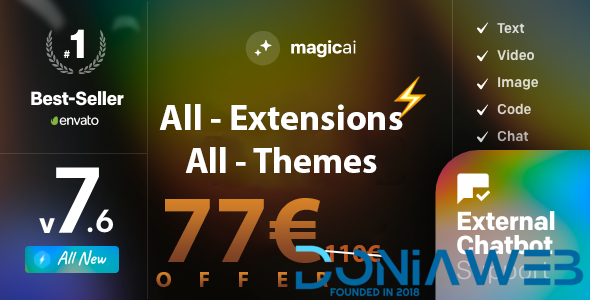
🥳 LIMITED OFFER 77  59€ instead of 750

⏰Offer valid until 30/10/2024

🎯   Get them for 99€ instead of 750

dubbby

Members

(edited)

@EK Entertainment please add "focus mode" and "modern theme"

I discovered why the newly installed main script will receive all themes with 500 errors. and all sorted out:)

Anyone who uses the official license first installs the main script after the 7.2 version and installs the themes above will encounter the 500 error. It is not the theme issue, only several steps can fix this problem, if any requests, please let me know.

Edited by dubbby

EK Entertainment

Trusted Seller

On 10/26/2024 at 11:04 AM, dubbby said:

@EK Entertainment please add "focus mode" and "modern theme"

I discovered why the newly installed main script will receive all themes with 500 errors. and all sorted out:)

Anyone who uses the official license first installs the main script after the 7.2 version and installs the themes above will encounter the 500 error. It is not the theme issue, only several steps can fix this problem, if any requests, please let me know.

Thank you for informing me about the issue. I've noticed that error 500 is occurring for multiple users with version 7.2.2. This issue isn't due to any modifications on my end, but rather it originates from the official script developers. Even if you're using a legitimate license and purchased the themes officially, you might encounter the same error.

This often happens with versions uploaded to Codecanyon, which occasionally have minor issues, as you've experienced, and this isn't the first occurrence.

Method 1

To ensure a stable experience with the script downloaded from Codecanyon, please follow these steps:

1. Lower the Version Number: In the root directory, locate the file `Version.txt`. If the version is 7.2.2, change it to 7.2.1.
2. Update from the Dashboard: Go to the updates section in your dashboard and apply the 7.2.2 update. This will resolve all issues, as dashboard updates typically contain the final, fully-tested version without any bugs.
3. For Nulled Versions: If you’re using a nulled version, re-upload the file `ApplicationStatusRepository.php`.

Method 2

Alternatively, you can download the final update file from this link, which I’ve uploaded for your convenience: https://x.simo-dev.xyz/magicai_7.22.zip .

Then follow these steps:

1. Upload the update file to the root directory of your project.
2. Extract the zip file in the root directory of your site or project.
3. To start updating MagicAI, visit `https://yourdomain.com/update-manual`. MagicAI will automatically update when you access this page.

For the best experience, I always recommend updating directly through the dashboard, as Codecanyon versions sometimes have missing files.

dubbby

Members

6 minutes ago, EK Entertainment said:

Thank you for informing me about the issue. I've noticed that error 500 is occurring for multiple users with version 7.2.2. This issue isn't due to any modifications on my end, but rather it originates from the official script developers. Even if you're using a legitimate license and purchased the themes officially, you might encounter the same error.

This often happens with versions uploaded to Codecanyon, which occasionally have minor issues, as you've experienced, and this isn't the first occurrence.

Method 1

To ensure a stable experience with the script downloaded from Codecanyon, please follow these steps:

1. Lower the Version Number: In the root directory, locate the file `Version.txt`. If the version is 7.2.2, change it to 7.2.1.
2. Update from the Dashboard: Go to the updates section in your dashboard and apply the 7.2.2 update. This will resolve all issues, as dashboard updates typically contain the final, fully-tested version without any bugs.
3. For Nulled Versions: If you’re using a nulled version, re-upload the file `ApplicationStatusRepository.php`.

Method 2

Alternatively, you can download the final update file from this link, which I’ve uploaded for your convenience: https://x.simo-dev.xyz/magicai_7.22.zip .

Then follow these steps:

1. Upload the update file to the root directory of your project.
2. Extract the zip file in the root directory of your site or project.
3. To start updating MagicAI, visit `https://yourdomain.com/update-manual`. MagicAI will automatically update when you access this page.

For the best experience, I always recommend updating directly through the dashboard, as Codecanyon versions sometimes have missing files.

WOW, your service is superb. Yes, changing the version number to lower than 7.2.2 and then doing updating via the dashboard will resolve all 500 errors. The theme file itself is no issue, cheers. hope you can add "modern theme" and "focus mode" as promised. thumbs up.👍

EK Entertainment

Trusted Seller

Within the next 48 hours, I will purchase one of the following items based on your highest votes:

1. Focus Mode - React with LOVE 💖
2. Modern Theme - React with THANKS react_thanks.png.0784d50fb76c3c65a1b535932c517236.png

Join the conversation

You can post now and register later. If you have an account, sign in now to post with your account.
Note: Your post will require moderator approval before it will be visible.

Guest
Unfortunately, your content contains terms that we do not allow. Please edit your content to remove the highlighted words below.
Add a comment...

Other files from EK Entertainment

Account

Navigation

Search

Search

Configure browser push notifications

Chrome (Android)
  1. Tap the lock icon next to the address bar.
  2. Tap Permissions → Notifications.
  3. Adjust your preference.
Chrome (Desktop)
  1. Click the padlock icon in the address bar.
  2. Select Site settings.
  3. Find Notifications and adjust your preference.