
Skip to content
View in the app

A better way to browse. Learn more.

DoniaWeB

A full-screen app on your home screen with push notifications, badges and more.

To install this app on iOS and iPadOS
  1. Tap the Share icon in Safari
  2. Scroll the menu and tap Add to Home Screen.
  3. Tap Add in the top-right corner.
To install this app on Android
  1. Tap the 3-dot menu (⋮) in the top-right corner of the browser.
  2. Tap Add to Home screen or Install app.
  3. Confirm by tapping Install.
     

BDG WIN Game 1.0.0

(0 reviews)

1 Screenshot

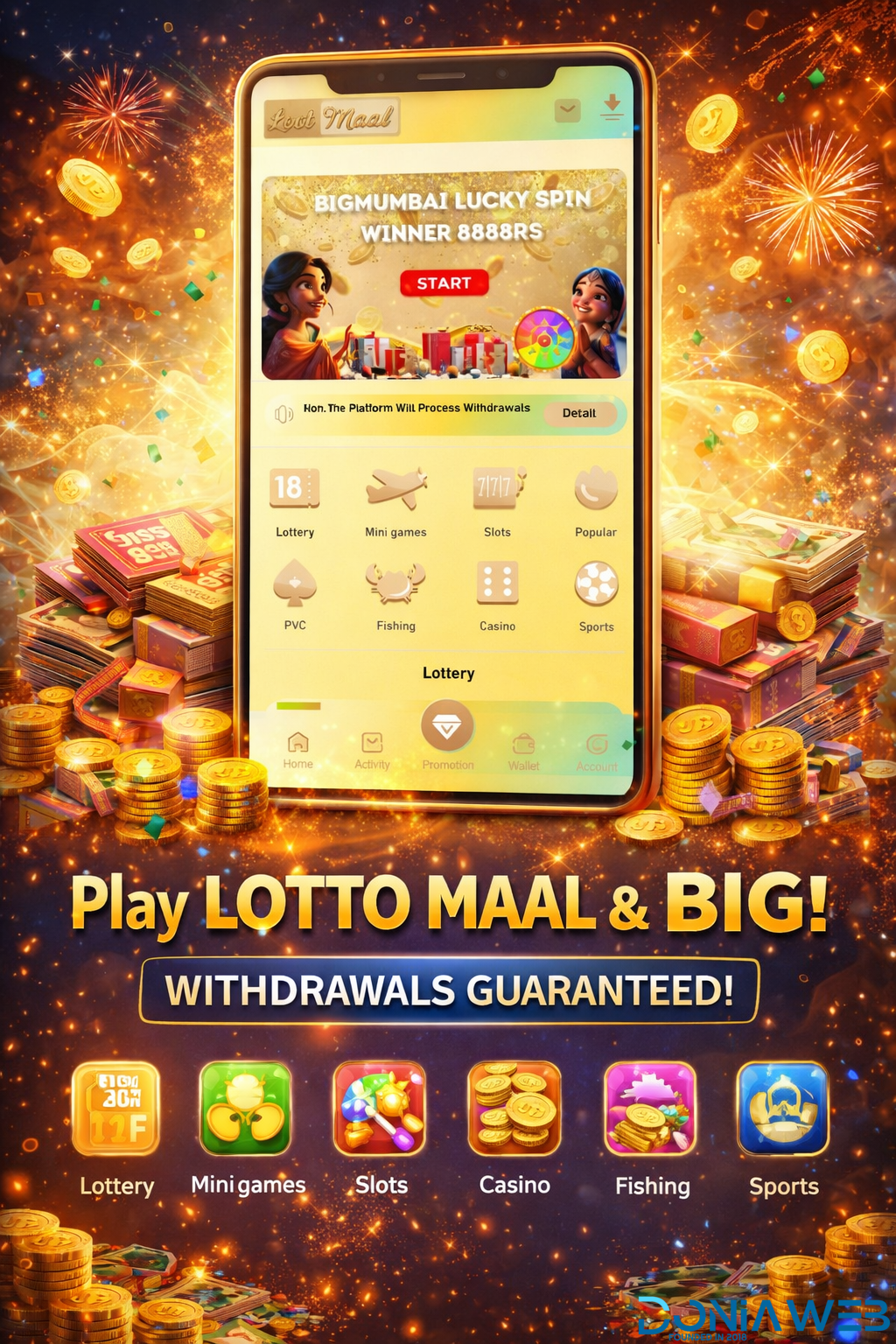
🎉 Play Smart. Win Big. Enjoy Non-Stop Entertainment! 🎉

Discover an exciting all-in-one gaming platform featuring:
🎰 Lottery & Lucky Spin
🎮 Mini Games
🎲 Slots & Casino
🎣 Fishing Games
Sports & Popular Games

Easy to play
Smooth user experience
Multiple game categories in one app
Designed for fun, rewards, and excitement

Start playing today and experience the thrill of winning anytime, anywhere! 🚀

User Feedback

You may only provide a review once you have downloaded the file.

There are no reviews to display.

Other files from CodeLionX

Account

Navigation

Search

Search

Configure browser push notifications

Chrome (Android)
  1. Tap the lock icon next to the address bar.
  2. Tap Permissions → Notifications.
  3. Adjust your preference.
Chrome (Desktop)
  1. Click the padlock icon in the address bar.
  2. Select Site settings.
  3. Find Notifications and adjust your preference.