Skip to content
View in the app

A better way to browse. Learn more.

DoniaWeB

A full-screen app on your home screen with push notifications, badges and more.

To install this app on iOS and iPadOS
  1. Tap the Share icon in Safari
  2. Scroll the menu and tap Add to Home Screen.
  3. Tap Add in the top-right corner.
To install this app on Android
  1. Tap the 3-dot menu (⋮) in the top-right corner of the browser.
  2. Tap Add to Home screen or Install app.
  3. Confirm by tapping Install.
     

VClub Game – Powered by CodeLionX 1.0.0

(0 reviews)

1 Screenshot

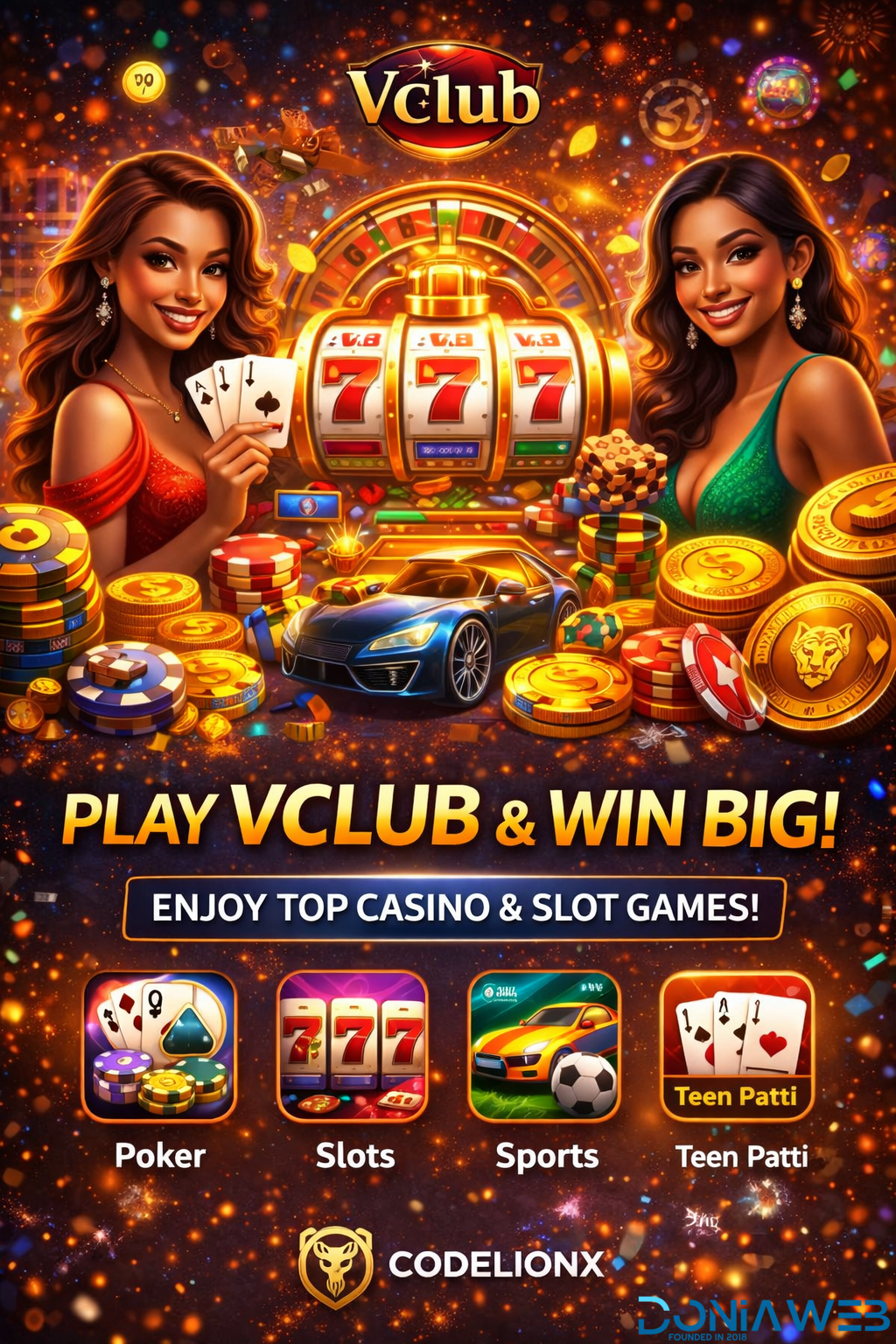
🎮 VClub Game – Powered by CodeLionX

Experience next-level online gaming with VClub, a high-performance gaming platform designed for speed, security, and smooth gameplay. Integrated and supported by CodeLionX, this system delivers advanced backend stability, fast response time, and scalable performance.

🔥 Why Choose VClub with CodeLionX?
• Smooth and engaging game interface
• Advanced server & script optimization
• Secure and reliable gaming environment
• Fast loading and real-time performance
• Professional technical support by CodeLionX

🚀 Built for Growth & Performance
Whether you are launching a gaming platform or upgrading your current system, VClub + CodeLionX ensures a powerful, future-ready solution with premium quality and stability.

📩 Contact us for setup, customization & support
CodeLionX – Where Code Meets Power
User Feedback

You may only provide a review once you have downloaded the file.

There are no reviews to display.

Other files from CodeLionX

Account

Navigation

Search

Search

Configure browser push notifications

Chrome (Android)
  1. Tap the lock icon next to the address bar.
  2. Tap Permissions → Notifications.
  3. Adjust your preference.
Chrome (Desktop)
  1. Click the padlock icon in the address bar.
  2. Select Site settings.
  3. Find Notifications and adjust your preference.