







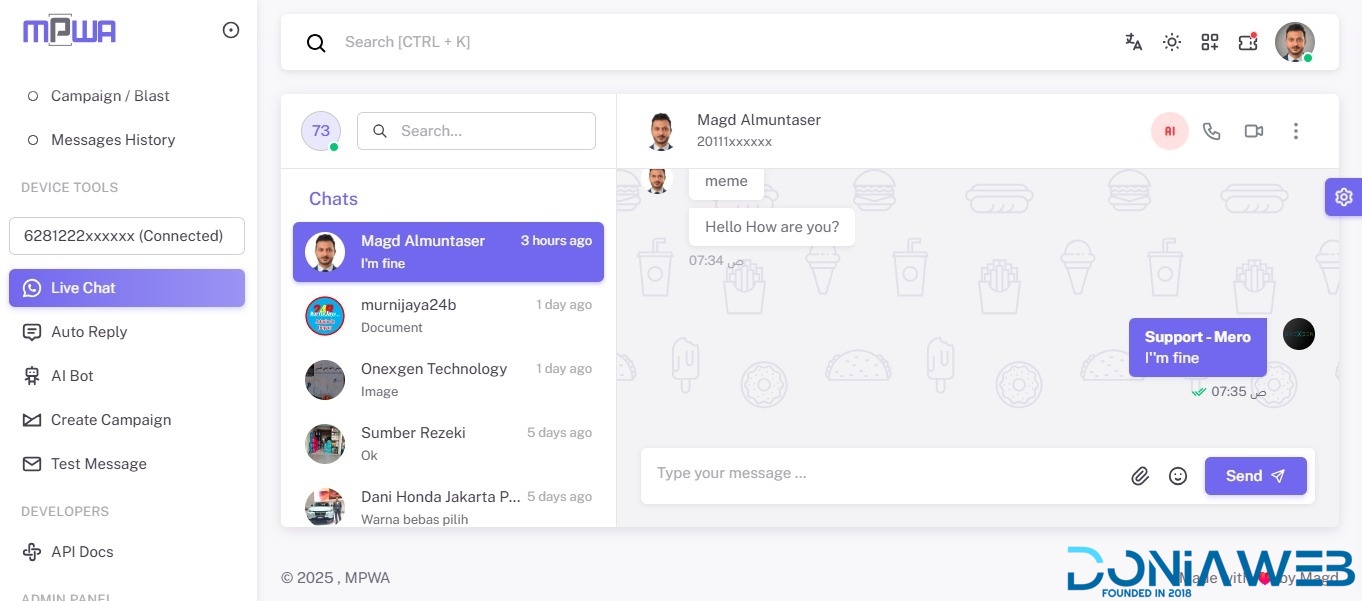
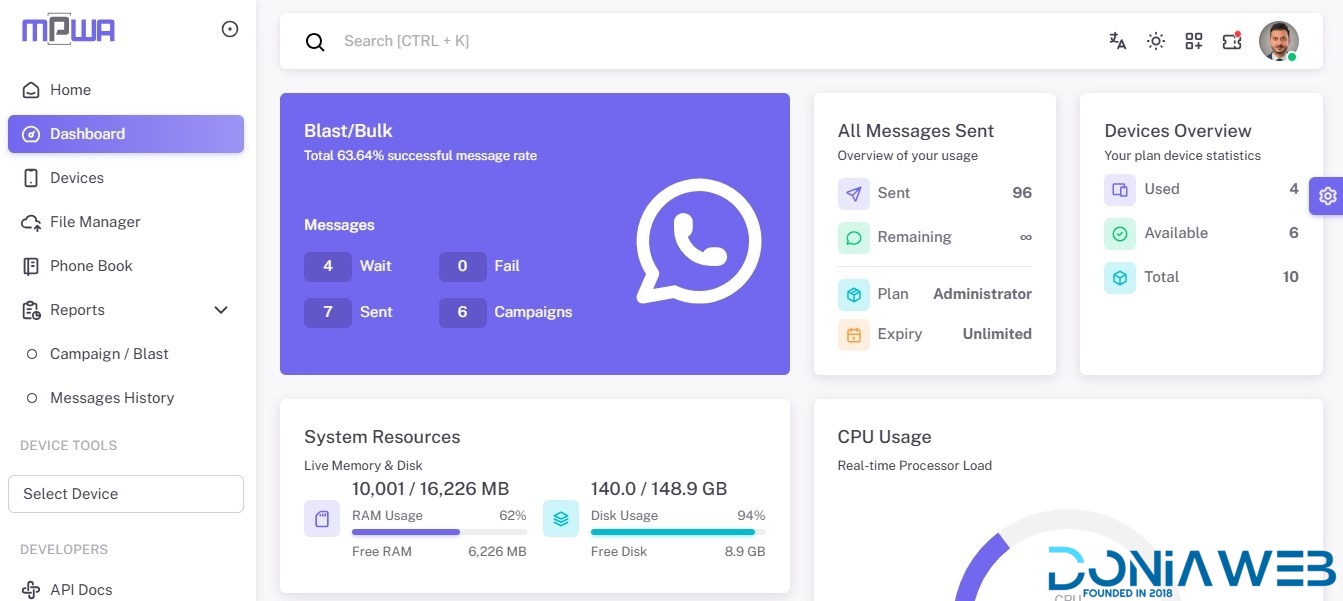
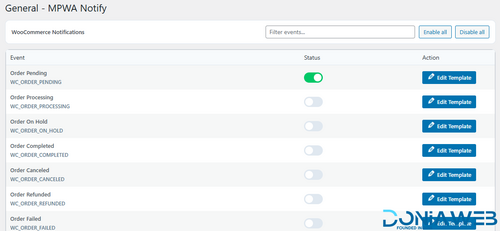
This script has been completely modified and many important features and fixes have been added by @Magd Almuntaser
He is now responsible for the updates of this script and has full intellectual property rights
So no one will violate the terms of use that he has set
Latest Features:
1. WhatsApp Account Connectivity
All types of WhatsApp Accounts to be able to connect with WhatsApp Gateway (Multi Number & Multi Device);
Ease of the WhatsApp Account connectivity process with a QRcode Scan or with an Authentication Code directly from your device.
2. Message
Availability of various types of (text messages, media, polls, lists, locations, VCard) can easily be used by you;
You can send mass messages for your marketing campaign activities, promotions or business programs easily and on a scheduled basis;
Setup automatic message replies with more natural (alami) and selected keywords for operational optimization of use;
Manage sent message history with automatic and scheduled deletions.
4. Integration
You can easily integrate your WhatsApp Account with various (AI) artificial intelligence services, namely Bexa AI, ChatGPT, DALL-E, Gemini, and Cloude with API authentication codes only;
You can easily activate Ai for Single or Multiple use on your WhatsApp Account;
You can easily select Ai in your WhatsApp messages for WhatsApp Group, Private, or Both types;
You can easily setup call rejection automatically if there is a (Call) call and provide a specific response or information;
Setup your WhatsApp and Ai accounts more naturally (alami) with "Already read" status";
Setup your WhatsApp and Ai accounts more naturally (natural) with the status "Typing...".
You can easily integrate and communicate your services with the Webhook mechanism of WhatsApp Gateway | Multi Device.
5. Application Settings
Nowadays you can easily and quickly carry out the process of setting up the WhatsApp Gateway | Multi Device* application by Magd Almuntaser with the settings panel;
You can easily set up applications based on server ecosystem, smtp, etc quickly;
Multi language support (english, Indonesian, Indian, Spanish and Arabic) for easy use.
6. Developer Options
Currently WhatsApp Gateway | Multi Device* by Magd Almuntaser has provided various API services for your easy development consisting of:
1). Send Message API
2). Send Text To Channel API
3). Send Product API
4). Send Media API
5). Send Poll API
6). API Send Button
7). Send API Templates
8). Send List message API
9). Send Location API
10). Send VCard API
11). Generate QR API
12). Disconnect devices
13). Create User API
14). User Info API
15). Device Info API
16). Check Number API
17). Webhook Example
Ease of setup and availability of the (API Key) API Key for authentication and authorization of your development process.
7. Security
Currently there is a 2 factor authentication (2FA) service available to maintain the security and comfort of application access;
A password reset service is available if you forget your account login information.
.. And many more.
What's New in Version 14.7.0
Released
- Added (docments, images, stickers, videos, audios) To Webhook.
- Optimized Plugins System Codes.
- Fixed Icons.
Now you can receive other file types into the webhook using the same old method, but the file will retain the same variable name, bufferImage.
You can determine the file type using (type):
{
  "message": "Hello World",
  "bufferImage": "JVBERi0xLjQKJd....",
  "type": "document", // document, image, audio, video, sticker
  "from": "628122xxxxxx",
  "name": "Magd Almuntaser",
  "participant": "[email protected]"
}-
 23
23
-
 14
14
-
 16
16
-
.png) 4
4
Recommended Comments
Join the conversation
You can post now and register later. If you have an account, sign in now to post with your account.
Note: Your post will require moderator approval before it will be visible.