









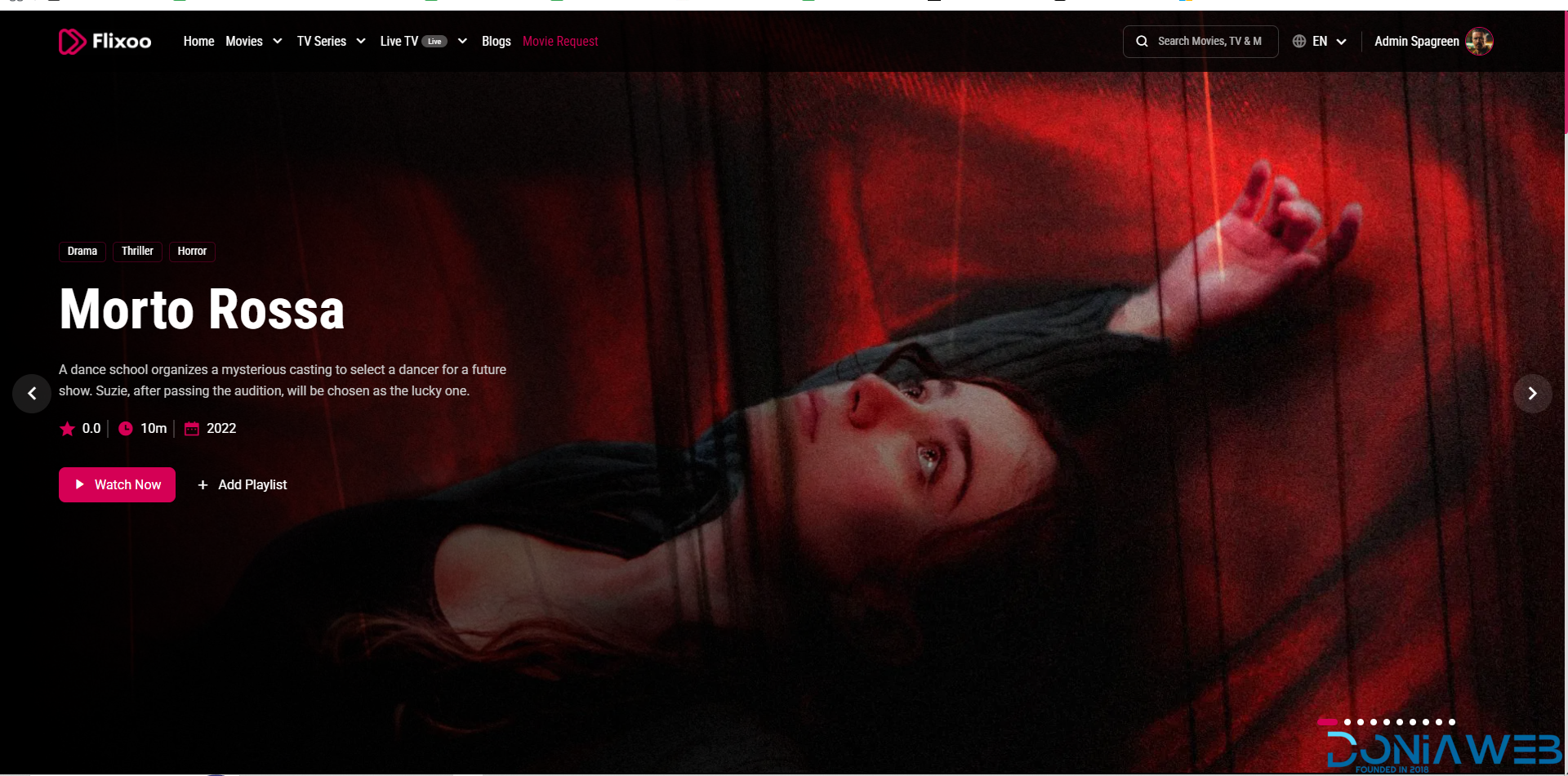
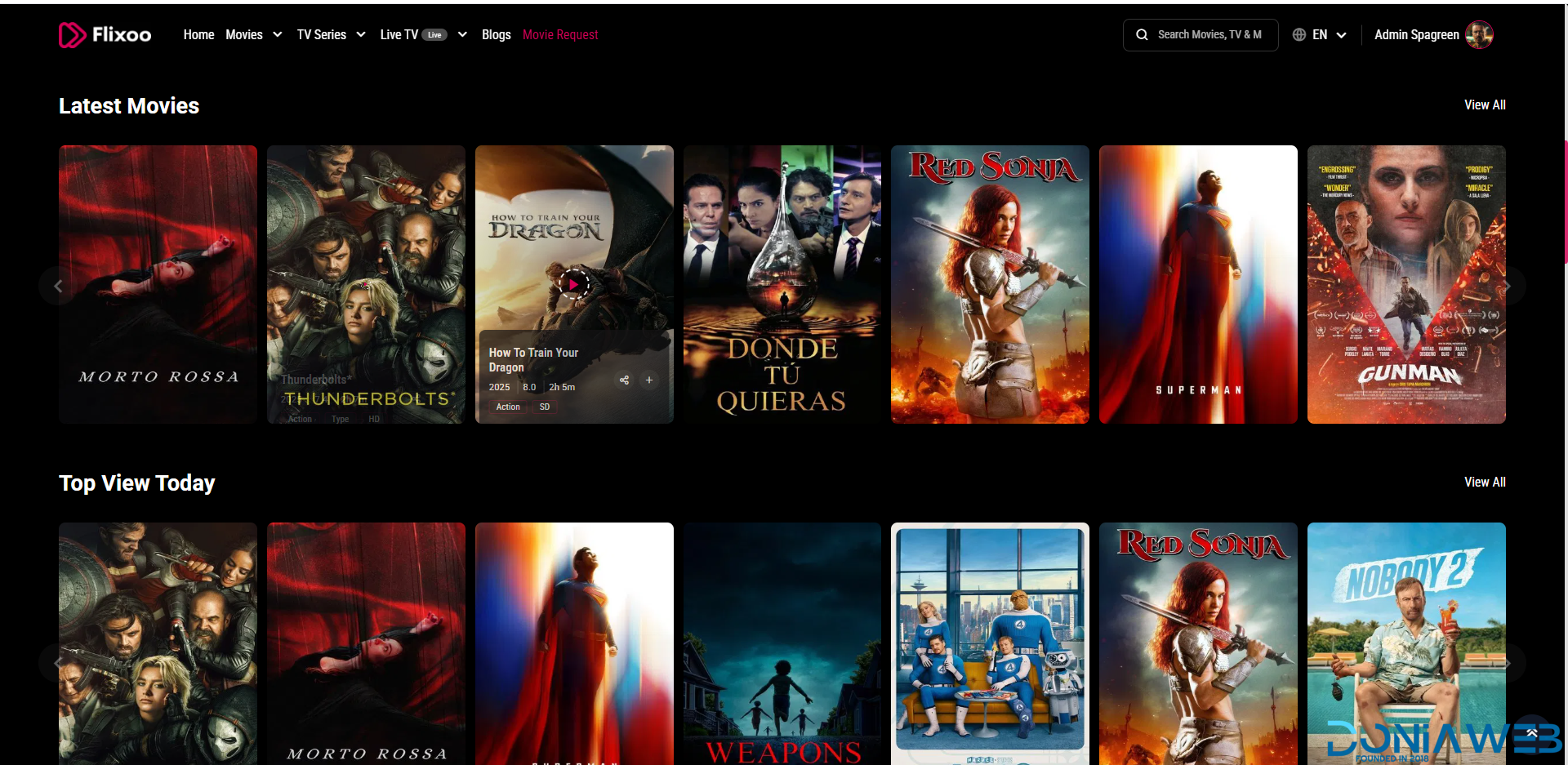

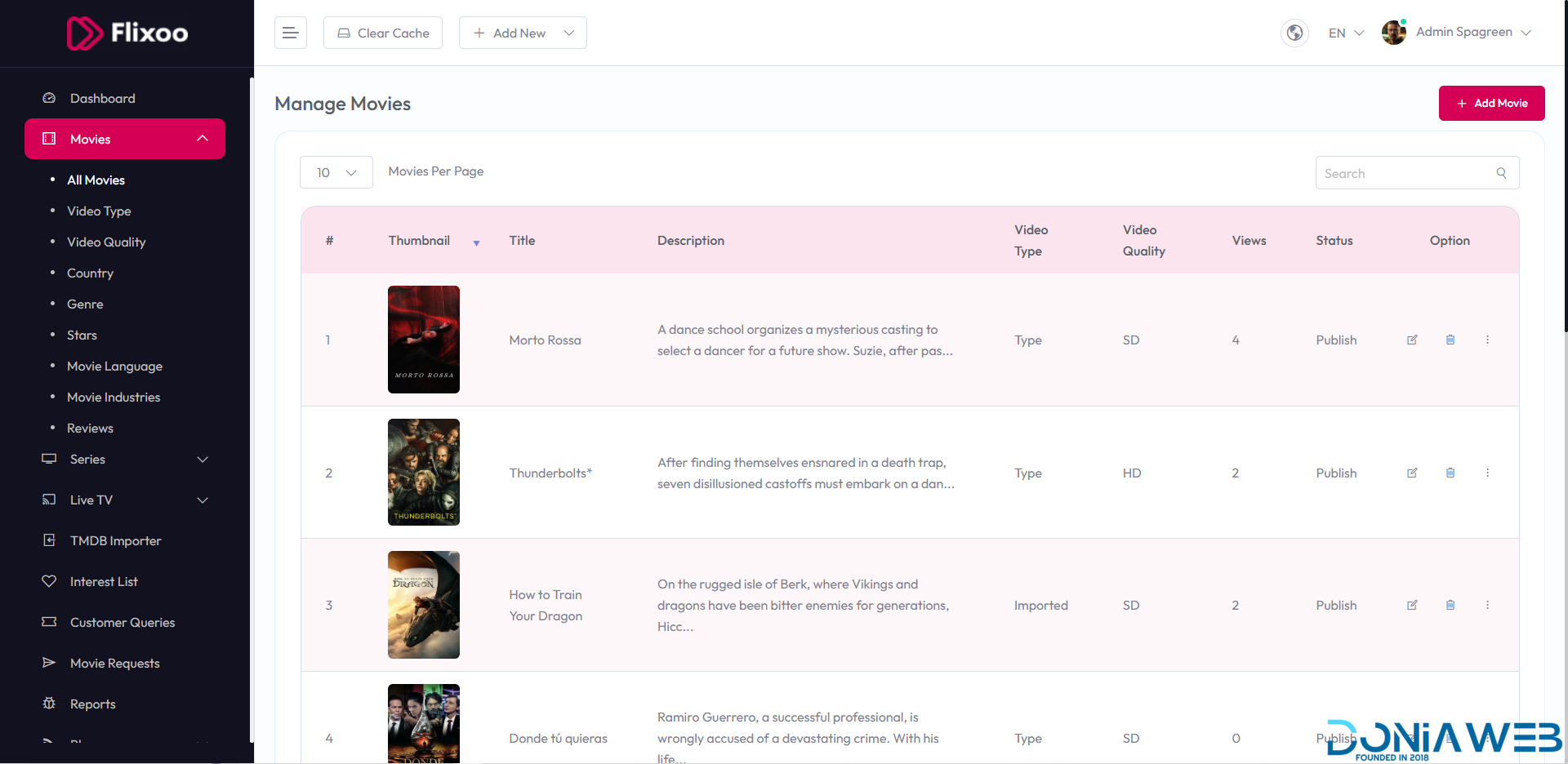
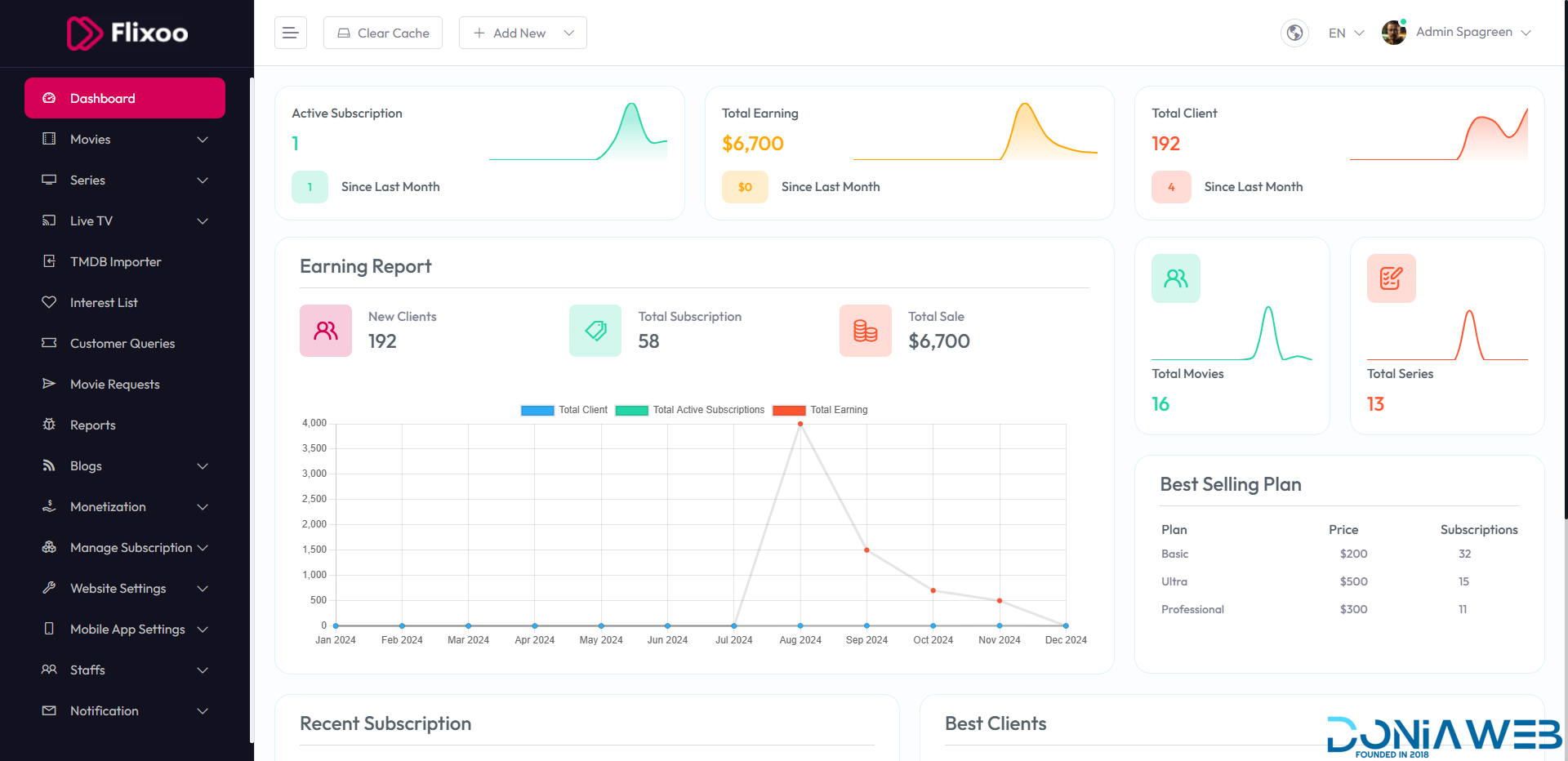
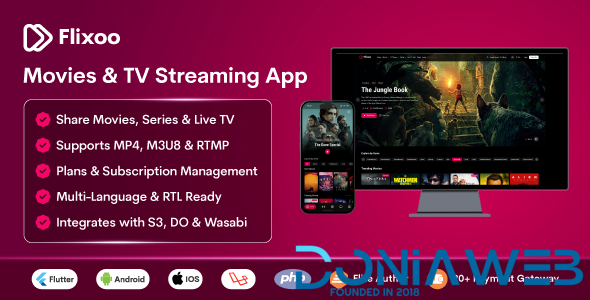
Flixoo is an all-in-one video streaming and sharing Application for Android and iOS and Web CMS designed to help creators, media companies, and businesses launch their own OTT platform effortlessly. It supports movies, TV shows, live TV, and blogs with stunning HD quality, adaptive streaming, and seamless multi-platform compatibility across Web, Mobile (Android & iOS), and Smart TVs.
With fully customizable channels, flexible monetisation options, subscription plans, rentals, and advanced ad integration, Flixoo provides everything you need to grow your audience, increase engagement, and maximise revenue—without any recurring fees or hidden costs. Experience the future of video streaming with a platform built for performance, scalability, and global reach.
Flixoo - AI-Powered OTT CMS for Movies, Series & Live TV (Web + Mobile) with Monetization 1.0.1
7 Screenshots
User Feedback
Other files from Nirob Kayes
-
- 1 purchase
- 1 {!#[1:comment][?:comments]}
-
- 30 Downloads
-
- 43 Downloads

You may only provide a review once you have downloaded the file.
There are no reviews to display.