










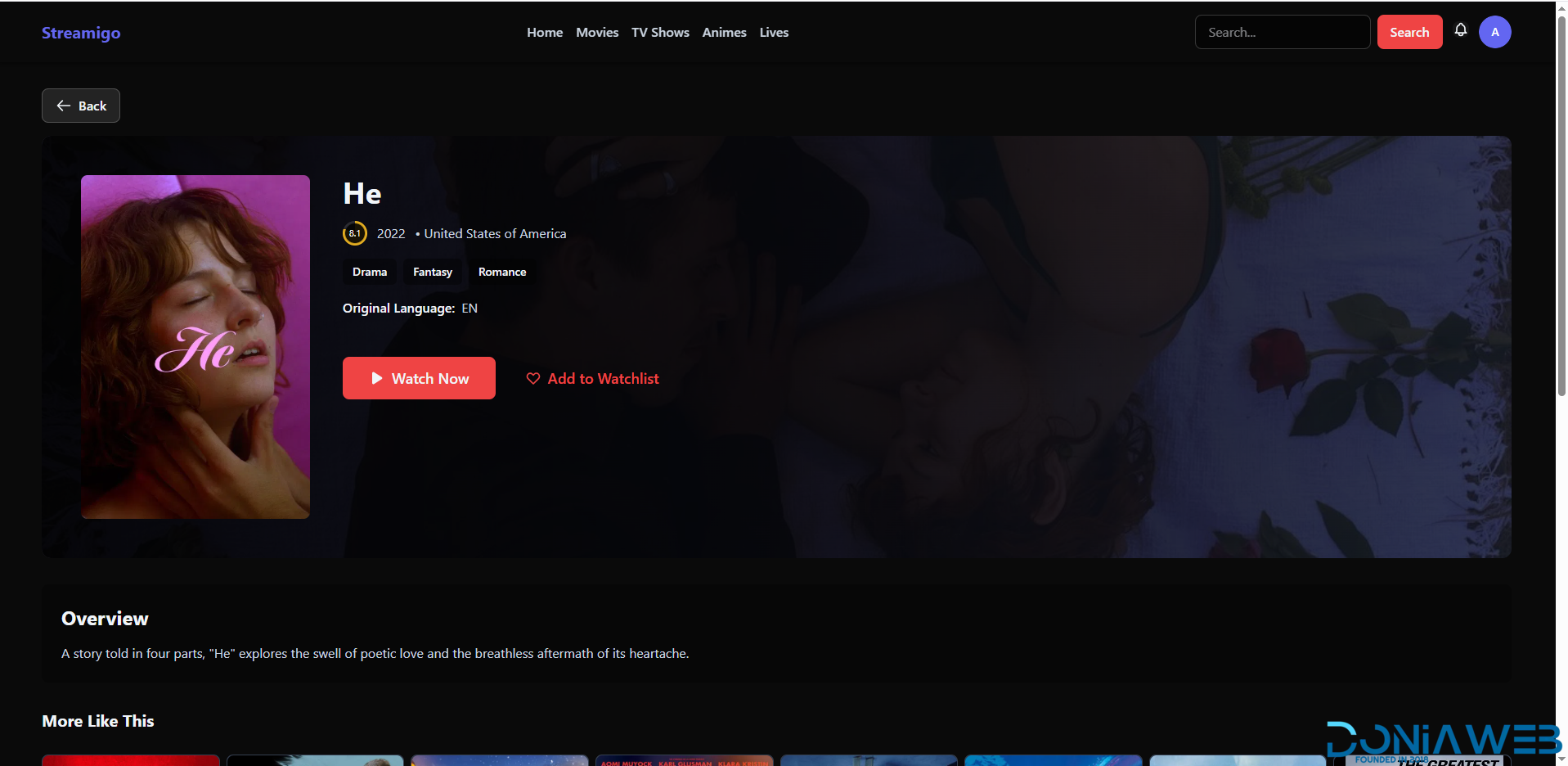
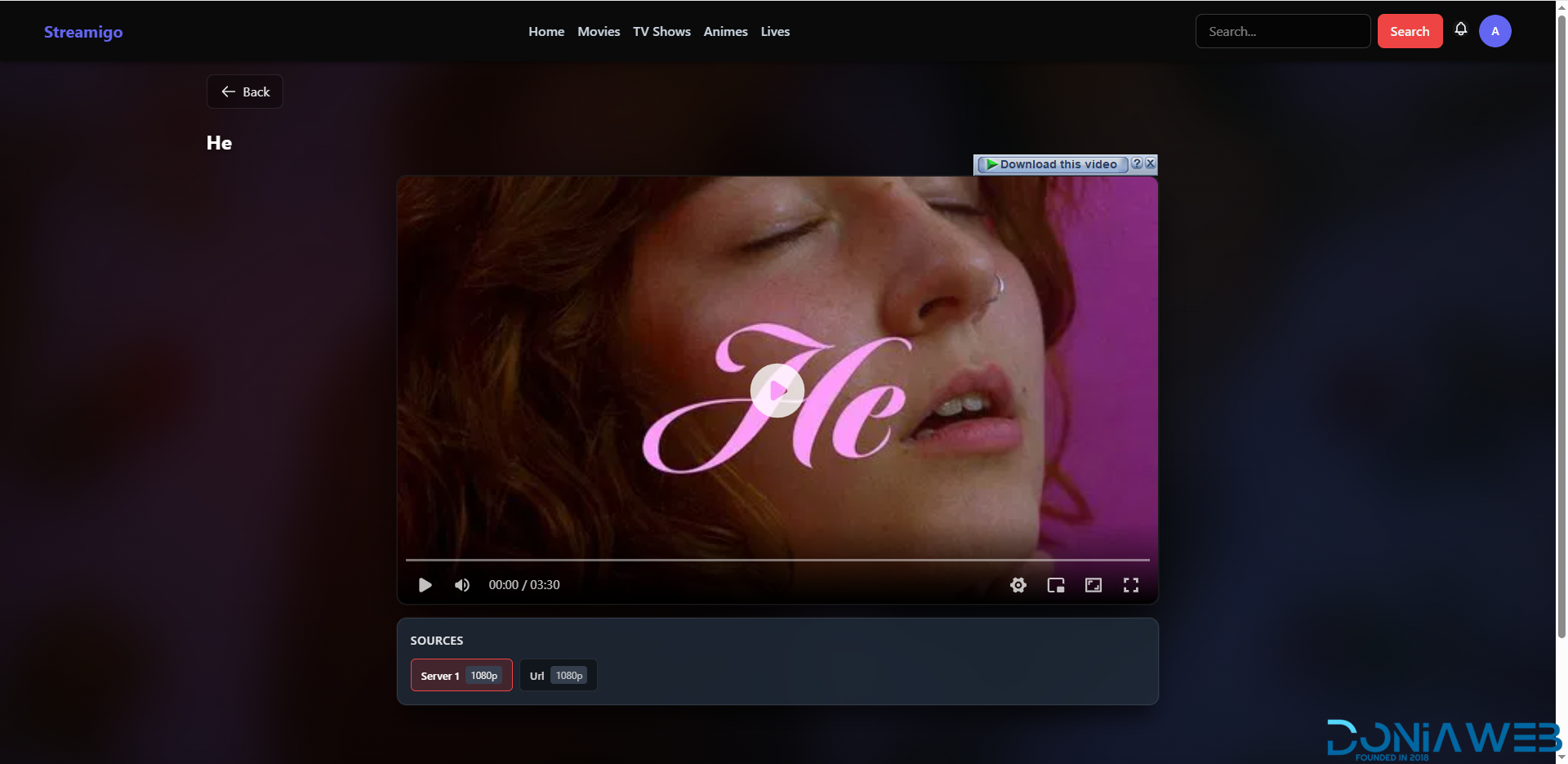
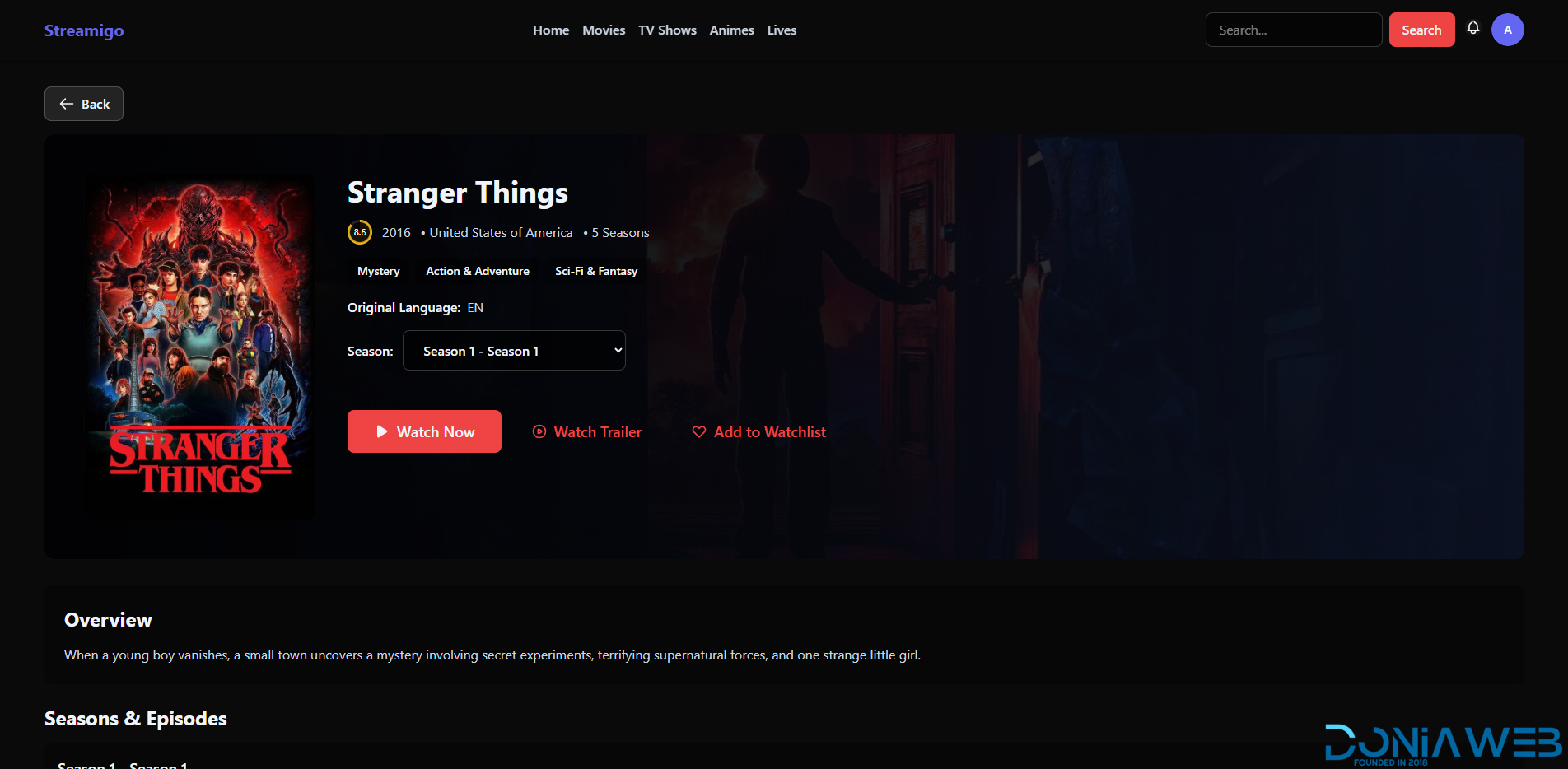
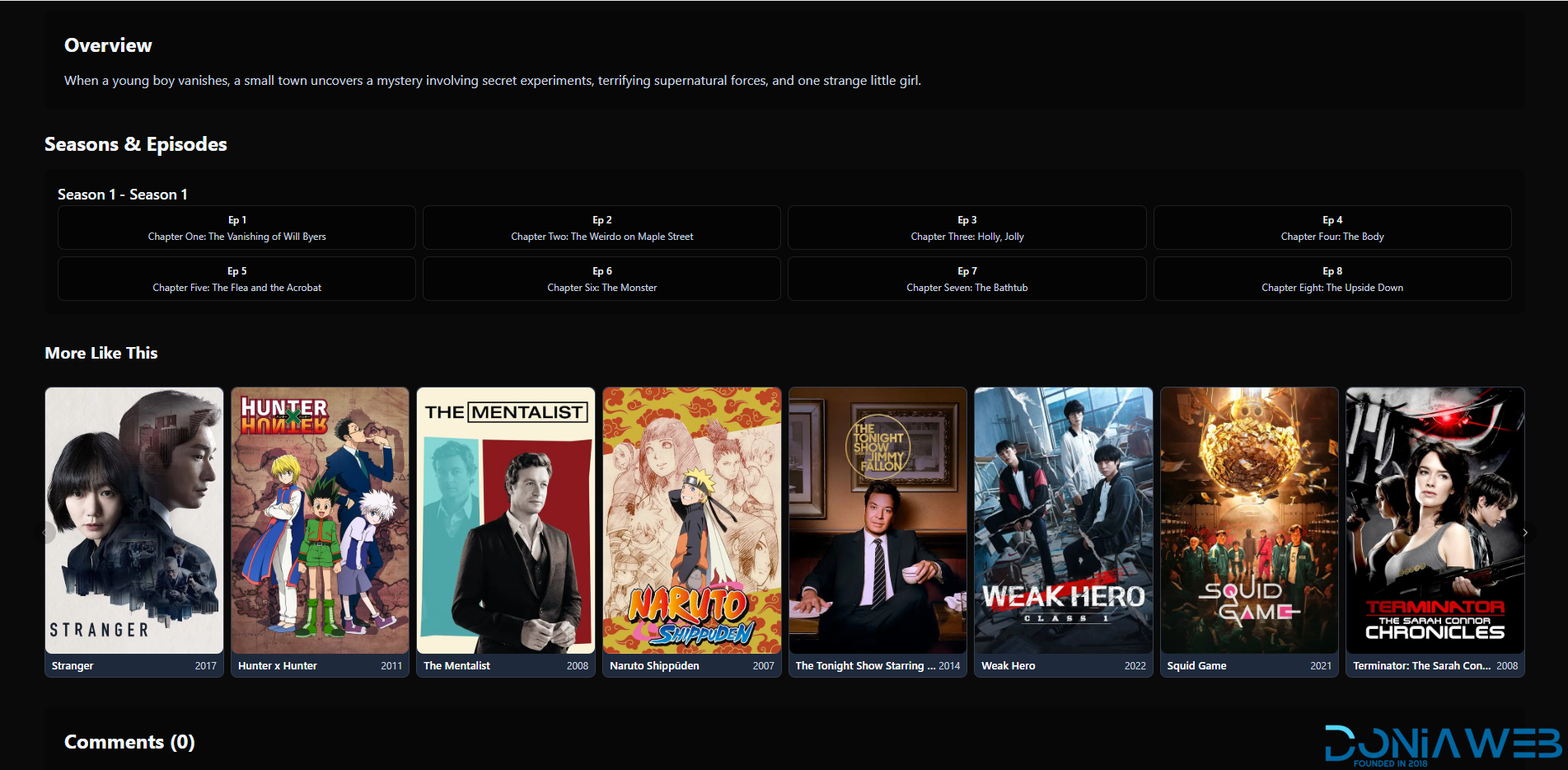
Stream Movie, Tv shows, Animes Without limit with Streamigo. Streamigo is a highly customizable streaming platform.
Go to the last of the description for Website Player Demo
Note*: App isn't the main thing of this product, It's Like a gift. You are purchasing mainly the website source code.
User & Account Features
User Login & Registration
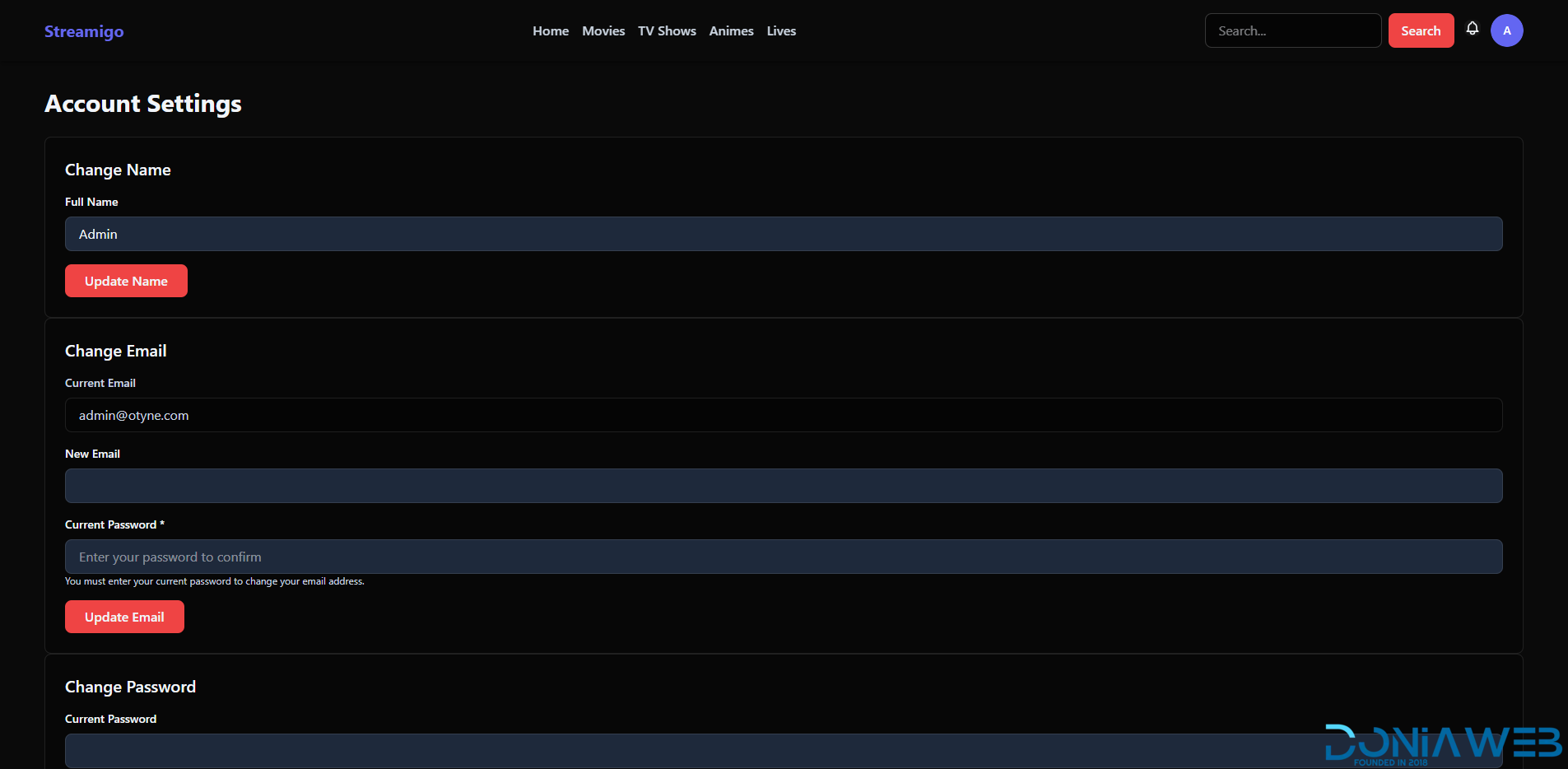
Full Account Management
Social Login (Google)
User Roles & Permissions
Multiple Admins & Moderators
Complete User Control Panel
Maintenance Mode
Security & Protection
CAPTCHA System:
Google reCAPTCHA v2 & v3
Cloudflare Turnstile
Protection available on:
Entire website or
Login / Registration pages only
Storage, CDN & Infrastructure
AWS Support
Cloudflare R2
Backblaze B2
CDN Integration for fast global delivery
Multiple Video Source Support
Media & Streaming Features
TMDB Integration (easy search & auto-fetch)
Supported Video Types:
HLS
MP4 / MKV
Embed
Direct Upload
External URL
RTMP
YouTube
Scheduled Live Streams
Live Streaming Support
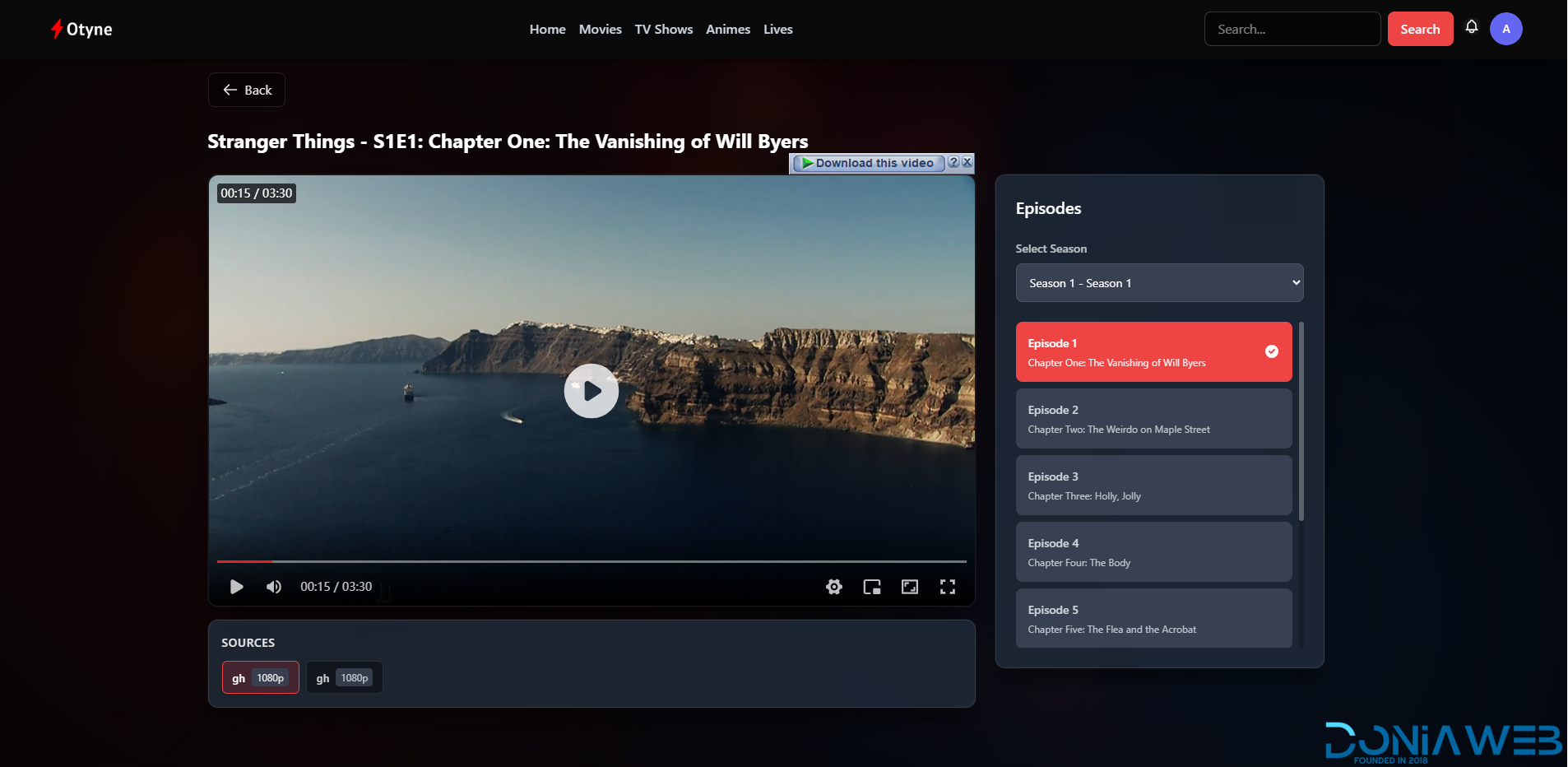
Episode Switching Inside Player
Trailers Support
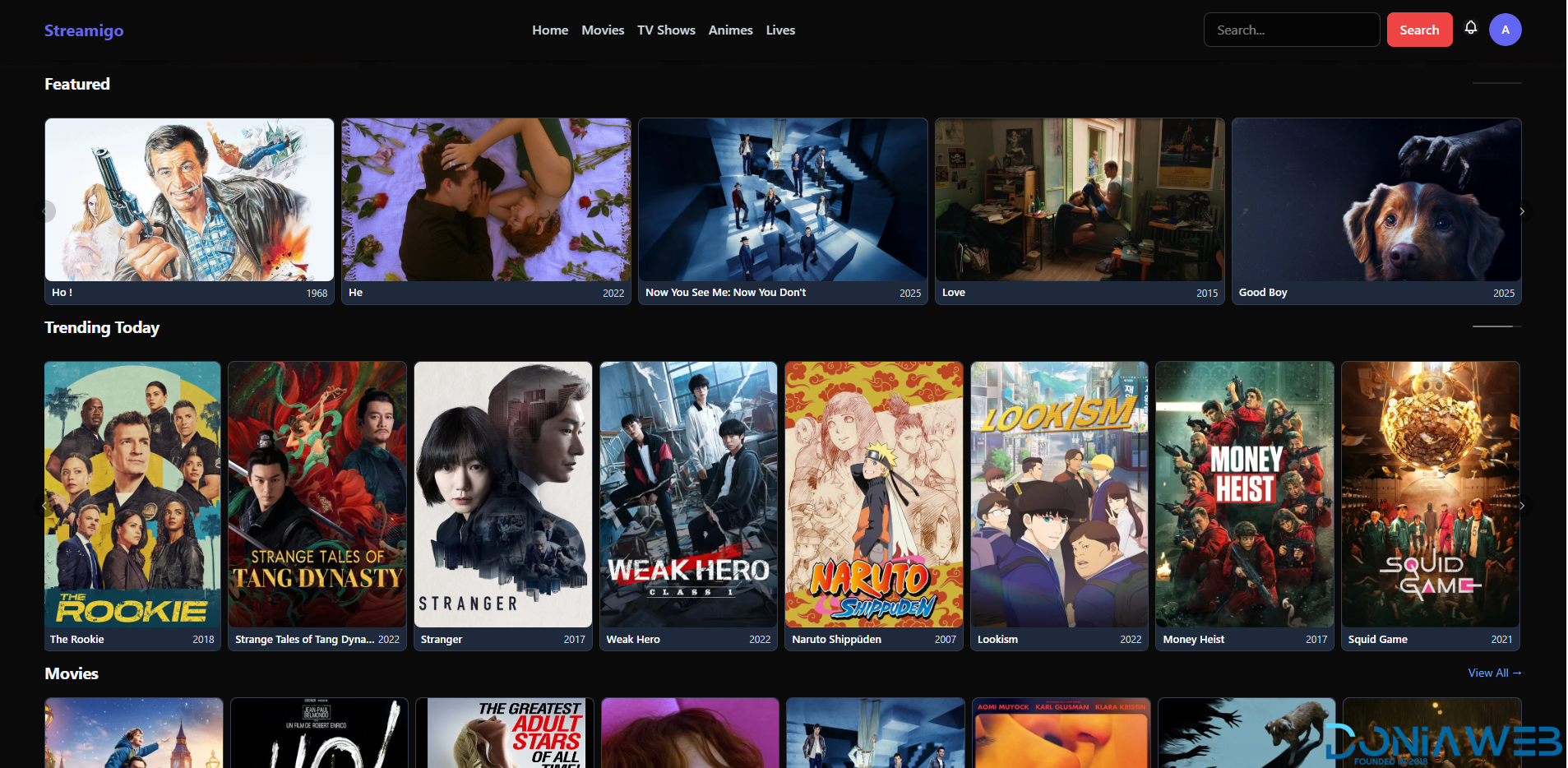
Separate Sections for Movies, TV Shows, Anime & Live Streams
Player Experience
Modern, responsive Video Player
Multiple Source Switching
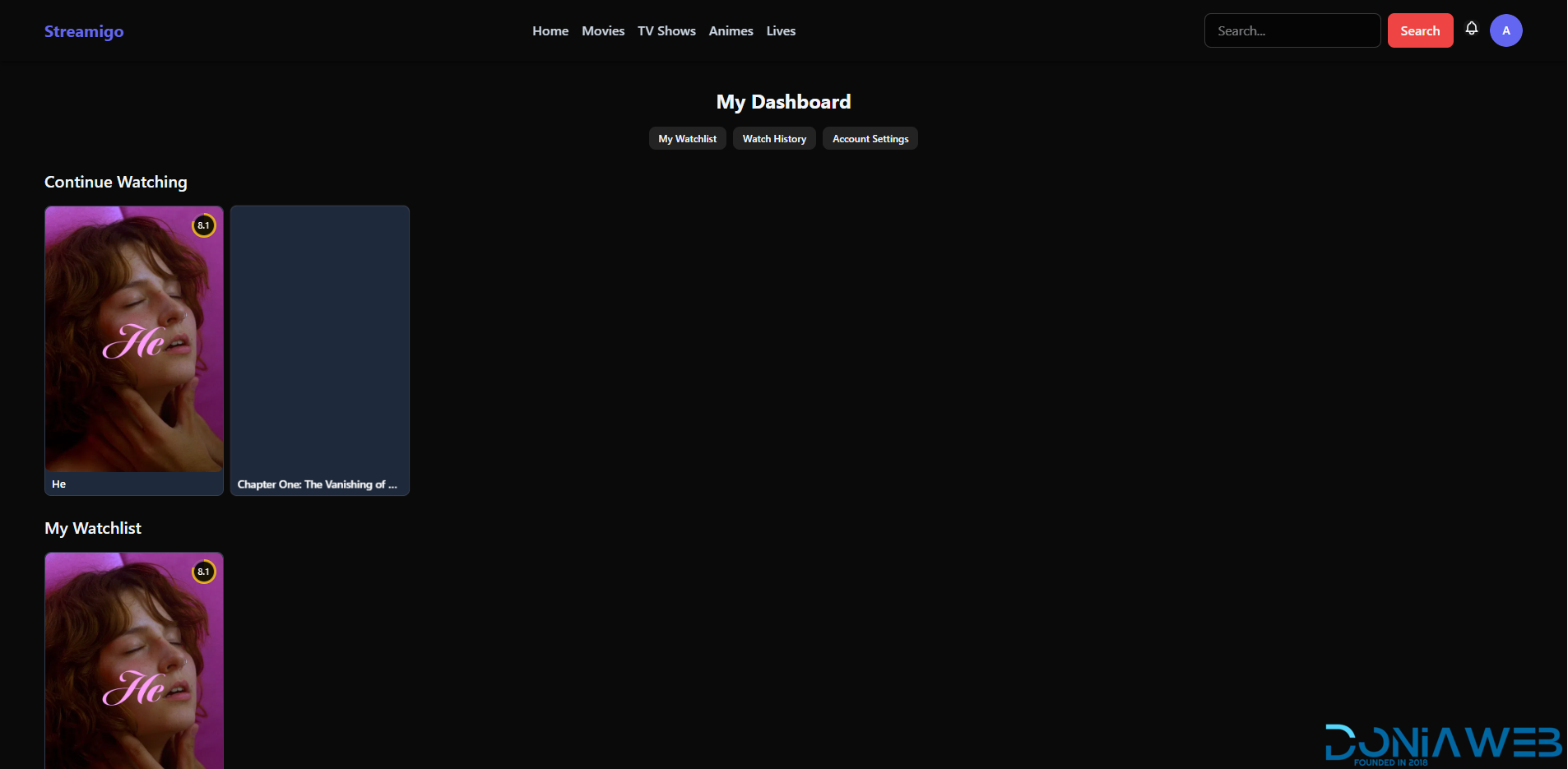
Resume Playback (Continue Watching)
Watch History
Watchlist
Episode Selector (TV Shows)
Commmunity
Notification System
Comments Section
Content Request System
Advanced Search with Filters
Promotion
Built-in Ads System
Popup Notices / Banner Announcements
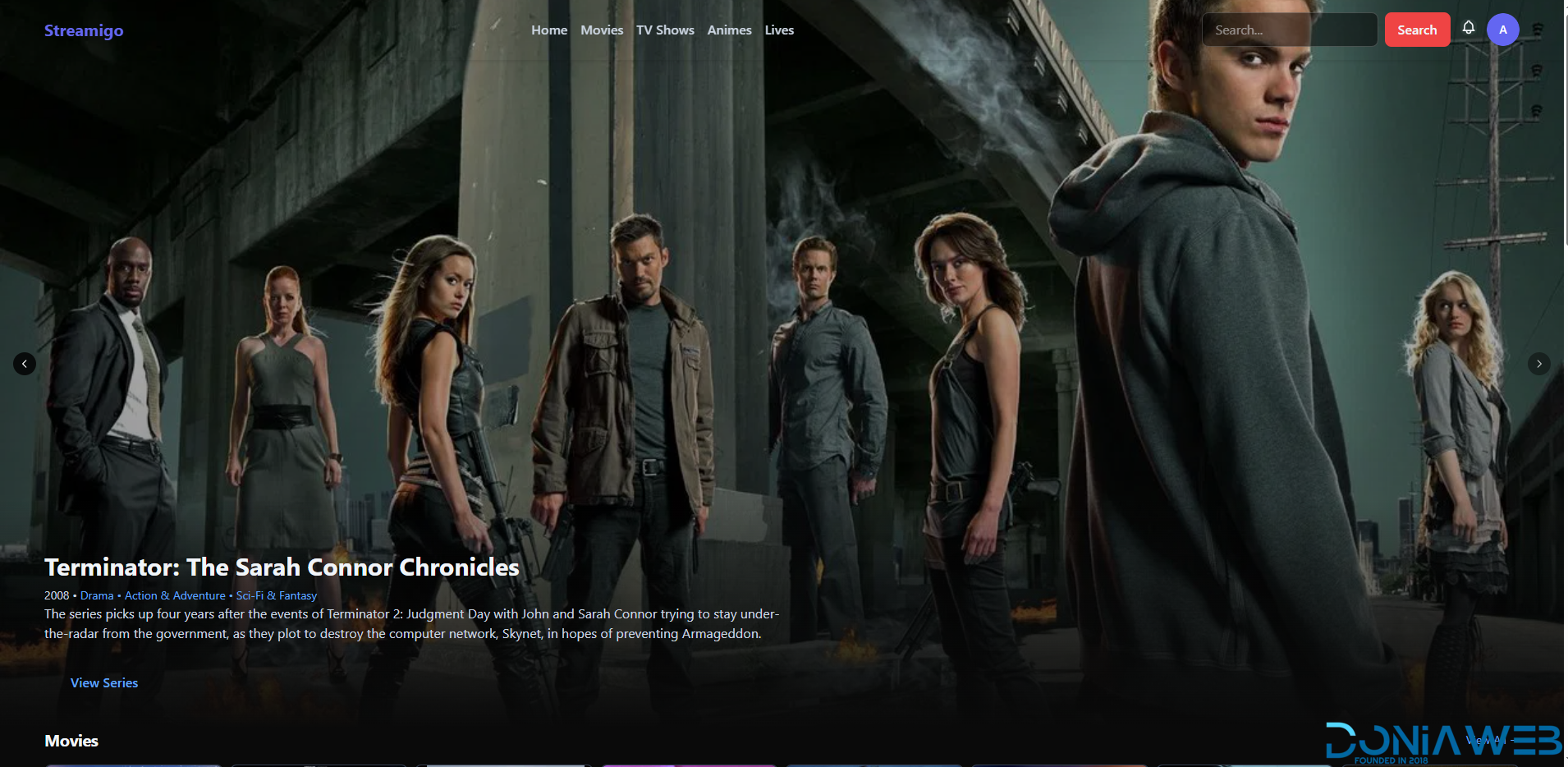
Homepage Sliders
Multiple Custom Sliders
Customization & UI
Full Site Customization
Homepage Section Management
Category System
Language Management
Separate Anime Section
Custom Pages & Layout Control
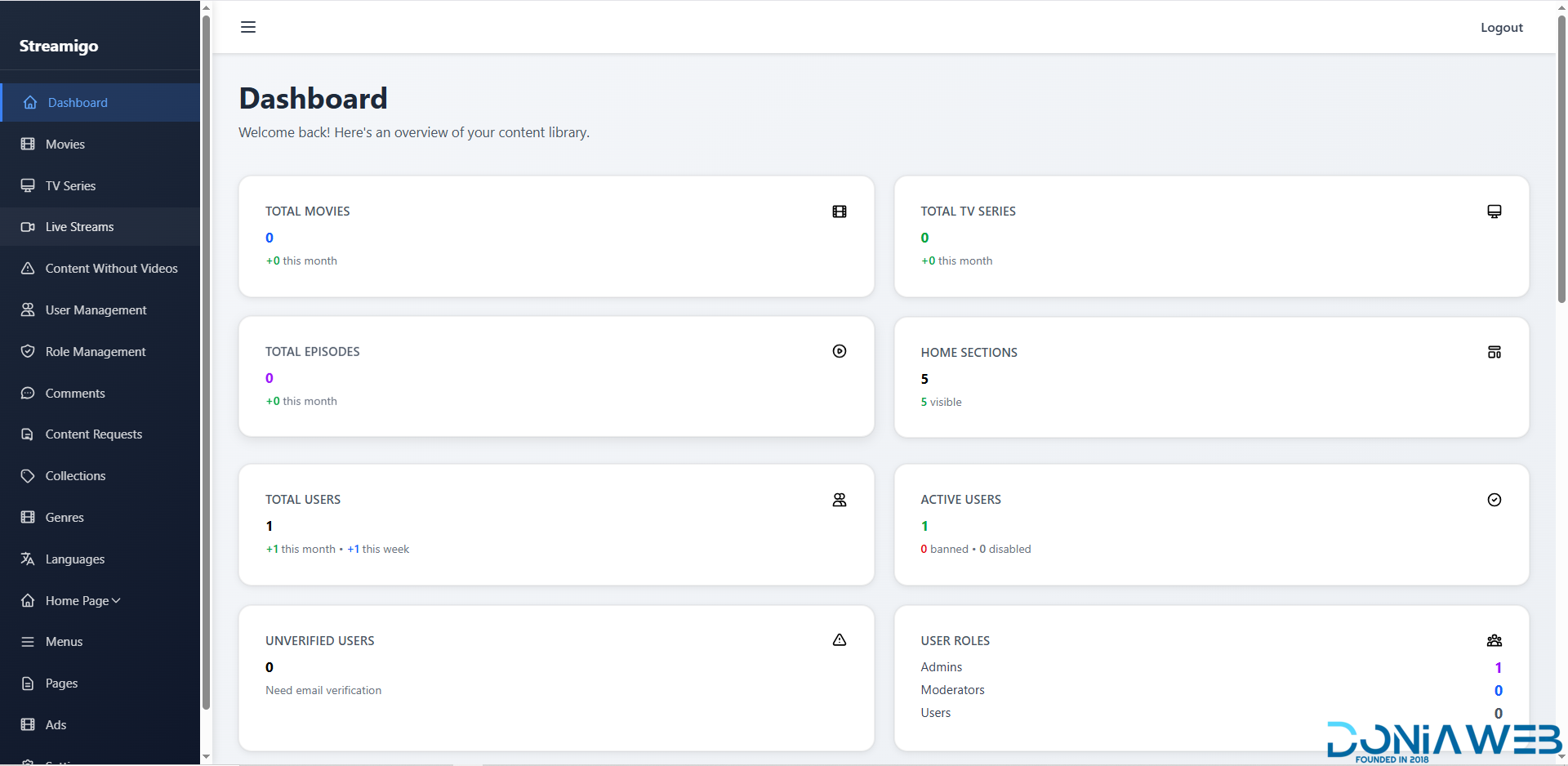
Admin Panel & Dashboard
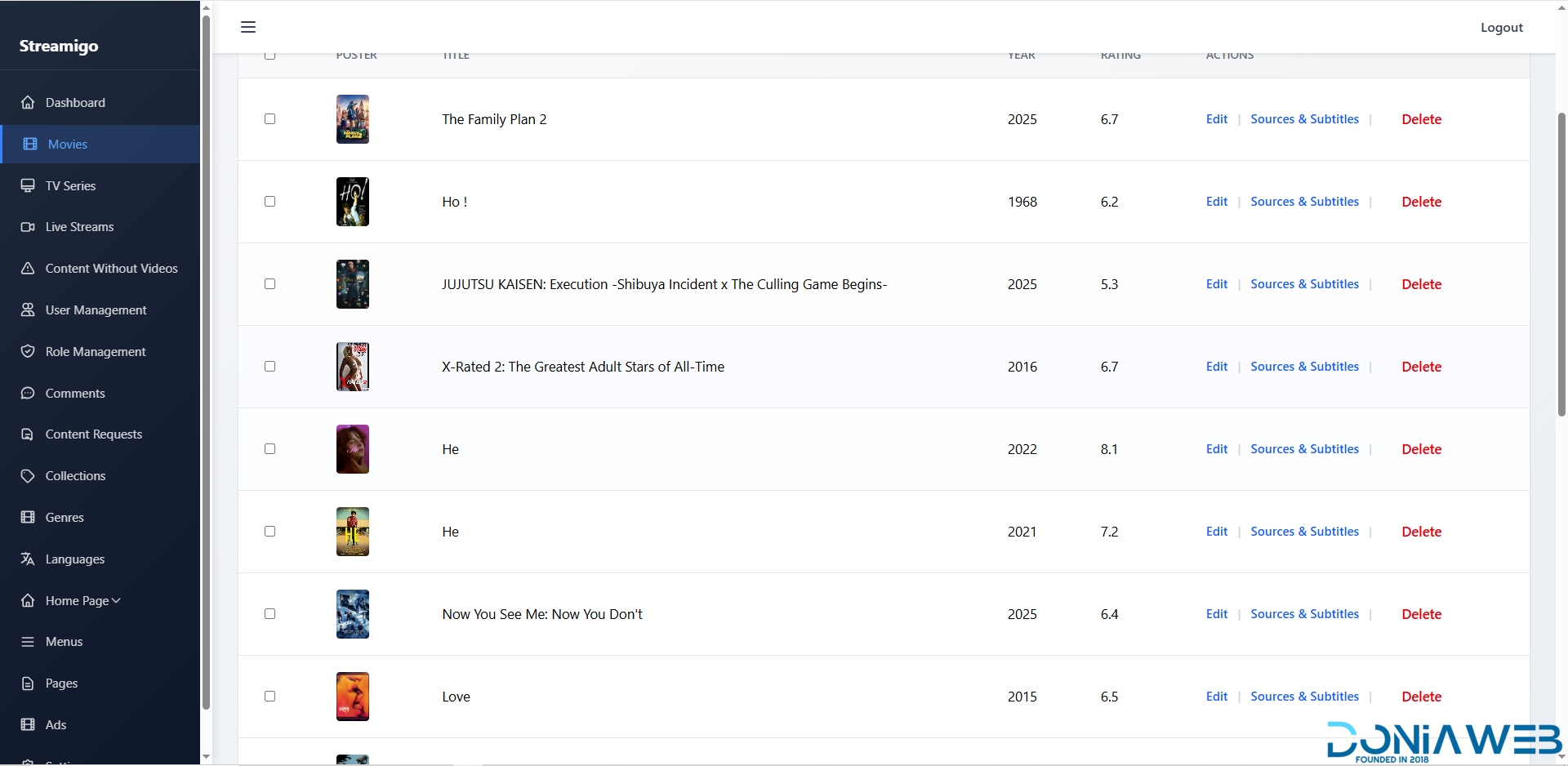
Powerful yet Easy-to-Use Admin Panel
Full Control Over:
Movies
TV Shows
Live Streams
Users
Categories
Ads
Modern Admin Dashboard
SMTP Email Support
System-wide Settings Control
Item/Page SEO
Application
Includes a Basic App
API-ready structure
Scalable architecture
Note*: App isn't the main thing of this product, It's Like a gift. You are purchasing mainly the website source code.
-
 1
1


You may only provide a review once you have downloaded the file.
There are no reviews to display.