







.png.28f70df0f07558d2c407c1cd1034f964.png)
.png.f044157aefe6c87852b74b514d59335d.png)
.png.821f83d6b90a5fbcd01fe3f832b13f3c.png)
.png.7bed4c7d98272f70a606975057acbd62.png)
.png.ec3cc7d3782b8e7554012f0da43e956e.png)
.png.1b11ce9159ba9ea9eef5b5b91d9dcf56.png)
.png.d286bd03301bc1b593c9649a55d26074.png)
.png.d4db50d493854a5aba94b974fc364e26.png)
.png.c721e1163825b70dcccdc4b650c89f00.png)
InvestPro – A Modern Investment Platform
Secure HYIP & Advanced Investment Management System
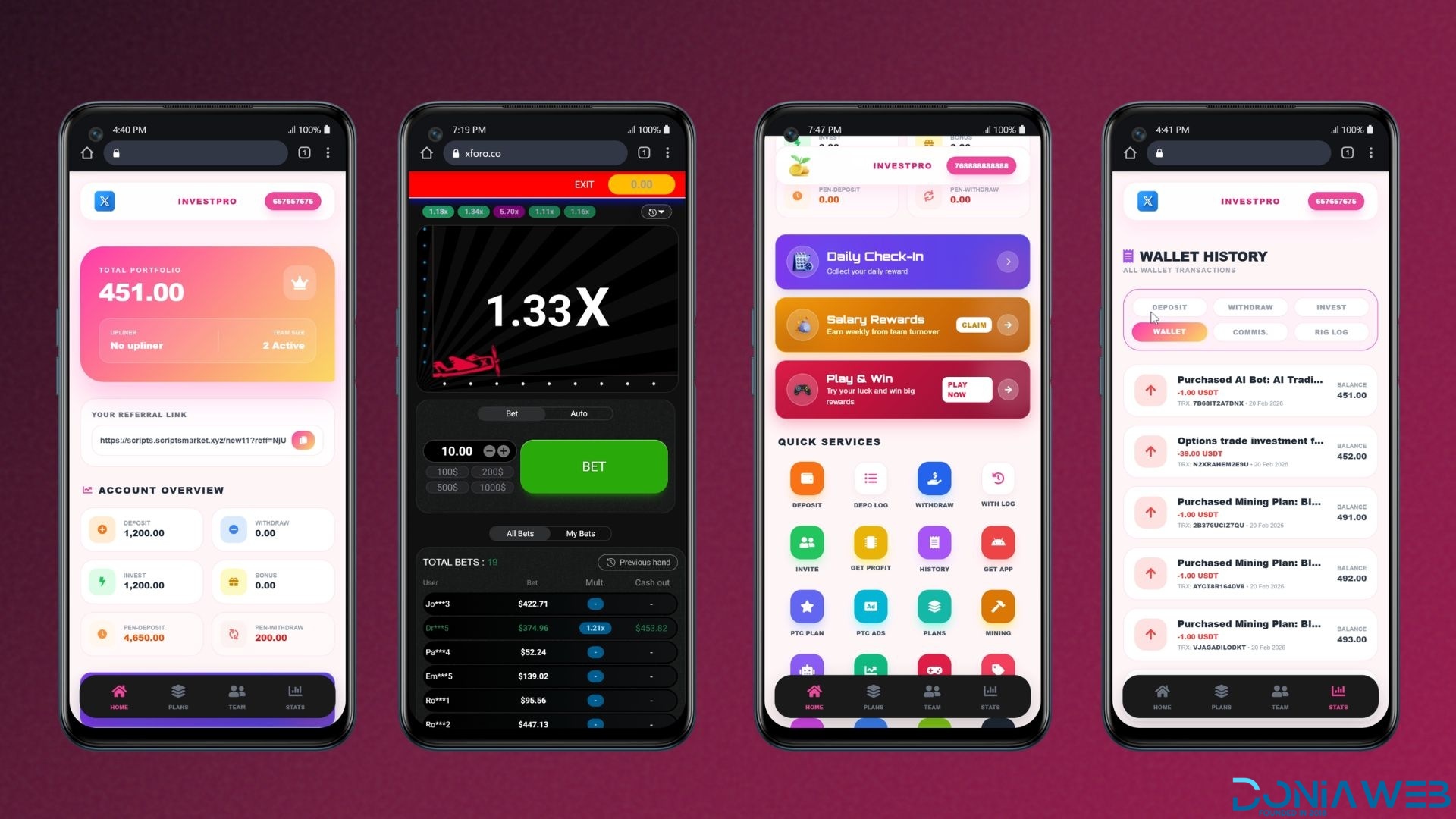
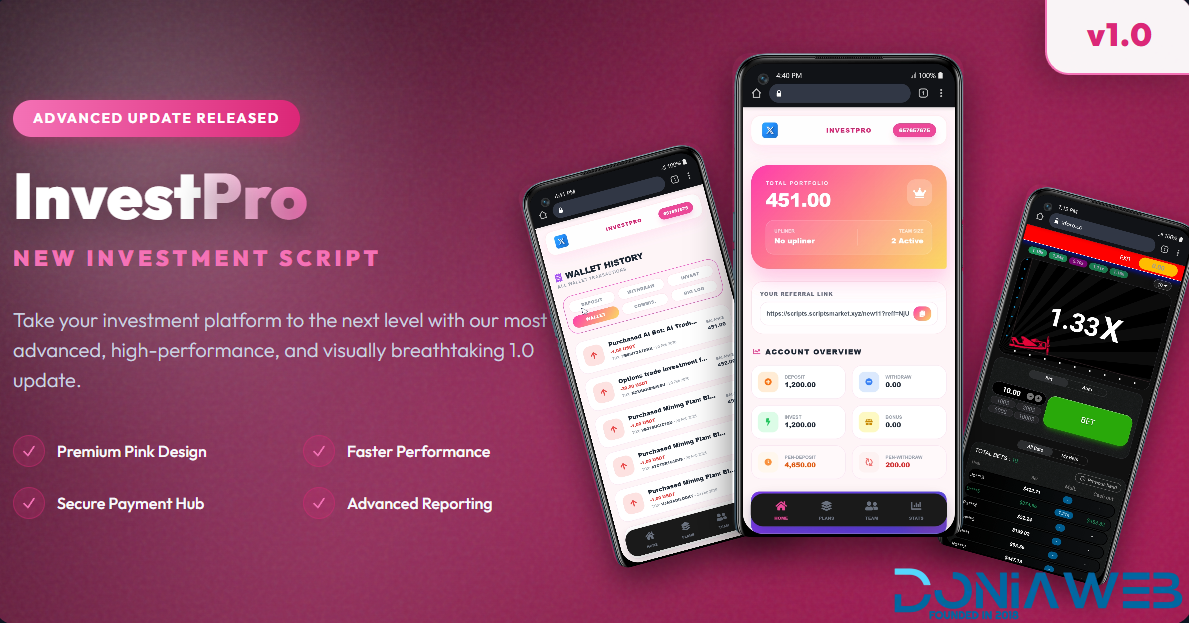
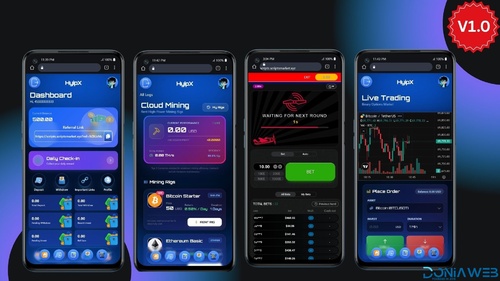
InvestPro is a powerful, fully automated HYIP & investment management platform built for performance, scalability, and security. Designed with a modern UI and robust backend architecture, it enables administrators to manage investments, users, gateways, trading modules, and bonuses — all from a single smart dashboard.
🔗 Demo Access
Frontend Demo:
https://scripts.scriptsmarket.xyz/InvestPro/
Admin Demo Panel:
https://scripts.scriptsmarket.xyz/InvestPro/admin/
Admin Login Credentials:
Username: admin
Password: admin
🚀 USER FEATURES
👤 Account & Profile Management
Secure Registration & Login
Email Verification
Two-Factor Authentication (2FA)
Password Reset System
Profile Management
KYC Verification (Optional)
💰 Investment System
Multiple Investment Plans
Fixed & Flexible ROI Plans
Time-Based Plans (Hourly, Daily, Weekly, Monthly)
Compound Investment Option
Auto Profit Distribution
Investment History
📊 Dashboard & Analytics
Modern User Dashboard
Live Earnings Statistics
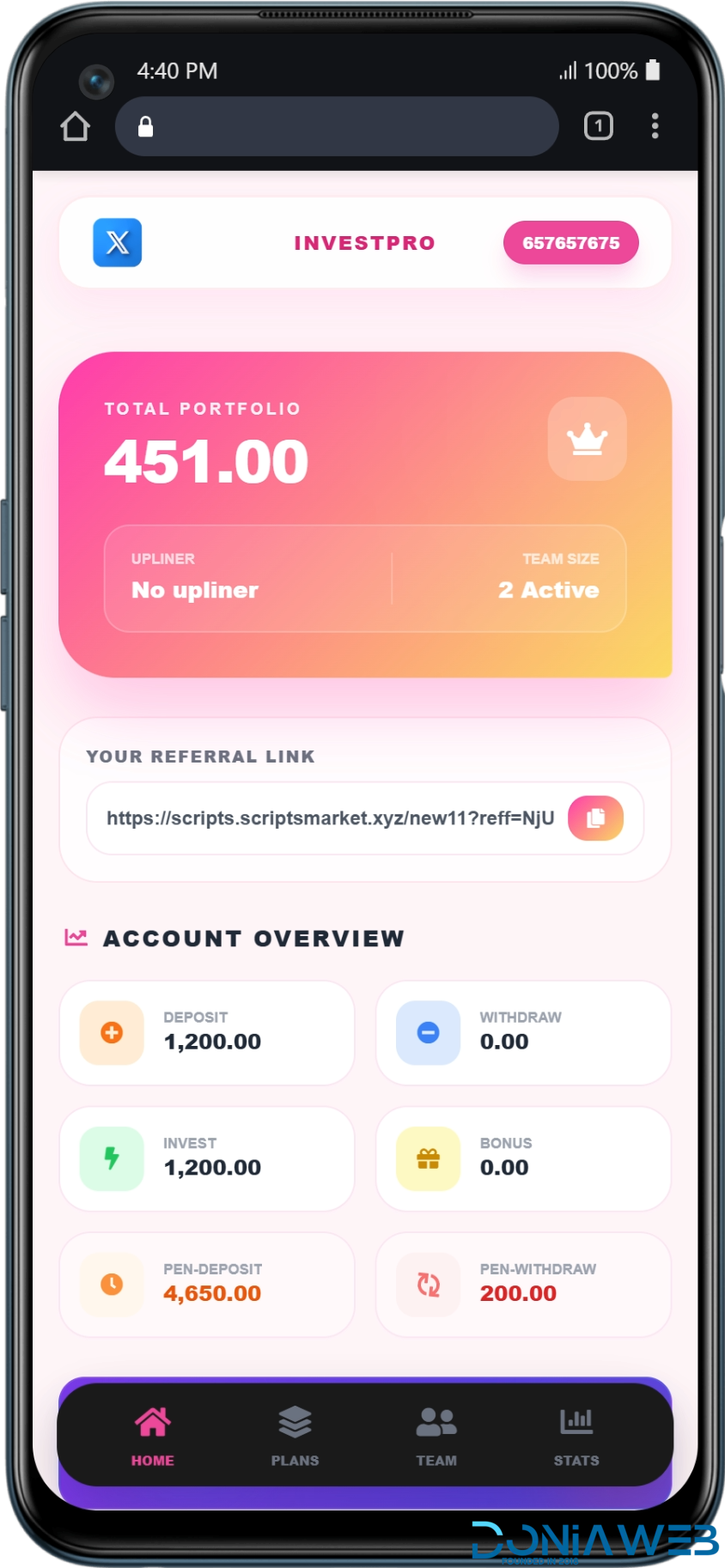
Investment Overview
Referral Earnings Chart
Wallet Balance Summary
🤝 Referral & MLM System
Multi-Level Referral System
Referral Commission Settings
Referral Tree View
Leaderboard Ranking
Team Performance Tracking
Salary & Rank Bonus System
🎮 Earning Modules
AI Trading Bots
Cloud Mining
Options Trading
Forex Trading
Stock Trading
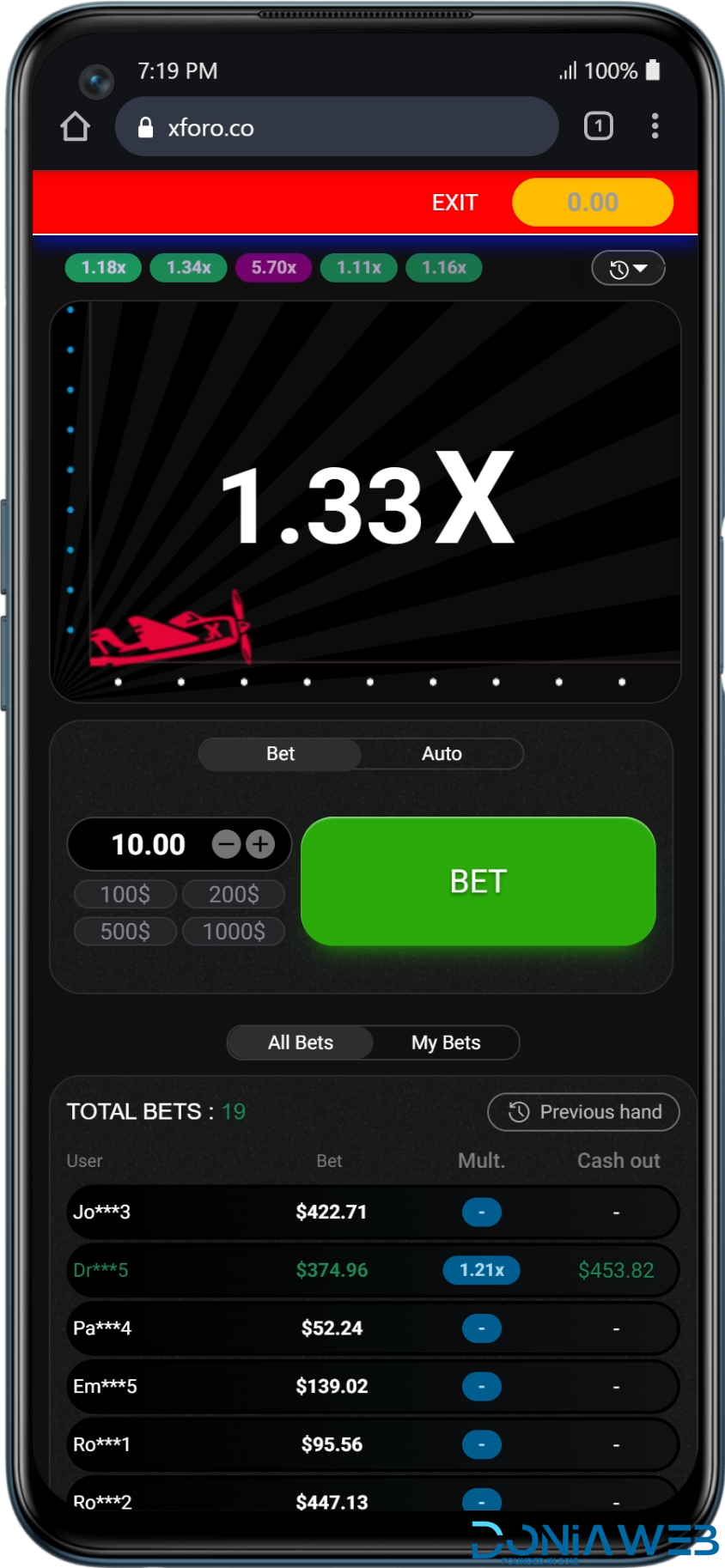
Aviator Game Integration
Casino / Games Module
PTC Ads Earning
VIP Membership Plans
🎁 Rewards & Bonuses
Daily Reward System
Promo Codes
Rank & Achievement Bonuses
Salary System
Balance Transfer Between Users
💳 Deposit & Withdraw
Automatic Payment Gateways
Manual Payment Gateways
Multiple Currency Support
Deposit History
Withdrawal History
Instant or Manual Withdraw Processing
🔐 Security
Google 2FA Support
IP & Login Activity Tracking
Anti-Fraud Protection
Secure Wallet System
📧 Communication
Email Notifications
Transaction Alerts
Support Ticket System
🛠 ADMIN FEATURES
📈 Admin Dashboard
Complete Business Overview
Total Users / Active Users
Total Deposits / Withdrawals
Earnings Reports
Graph & Analytics System
👥 User Management
Manage All Users
Ban / Unban Users
Edit User Balance
Login as User
View User Investments
Manage User Referrals
Detect Duplicate Users
💼 Investment & Plans Management
Create / Edit / Delete Plans
Set ROI & Duration
Manage Plan Time Settings
Enable / Disable Plans
Control Profit Distribution
🎮 Module Management
Enable / Disable Earning Modules
AI Bot Configuration
Trading Settings Control
Mining Configuration
Game Management
VIP Plan Management
💳 Gateway Management
Automatic Gateways Setup
Manual Gateways Setup
Withdrawal Gateways
Gateway Charges Configuration
Currency & Rate Management
💰 Deposit Management
Approve / Reject Deposits
View Deposit Logs
Manual Deposit Handling
💸 Withdrawal Management
Approve / Reject Withdrawals
Charge Settings
Withdrawal Reports
🎁 Bonus & Reward Control
Salary System Configuration
Daily Reward Control
Promo Code Management
Balance Transfer Monitoring
🌐 Frontend & CMS
Manage Homepage Sections
Sliding Banner Control
Manage Important Links
Dynamic Content Management
SEO Configuration
Logo & Favicon Settings
📧 Email & Notifications
SMTP Configuration
Global Email Templates
Notification Templates
Mass Email System
🔒 Security & System
Admin Role & Permission Management
Security Manager
System Configuration
Cache Clear
System Update
System Backup
App Settings
🧑💼 Staff Management
Create Admins
Assign Roles
Permission-Based Access Control
🏆 Why Choose InvestPro?
Modern & Clean UI
Fully Automated System
High-Level Security
Modular Architecture
Mobile Responsive
Easy Customization
Scalable Infrastructure
Multi-Gateway Support
Advanced Referral & Ranking System
-
 1
1
-
 1
1
You may only provide a review once you have downloaded the file.