








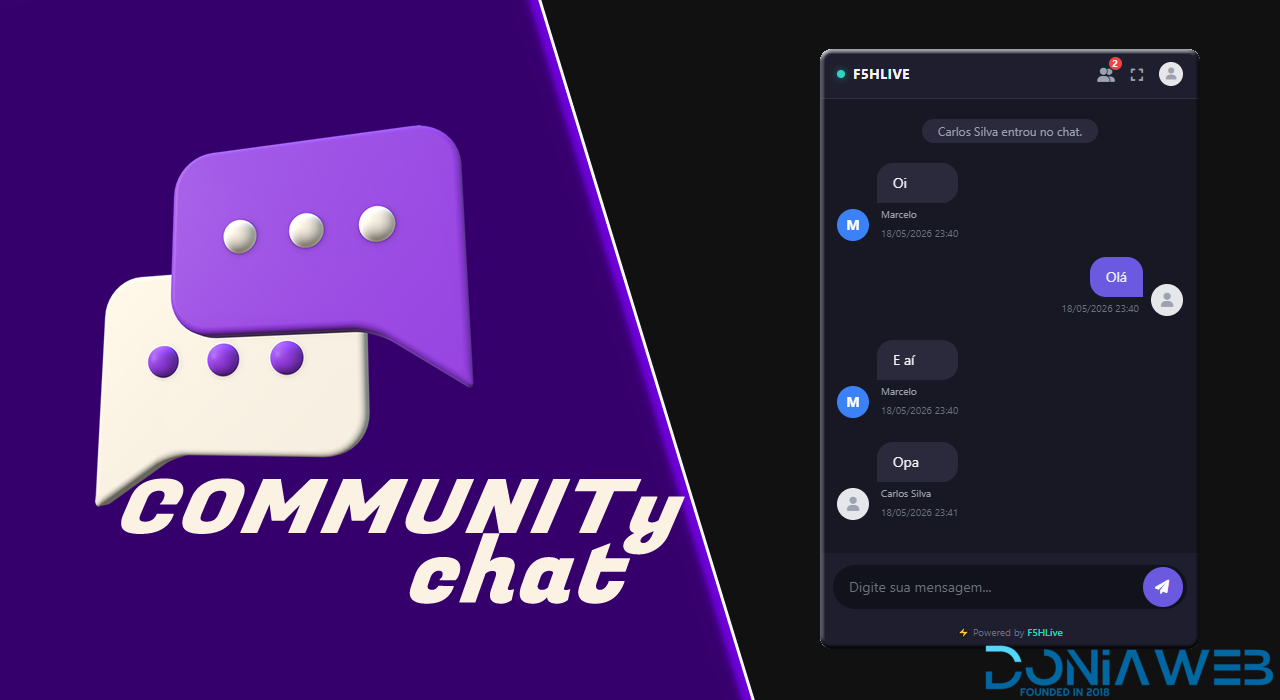
# Community Chat WordPress
F5HLive Chat adds real-time chat to your WordPress site using F5HLive's high-performance infrastructure.
All message processing occurs on our servers via WebSockets or Server-Sent Events (SSE),
ensuring your WordPress server remains lightweight and without database overload.
Requires at least: 5.8
Tested up to: 6.5
Minimum Required PHP: 7.4 / 8xx
Real-time chat for WordPress using the F5HLive WebSocket server.
== Description ==
**F5HLive Chat** adds real-time chat to your WordPress site using F5HLive's high-performance infrastructure.
All message processing occurs on our servers via WebSockets or Server-Sent Events (SSE), ensuring your WordPress server remains lightweight and without database overload.
Ideal for active communities!
The plugin offers support for both visitors and registered users, with advanced administrative controls and a modern user experience.
= v1 Features =
* ⚡ Real-time public chat via WebSocket and SSE
* 💬 Configurable floating button for all pages
* 🔑 Simplified admin panel for credentials (API Key, App ID, Secret Key, Cluster)
* 🔒 Full TLS (WSS) support — works perfectly on HTTP and HTTPS
* 👤 Native integration with logged-in WordPress users and visitor support
* 🎨 Automatically generated modern avatars
* 📋 Flexible shortcode to embed the chat wherever you want
* 📱 Responsive design optimized for mobile devices
== Features ==
* Real-time public chat
* Optional chat access for guests/visitors
* Registered user-only mode
* Private messaging between users
* User availability modes (Available, Busy, Do Not Disturb)
* User privacy controls
* Floating chat window
* Expandable chat interface
* Support for Online Chat
* Light and Dark Mode
* Customizable Colors
* Optional Footer Display
* Real-time Typing Indicator
* Fast and Lightweight Interface
* Stable Support for Multiple Browser Tabs
== Administration Controls ==
Administrators can:
* Enable or disable guest access
* Enable mode for registered users only
* Customize chat colors and appearance
* Control footer visibility
* Configure floating or inline mode
* Manage API credentials directly from the WordPress admin panel
== Easy Setup ==
To use the plugin, you only need:
* A WordPress website
* A free F5HLIVE API application
Simply generate your API credentials in the F5HLIVE panel, paste them into the plugin settings, and your real-time chat will be ready to use.
No manual server configuration required.
== Ideal for ==
* Anime and manga websites
* Community portals
* Blogs and news portals
* Streaming sites and web TVs
* Entertainment platforms
* Fan communities (Fandoms)
* Gaming communities and clans (Gaming)
* Social networks on WordPress
* Content creator communities
== Installation ==
1. Upload the `f5hlive-chat` folder to the `/wp-content/plugins/` directory or install directly from the WordPress dashboard.
2. Activate the plugin through the **Plugins** menu.
3. Access the **F5HLive Chat** menu in the sidebar to configure your credentials.
== Frequently Asked Questions ==
= Do I need an F5HLive account? =
Yes. The plugin works in a decoupled way to ensure your website's speed. Create your account at f5hlive.com.br to obtain your API access credentials. Configuring the API!
In the F5HLIVE panel, follow these steps:
WebSocket API Menu
Click the Create API button.
Depending on your plan, you can create more than one API.
In "Plan/Order," select your contracted plan if you have more than one API.
Cluster/Server option: this is the geolocation of the API server.
Initial status: keep active. The inactive status is for putting the API into maintenance mode. Inactive mode does not consume API resources, but it will be disconnected.
URL security mode
Allowed domains: here you can specify the URLs that will have access to your API, e.g., yoursite.com. If enabled, any domain will be blocked, other domains will have their connection refused.
You can specify more than one URL; this function is optional and helps protect your API data filtering, such as conversations and sent information.
Recommended if Full Authentication mode is disabled and Simple Authentication mode is enabled, as the APIs support simple events without full authentication.
Full Authentication Mode
This mode requires all credentials to send messages/events.
auth_key
auth_signature (HMAC SHA256)
auth_timestamp
Full payload validation.
Simple Authentication Mode
Allows sending messages/events without needing all credentials, using...

View in the app
A better way to browse. Learn more.
Join the conversation
You can post now and register later. If you have an account, sign in now to post with your account.
Note: Your post will require moderator approval before it will be visible.