









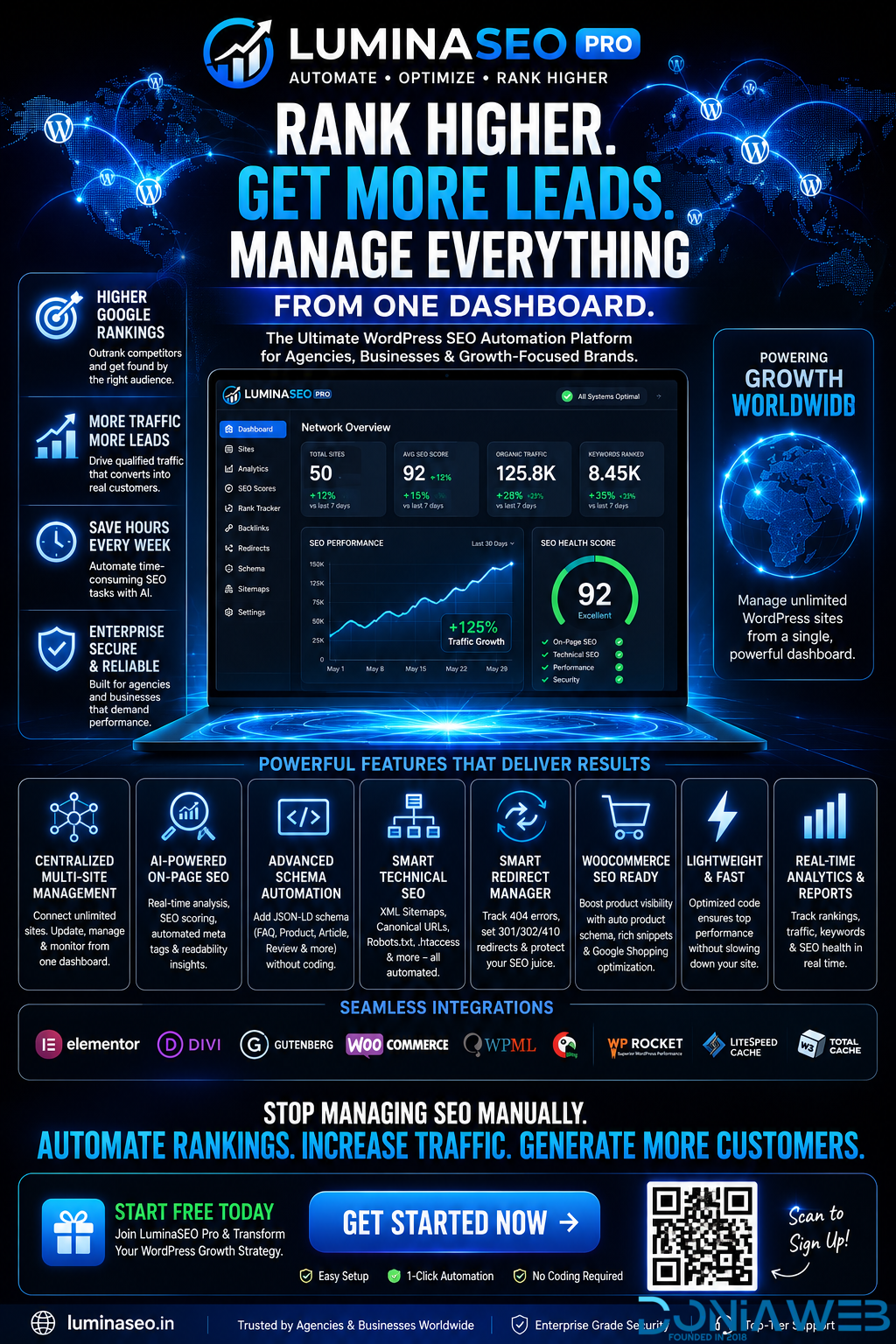
Why LuminaSEO is the #1 AI SEO Plugin
In a market crowded with generic AI plugins, LuminaSEO Pro stands alone as the only full-stack Neural SEO Infrastructure. We don't just write text; we build authority.
Deep Content Context
Most AI plugins use generic prompts. LuminaSEO maps your entire WordPress category tree and internal linking silos to generate content that fits perfectly into your domain's topical graph.
Topical Authority Logic
Instant GSC Handshake
Waiting for Google to crawl is the old way. Our Google Indexing API bridge pushes your AI-generated content to the top of the queue the millisecond it's published.
2-Hour Indexing Guarantee
E-E-A-T Framework
Search engines rank experts, not just data. LuminaSEO injects real-world authority signals, expert citations, and high-authority external links automatically into every post.
Algorithm Safe Assurance
The Best AI SEO Plugin for Authority Networks
Whether you're managing a single blog or a 50-site WordPress Multisite network, LuminaSEO Pro scales with you. It's the only AI tool that handles the technical SEO heavy lifting — Schema, Indexing, and SILOing — so you can focus on your vision.
Yoast SyncRankMath ReadyWooCommerce NeuralGutenberg Native
.thumb.jpg.93a7cd2abe39fcd709f0e1522cd3734b.jpg)
.thumb.jpg.b7481a4e724930fcd9e04b0700b9f87c.jpg)




.thumb.png.92c081e03313934b509ca74a8fb8972e.png)







Join the conversation
You can post now and register later. If you have an account, sign in now to post with your account.
Note: Your post will require moderator approval before it will be visible.