Skip to content
View in the app

A better way to browse. Learn more.

DoniaWeB

A full-screen app on your home screen with push notifications, badges and more.

To install this app on iOS and iPadOS
  1. Tap the Share icon in Safari
  2. Scroll the menu and tap Add to Home Screen.
  3. Tap Add in the top-right corner.
To install this app on Android
  1. Tap the 3-dot menu (⋮) in the top-right corner of the browser.
  2. Tap Add to Home screen or Install app.
  3. Confirm by tapping Install.
     

StreamCore - IPTV/OTT Platform with Reseller Panel & Android TV App 1.2.0

(1 review)

1 Screenshot

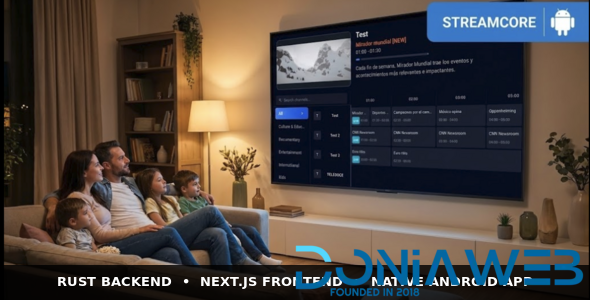
StreamCore – Monetization-Ready IPTV & OTT Platform

Turn your server into a subscription streaming business.

StreamCore is a complete, self-hosted IPTV/OTT platform designed to help you launch fast, sell subscriptions, and manage growth with full control.

Included in one package:Admin Panel + Reseller System + End-User Web App + Native Android TV App + REST API + Full Source Code.

No external CMS. No plugin chaos. No lock-in.

We value your feedback:We’re constantly improvingStreamCoreand your opinion helps us prioritize new features and updates.

Whether you already use StreamCore or you’re still considering it, we’d love to hear your thoughts.

User Feedback

You may only provide a review once you have downloaded the file.

   2 of 2 members found this review helpful 2 / 2 members

Piden licencia, no esta coompletamente nulled, pero para lo que lo necesito es suficiente

Captura de pantalla 2026-05-11 212257.png

Other files from Mahmoud

Account

Navigation

Search

Search

Configure browser push notifications

Chrome (Android)
  1. Tap the lock icon next to the address bar.
  2. Tap Permissions → Notifications.
  3. Adjust your preference.
Chrome (Desktop)
  1. Click the padlock icon in the address bar.
  2. Select Site settings.
  3. Find Notifications and adjust your preference.