Everything posted by Mahmoud
- GigToDo v1.5.4 + Gateway Plugin - Freelance Service Marketplace
-
Smart School v5.2.0 - School Management System + Android App
- OVOO v3.2.3 - Live TV & Movie Portal CMS with Unlimited TV-Series
- Infinite v3.9 - Blog & Magazine Script
- MailWizz v2.6.5 - Email Marketing Application NULLED
- Appointo v2.2.5 - Booking Management System
- Publisher V7.6.2- Magazine News Blog AMP + All Plugins v7.6.2
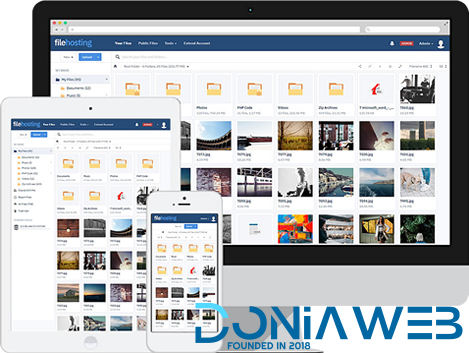
- Yetishare v5.2.0 + All Plugins (Latest version)
- 29 comments
-
- All
- All Plugins
- Original
- Plugins
-
Tagged with:
- Yetishare v5.2.0 + All Plugins (Latest version)
- 29 comments
-
- All
- All Plugins
- Original
- Plugins
-
Tagged with:
- Yetishare v5.2.0 + All Plugins (Latest version)
- 29 comments
-
- All
- All Plugins
- Original
- Plugins
-
Tagged with:
- Jannah v5.4.10 - Newspaper Magazine News BuddyPress AMP
- Laravel Multi Purpose Application v6.2 - CRUD - CMS - Sximo 6
- Android Woocommerce v1.9.2 - Universal Native Android Ecommerce / Store Full Mobile Application
- Yetishare v4.5.3 +16 plugins
- Multi Level Marketing Professional v2.9.1.2
- YooDeal v1.2.1 - Coupon, Deal & Online Quotation
- DWT Listing - Directory & Listing React Native App
- QuickDate v1.7 - The Ultimate PHP Dating Platform
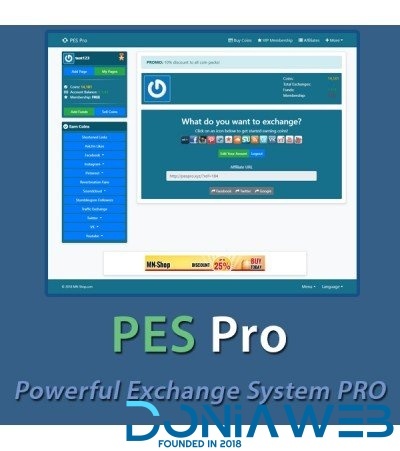
- Pes Pro v3.2.9 - Powerful Exchange System Pro
- PS BuySell ( Olx, Mercari, Offerup, Carousell, Buy Sell ) Clone Classified App (v3.2)
- Pes Pro v3.2.9 - Powerful Exchange System Pro v3.2.9
Back to topAccount
Navigation
Search
Configure browser push notifications
Chrome (Android)
- Tap the lock icon next to the address bar.
- Tap Permissions → Notifications.
- Adjust your preference.
Chrome (Desktop)
- Click the padlock icon in the address bar.
- Select Site settings.
- Find Notifications and adjust your preference.
Safari (iOS 16.4+)
- Ensure the site is installed via Add to Home Screen.
- Open Settings App → Notifications.
- Find your app name and adjust your preference.
Safari (macOS)
- Go to Safari → Preferences.
- Click the Websites tab.
- Select Notifications in the sidebar.
- Find this website and adjust your preference.
Edge (Android)
- Tap the lock icon next to the address bar.
- Tap Permissions.
- Find Notifications and adjust your preference.
Edge (Desktop)
- Click the padlock icon in the address bar.
- Click Permissions for this site.
- Find Notifications and adjust your preference.
Firefox (Android)
- Go to Settings → Site permissions.
- Tap Notifications.
- Find this site in the list and adjust your preference.
Firefox (Desktop)
- Open Firefox Settings.
- Search for Notifications.
- Find this site in the list and adjust your preference.

- OVOO v3.2.3 - Live TV & Movie Portal CMS with Unlimited TV-Series