Everything posted by Mahmoud
-
Xaxino - Ultimate Casino Platform v3.8
- 1Stake iGaming Platform | Online Casino Software Provider | Blackjack, Roulette, Poker and more v3.2.14
- European Roulette Add-on for 1Stake Casino iGaming Platform v17 December 2025
- Get Ready: ApexBet – Enterprise-Grade Online Casino Platform Coming Soon!
- 6amMart - Multivendor Food, Grocery, eCommerce, Parcel, Pharmacy delivery app with Admin & Website v3.9
- 6amMart - Store App v3.7
- TruthBook PHP Guestbook v1.0.0
- TruthBook PHP Guestbook
- BackLink X | AI-Powered Unlimited Comment Backlinks & Auto-Discovery
- BackLink X | AI-Powered Unlimited Comment Backlinks & Auto-Discovery v3.0
- XTRAX – Professional Data Extraction Tool | Reseller Rights
- XTRAX – Professional Data Extraction Tool | Reseller Rights v1.0
- JustFans - Premium Content Creators SaaS platform v10.4.0
- HyipX – All-in-One HYIP & Smart Earning Platform with PTC, AI Trading, Cloud Mining & Aviator Games v1.1
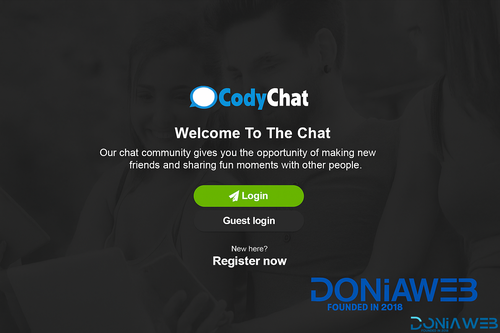
- CodyChat 9.0 Nulled – Free Download | Fully Unlocked & Safe Version
- Misayan SaaS – Multi-Tenant WhatsApp: Chatbots, WooCommerce Integration & API Access v2.0.0
- Misayan SaaS – Multi-Tenant WhatsApp: Chatbots, WooCommerce Integration & API Access
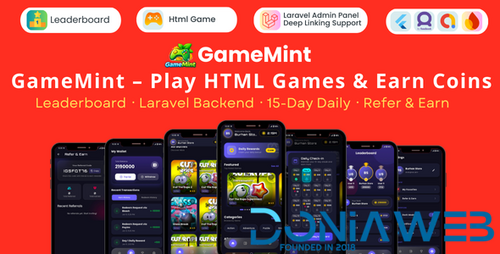
- GameMint – Play & Earn HTML Games with Flutter and Laravel Backend v1.0
Back to topAccount
Navigation
Search
Configure browser push notifications
Chrome (Android)
- Tap the lock icon next to the address bar.
- Tap Permissions → Notifications.
- Adjust your preference.
Chrome (Desktop)
- Click the padlock icon in the address bar.
- Select Site settings.
- Find Notifications and adjust your preference.
Safari (iOS 16.4+)
- Ensure the site is installed via Add to Home Screen.
- Open Settings App → Notifications.
- Find your app name and adjust your preference.
Safari (macOS)
- Go to Safari → Preferences.
- Click the Websites tab.
- Select Notifications in the sidebar.
- Find this website and adjust your preference.
Edge (Android)
- Tap the lock icon next to the address bar.
- Tap Permissions.
- Find Notifications and adjust your preference.
Edge (Desktop)
- Click the padlock icon in the address bar.
- Click Permissions for this site.
- Find Notifications and adjust your preference.
Firefox (Android)
- Go to Settings → Site permissions.
- Tap Notifications.
- Find this site in the list and adjust your preference.
Firefox (Desktop)
- Open Firefox Settings.
- Search for Notifications.
- Find this site in the list and adjust your preference.

- 1Stake iGaming Platform | Online Casino Software Provider | Blackjack, Roulette, Poker and more v3.2.14