Everything posted by Heuristic
-
CodeGen Pro: The Ultimate All-in-One QR Code & Barcode Generator SaaS Script. Create, customize, and track professional QR cod v1.0.0
- eSIM - International eSIM And Data Purchase Platform v1.4
- Foodomaa v3.5 + Addons - Multi-restaurant Food Ordering, Restaurant Management and Delivery Application
- OmniMart - eCommerce CMS | Laravel eCommerce script v6.2
- HYIPLAB - Complete HYIP Investment System v5.7 NULLED
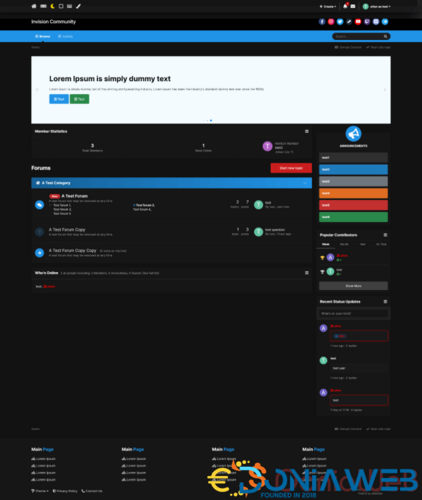
- Fluent Design Theme Edition [Dark / Light]
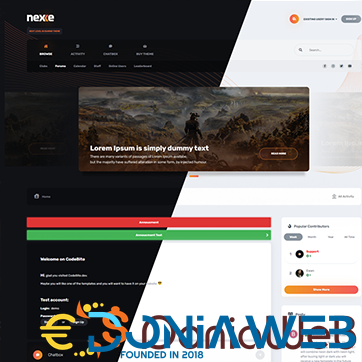
- Nexxe Theme [Dark/Light]
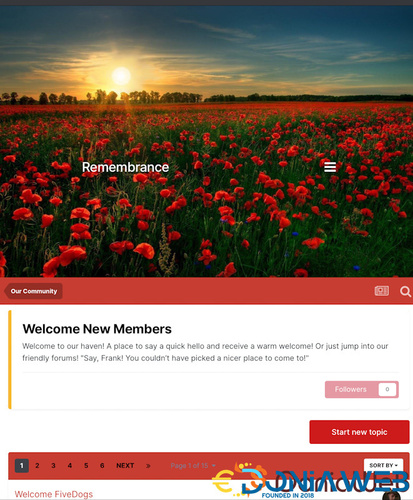
- Style Remembrance
- Ball in the Hole - Hyper Casual Game v
- Bravest Avengers - Unity Game Source Code
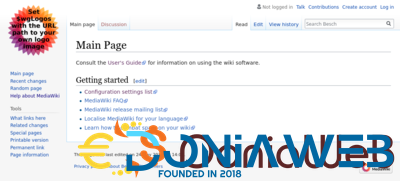
- MediaWiki - Script (Wikipedia)
- All Marketplace - 55 Paid Premium Extensions + 11 Premium Themes + MagicAi Extended | MagicAi
- 1,034 comments
- 15 reviews
- Monster Truck Stunt Game Unity 3d v1.0.1
- Tower Jump Unity Source Code v2.0
- Massive Webelinx Christmas Unity Bundle: 54 Premium Quality Games
- Epic Traffic Bot into Monster Traffic Bot v3.1
- Billiards Multiplayer – 8 Ball Pool (With AI and reward store) Android + IOS
- Muly - TikTok, Dubsmash Clone Script [Extended License] | update 13 April 2022
- SumoWebTools - Online Web Tools Script v2.0.3
- The ugly truth about nulled scripts/themes/plugins
- Chatvia - Bootstrap 5 Chat App Template v2.6.0
Back to topAccount
Navigation
Search
Configure browser push notifications
Chrome (Android)
- Tap the lock icon next to the address bar.
- Tap Permissions → Notifications.
- Adjust your preference.
Chrome (Desktop)
- Click the padlock icon in the address bar.
- Select Site settings.
- Find Notifications and adjust your preference.
Safari (iOS 16.4+)
- Ensure the site is installed via Add to Home Screen.
- Open Settings App → Notifications.
- Find your app name and adjust your preference.
Safari (macOS)
- Go to Safari → Preferences.
- Click the Websites tab.
- Select Notifications in the sidebar.
- Find this website and adjust your preference.
Edge (Android)
- Tap the lock icon next to the address bar.
- Tap Permissions.
- Find Notifications and adjust your preference.
Edge (Desktop)
- Click the padlock icon in the address bar.
- Click Permissions for this site.
- Find Notifications and adjust your preference.
Firefox (Android)
- Go to Settings → Site permissions.
- Tap Notifications.
- Find this site in the list and adjust your preference.
Firefox (Desktop)
- Open Firefox Settings.
- Search for Notifications.
- Find this site in the list and adjust your preference.

- eSIM - International eSIM And Data Purchase Platform v1.4