





Everything posted by Valdis Zelvis
-
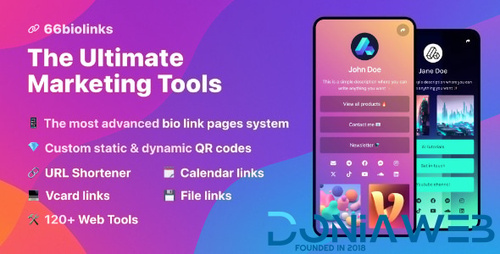
66biolinks - Bio Links, URL Shortener, QR Codes & Web Tools (SAAS) [Extended License]
-
RevPTC - Multilevel Binary PTC Platform v
- 66biolinks - Bio Links, URL Shortener, QR Codes & Web Tools (SAAS) [Extended License] v61.0.1
- 66socialproof - Social Proof & FOMO Widgets Notifications (SAAS) [Extended License] v52.0.0
- 66Analytics - Website Traffic Analytics Platform [Extended License] v46.0.0
- 66biolinks - Bio Links, URL Shortener, QR Codes & Web Tools (SAAS) [Extended License] v61.0.1
- GoBiz v5.1.3 - Digital Business Card + WhatsApp Store Maker | SaaS | vCard Builder
- 66toolkit - Ultimate Web Tools System (SAAS) [Extended License] v31.0.0
- LisansDio v1.4 - License Manager Script
- GoBiz v5.1.3 - Digital Business Card + WhatsApp Store Maker | SaaS | vCard Builder
- 66Analytics - Website Traffic Analytics Platform [Extended License] v46.0.0
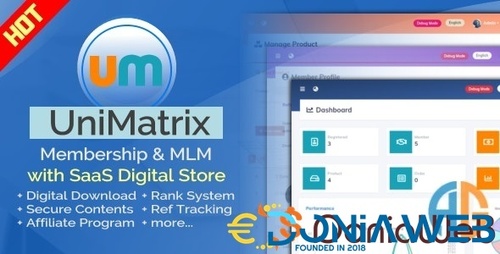
- UniMatrix - Membership and MLM Script with SaaS Digital Store
- Stackposts - Social Media Management & Marketing SaaS Platform [Extended License] v9.0.2
Back to topAccount
Navigation
Search
Configure browser push notifications
Chrome (Android)
- Tap the lock icon next to the address bar.
- Tap Permissions → Notifications.
- Adjust your preference.
Chrome (Desktop)
- Click the padlock icon in the address bar.
- Select Site settings.
- Find Notifications and adjust your preference.
Safari (iOS 16.4+)
- Ensure the site is installed via Add to Home Screen.
- Open Settings App → Notifications.
- Find your app name and adjust your preference.
Safari (macOS)
- Go to Safari → Preferences.
- Click the Websites tab.
- Select Notifications in the sidebar.
- Find this website and adjust your preference.
Edge (Android)
- Tap the lock icon next to the address bar.
- Tap Permissions.
- Find Notifications and adjust your preference.
Edge (Desktop)
- Click the padlock icon in the address bar.
- Click Permissions for this site.
- Find Notifications and adjust your preference.
Firefox (Android)
- Go to Settings → Site permissions.
- Tap Notifications.
- Find this site in the list and adjust your preference.
Firefox (Desktop)
- Open Firefox Settings.
- Search for Notifications.
- Find this site in the list and adjust your preference.
- 66biolinks - Bio Links, URL Shortener, QR Codes & Web Tools (SAAS) [Extended License] v61.0.1