






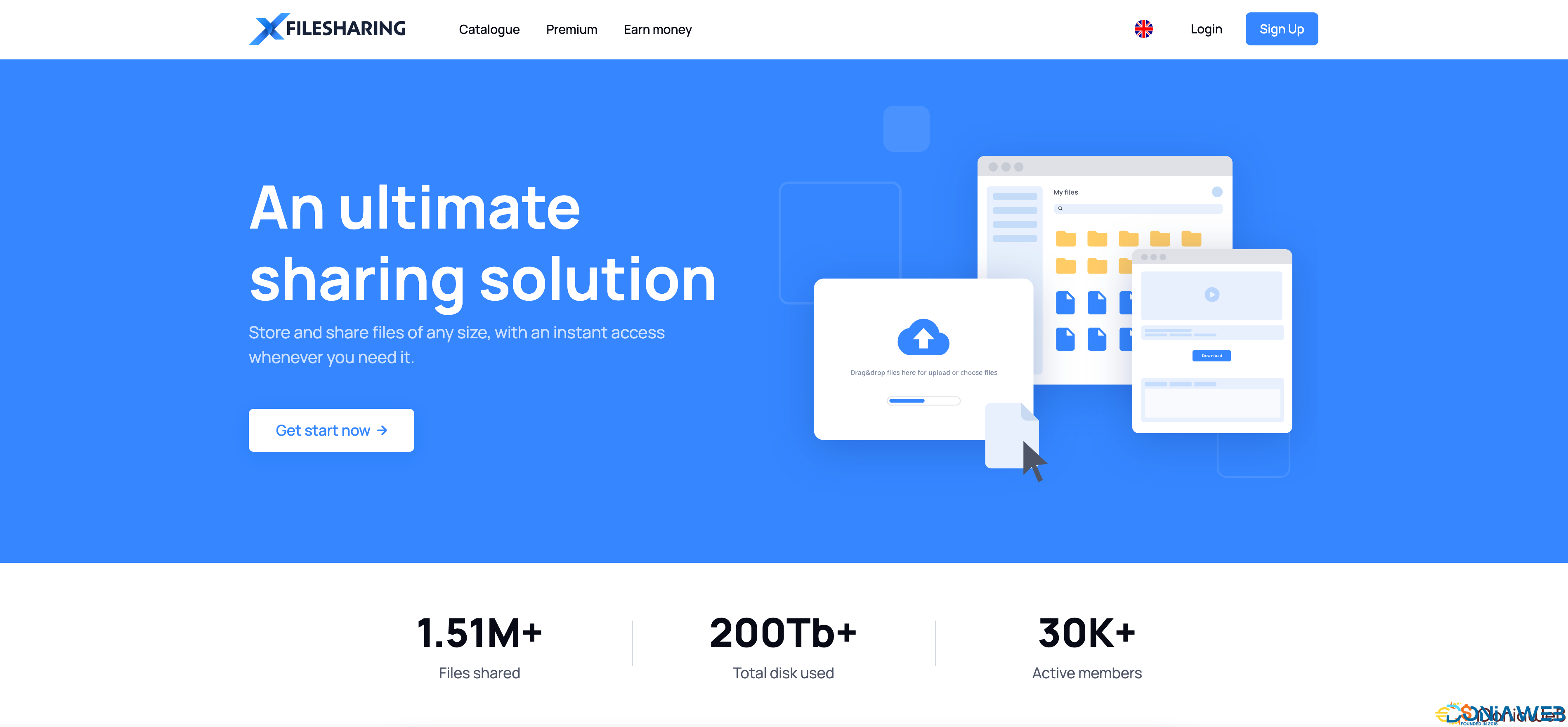
XFileSharing Pro is SibSoft's professional file sharing script. Over 500 of our clients are currently using this powerful platform. They all agree that XFileSharing Pro is the best solution available on the Internet today.
The script can be installed on virtual, shared, or dedicated Linux hosting environments. It is fully customizable with minimal HTML coding experience. You can utilize this powerful file sharing script to place banners, Adsense, or other advertising links on your website. XFileSharing Pro is a speedy way to get your website monetized.
SCREENSHOTS
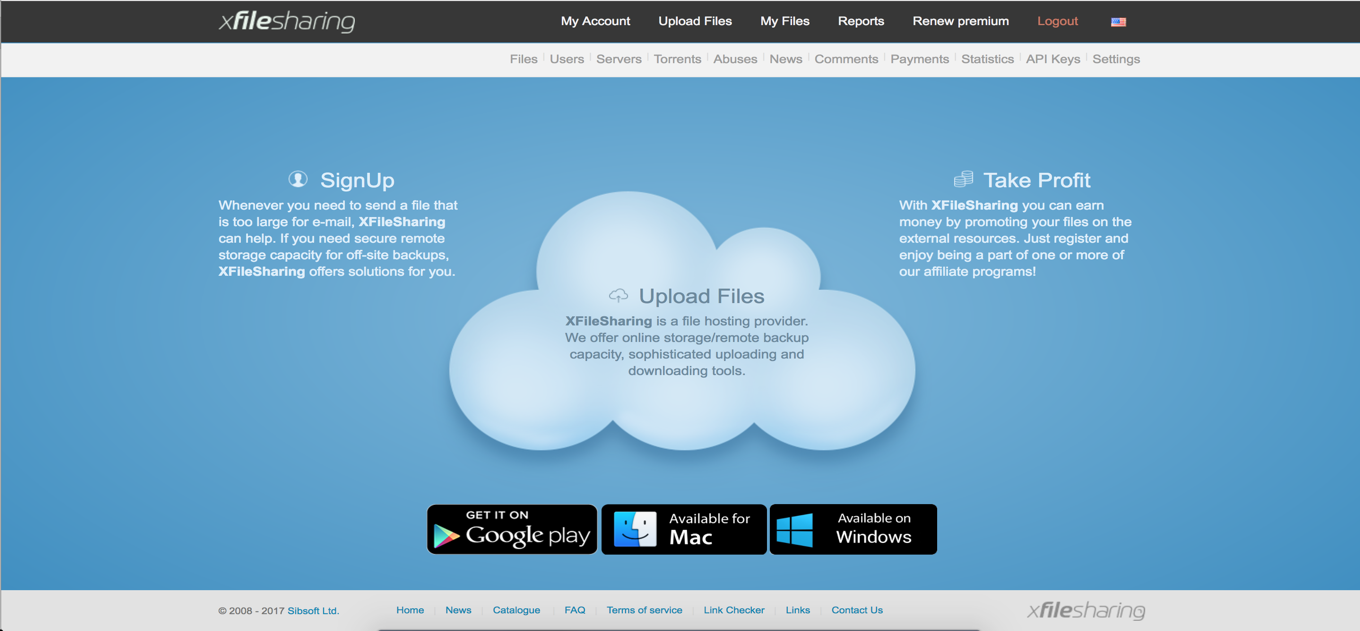
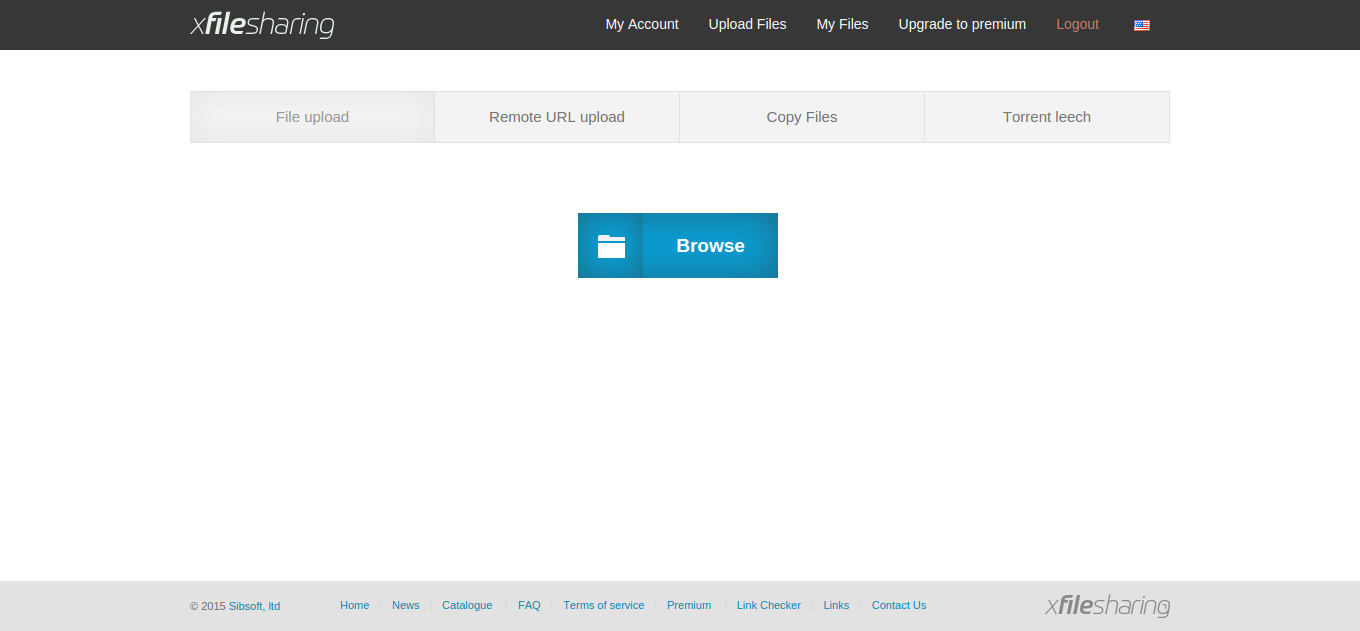
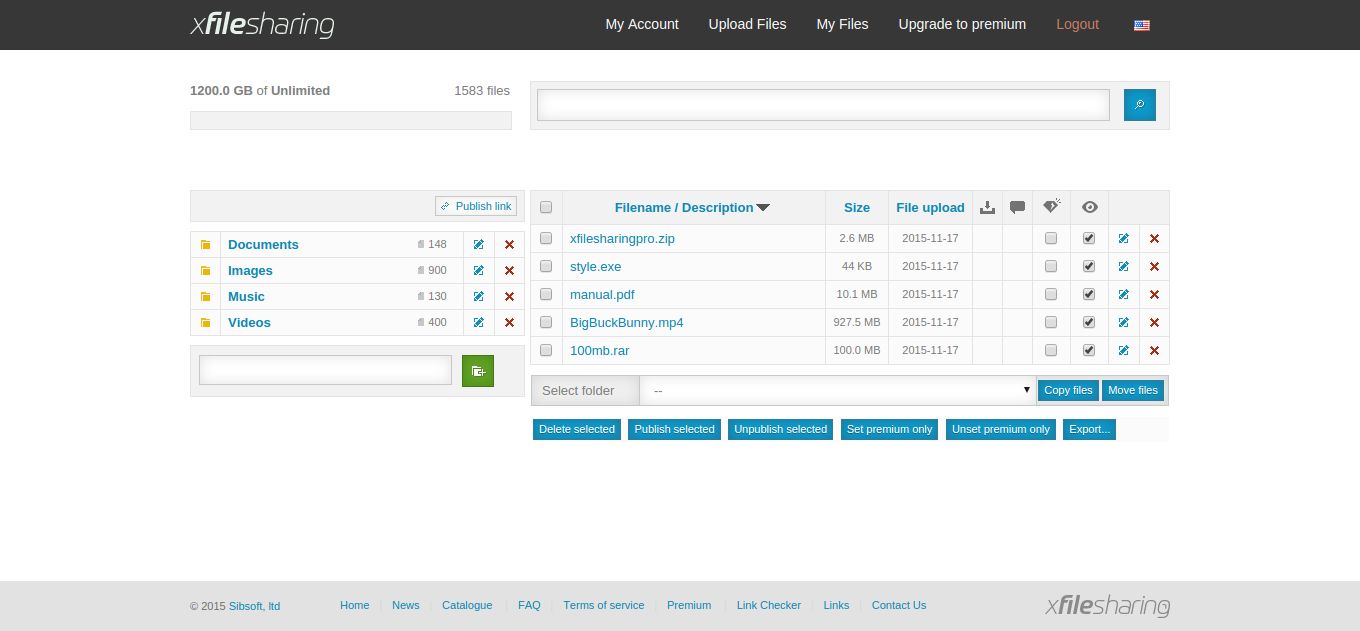
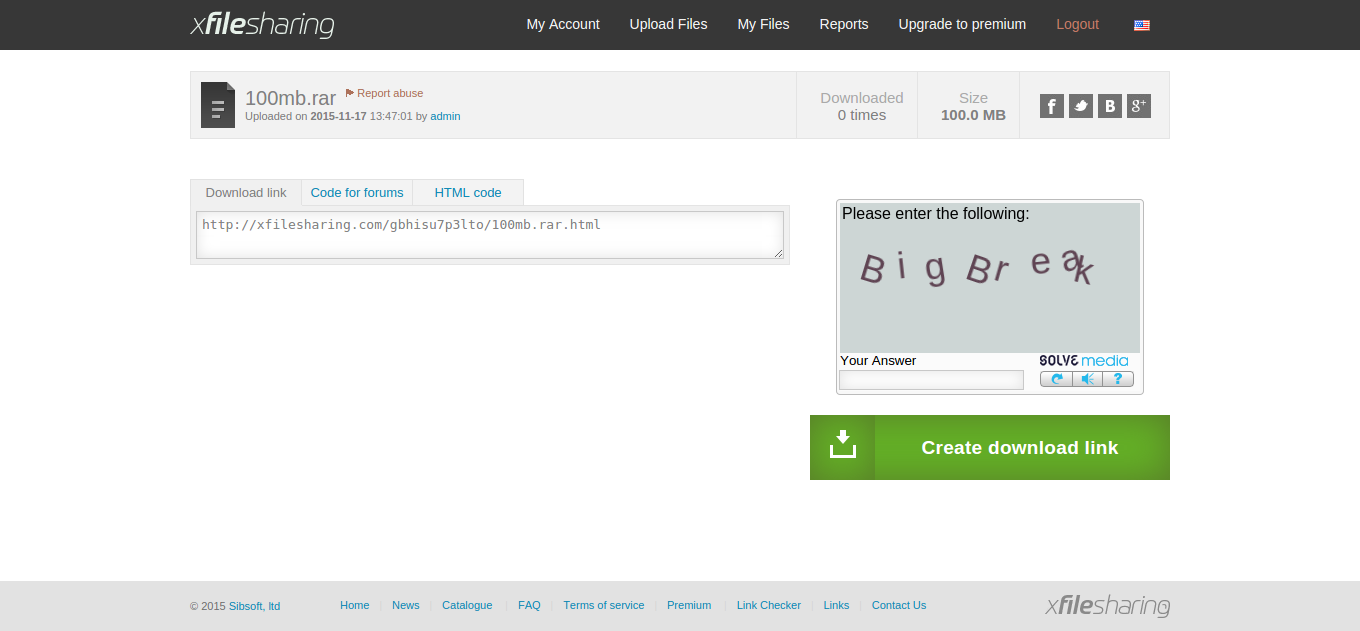
For popular websites with heavy file transfer traffic, you can add as many additional servers as you need. Additional file servers can be located on different host networks - they can even be in different countries. XFileSharing Pro will aggregate the power of all your servers for ultra-quick file transfers for uploads and downloads.
Large files are no problem for XFileSharing Pro. There are no dropped upload connections when you are in the middle of file transfers. The use of dynamic symlink generation mechanisms for each downloadable file keeps the servers from getting bogged down during heavy processing times.
Featuring a scalable architecture that grows with your business, additional modules that can be added for more functionality at any time. The desktop client that can perform remote downloads using HTTP link, FTP and even download bit torrent streams.
Webmasters who are looking to monetize their websites can utilize the built-in affiliate system. Users can be offered incentives for premium sign-ups and/or downloads. Being a webmaster, you decide on the percentage that your customers can receive. Site owners can also earn with the help of this script when using Webmaster mod. Users can also resell premium accounts with Reseller mod. This is a fantastic opportunity to promote and drive website revenue.
REQUIREMENTS
Linux OS (Centos 7.x or Debian recommended)
Apache web server with mod_rewrite module
MySQL/MariaDB database
Perl higher than 5.007 version
Perl modules: LWP::UserAgent, DBI, DBD::mysql
GD lib, GD Perl module (Optional)
What's New in Version 4.2 [Unlimited License]
Released
4.2 (November 2025)
+! Perl 5.40 support
+! S3 multipart uploads (CDN mod)
+! BackBlaze support (CDN mod)
+! Use chunked upload by default (fixes large files upload problems on modern Apache configurations)
+! Added ticket system mod
* Folder copy/move support in file manager
* Cloudflare turnstile (captcha) support
* Custom domain support (CDN mod)
* Stripe checkout support (Payment gateways mod)
* Added paging in My Referrals area
* Added user-specific options for CDN (CDN mod)
* Improve e-mail dialog behavior on anonymous purchase
* Increase PBKDF2 turns count to 100000 by OWASP recommendations
* Show notification in admin interface on backup failure (backup mod)
* Added API link checker docs
* Support for alternative Wasabi endpoints (CDN mod)
* Restrict sessions generated by API mod for security purposes
-
 5
5
-
 1
1




.thumb.png.bb0bf549f311386c17a735d76c58dc29.png)









Recommended Comments
Join the conversation
You can post now and register later. If you have an account, sign in now to post with your account.
Note: Your post will require moderator approval before it will be visible.