






Save 99% for a limited time at a price of 499 40€
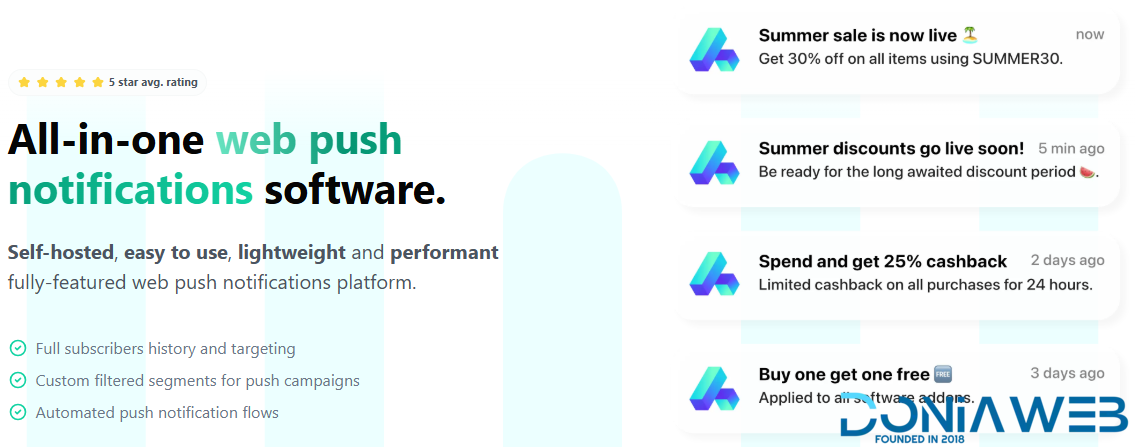
All-in-one web push notifications software.
Self-hosted, easy to use, lightweight and performant fully-featured web push notifications platform.
Full subscribers history and targeting
Custom filtered segments for push campaigns
Automated push notification flows
WEB PUSH NOTIFICATIONS
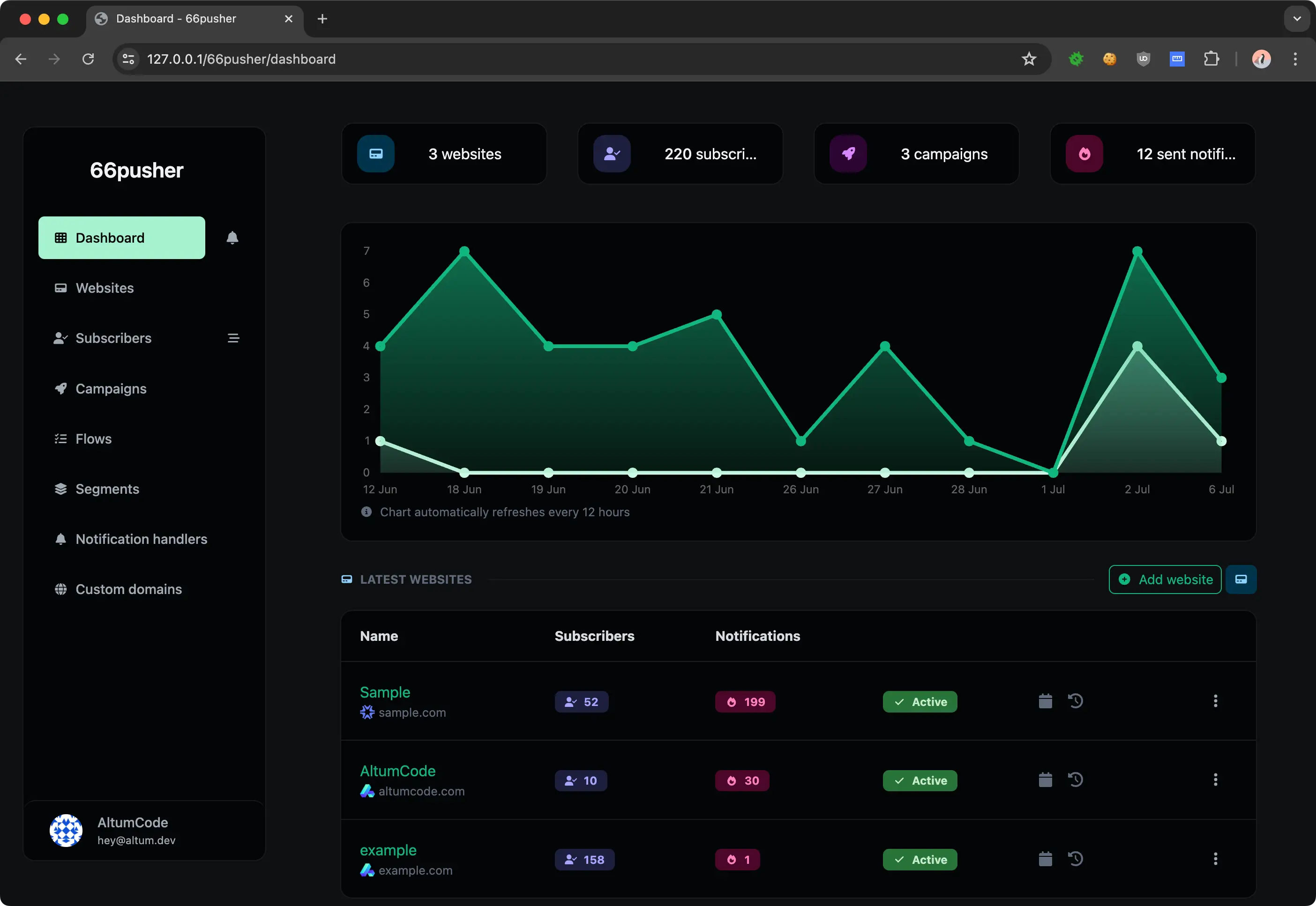
Fully customizable notifications
All web push notifications modern and useful features are supported.
Send images with notifications
Redirect to URL on click
Track all views, clicks & closes
Custom buttons for notifications
Dynamic titles with spintax & custom variables
PUSH SUBSCRIBERS
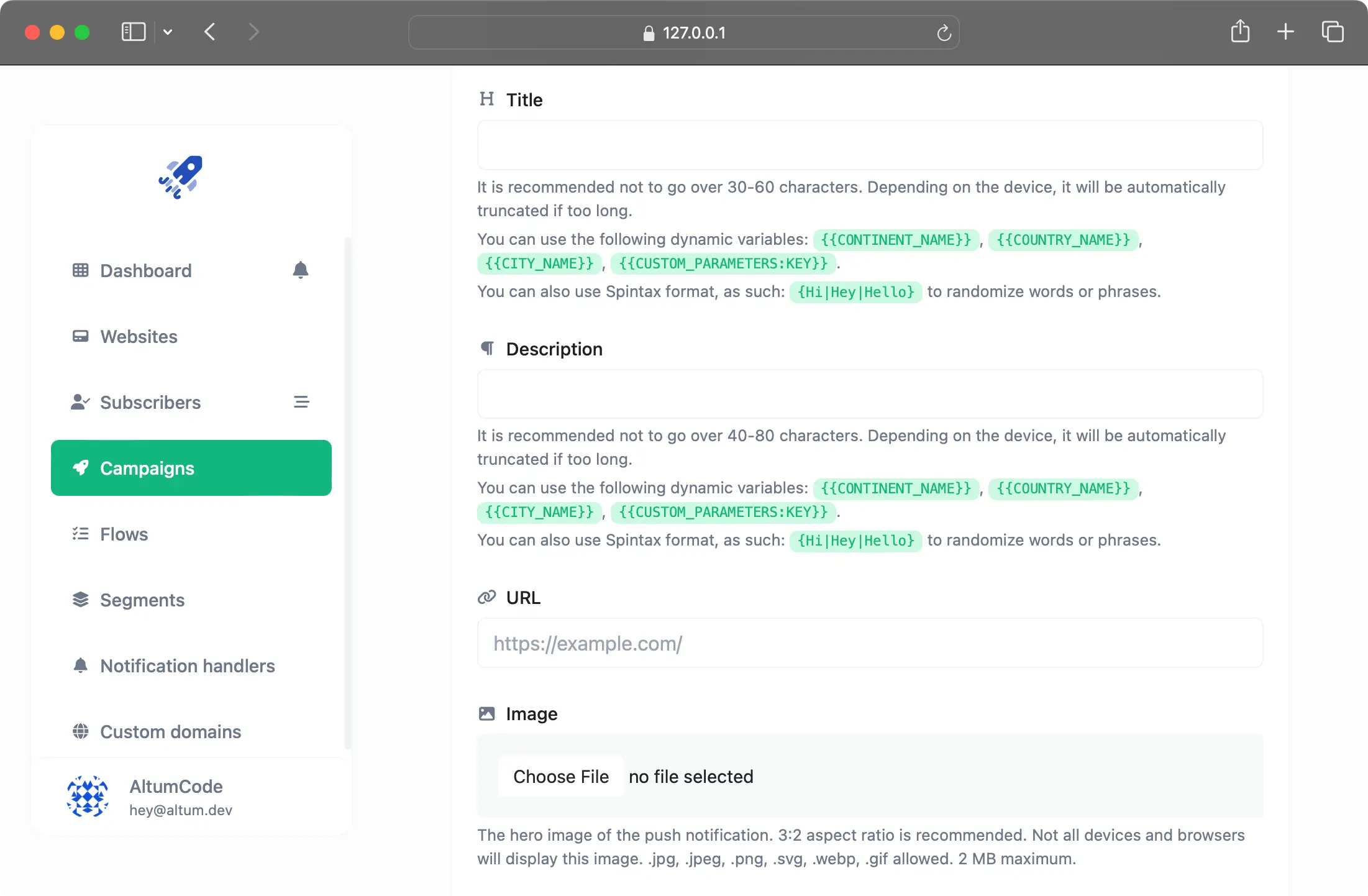
Understand your subscribers
Monitor your subscribers journey and data with ease.
Continent, Country & City
OS, Browser, Device
Referred URL page
Displayed, clicked & closed stats
Journey of all actions on notifications
Fully exportable subscriber data
NOTIFICATION CAMPAIGNS
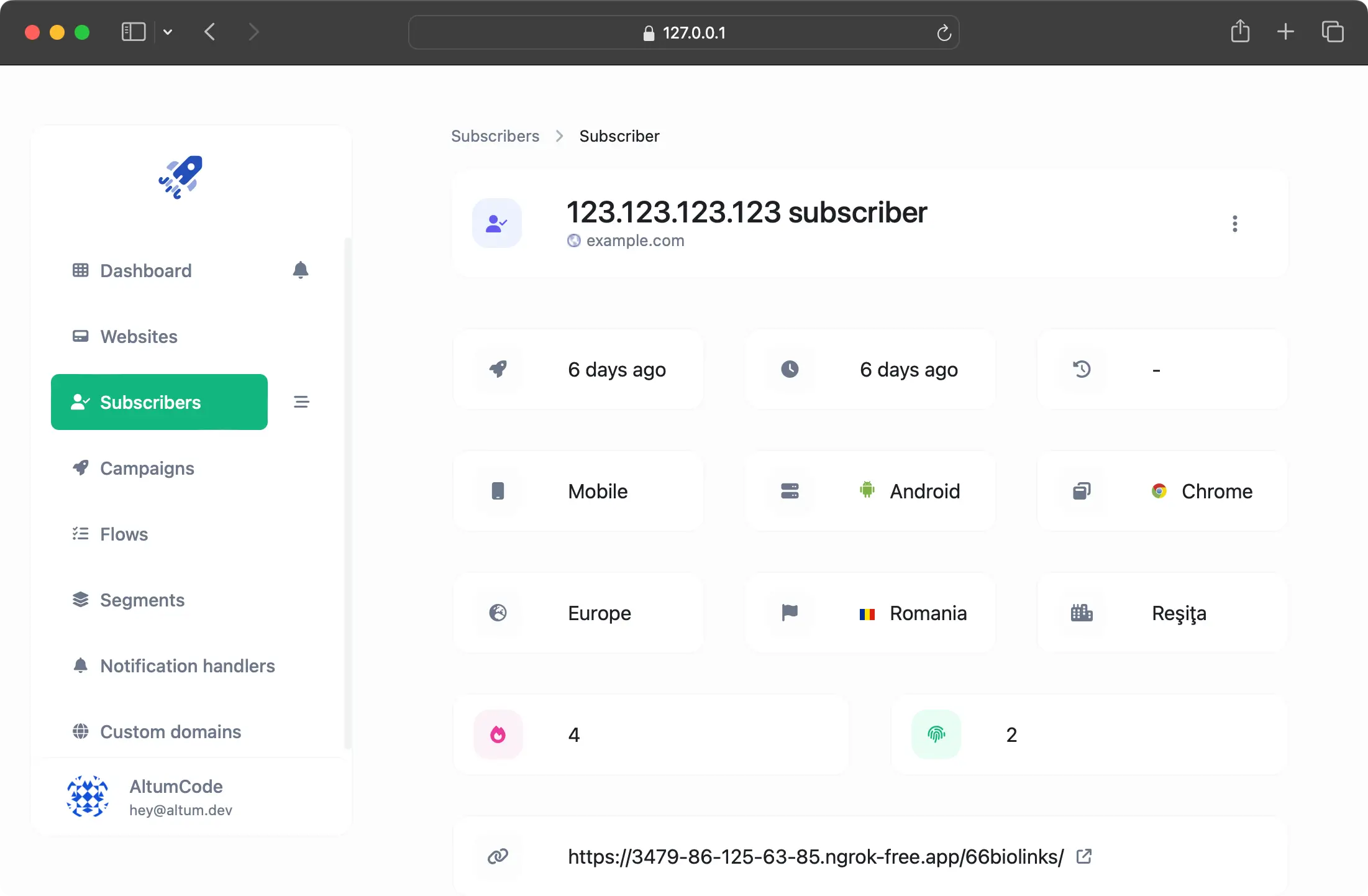
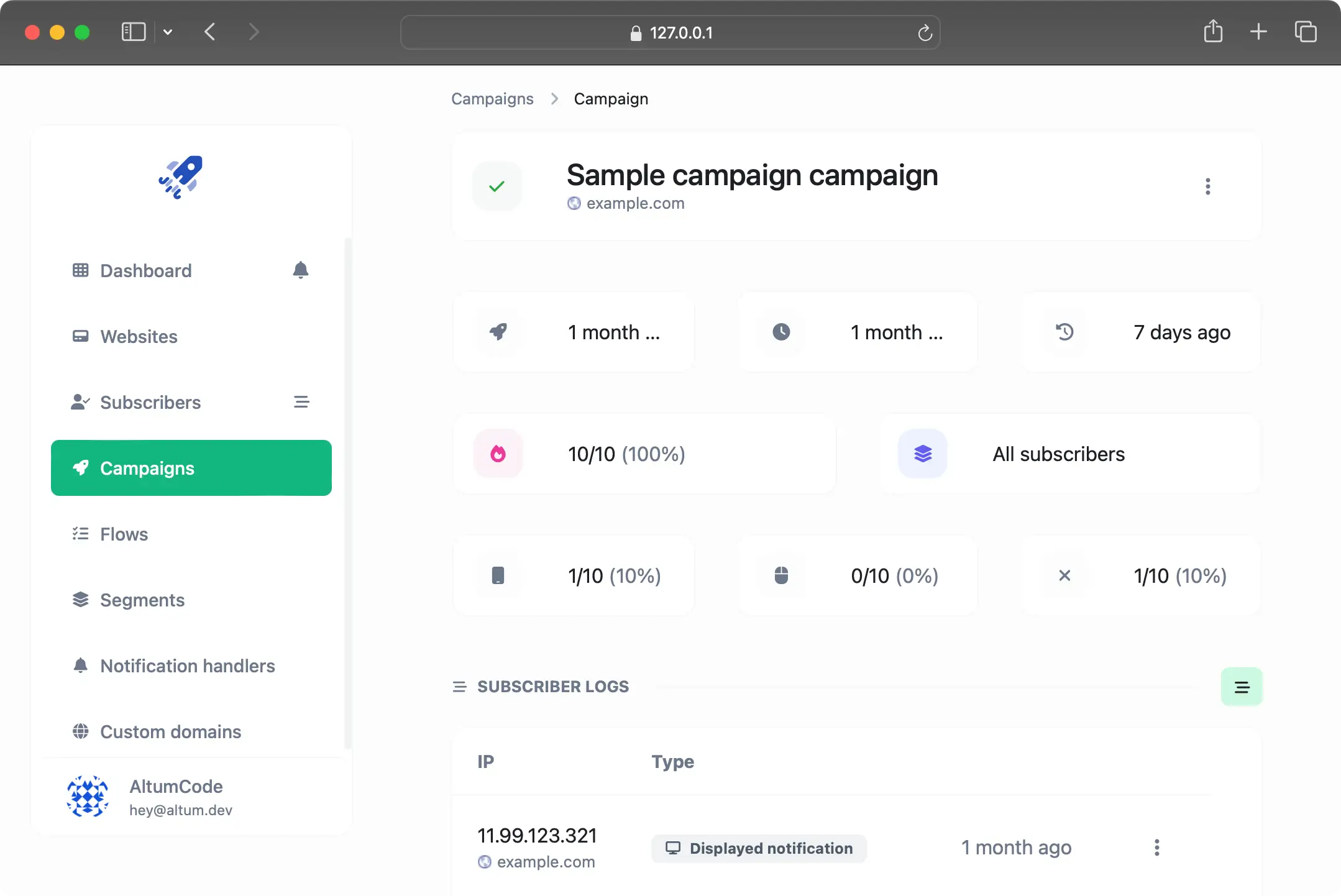
Send mass marketing campaigns
Get in touch with your audience in minutes. Prepare, schedule & send web push campaigns.
Spintax for dynamic titles
Custom parameters for dynamic titles
Send to custom groups
Send to filtered audience
Comprehensive campaigns statistics
PUSH NOTIFICATIONS FLOWS
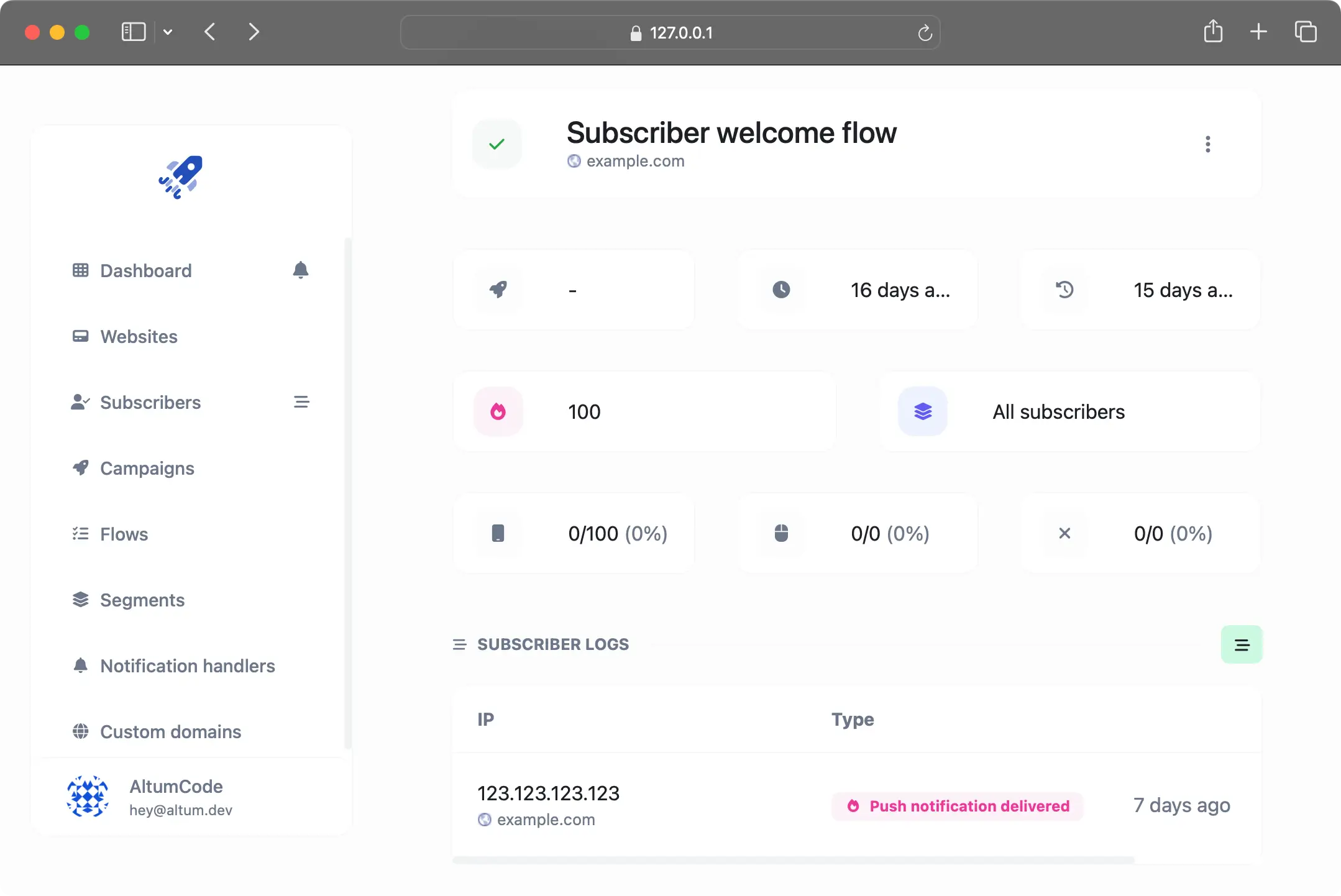
Send automated push notifications
Easily set up multiple automated notifications to send to new subscribers. Here are just a few examples:
After 5 minutes: Welcome notification
After 30 minutes: In-depth tutorial link
After 3 days: Free 15 day trial code
After 18 days: Paid plan 50% discount code
SUBSCRIBERS SEGMENTS
Create custom subscribers groups
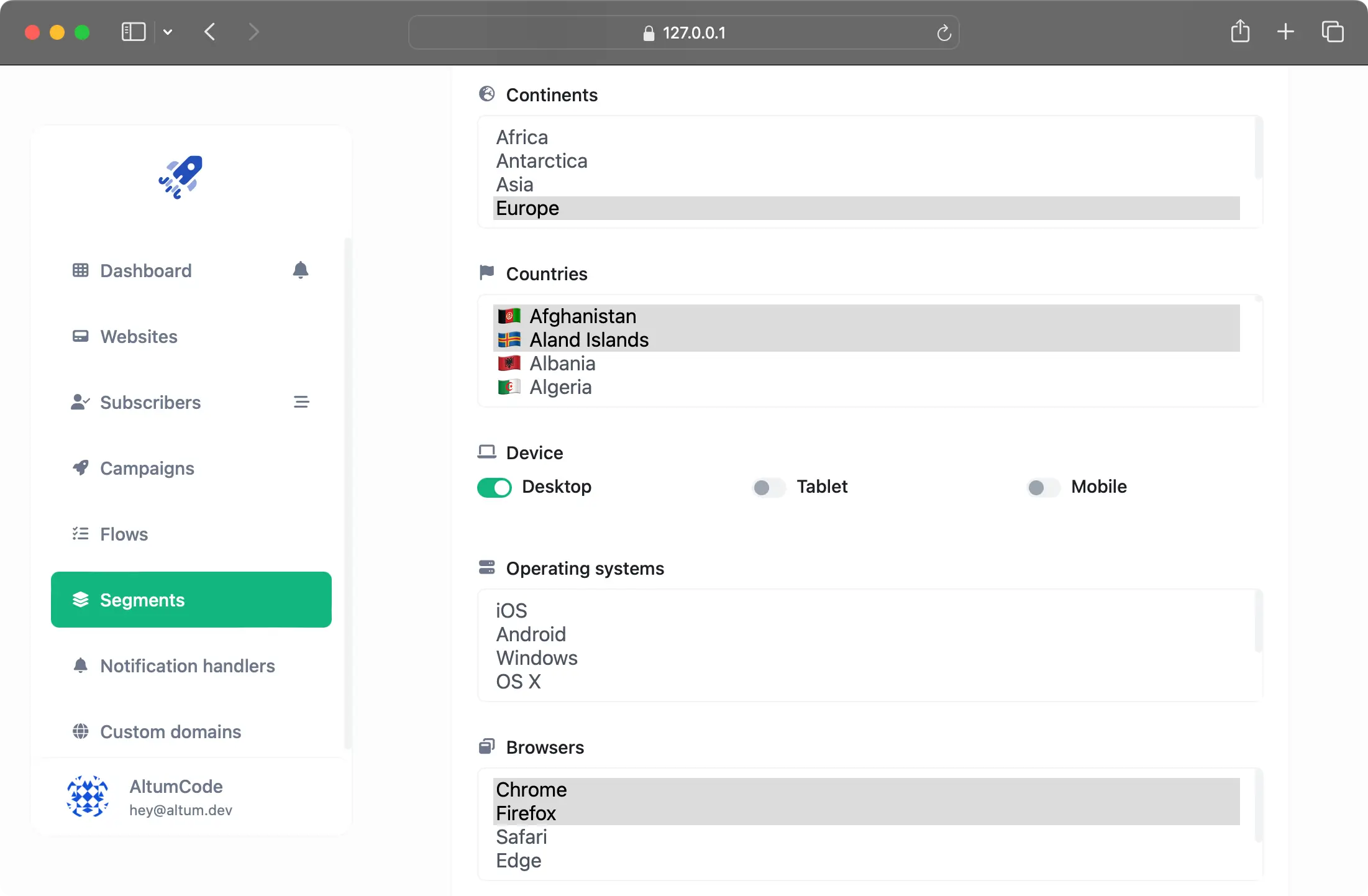
Custom-made subscribers segments with numerous filters.
Custom CSV list
Continents & countries filters
Filter by mobile, tablets & desktops
Filter by operating system
Browser & browser language filters
WIDGET & BUTTON
Flexible & beautiful components
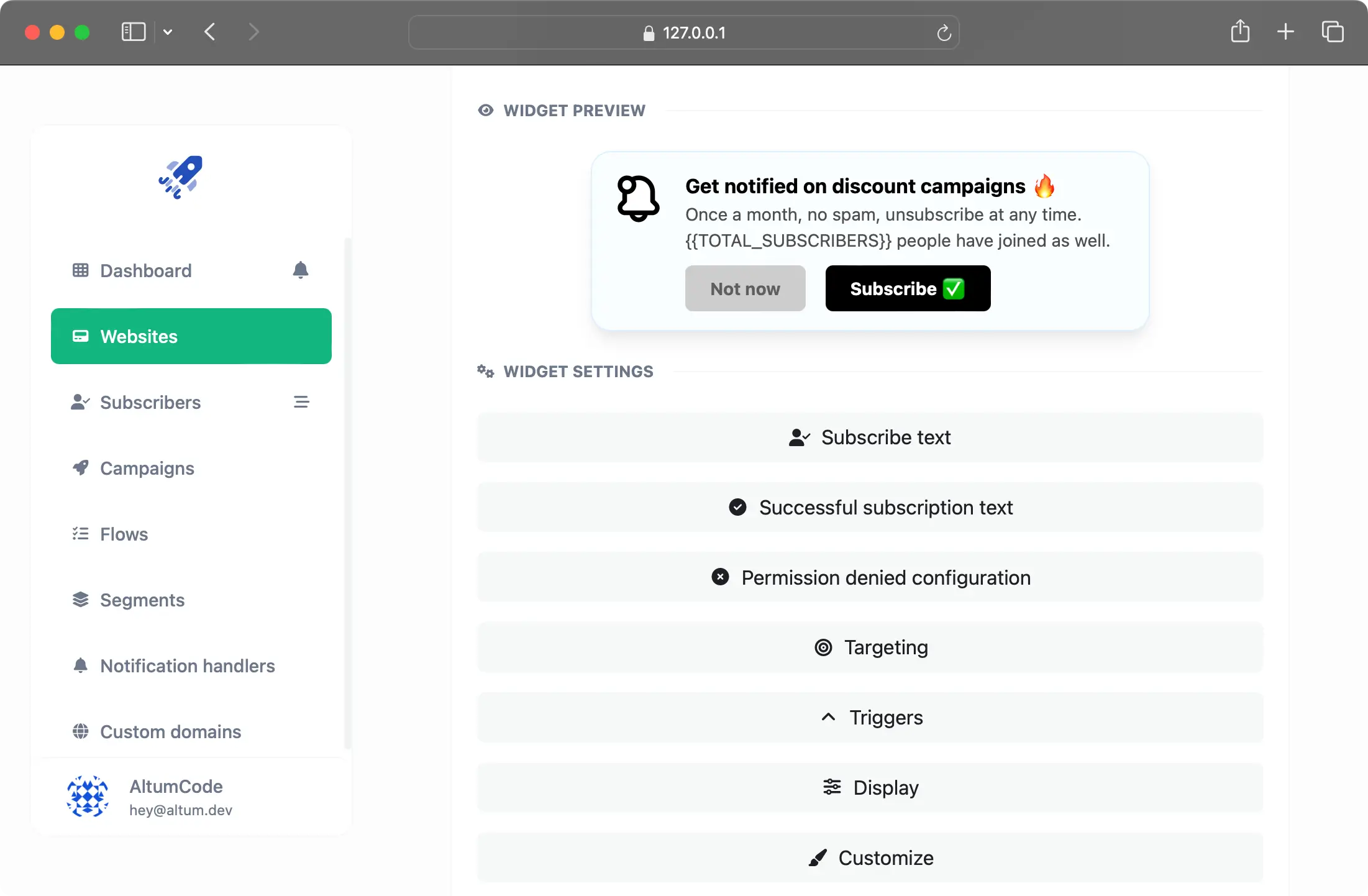
Create, customize & display a popup widget or button on your website, so that your users can subscribe and unsubscribe with ease.
Customizable text
Advanced visual customizations
Display trigger rules
Various targeting rules
🛠 Fully-featured Admin Panel
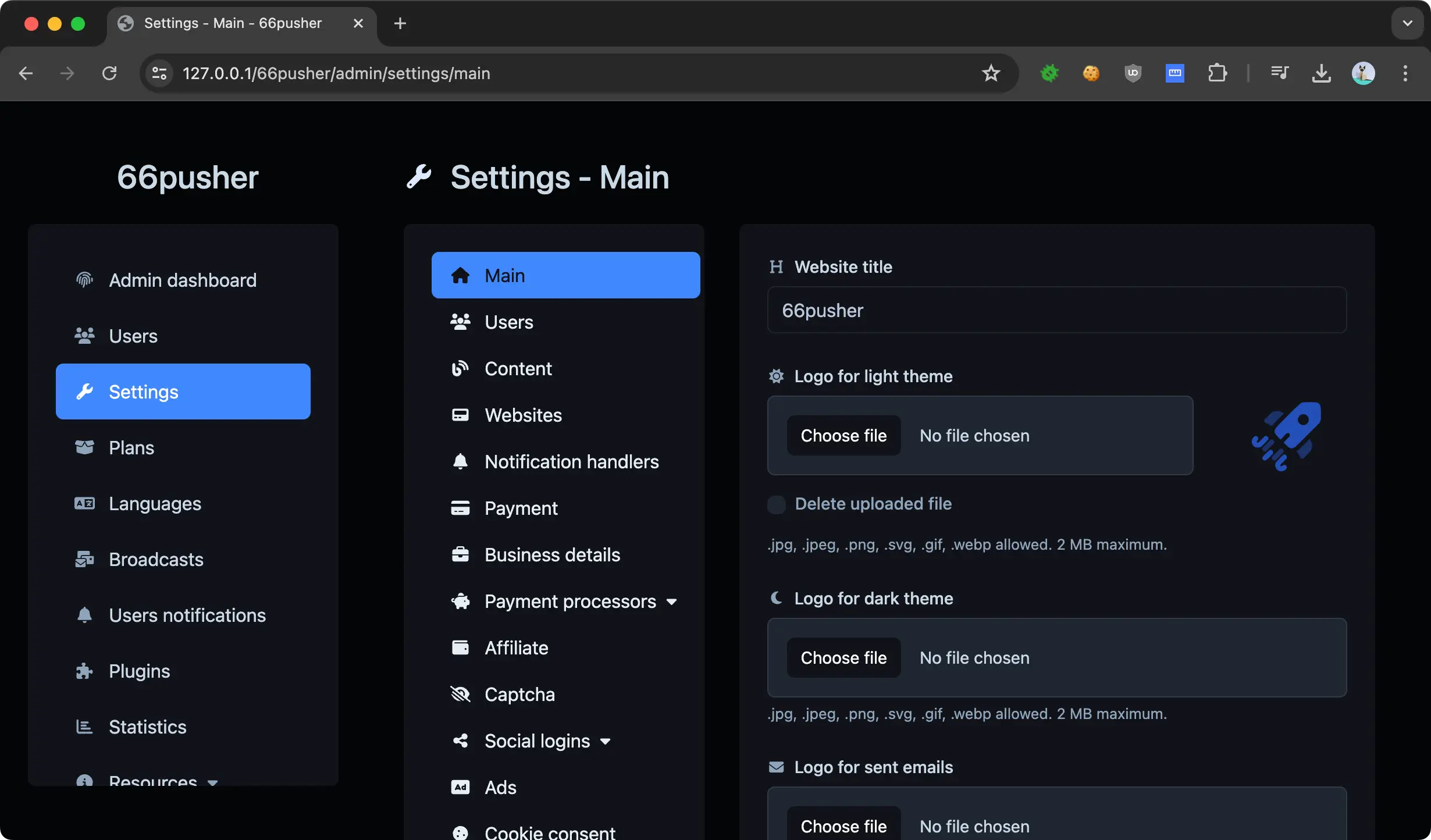
Comes right out of the box with a ready to use and functional Admin Panel that allows you to control and check everything that is going on on your website.
👁 Ready to use Dashboard for a nice overview of what happens on your website.
🙋♂️ The Users management system to create, view, update and delete users, including management via an API and user impersonation as an admin.
⚡️ Have control over all the user generated content, such as Websites & custom domains directly from the admin panel.
👩💻 Pages & pages categories management where you can manage all the extra and custom page on your website.
📝 Easy to use & simple blog system with blog categories, popular posts and good SEO.
💳 Powerful Discount & Redeemable codes system where you can give out discounts or fully redeemable plans for your users.
🧾 Taxes, billing & invoicing where you can configure and generate proper invoices and tax rates for you and your paid customers.
💰 Payments management to check all the payments made on your platform & Statistics page to see an overview of the growth of your website.
📈 Built in Statistics where you can analyze how your website is growing.
🌏 Control all the text and Translate everything to any language directly from the admin panel.
🪝 Webhooks to send data to external sources on important events, such as new users, new payments and so on.
🔥 Website settings to control every configuration so that you make it exactly the way you want it.
Countless more features ⚡️
Everything you've ever wished for in an online system.
Dark modeSimply beautiful and ready to go right out of the box.
Social loginsTwitter, Google, Facebook, Microsoft & Discord integrations.
Automatic generated sitemapYour sitemap is automatically generated and updated for you.
Two Factor AuthenticationYou and your users can use 2FA if they want to.
Customizable & unlimited plansCreate plans configure features and pricing with ease.
Multilingual ready (with RTL support)Translate everything from the admin panel (+AI translations).
SEO FriendlyThe whole platform was designed with SEO in mind.
Exportable dataImportant data can be exported via CSV, JSON and even as PDF.
APIReady to go REST API for certain parts of the product.
SSOYour users can switch between other AltumCode software installations.
Cookie consentIntegrated fully-featured cookie consent notice for your users.
Blogging systemIntegrated simple, easy to use & translatable blogging system.
Newsletter systemSend bulk emails to your users, get tracking data & segment users.
Colorize your siteCustomize your whole system theme directly from the admin panel.
What's New in Version 20.0.0 Extended License
Released
Update 20.0.0 - 22 January, 2026
Implemented the new Email Verification screen that shows up after a successful registration.
Implemented the ability to set Display Decimals Count for Currencies.
Implemented the ability to set a default global avatar for your users - which will also stop the usage of gravatar.com API.
Implemented the new Admin Webhooks system - for which you will now be able to use a Signing Secret to validate all incoming webhooks from the system.
Implemented the ability to set the Referrer Policy header rule from the admin panel - settings page.
Implemented the new 404 not found system - which will automatically trigger when needed (instead of redirecting to a 404 page when triggered) - better SEO.
Improved the self-hosted default captcha.
Improved the language AI translation: Using the new OpenAI API endpoint, added new AI models, removed old ones.
Improved no favicon states: Default empty favicon will be provided - so the browser stops doing favicon.ico requests to your server.
Improved the Account API regeneration page: You will now be prompted to confirm the regeneration of the API key.
Improved unconfirmed users that now login with social logins will have their account automatically confirmed.
Improved the structure of the admin panel - settings - users page.
Improved the broadcasts system: You will now be able to set a maximum amount of sent emails per cron run.
Improved landing page animations in certain sections.
Fixed issues with custom domains 404 custom link redirects not working.
Fixed issue with currency auto detection not properly triggering on countries.
Fixed footer social icons not showing as rounded in all browsers.
Fixed Teams API documentation visual issues.
Fixed issues account 2FA settings not displaying its current status properly.
Fixed issues with certain drag&drop tooltip elements remaining on the screen after moving.
Fixed plan permission issue on CSV, JSON still being exportable even if the plan does not allow it.
Fixed issues with a few payment gateways on the status not being properly set.
Fixed payment discount not applying in certain edge cases.
Fixed affiliate payment page not always showing the proper affiliate ranges.
-
 1
1
-
 1
1




.thumb.png.bb0bf549f311386c17a735d76c58dc29.png)









You may only provide a review once you have downloaded the file.
There are no reviews to display.