









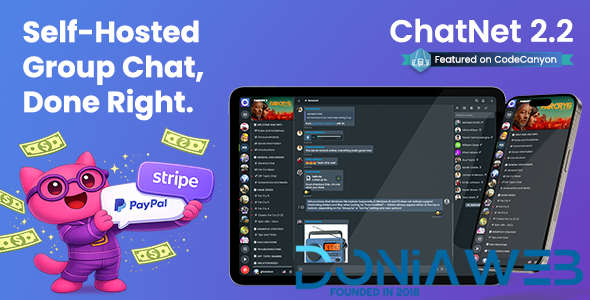
ChatNet is a fully-fledged PHP Group Chat Room and Private Chat Script for your website, mobile app or web application. It’s mobile-first, modern and user-friendly design will make your website or app a feature-rich community and social platform seamlessly.
What's New in Version 2.2
Released
✨ ChatNet Version 2.2 – January 19, 2026
- NEW: Wallet plugin with Stripe and PayPal support to purchase coins
- NEW: Membership plugin with the ability to create membership plans
- NEW: Timebased user kick option per room
- NEW: User chat timeout option per room
- NEW: User badges display in chat messages
- NEW: Badge manager in profile edit
- NEW: Plugin marketplace
- NEW: KLIPY GIF Integration
- NEW: Option to disable browser dev tools
- NEW: Cloudflare Turnstile captcha support
- NEW: [REQUIRED] Cron runner

- IMPROVEMENT: KLIPY GIF Integration
- IMPROVEMENT: Typing status functionality
- IMPROVEMENT: Mobile UX enhancements
- IMPROVEMENT: Chat room background customization options

- REMOVED: Tenor GIF API

* Wallet and Membership plugins are available for Extended License users only.
* [REQUIRED] Please setup cron jobs as instructed here - https://support.oncodes.com/hc/articles/1/3/95/setting-up-cron-jobs-
 5
5

.thumb.png.6dc5cae5109b2c524304dfaadb3039d0.png)


.thumb.jpg.93a7cd2abe39fcd709f0e1522cd3734b.jpg)
.thumb.jpg.b7481a4e724930fcd9e04b0700b9f87c.jpg)




.thumb.png.92c081e03313934b509ca74a8fb8972e.png)



You may only provide a review once you have downloaded the file.
There are no reviews to display.