









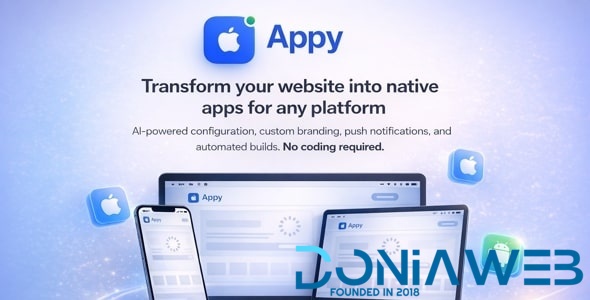
Appy is a complete platform that lets you sell mobile app creation services online. Your customers can convert their websites into native mobile apps, no coding needed. Install, set your prices, and start earning with this professional app builder script.
Perfect for entrepreneurs launching an app building business, freelancers offering website to app conversion services, or agencies adding mobile app development to their offerings.
Why Choose Appy?
Ready-to-Launch SaaS Business – Start accepting payments with PayPal and Bank Transfer from day one.
AI-Powered App Builder – Built-in AI assistant helps customers configure their apps automatically. No other app builder script offers this.
No-Code App Creation – Customers enter their website URL and create professional native apps in 5 minutes.
Browser-Based App Preview – Test apps instantly without installing anything.
Global SaaS Platform – GDPR compliant with privacy features for worldwide customers.
Complete Admin Dashboard – Manage users, subscriptions, and app builds from one place.
Self-Hosted Build Server – Full source code included. Build apps on your own server with complete control.
-
 1
1

.thumb.png.6dc5cae5109b2c524304dfaadb3039d0.png)


.thumb.jpg.93a7cd2abe39fcd709f0e1522cd3734b.jpg)
.thumb.jpg.b7481a4e724930fcd9e04b0700b9f87c.jpg)




.thumb.png.92c081e03313934b509ca74a8fb8972e.png)



You may only provide a review once you have downloaded the file.