








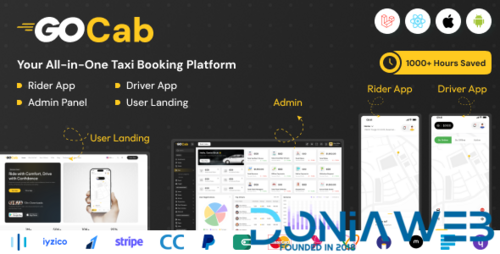
Experience unprecedented growth for your transportation enterprise with our cutting-edge Ride and Goods Delivery Management System. Our platform, equipped with advanced bidding capabilities, is meticulously designed to streamline dispatch operations, ensuring seamless real-time solutions to all your challenges. At Tagxi-Super-Bidding, we are committed to innovation and state-of-the-art technology, guaranteeing unparalleled value addition to your Taxi and Delivery Business, driving it towards unparalleled success. Our all-in-one app offers taxi, delivery, and bidding services, boasting exclusive features and a stunning user interface. With the ability to easily enable or disable modules like taxi, delivery, and bidding, and benefit from multi-maps, gateways, payment gateways, and multilingual support, our platform is the ultimate solution for your business.
What's New in Version 7 November 2025
Released
Last Update | 7 November 2025 |
-
 1
1

.thumb.png.6dc5cae5109b2c524304dfaadb3039d0.png)
.thumb.jpg.93a7cd2abe39fcd709f0e1522cd3734b.jpg)
.thumb.jpg.b7481a4e724930fcd9e04b0700b9f87c.jpg)

.thumb.png.92c081e03313934b509ca74a8fb8972e.png)
You may only provide a review once you have downloaded the file.